


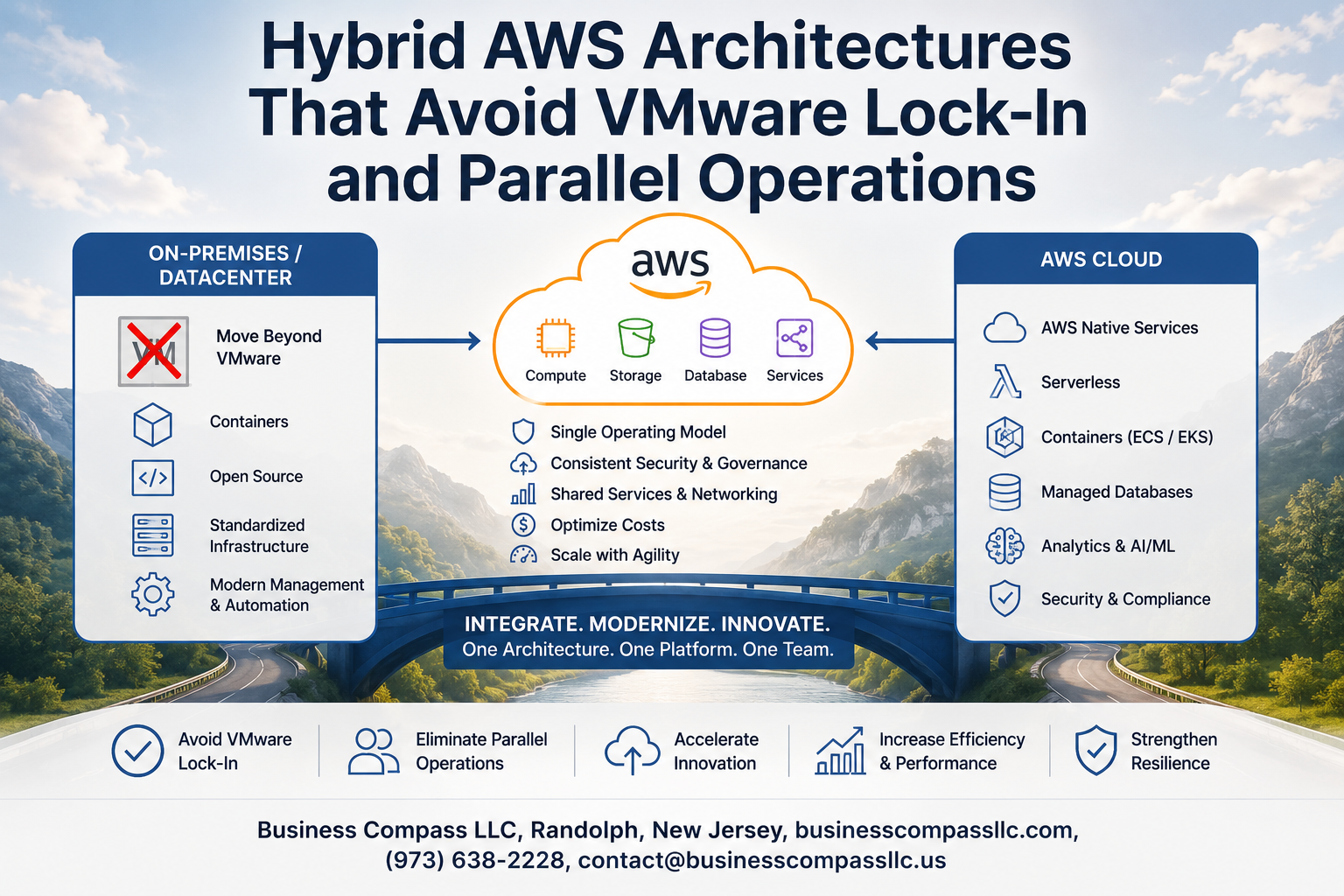
Stop Paying for Two Worlds: Building a Hybrid AWS Architecture Without VMware Lock-In
If you’re running workloads across on-premises infrastructure and AWS right now, there’s a good chance you’re also running two parallel operations — one VMware-based, one cloud-native — and paying for both. That’s a problem a lot of infrastructure teams are quietly dealing with as VMware licensing costs climb and Broadcom’s acquisition shakes up the roadmap.
This guide is for cloud architects, IT ops leaders, and infrastructure engineers who want to move toward a clean hybrid AWS architecture without dragging VMware dependencies along for the ride. If you’re already mid-migration or just starting to think about VMware lock-in avoidance, this is the practical breakdown you need.
Here’s what we’ll walk through:
- Why VMware lock-in is harder to escape than it looks — and what’s actually keeping teams stuck in parallel operations longer than planned
- The core AWS services and open-source VMware alternatives that make a VMware-free hybrid cloud not just possible, but production-ready
- Real migration strategies and hybrid cloud cost optimization moves that cut complexity without creating new compliance headaches
No fluff, no vendor cheerleading — just a straight look at how teams are getting out of the VMware trap and building leaner, more flexible hybrid environments on AWS.
Understanding the VMware Lock-In Problem in Hybrid Cloud Environments
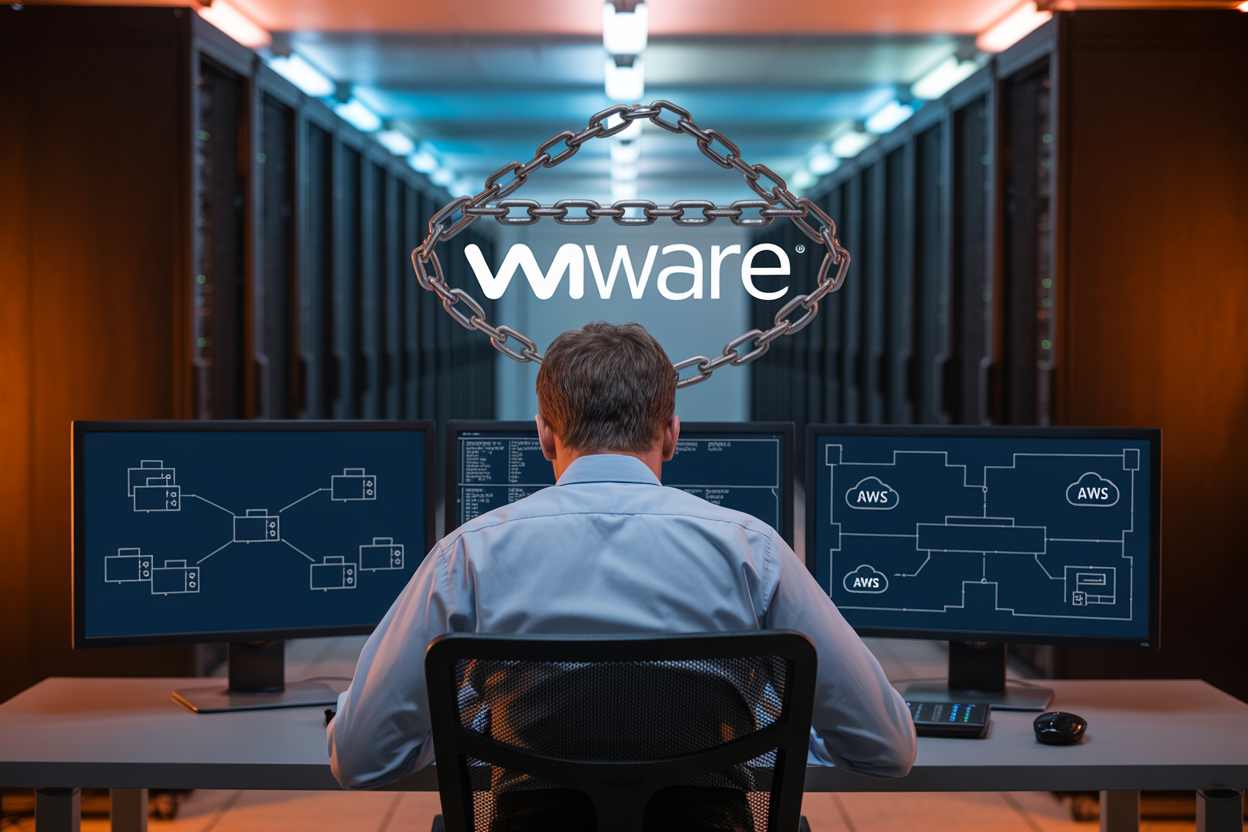
Hidden Costs of VMware Licensing in Hybrid Setups
VMware licensing in hybrid environments quietly drains budgets through per-socket fees, vSAN storage licensing, NSX networking add-ons, and mandatory support contracts that stack up fast. Many organizations discover they’re paying for capacity they barely touch just to keep workloads running across on-premises and AWS environments simultaneously.
- Per-core licensing scales costs exponentially as workloads grow
- vSphere Enterprise Plus bundles features most hybrid teams never activate
- Support renewals often exceed the original license cost within three years
- Hidden compliance audits can trigger unexpected back-billing
How Vendor Dependency Slows Cloud Modernization
When your hybrid AWS architecture is built around VMware tools, every modernization decision gets filtered through VMware compatibility first. Teams end up asking “will this work with vCenter?” before asking “is this the right cloud-native approach?” That backward thinking kills momentum and keeps workloads stuck on outdated infrastructure longer than necessary.
Why Parallel Operations Create Redundant Overhead
Running VMware on-premises alongside AWS creates two separate operational stacks — two teams, two toolchains, two sets of monitoring dashboards, and two patching cycles. Eliminating parallel operations in the cloud means cutting that overhead in half and pointing engineering effort toward actual business value instead of keeping the lights on for duplicate systems.
The Business Case for Breaking Free from VMware
- Faster deployment cycles without VMware approval gates
- Direct AWS-native integrations with services like ECS, EKS, and Lambda
- Reduced licensing spend redirected toward innovation budgets
- Simplified hybrid cloud migration paths using AWS MGN and DRS
Organizations pursuing a VMware-free hybrid cloud strategy consistently report shorter time-to-production windows and stronger alignment between infrastructure costs and actual workload consumption.
Core AWS Services That Power Lock-In-Free Hybrid Architectures

AWS Outposts for Seamless On-Premises Integration
AWS Outposts brings native AWS infrastructure directly into your data center, letting you run EC2 instances, ECS containers, and RDS databases on-premises with the exact same APIs you’d use in the cloud. This kills the need for VMware as a local virtualization layer entirely.
- Supports consistent hybrid AWS architecture across on-prem and cloud environments
- Managed and patched by AWS, removing operational overhead from your team
- Integrates natively with AWS VPC, IAM, and CloudWatch for unified visibility
AWS Direct Connect for Reliable Low-Latency Connectivity
Direct Connect gives you a dedicated private network link between your data center and AWS — no public internet, no unpredictable latency spikes. For workloads that need consistent throughput, like database replication or real-time analytics pipelines, this connection becomes the backbone of a solid VMware-free hybrid cloud setup.
- Speeds available from 50 Mbps up to 100 Gbps
- Pairs with Transit Gateway for multi-region and multi-VPC routing
- Reduces data transfer costs compared to internet-based egress
Amazon EKS Anywhere as a Portable Workload Platform
EKS Anywhere lets you run Kubernetes clusters on your own hardware using the same tooling and control plane configuration as AWS-managed EKS. It’s one of the strongest cloud-native VMware alternatives for teams running containerized workloads across mixed environments.
- Deploy on bare metal or existing virtualization platforms like KubeVirt
- Consistent cluster lifecycle management using eksctl and GitOps workflows
- Supports AWS add-ons like App Mesh, Prometheus, and Fluentd natively
AWS Storage Gateway for Unified Data Management
Storage Gateway bridges your on-premises storage systems with AWS cloud storage services — S3, EBS, and Glacier — without requiring a full rip-and-replace of existing infrastructure. Teams migrating away from VMware vSAN or VSAN-based storage find this particularly helpful during phased hybrid cloud migration.
- File Gateway exposes S3 buckets as NFS or SMB shares locally
- Volume Gateway enables cloud-backed iSCSI block storage
- Tape Gateway replaces physical tape libraries with virtual tapes in S3 Glacier
AWS Systems Manager for Centralized Hybrid Control
Systems Manager is the control plane that ties your whole hybrid environment together — managing EC2 instances, on-prem servers, and even VMs running on other hypervisors through a single pane of glass. Eliminating parallel operations in cloud environments becomes realistic when you have one consistent toolset handling patching, inventory, configuration, and remote access across everything.
- Session Manager replaces the need for SSH/RDP and bastion hosts
- Patch Manager automates OS patching across hybrid fleets
- Parameter Store and Secrets Manager handle configuration and credential management securely
Proven Migration Strategies to Eliminate Parallel Operations

A. Phased Workload Migration to Reduce Operational Overlap
Running VMware and AWS side by side burns budget fast. A phased approach groups workloads by complexity — start with stateless apps, then databases, then legacy systems — so you’re shutting down VMware clusters progressively rather than maintaining two full environments indefinitely.
- Phase 1: Migrate dev/test workloads first to build team confidence and validate networking connectivity
- Phase 2: Move stateless production apps using lift-and-shift, then immediately decommission the VMware equivalent
- Phase 3: Tackle data-heavy or tightly coupled workloads with modernization baked in
Each phase ends with a hard cutover, not a parallel run, which is how you actually eliminate those dual operational costs.
B. Replatforming VMware VMs to AWS-Native Compute
Simply lifting a VMware VM to EC2 leaves money on the table. Replatforming means swapping VMware-specific configurations for AWS-native equivalents — moving from thick-provisioned VMDK disks to gp3 EBS volumes, replacing VMware HA clusters with Auto Scaling Groups, and ditching vSphere networking for VPC-native security groups.
- Replace VMware snapshots with AWS Backup policies
- Swap vCenter resource pools with AWS Compute Optimizer recommendations
- Move from VMware NSX microsegmentation to Security Groups and AWS Network Firewall
This is the core of a truly VMware-free hybrid cloud — every dependency replaced, not just relocated.
C. Leveraging AWS Application Migration Service for Speed
AWS Application Migration Service (MGN) is the fastest path for hybrid AWS architecture teams who need to move quickly without custom scripting. It installs a lightweight replication agent on VMware VMs, continuously replicates data to AWS, and lets you test cutover windows before going live — keeping downtime under an hour for most workloads.
- Agentless replication is available via vCenter integration for environments with agent restrictions
- Cutover testing happens on isolated staging instances, so production stays untouched
- Post-migration, MGN automatically stops replication, cutting the operational overlap cleanly
Pairing MGN with a strict decommission timeline is what separates a clean hybrid cloud migration from a sprawling, never-ending parallel operation.
Open-Source and Cloud-Native Alternatives to VMware Tools
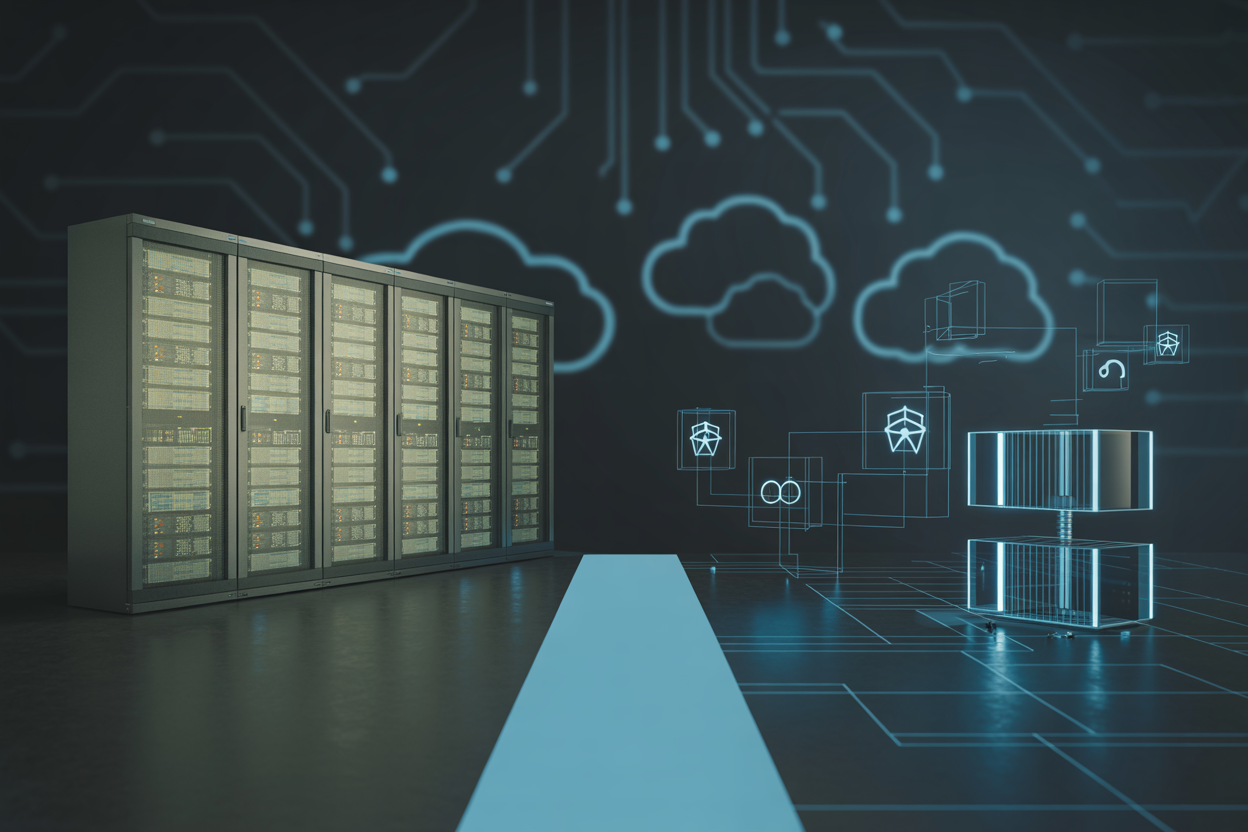
Kubernetes as a Hypervisor-Independent Orchestration Layer
Kubernetes gives you a clean way to run workloads across on-premises hardware and AWS without caring what hypervisor sits underneath. Teams moving away from VMware love this because containers abstract away the infrastructure layer entirely, cutting the dependency chain that creates lock-in.
- Works across bare metal, EC2, and on-prem nodes
- Amazon EKS handles control plane management, reducing operational overhead
- Consistent workload behavior regardless of the underlying compute platform
Terraform for Infrastructure-as-Code Across Hybrid Environments
Terraform replaces the point-and-click workflows inside vCenter with repeatable, version-controlled infrastructure definitions. A single Terraform codebase can provision AWS resources alongside on-premises systems, making hybrid cloud migration far less painful and eliminating the sprawl that parallel operations create.
- Supports AWS, VMware, and cloud-native providers from one tool
- Drift detection keeps hybrid environments consistent
- State management prevents configuration mismatches between environments
OpenShift and Rancher as VMware vSphere Replacements
OpenShift and Rancher both deliver the cluster lifecycle management that vSphere provided, without proprietary lock-in. These open-source VMware replacement options work on any infrastructure, making them strong choices when building a genuinely VMware-free hybrid cloud that still meets enterprise reliability requirements.
- Rancher supports multi-cluster management across AWS and on-prem
- OpenShift integrates tightly with AWS services through ROSA
- Both offer role-based access, monitoring, and networking out of the box
Replacing vSAN with AWS-Native Storage Solutions
vSAN replacements inside AWS hybrid architectures typically come down to three services depending on workload needs:
- Amazon FSx for NetApp ONTAP — mirrors familiar NAS behavior for teams migrating shared storage workloads
- AWS Storage Gateway — bridges on-premises applications to S3, EFS, or FSx without a full cutover
- Amazon EBS and EFS — handle block and file storage natively for containerized or EC2-based workloads
Each option avoids proprietary storage protocols while matching or exceeding vSAN performance at a lower total cost.
Cost Optimization Benefits of Simplified Hybrid Architectures

Eliminating Duplicate Licensing Across On-Premises and Cloud
Dropping VMware from your hybrid setup cuts out a significant chunk of licensing spend that most teams don’t fully account for until they run the numbers. VMware vSphere, vCenter, NSX, and vSAN licenses stack up fast, and when you’re also paying for AWS compute, you’re essentially funding two separate platforms to do the same job.
- vSphere/vCenter licenses: No longer needed when workloads move to native AWS EC2 or EKS
- NSX licensing: Replaced by AWS Transit Gateway, VPC peering, and Security Groups at a fraction of the cost
- Support contracts: Third-party VMware support contracts can be eliminated entirely post-migration
Right-Sizing Workloads with AWS Cost Explorer
One of the biggest wins in AWS hybrid cloud cost optimization is getting your instance sizing right from day one. AWS Cost Explorer gives you granular visibility into spending patterns, and when paired with AWS Compute Optimizer, you get direct recommendations on which instances are over-provisioned.
- Identify idle or underused EC2 instances and shift to Reserved or Spot pricing
- Use Savings Plans to lock in lower rates for predictable workloads
- Tag resources by team or workload to pinpoint where money is actually going
Reducing Operational Overhead Through Automation
Eliminating parallel operations in the cloud is where automation really pays off. When you’re no longer managing VMware vCenter alongside AWS tools, you can consolidate operational runbooks into a single toolchain using AWS Systems Manager, CloudFormation, and Terraform.
- Automated patching through Systems Manager reduces manual effort across hybrid fleets
- Infrastructure-as-code removes the need for manual VM provisioning workflows
- Fewer platforms mean fewer people needed to keep the lights on
Security and Compliance Across AWS Hybrid Environments Without VMware

Unified Identity Management Using AWS IAM and Active Directory
Building a VMware-free hybrid cloud doesn’t mean trading security for simplicity. AWS IAM paired with AWS Directory Service lets you extend your existing Active Directory into AWS, giving users single sign-on access across on-premises and cloud resources without managing separate identity silos.
- Use AWS IAM Identity Center to centrally manage access across multiple AWS accounts
- Sync on-premises AD groups directly to AWS using AWS Managed Microsoft AD or AD Connector
- Apply least-privilege permissions through IAM roles instead of broad, hard-to-audit VMware-level access controls
Enforcing Consistent Security Policies Across Hybrid Nodes
AWS Systems Manager keeps your hybrid nodes—whether EC2 instances or on-premises servers—under a single policy umbrella. You push patch baselines, run compliance checks, and enforce configuration standards from one place, cutting out the complexity that comes with parallel VMware management layers.
- Use AWS Config Rules to flag drift from approved configurations automatically
- Apply Service Control Policies (SCPs) across your AWS Organizations to block risky actions at the account level
- Deploy AWS Systems Manager State Manager associations to enforce consistent OS-level settings on every hybrid node
Achieving Compliance Visibility with AWS Security Hub
AWS Security Hub pulls findings from GuardDuty, Inspector, Macie, and third-party tools into a single dashboard. For teams running AWS hybrid cloud security compliance programs, this replaces fragmented VMware-era reporting tools with automated, continuous compliance checks against frameworks like CIS, PCI-DSS, and SOC 2.
- Schedule automated Security Hub standards checks to run continuously
- Route critical findings to Slack or ticketing systems via Amazon EventBridge and SNS
- Track compliance score trends over time to show auditors real progress
Encrypting Data in Transit Across Hybrid Connections
Every byte moving between your data center and AWS should be encrypted, full stop. AWS Site-to-Site VPN and AWS Direct Connect with MACsec give you strong, hardware-level encryption for hybrid traffic without relying on VMware NSX or proprietary overlay networks.
- Use TLS 1.2 or higher for application-layer encryption between hybrid services
- Enable MACsec on Direct Connect dedicated connections for Layer 2 encryption
- Rotate VPN pre-shared keys regularly and audit tunnel health using Amazon CloudWatch metrics

Moving away from VMware doesn’t mean giving up control or stability in your hybrid environment. AWS gives you a solid set of native tools and open-source alternatives that handle everything from workload migration to security and compliance — without the overhead of running two separate systems side by side. The result is a cleaner architecture, lower costs, and less operational headache day to day.
If you’ve been putting off the transition because it feels too risky or complex, the strategies covered here show it’s very much doable in a structured, phased way. Start by identifying where VMware dependency is heaviest, pick the AWS services that map closest to what you already run, and cut parallel operations as early as you can. The savings and simplicity you gain on the other side are well worth the effort.









