


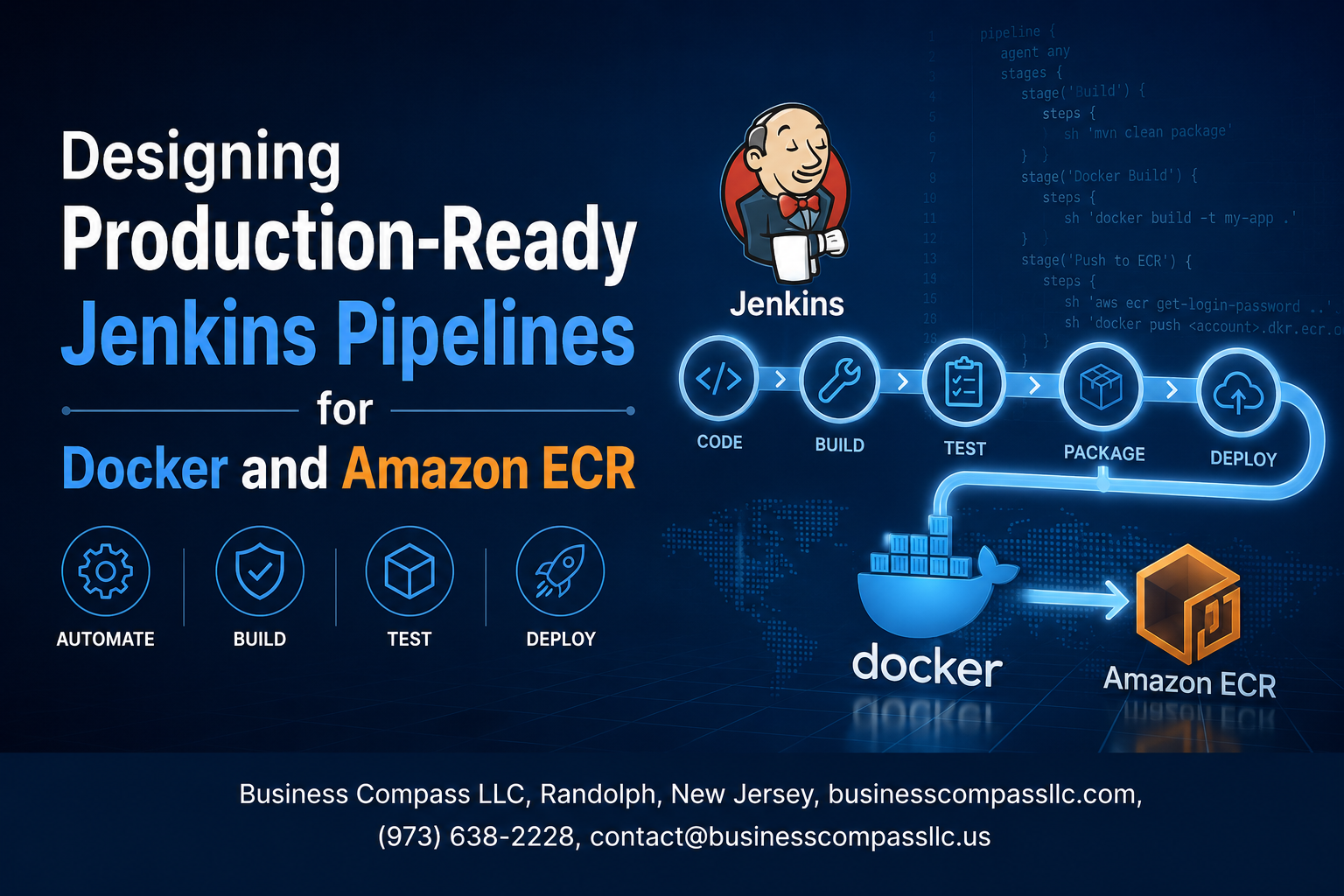
Stop Shipping Broken Pipelines: Build Jenkins CI/CD That Actually Works in Production
If you’re a DevOps engineer or backend developer who has wrestled with flaky Jenkins builds, inconsistent Docker image tags, or mysterious ECR authentication failures at 2 AM, this guide is for you.
Getting a Jenkins pipeline Docker workflow off the ground is one thing. Getting it to hold up under real production pressure — with proper Amazon ECR integration, secure credentials handling, and a tagging strategy that doesn’t cause confusion three months later — is a completely different challenge.
Here’s what we’ll walk through together:
- Secure Jenkins ECR authentication — how to connect Jenkins to Amazon ECR without hardcoding credentials or cutting corners that come back to bite you
- Jenkinsfile best practices for scalability — structuring your pipeline so it stays readable and maintainable as your team and codebase grow
- Docker image tagging strategy and ECR image push automation — building and shipping images the right way so every deployment is traceable and repeatable
By the end, you’ll have a clear blueprint for a production-ready CI/CD pipeline that’s secure, fast, and built to scale — not just something that works on your laptop or passes a demo.
Let’s get into it.
Understanding the Core Components of a Production-Ready Pipeline

Key Differences Between Development and Production Jenkins Pipelines
Production pipelines prioritize security, reliability, and rollback strategies over speed.
Why Docker and Amazon ECR Work Seamlessly Together
ECR’s native IAM authentication pairs perfectly with Docker’s image layering.
Essential Jenkins Plugins
- Amazon ECR Plugin
- Docker Pipeline Plugin
- Credentials Binding Plugin
Setting Up Secure Authentication Between Jenkins and Amazon ECR

Creating the Right IAM Roles and Permissions for ECR Access
Attach AmazonEC2ContainerRegistryPowerUser to your Jenkins IAM role for secure Amazon ECR integration.
Storing AWS Credentials Safely Using Jenkins Credential Manager
Save keys as Secret Text credentials in Jenkins — never hardcode them.
Configuring Region-Specific ECR Endpoints
Match your ECR endpoint region to cut latency.
Testing Authentication Setup
Run aws ecr get-login-token to confirm access works before building your Jenkins pipeline Docker workflow.
Structuring Your Jenkinsfile for Scalability and Maintainability

A. Declarative Over Scripted
Declarative syntax wins for production Jenkinsfiles — cleaner, easier to read, and better supported.
B. Stage Organization
Keep stages focused: build, test, push.
C. Shared Libraries
Reuse common ECR authentication logic across pipelines.
D. Parameterize Everything
Support multiple environments with params.ENVIRONMENT.
E. Error Handling
Always configure post { failure {} } notifications.
Building and Tagging Docker Images the Right Way
Writing Optimized Dockerfiles
Use multi-stage builds and minimal base images like alpine to slash image size.
Consistent Image Tagging
Tag with Git commit SHA and build number: myapp:${GIT_COMMIT}-${BUILD_NUMBER} keeps your Docker image tagging strategy traceable across your Jenkins pipeline Docker workflow.
Layer Caching in Jenkins
Mount cache volumes to reuse layers between builds.
Pushing Images to Amazon ECR with Confidence
Automating ECR Repository Creation and Lifecycle Policies
Use aws ecr create-repository in your pipeline to auto-create repos. Pair this with lifecycle policies to auto-expire untagged images.
Scanning Images Before Pushing
Enable ECR’s built-in scanning to catch vulnerabilities early.
Post-Build Validation
Run aws ecr describe-images to confirm successful pushes.
Managing Retention
Set lifecycle rules to keep costs low.
Implementing Pipeline Security Best Practices
A. Restricting Pipeline Execution with Role-Based Access Control
Use Jenkins’ Role Strategy Plugin to limit who triggers production pipelines.
B. Signing Docker Images
Enable Docker Content Trust (DOCKER_CONTENT_TRUST=1) to cryptographically sign images before pushing to Amazon ECR.
C. Auditing Pipeline Activity
Stream Jenkins logs to CloudWatch for real-time monitoring of your secure Jenkins pipeline.
Optimizing Pipeline Performance for Faster Deployments
A. Parallel Stages
Run independent steps like testing and linting simultaneously to slash build times.
B. Strategic Agents
Distribute Docker builds across dedicated Jenkins agents to balance workloads.
C. Monitor Metrics
Track stage durations to spot bottlenecks in your Jenkins pipeline Docker workflow.
D. Dependency Caching
Cache layers and dependencies to skip redundant downloads, accelerating ECR image push automation significantly.

Getting Jenkins, Docker, and Amazon ECR to work together smoothly takes some upfront planning, but once everything clicks into place, you end up with a pipeline that’s reliable, secure, and fast. From setting up proper authentication and structuring your Jenkinsfile to tagging images correctly and locking down security at every stage, each piece plays a role in keeping your deployments clean and consistent.
Start small, get the basics running, and then layer in the optimizations over time. A production-ready pipeline isn’t built in a day, but with the right foundation, you’ll spend less time firefighting and more time shipping features that actually matter. If you haven’t started yet, pick one section from this guide and take that first step today.









