


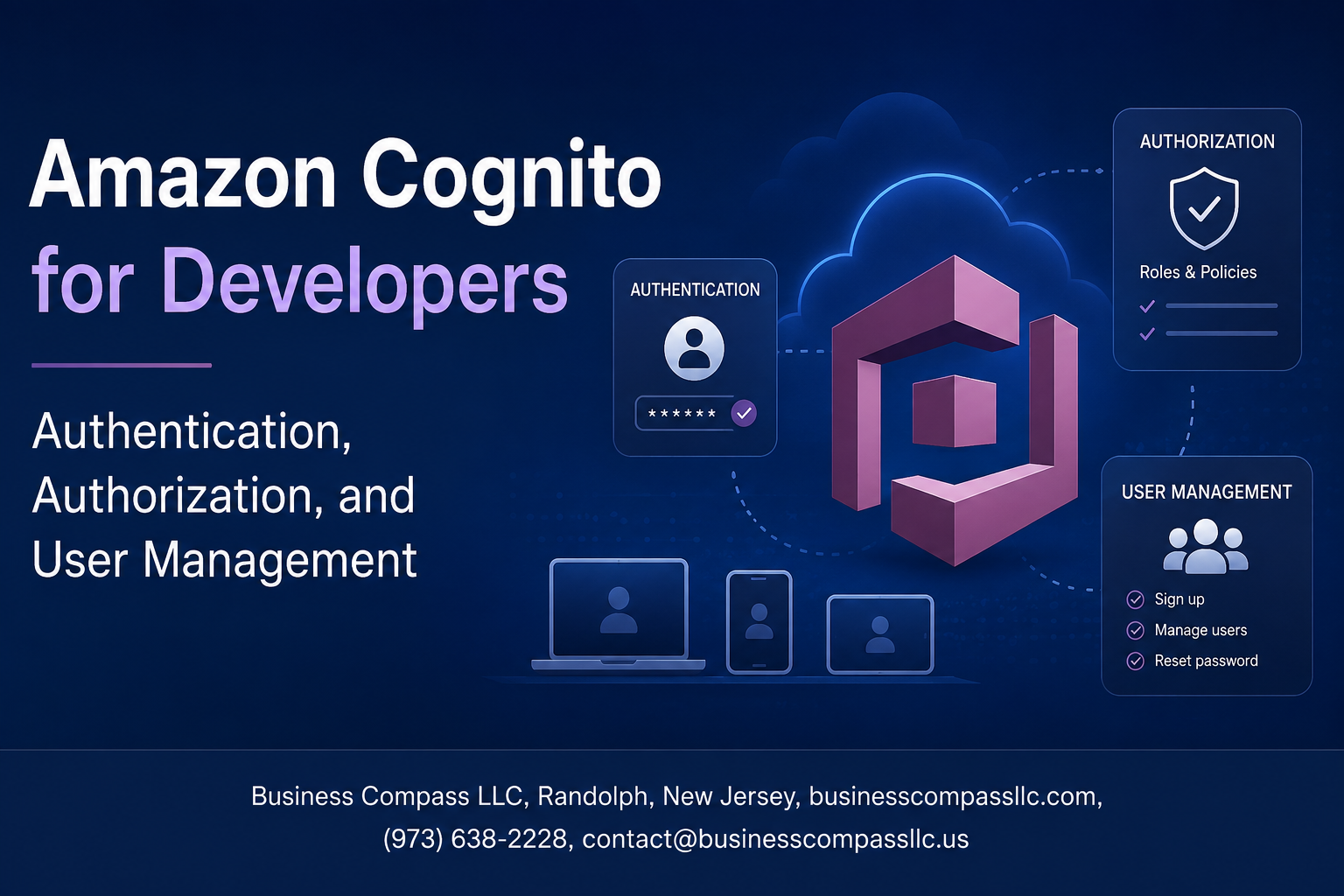
Amazon Cognito for Developers: Authentication, Authorization, and User Management
Building secure login systems from scratch is painful. Amazon Cognito takes that burden off your plate by handling AWS user authentication, session management, and access control so you can focus on shipping features instead of reinventing security wheels.
This guide is for developers who are actively building on AWS and want a practical, no-nonsense walkthrough of Cognito — not a surface-level overview. If you’re setting up your first Cognito user pool, tightening up Amazon Cognito authorization for an existing app, or trying to support social login through Google or Facebook alongside enterprise identity providers, you’re in the right place.
Here’s what we’ll cover:
- Authentication setup — how to get Cognito wired into your application quickly, with the right configuration choices from day one
- Authorization and access control — how to use Cognito groups, IAM roles, and token scopes to control what users can actually do inside your app
- User management at scale — the tools Cognito gives you to handle real-world complexity like bulk imports, custom attributes, and Lambda triggers
By the end, you’ll have a clear picture of how Amazon Cognito fits into a production AWS stack and where it genuinely saves you time versus where you need to plan carefully.
Understanding Amazon Cognito and Its Core Components

What Amazon Cognito Is and Why Developers Should Care
Amazon Cognito handles AWS user authentication, authorization, and user management so you don’t have to build it yourself.
Key Building Blocks: User Pools vs. Identity Pools
- User Pools – manage sign-up/sign-in
- Identity Pools – grant AWS resource access
How Cognito Fits Into the AWS Ecosystem
Cognito connects seamlessly with API Gateway, Lambda, and S3.
Setting Up Amazon Cognito for Your Application

Creating and Configuring a User Pool Step by Step
Start in the AWS Console, pick Cognito, then create a User Pool. Configure sign-in options (email, phone, username), set password policies, and enable MFA.
Defining App Clients and Their Permission Scopes
Add an app client, disable client secrets for SPAs, and assign OAuth scopes like openid or profile.
Implementing Secure Authentication With Cognito

Supporting Username, Email, and Phone-Based Sign-In
Cognito user pools support multiple sign-in identifiers out of the box — username, email, or phone number.
Enabling Multi-Factor Authentication
Add SMS or TOTP-based MFA with a few configuration toggles.
Token Lifecycle
Cognito issues three tokens:
- Access – API authorization
- ID – user identity claims
- Refresh – renews sessions
Managing Authorization and Access Control

Using Identity Pools to Grant AWS Resource Access
Amazon Cognito Identity Pools let authenticated users directly access AWS services like S3 or DynamoDB.
Defining IAM Roles for Authenticated and Guest Users
- Authenticated role: Full resource access
- Guest role: Read-only or restricted permissions
Implementing Fine-Grained Permissions With Attribute-Based Access
Map user attributes to IAM policies for precise AWS Cognito access control.
Enabling Social and Enterprise Identity Provider Login

Adding Google, Facebook, and Apple as Federated Identity Providers
Configure these providers in your Cognito User Pool under Federation > Identity Providers, adding client IDs and secrets from each platform’s developer console.
Integrating SAML and OIDC for Enterprise Single Sign-On
Upload your IdP metadata XML for SAML or provide the discovery URL for OIDC-based AWS identity provider integration.
Mapping External Identity Attributes to Cognito User Profiles
Use attribute mapping to sync external claims—like email or name—directly into Cognito user profiles.
Streamlining User Management at Scale

Automating User Onboarding and Verification Workflows
Use Cognito Lambda triggers to auto-send verification emails and pre-populate user attributes during sign-up.
Managing User Groups to Simplify Role Assignment
Assign users to groups, map groups to IAM roles, and control access cleanly across your app.
Monitoring User Activity and Detecting Compromised Credentials
Enable advanced security features to flag suspicious logins and block compromised credentials automatically.
Optimizing Security and Performance in Production

Enforcing Strong Password Policies and Account Recovery Options
Configure minimum length, special characters, and MFA in your secure authentication AWS setup.
Using Advanced Security Features
Enable compromised credential checks and adaptive authentication to block suspicious sign-ins automatically.
Reducing Latency Through Efficient Token Validation
Cache JWT tokens locally; avoid unnecessary Cognito API calls.
Staying Compliant With Data Privacy Regulations
Use data deletion workflows and consent tracking built into Cognito user pool management controls.

Amazon Cognito takes the heavy lifting out of authentication and user management, giving developers a solid foundation to build secure applications without reinventing the wheel. From setting up User Pools and Identity Pools to handling social logins, enterprise identity providers, and fine-grained access control, Cognito covers the full spectrum of what modern apps need to keep users safe and experiences smooth.
The real win here is that you can focus on building features your users actually care about, rather than spending weeks piecing together a custom auth system. Start small, get your core authentication flow working, and layer in advanced features like MFA, role-based access, and performance optimizations as your app grows. If you haven’t explored Cognito yet, now is a great time to dive in and see how much easier it makes securing your application at any scale.









