


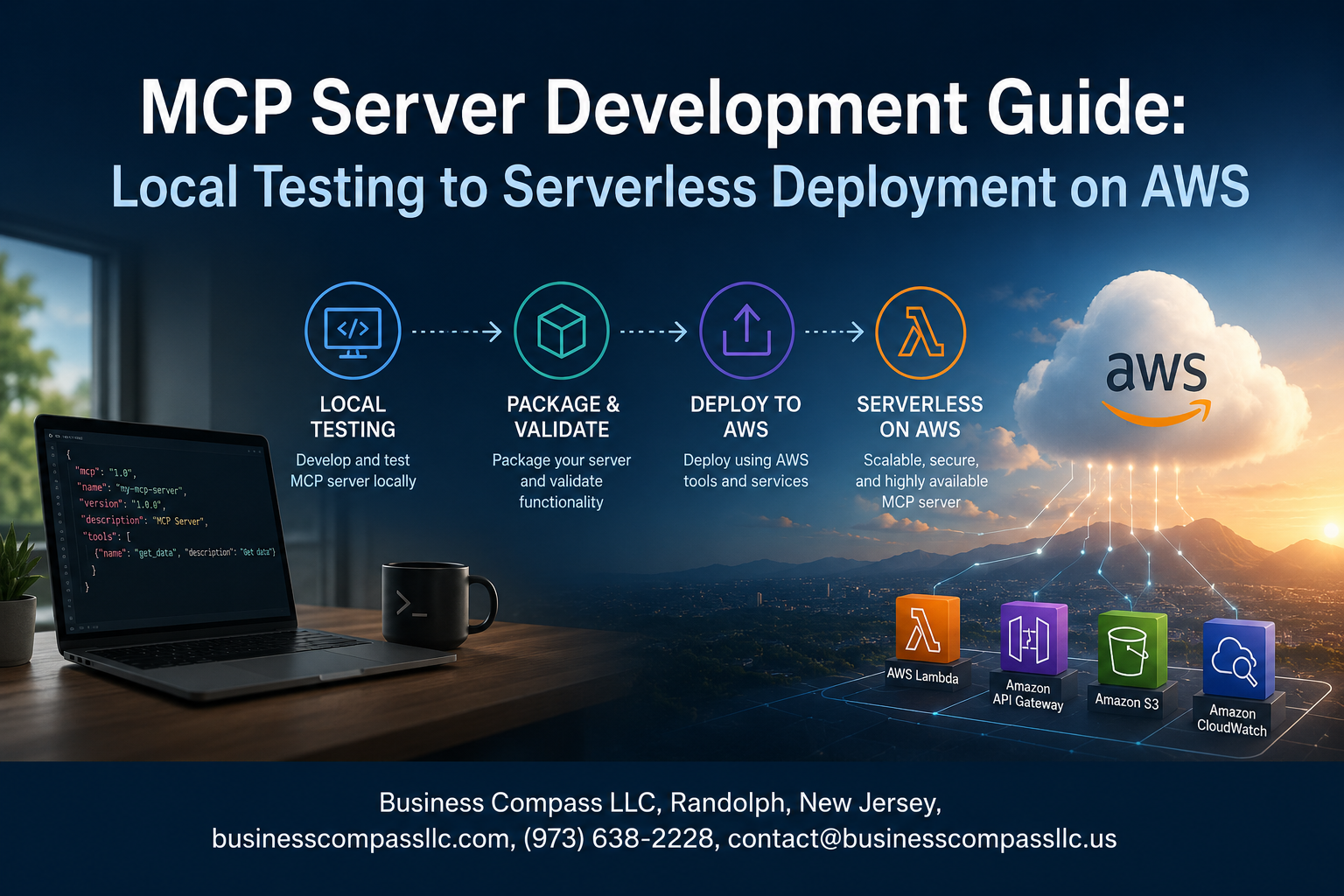
From Local Dev to Live on AWS: Your MCP Server Development Guide
If you’re building AI-powered tools and want them to actually work in the real world, you need a solid MCP server setup — one you can test locally and trust enough to ship to production.
This guide is for developers who are already comfortable with basic backend concepts and want a clear, practical path through MCP server development, from first run on your machine to a fully deployed MCP server on AWS. No hand-waving, no skipping the hard parts.
Here’s what we’ll walk through together:
- What MCP servers actually do and why they’ve become a go-to piece of modern AI workflows
- How to set up and test your Model Context Protocol server locally so you catch problems before they hit production
- A step-by-step AWS deployment process, plus what you need to think about when it comes to scaling and keeping things running smoothly
By the end, you’ll have a repeatable process you can use on real projects — not just a one-time setup you’ll forget in a week.
Understanding MCP Servers and Their Role in Modern AI Workflows

What MCP Servers Do and Why They Matter
MCP server development is changing how AI models interact with real-world tools and data. The Model Context Protocol server setup acts as a bridge, letting large language models call external APIs, read databases, and trigger actions — all without hardcoding integrations into every app separately.
Key Components of an MCP Server Architecture
A solid MCP server architecture typically includes:
- Transport layer – handles communication between the client and the server (stdio, HTTP/SSE)
- Tool definitions – structured schemas that describe what actions the server can perform
- Resource handlers – logic that fetches or writes data when a tool gets called
- Authentication layer – keeps your endpoints secure, especially critical for MCP server AWS deployment
Choosing the Right Use Case for Your MCP Server
Not every workflow needs an MCP server. The best fits are scenarios where an AI agent needs to:
- Query live data sources like databases or internal APIs
- Automate multi-step tasks across different systems
- Expose company-specific tools to a general-purpose model without fine-tuning
If your use case involves repetitive lookups, dynamic data retrieval, or chaining multiple tool calls together, you are in the right spot to get real value from building one.
Setting Up Your Local MCP Server Development Environment

Installing Required Tools and Dependencies
Getting your local MCP server development environment ready is straightforward when you have the right tools lined up from the start:
- Node.js (v18+) or Python 3.10+ depending on your preferred runtime
- npm or pip for managing packages
- MCP SDK — install via
npm install @modelcontextprotocol/sdkorpip install mcp - A code editor like VS Code with relevant extensions for linting and debugging
- Docker (optional but handy for mimicking production conditions locally)
Configuring Your Project Structure for Scalability
A clean project layout saves you headaches later, especially when you’re heading toward MCP server AWS deployment. A solid structure looks like this:
/my-mcp-server
  /src
    /handlers
    /tools
    /resources
  /tests
  /config
  index.ts (or main.py)
  package.json / requirements.txt
Keep your handlers, tools, and resources in separate folders so the codebase stays easy to navigate as it grows.
Writing Your First MCP Server Handler
Your first Model Context Protocol server setup starts with registering a basic tool handler. Here’s a quick Node.js example:
server.tool("get-weather", { city: z.string() }, async ({ city }) => ({
  content: [ Define the tool name clearly
- Validate inputs with a schema library like **Zod**
- Return structured content the client can actually use

### Connecting and Testing with an MCP Client Locally

Once your server is running, you can connect a local MCP client to verify everything works before touching any cloud infrastructure. Use the **MCP Inspector** tool — run `npx @modelcontextprotocol/inspector` — to visually browse your registered tools, fire test requests, and inspect responses in real time. It's one of the fastest ways to catch broken handlers early without writing a single test script.
Running Reliable Local Tests Before Deployment
Simulating Real Client Requests in a Local Environment
Testing your MCP server locally before pushing to AWS saves you from painful debugging sessions in production. Use tools like the MCP Inspector or build small client scripts that mimic actual AI model requests, sending tool calls and checking responses exactly as a real client would.
- Run the MCP Inspector directly against your local server using
npx @modelcontextprotocol/inspector - Write mock client scripts that send JSON-RPC requests matching your expected production traffic
- Log every request and response so you can spot unexpected behavior fast
Debugging Common MCP Server Errors Quickly
Most MCP server development issues come down to a handful of repeating problems — malformed JSON, missing required fields, or tools that return data in the wrong shape.
- Watch for
method not founderrors, which usually mean your tool names don’t match what the client is calling - Check transport-level issues first if your server appears to hang without responding
- Use structured logging with timestamps to trace exactly where a request breaks down
Validating Tool Definitions and Response Schemas
Your tool definitions are the contract between your MCP server and the AI model. If those definitions are loose or inconsistent, the model will either call tools incorrectly or completely ignore them.
- Validate your tool input schemas with a JSON Schema validator before deployment
- Test edge cases like empty strings, null values, and oversized payloads
- Confirm every tool response matches the schema you declared — mismatches cause silent failures that are hard to catch later
Preparing Your MCP Server for Production on AWS
A. Packaging Your Server for a Serverless Runtime
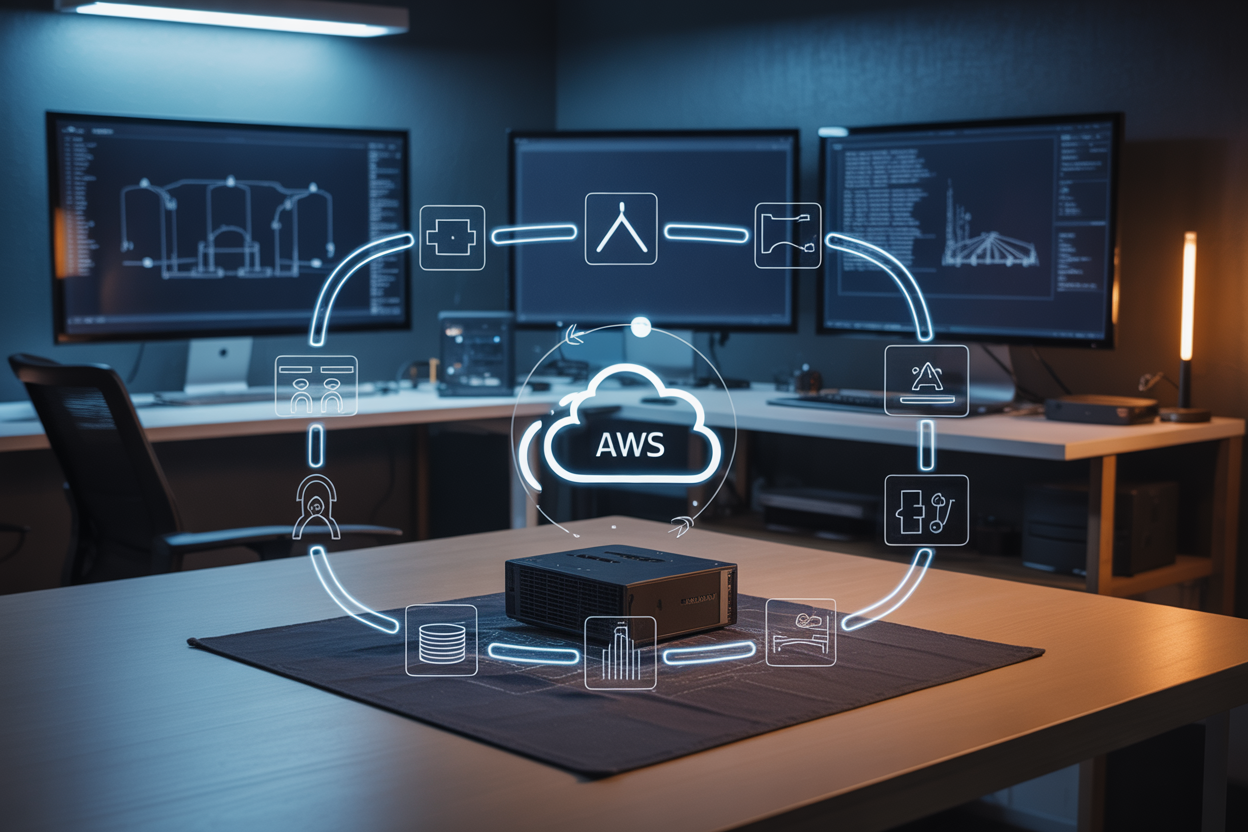
When getting your MCP server ready for AWS Lambda, you need to bundle everything into a deployment package. For Python-based servers, this typically means zipping your dependencies alongside your handler code.
- Use
pip install -r requirements.txt -t ./packageto collect dependencies locally - Keep your package size under 50MB (unzipped) for direct uploads, or use S3 for larger bundles
- Docker-based Lambda images work well when your MCP server has heavy native dependencies
B. Managing Secrets and Environment Variables Securely
Never hardcode API keys or tokens directly in your MCP server code. AWS Secrets Manager and Parameter Store are your go-to options here.
- Store sensitive credentials in AWS Secrets Manager for automatic rotation support
- Use SSM Parameter Store for non-sensitive config values — it’s cheaper and fast
- Pull secrets at runtime inside your Lambda handler rather than baking them into environment variables where possible
C. Optimizing Cold Start Performance for Lambda Functions
Cold starts can hurt your MCP server’s response time, especially when clients are waiting on tool calls.
- Move heavy imports and SDK initialization outside the handler function so they’re reused across warm invocations
- Use Provisioned Concurrency for latency-sensitive MCP server AWS deployment scenarios
- Keep your deployment package lean — smaller packages initialize faster
D. Structuring IAM Roles and Permissions Correctly
Your Lambda function needs an execution role, and getting this wrong either breaks things or opens security gaps.
- Follow least privilege — only grant permissions your MCP server actually needs
- Attach policies for specific actions like
s3:GetObjectordynamodb:PutItemrather than broad wildcards - Use resource-based conditions to lock down access to specific ARNs
E. Choosing Between AWS Lambda and Other Serverless Options
AWS Lambda isn’t always the right fit for every MCP server development scenario.
| Option | Best For |
|---|---|
| AWS Lambda | Short-lived, event-driven MCP tool calls |
| AWS Fargate | Long-running Model Context Protocol server processes |
| App Runner | Containerized MCP servers needing persistent connections |
Lambda works great for stateless tool execution, but if your MCP server holds open connections or runs background tasks, Fargate gives you more breathing room.
Deploying Your MCP Server to AWS Step by Step

Deploying with AWS SAM or the Serverless Framework
When you’re ready to push your MCP server to AWS, you’ve got two solid options: AWS SAM (Serverless Application Model) or the Serverless Framework. Both handle the heavy lifting of packaging your Lambda functions, managing IAM roles, and wiring up dependencies.
AWS SAM deployment steps:
- Install the SAM CLI and configure your AWS credentials
- Define your
template.yamlwith Lambda functions, memory settings, and timeouts - Run
sam buildto package your application - Run
sam deploy --guidedfor your first deployment, which walks you through stack naming and region selection - Subsequent deployments skip the guided prompts with
sam deploy
Serverless Framework deployment steps:
- Install via
npm install -g serverless - Configure
serverless.ymlwith your provider settings, functions, and event triggers - Run
serverless deployto push everything up in one shot - Use
serverless deploy --stage prodto target specific environments
Exposing Your Server Through API Gateway
Your Lambda function needs a front door, and API Gateway is exactly that for MCP server AWS deployment. When using SAM, you define HTTP API or REST API events directly in your template.yaml:
Events:
  McpApi:
    Type: HttpApi
    Properties:
      Path: /mcp
      Method: POST
HTTP API is cheaper and faster than REST API for most MCP server setups. Key things to configure:
- CORS settings — especially if clients are browser-based
- Authorization — attach a Lambda authorizer or Cognito user pool
- Payload format version — use
2.0for HTTP APIs to get cleaner request/response handling - Stage variables — separate dev, staging, and prod endpoints cleanly
Once deployed, API Gateway hands you a base URL like https://abc123.execute-api.us-east-1.amazonaws.com/prod/mcp — that’s your live Model Context Protocol server endpoint.
Verifying Live Endpoints and Monitoring Logs
After deployment, don’t just assume everything works — actually test it. Hit your endpoint with a tool like curl or Postman and check that you’re getting expected responses back from your MCP server.
Quick verification checklist:
- Send a test POST request to your API Gateway URL
- Confirm the response payload matches your schema
- Check response times are within acceptable ranges
- Test error scenarios to make sure error handling holds up
For monitoring, CloudWatch is your best friend here:
- Log Groups — SAM and Serverless Framework automatically create log groups under
/aws/lambda/your-function-name - CloudWatch Insights — run queries like
filter @message like /ERROR/to quickly surface problems - Metrics — watch
Invocations,Errors,Duration, andThrottleson your Lambda dashboard - Alarms — set up CloudWatch Alarms on error rate thresholds so you get notified before users do
You can also enable AWS X-Ray tracing on your Lambda and API Gateway to get a visual map of request flows, which is really handy when debugging latency issues in your MCP server development workflow.
Scaling and Maintaining Your MCP Server in Production

Setting Up CloudWatch Alerts for Proactive Monitoring
Keeping your MCP server development healthy on AWS means catching problems before your users do. Set up CloudWatch alarms targeting key metrics like Lambda invocation errors, throttle counts, and p99 latency. A good starting point:
- Error rate alarm: trigger when errors exceed 1% over 5 minutes
- Duration alarm: alert when average execution time crosses 80% of your timeout limit
- Throttle alarm: fire immediately on any throttling event
Route alerts to an SNS topic that pushes to Slack or PagerDuty so your team gets notified in real time, not after the damage is done.
Handling Concurrent Requests Without Performance Drops
Lambda scales automatically, but your MCP server can still choke if downstream dependencies — like databases or external APIs — can’t keep up. Reserve concurrency for critical functions to guarantee capacity, and set a concurrency limit to protect backend services from getting overwhelmed. Use connection pooling with RDS Proxy if your server hits a relational database. For bursty traffic patterns, enable provisioned concurrency on your most latency-sensitive endpoints to cut cold start times from seconds to milliseconds.
Updating and Versioning Your MCP Server Safely
Rolling out changes to a live Model Context Protocol server setup without breaking anything requires a disciplined approach:
- Lambda aliases: point a
productionalias at a stable version and acanaryalias at the new one - Weighted traffic shifting: send 10% of traffic to the new version, monitor for a few minutes, then shift 100%
- Rollback in seconds: if errors spike, redirect the alias back to the previous version instantly
Always publish a new Lambda version before touching the production alias — never deploy directly to it.
Reducing Costs with Smart Serverless Configuration
MCP server AWS deployment costs can creep up fast if you’re not paying attention. Right-size your Lambda memory — more memory means faster CPU, which can actually lower costs by reducing execution time. Use AWS Lambda Power Tuning (an open-source Step Functions tool) to find the sweet spot between speed and price. Also:
- Set log retention in CloudWatch to 7–14 days instead of “Never expire”
- Enable S3 Intelligent-Tiering if your server stores or reads files
- Review reserved concurrency settings monthly to avoid over-provisioning idle capacity
Building and deploying an MCP server doesn’t have to feel overwhelming. Starting with a solid local setup, running thorough tests, and then moving through a structured AWS deployment process gives you a clear path from development to a production-ready server. Each step builds on the last, so skipping ahead tends to create headaches down the road.
Once your server is live on AWS, the work shifts to keeping it healthy and scaling it as your AI workflows grow. The good news is that with serverless infrastructure handling much of the heavy lifting, you can focus more on what your MCP server actually does rather than babysitting the underlying infrastructure. If you haven’t started yet, spin up that local environment today and take it one step at a time.









