Navigating the AWS Generative AI Stack: Which AI Service Should You Use?
AWS offers a lot of AI services, and picking the wrong one can cost you time, money, and serious headaches. If you’re a developer, ML engineer, or business leader trying to figure out where generative AI on AWS actually fits your use case, this guide cuts straight to the answer.
We’ll walk through the full AWS Generative AI Stack — from the ready-to-use foundation models inside Amazon Bedrock to the custom training power of Amazon SageMaker. You’ll also see how the broader AWS AI services slot in when you need speed over flexibility.
By the end, you’ll have a clear picture of which tool fits your situation, backed by real-world scenarios that make the AWS AI services comparison easy to act on — not just easy to read.
Understanding the AWS Generative AI Stack at a Glance

How the AWS Generative AI Stack Is Organized
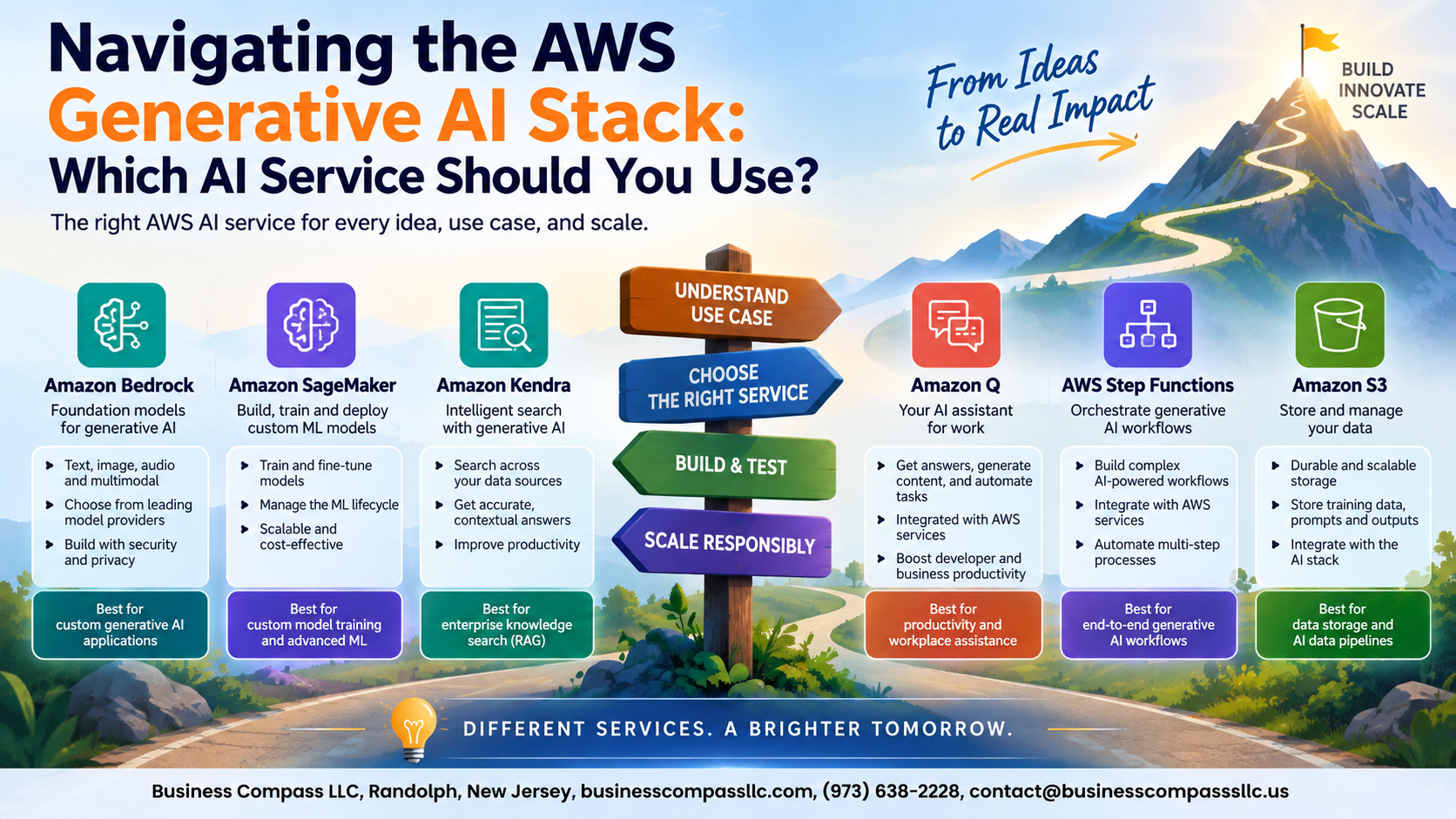
The AWS Generative AI Stack runs across three layers: pre-built AI services for quick wins, Amazon Bedrock for foundation models, and Amazon SageMaker for custom model training. Pick your layer based on how much control you need—less customization means faster deployment, more customization means deeper investment.
Exploring the Foundation Model Layer with Amazon Bedrock

What Amazon Bedrock Offers and Why It Saves Development Time
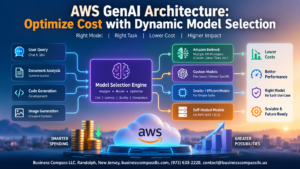
Amazon Bedrock gives you instant access to top Amazon Bedrock foundation models from Anthropic, Meta, and Amazon — no infrastructure setup needed. Pick a model, connect via API, and start building. For businesses exploring generative AI on AWS, Bedrock cuts weeks of setup down to hours, letting teams focus on actual product value.
Building Custom Models with Amazon SageMaker

When SageMaker Shines Over Managed Services
Amazon SageMaker custom models fit best when your data is proprietary and off-the-shelf options fall short. You get full control over fine-tuning, training pipelines, and deployment — with built-in automation cutting operational overhead. Costs run higher than fully managed alternatives, but the flexibility justifies it for domain-specific generative AI on AWS.
Accelerating Results with AWS AI Services

Solving Specific Problems Faster with Purpose-Built AI APIs
AWS AI services skip the heavy lifting entirely. Instead of training models, you call a ready-made API and get results instantly.
Top AWS AI Services
- Rekognition – image and video analysis
- Comprehend – text insights
- Transcribe – speech-to-text
- Polly – text-to-speech
- Translate – language translation
Integrating with Minimal Effort
Drop these APIs into existing apps using simple SDK calls—no ML expertise needed.
Matching Your Business Needs to the Right AWS AI Service

Key Questions to Ask Before Selecting an AWS AI Solution
- Do you need a pre-built or custom model?
- What’s your team’s ML expertise?
- How fast do you need results?
How Team Skill Level Should Influence Your Service Choice
Low ML experience? Stick with AWS AI Services or Amazon Bedrock foundation models. Skilled data scientists unlock SageMaker’s full potential.
Real-World Scenarios That Clarify Your Decision

A. Customer Support Chatbot
Use Amazon Lex for intent-based conversations or Amazon Bedrock for richer, generative responses.
B. Document Analysis
Amazon Textract handles extraction; Bedrock powers summarization.
C. Recommendation Engine
Amazon Personalize wins here — built specifically for this, no custom ML needed.

AWS has built a genuinely impressive lineup of AI services, and the good news is that each one has a clear sweet spot. Amazon Bedrock gives you fast access to powerful foundation models without the heavy lifting, SageMaker steps in when you need control and customization, and the pre-built AWS AI Services handle the everyday tasks that most businesses need to tackle quickly.
The real trick is being honest about what your project actually needs. Ask yourself how much customization you truly need, how much data you have, and how fast you need to move. Start with the simplest option that gets the job done, and scale up from there. Take another look at those real-world scenarios in this post, match them to your situation, and you’ll have a much clearer path forward on your next AI project.