

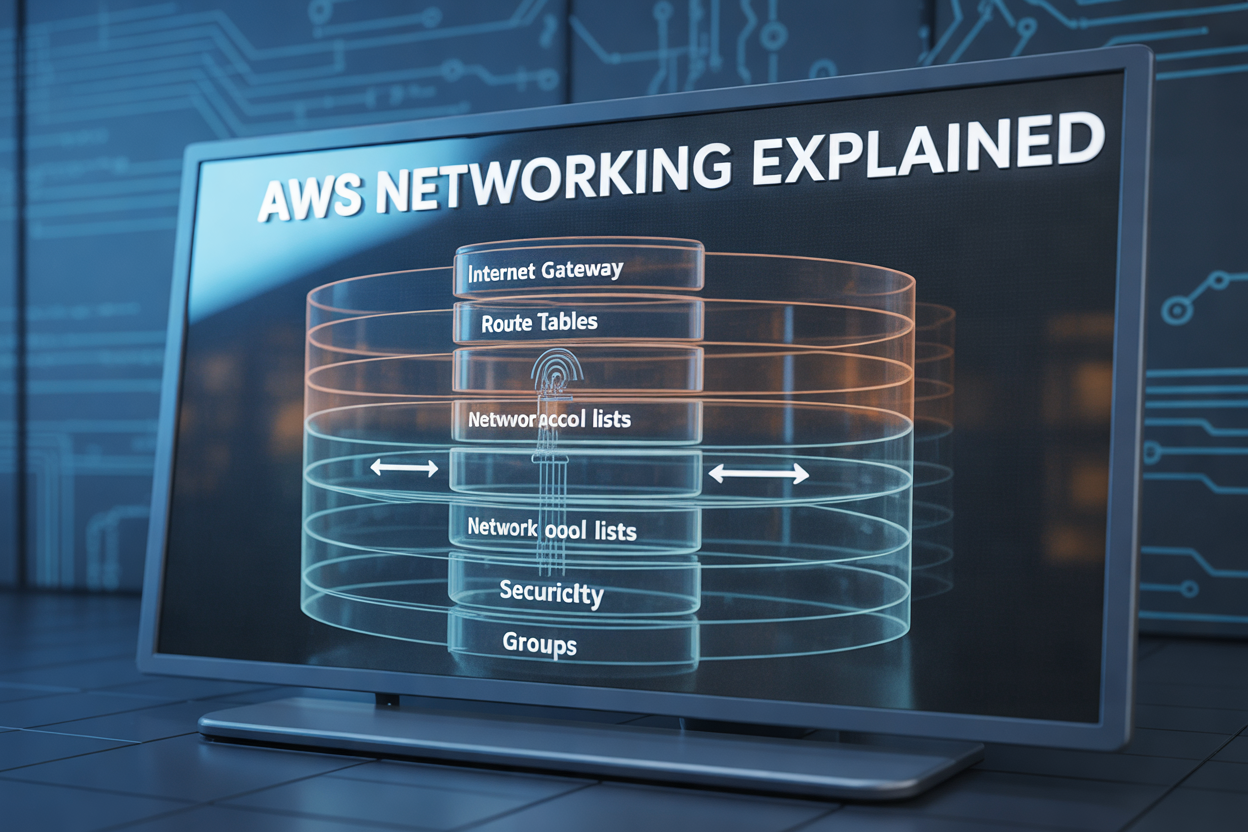
AWS Networking Explained: How Internet Gateways, Route Tables, NACLs, and Security Groups Work Together
If you’ve ever set up an AWS VPC and wondered why your EC2 instance can’t reach the internet — or why traffic that should be blocked keeps getting through — you’re not alone. AWS networking basics trip up a lot of developers and cloud engineers, especially when multiple components are involved and it’s not obvious which one is causing the problem.
This guide is for developers, DevOps engineers, and cloud architects who are building on AWS and want a clear, practical understanding of how VPC networking components actually fit together — not just what each one does in isolation.
Here’s what we’ll walk through:
- How Internet Gateways and Route Tables work as a team to get traffic in and out of your subnets the right way
- The real difference between Network ACLs and Security Groups — because knowing when to use each one can save you hours of debugging
- How all four components layer on top of each other to give you tight, reliable AWS VPC security without overconfiguring things
By the end, you’ll have a mental model you can actually use the next time you’re troubleshooting AWS network traffic control or designing a new environment from scratch. Let’s get into it.
Understanding the AWS Networking Foundation

Why AWS Networking Is Critical for Secure and Scalable Cloud Infrastructure
AWS networking controls how your data moves, who can access it, and how your infrastructure scales. Without a solid grasp of AWS VPC security and AWS networking basics, you risk misconfigurations that expose resources or bottleneck traffic — costing you both security and performance.
Internet Gateways: Your Gateway to the Public Internet

What an Internet Gateway Does and Why You Need One
An Internet Gateway connects your AWS VPC to the public internet, enabling two-way traffic.
How to Attach an Internet Gateway to Your VPC
- Create the gateway, then attach it to your VPC.
- Update your route table targeting
0.0.0.0/0.
Common Mistakes to Avoid
- Forgetting route table updates after attachment.
Route Tables: Directing Traffic to the Right Destination

How Route Tables Control the Path of Network Traffic
AWS route tables act like GPS for your VPC — they decide where packets go. Each rule matches a destination IP range and points traffic toward a target, like an Internet Gateway for public subnets or a NAT Gateway for private ones, keeping AWS subnet routing clean and predictable.
Network Access Control Lists: Your Subnet-Level Security Shield
How NACLs Differ from Other AWS Security Tools
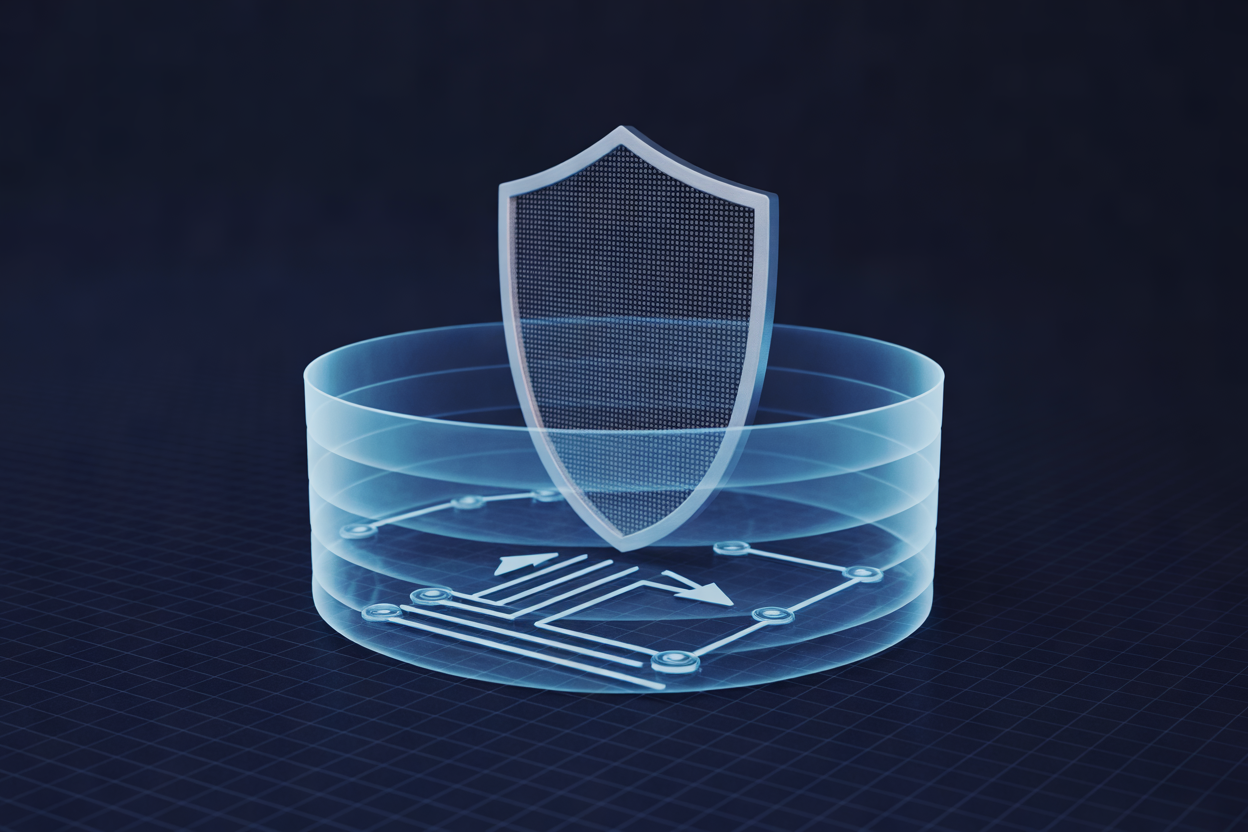
NACLs operate at the subnet level, filtering traffic before it reaches your instances — unlike Security Groups, which work at the instance level. Think of NACLs as a building’s front gate and Security Groups as individual door locks. Together, they give your AWS VPC security a powerful two-layer defense.
Security Groups: Instance-Level Protection You Can Rely On

How Security Groups Act as a Virtual Firewall for Your Resources
Security Groups in AWS VPC security work at the instance level, controlling exactly what traffic reaches your EC2 instances.
Understanding Stateful Behavior and Its Advantages
Unlike NACLs, Security Groups are stateful — return traffic is automatically allowed, simplifying your AWS network traffic control rules significantly.
How All Four Components Work Together to Secure Your AWS Environment
Mapping the Flow of Traffic from the Internet to Your EC2 Instance
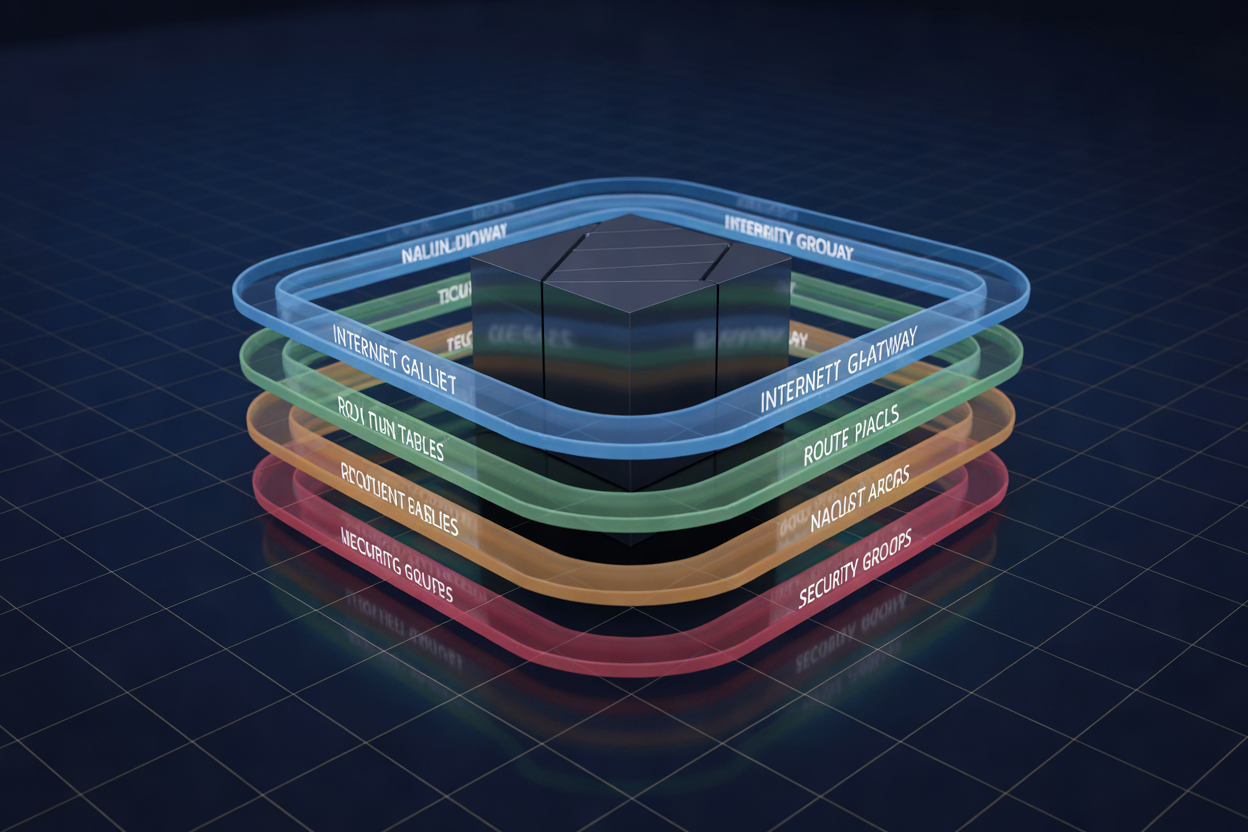
Traffic hits your Internet Gateway, gets routed via Route Tables, passes through NACLs at the subnet level, then reaches Security Groups at the instance. Each layer filters differently:
- IGW: entry point
- Route Tables: directs packets
- NACLs: stateless subnet guard
- Security Groups: stateful instance shield

AWS networking doesn’t have to feel overwhelming. By breaking it down into these four key components, you can see how each one plays a specific role in keeping your cloud environment both functional and secure. Internet Gateways handle the connection to the public internet, Route Tables make sure traffic goes where it needs to go, NACLs act as the first line of defense at the subnet level, and Security Groups lock things down at the instance level. Together, they create a layered security approach that gives you control at every step of the way.
If you’re setting up a new AWS environment or reviewing an existing one, take the time to make sure all four components are properly configured and working together. A gap in any one of them can leave your infrastructure exposed. Start with a solid VPC design, map out your route tables carefully, set your NACLs to filter unwanted traffic, and fine-tune your Security Groups to allow only what’s necessary. Get these right, and you’ll have a network that’s not just functional, but genuinely secure.