

Stop Deploying Code Manually — Here’s How to Build an Automated AWS DevOps Pipeline
If you’re still SSH-ing into servers or running deployment scripts by hand, you’re burning time you don’t have. An automated CI/CD pipeline on AWS takes code from commit to production without you babysitting every step — and it’s more within reach than most people think.
This guide is for developers, DevOps engineers, and cloud architects who want a working, end-to-end AWS pipeline they can actually ship with. You don’t need years of AWS experience, but basic familiarity with the console and cloud concepts will help.
Here’s what we’ll walk through:
- Setting up AWS CodeCommit as your source control foundation and connecting it to the rest of your pipeline
- Automating builds and tests with AWS CodeBuild, so broken code never reaches production
- Orchestrating the full flow with AWS CodePipeline, tying CodeCommit, CodeBuild, and AWS CodeDeploy together into one smooth, continuous deployment process
We’ll also cover how to lock down your pipeline with the right security controls and keep an eye on performance once everything’s running.
By the end, you’ll have a clear picture of AWS DevOps best practices and a blueprint you can start building today. Let’s get into it.
Core Components of an AWS DevOps Pipeline

Key AWS Services That Power Your Pipeline
- AWS CodeCommit – source control
- AWS CodeBuild – automated builds and testing
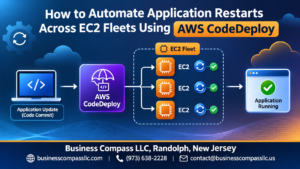
- AWS CodeDeploy – deployment automation
- AWS CodePipeline – orchestration layer
How These Services Work Together
CodeCommit triggers CodeBuild on every push, running tests automatically. Passing builds hand off to CodeDeploy, pushing changes to production seamlessly.
Setting Up Your Source Control with AWS CodeCommit

Creating and Configuring Your First Repository
Run aws codecommit create-repository --repository-name my-app to spin up your repo instantly.
Enforcing Branch Policies
- Block direct pushes to
main - Require pull request approvals
Access Management
Attach IAM policies per developer role, keeping your AWS CodeCommit setup locked down tight.
Automating Builds and Testing with AWS CodeBuild

Writing a Bulletproof Buildspec File
Define phases clearly: install, pre_build, build, and post_build.
Running Automated Tests to Catch Issues Early
- Run unit and integration tests inside CodeBuild
- Fail fast on errors before deployment
Storing and Managing Build Artifacts Efficiently
Push artifacts directly to S3 for seamless AWS CodePipeline handoff.
Streamlining Deployments with AWS CodeDeploy

Configuring Deployment Groups for Different Environments
Target EC2 instances using tags like Environment:Production or Environment:Staging.
Using Blue/Green Deployments to Eliminate Downtime
Spin up fresh instances, shift traffic, then terminate old ones — zero disruption.
Rolling Back Failed Deployments Automatically
AWS CodeDeploy deployment triggers instant rollback when health checks fail.
Validating Deployments with Lifecycle Hooks
Run scripts at AfterInstall or ValidateService hooks to catch broken releases early.
Orchestrating the Full Pipeline with AWS CodePipeline

Building a Multi-Stage Pipeline From Scratch
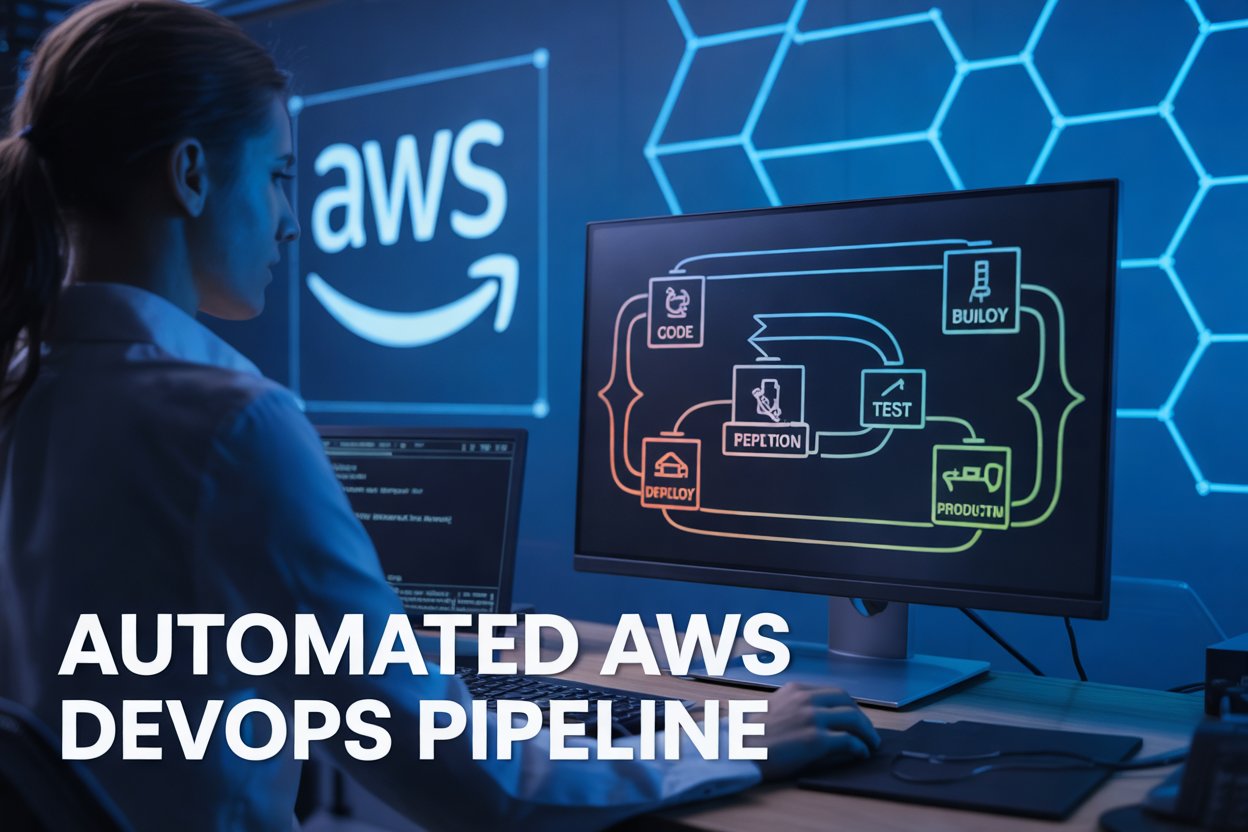
AWS CodePipeline stitches together your entire automated CI/CD pipeline AWS workflow—source, build, test, and deploy—into one visual flow.
Adding Manual Approval Gates Before Production Releases
Drop an approval action between staging and production to give your team a final check.
Triggering Pipelines Automatically on Every Code Commit
CodePipeline watches your AWS CodeCommit repo and kicks off instantly on every push.
Integrating Third-Party Tools
Connect Jenkins, GitHub, or Slack effortlessly using built-in integrations.
Securing Your Pipeline From End to End

Applying Least-Privilege IAM Roles Across All Stages
Assign separate IAM roles to CodeBuild, CodeDeploy, and CodePipeline—each with only the permissions they actually need.
Encrypting Artifacts and Secrets Using AWS KMS
Use KMS customer-managed keys to encrypt pipeline artifacts and store credentials in Secrets Manager.
Auditing Pipeline Activity with AWS CloudTrail
CloudTrail logs every API call, giving you a clear activity trail across your entire AWS DevOps pipeline.
Monitoring and Optimizing Pipeline Performance

Tracking Pipeline Health with Amazon CloudWatch
Setting Up Alerts to Detect and Respond to Failures Fast
Reducing Build Times and Cutting Infrastructure Costs
Using Pipeline Metrics to Drive Continuous Improvement
Monitor your AWS DevOps pipeline using CloudWatch dashboards tracking build durations, deployment success rates, and failure patterns. Set SNS-triggered alerts for broken stages, so your team responds instantly. Cache dependencies in CodeBuild, right-size build instances, and analyze pipeline metrics regularly to spot bottlenecks and continuously improve your automated CI/CD pipeline AWS workflow.

Setting up an automated AWS DevOps pipeline might feel like a big undertaking at first, but breaking it down into manageable pieces makes it much more approachable. From organizing your source control in CodeCommit to automating builds, running tests, and pushing deployments through CodeDeploy, each component plays a specific role in getting your code from a developer’s machine to production safely and efficiently. Tying it all together with CodePipeline gives you a single, orchestrated workflow that removes the manual handoffs and guesswork that slow teams down.
The real wins come when you layer in solid security practices and keep a close eye on how your pipeline performs over time. A pipeline that’s both secure and well-monitored isn’t just faster — it’s one you can actually trust. So pick one piece of this setup, start building, and iterate from there. You don’t need everything perfect on day one; you just need to get started.