


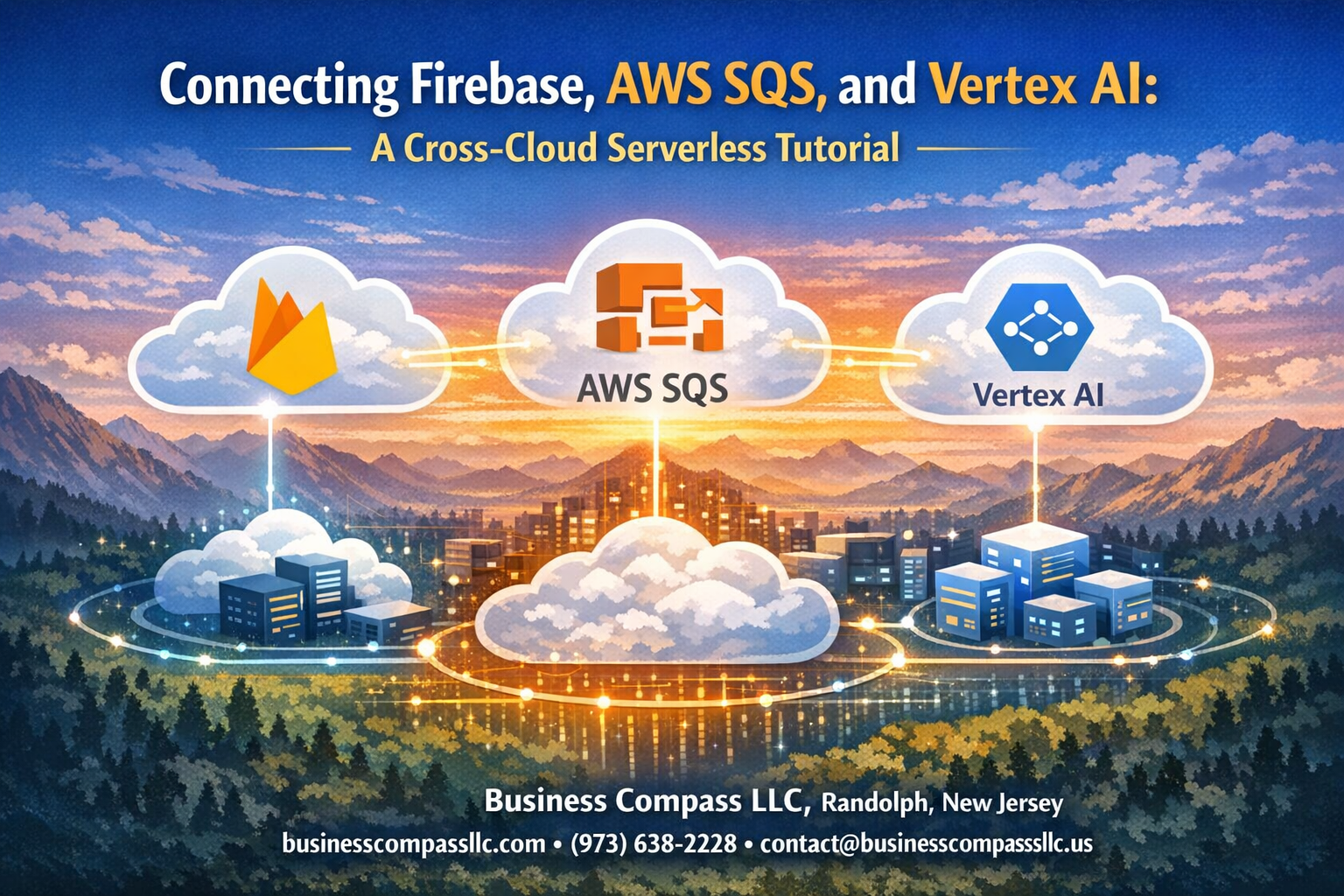
Building cross-cloud applications doesn’t have to be complicated. This Firebase AWS integration tutorial walks you through connecting three powerful platforms to create a seamless serverless workflow that spans Google Cloud and Amazon Web Services.
This guide is perfect for developers and cloud architects who want to build scalable applications that leverage the best features from multiple cloud providers. You’ll learn how to set up cross-cloud messaging setup between Firebase and AWS SQS, then add machine learning capabilities with Vertex AI integration.
We’ll cover how to configure Firebase to AWS SQS connection for reliable message queuing across clouds. You’ll also discover how to implement Vertex AI serverless processing to add smart features to your application. By the end, you’ll have a complete multi-cloud integration Firebase solution that processes data intelligently and scales automatically.
Ready to build your first cross-cloud serverless architecture? Let’s start connecting these services and unlock new possibilities for your applications.
Setting Up Your Firebase Environment

Create Firebase project and enable required services
Start by navigating to the Firebase Console and creating a new project. Choose a descriptive name that reflects your cross-cloud serverless architecture goals. Once your project is ready, enable essential services including Cloud Functions, Firestore Database, and Authentication from the project settings panel.
The Firebase AWS integration requires specific APIs to be activated. Enable the Cloud Functions API for serverless execution and the Firestore API for database operations. These services form the foundation of your cross-cloud messaging setup.
Configure Firestore database with security rules
Set up your Firestore database in either test mode or production mode, depending on your development phase. Production mode requires custom security rules that control data access patterns. Create rules that allow authenticated users to read and write specific document paths while maintaining security boundaries.
Your security rules should include validation for document structure and user permissions. This configuration ensures your Firebase SQS connection tutorial maintains data integrity when processing messages across cloud platforms.
Set up Firebase Cloud Functions for event triggers
Deploy Cloud Functions that respond to Firestore document changes, authentication events, and HTTP requests. These functions act as the bridge between Firebase and external services like AWS SQS. Configure triggers for onCreate, onUpdate, and onDelete events to capture all relevant data changes.
Each function should include proper error handling and logging mechanisms. This setup enables your serverless workflow Firebase AWS integration to process events reliably and trigger downstream operations in your multi-cloud architecture.
Install necessary Firebase SDK dependencies
Initialize your project with the Firebase CLI and install required packages including firebase-functions, firebase-admin, and @google-cloud/firestore. Add AWS SDK dependencies like aws-sdk for SQS interactions. Your package.json should include all necessary libraries for cross-cloud communication.
Configure your development environment with proper authentication credentials and environment variables. This setup ensures your Vertex AI machine learning integration can access both Firebase and AWS resources securely throughout your serverless processing pipeline.
Configuring AWS SQS for Cross-Cloud Messaging
Create SQS queue with appropriate permissions
Setting up your AWS SQS queue properly forms the backbone of successful Firebase AWS integration. Start by creating a standard SQS queue through the AWS Management Console, then configure the access policy to allow cross-service communication. Your queue permissions should include SendMessage, ReceiveMessage, and DeleteMessage actions for the specific IAM role that Firebase will use.
Generate AWS IAM credentials for Firebase integration
Creating dedicated IAM credentials ensures secure cross-cloud serverless architecture between Firebase and AWS services. Generate a new IAM user with programmatic access, attaching a custom policy that grants SQS permissions without over-privileging. Store the access key ID and secret access key securely, as these credentials will authenticate your Firebase SQS connection tutorial workflows.
Configure dead letter queues for error handling
Dead letter queues provide essential error handling for your cross-cloud messaging setup when messages fail processing. Create a secondary SQS queue configured as your main queue’s dead letter destination, setting the maximum receive count to 3-5 attempts. This configuration captures failed messages for debugging while preventing infinite retry loops that could impact your serverless workflow Firebase AWS performance.
Establishing Firebase to AWS SQS Connection
Build Cloud Function to send messages to SQS
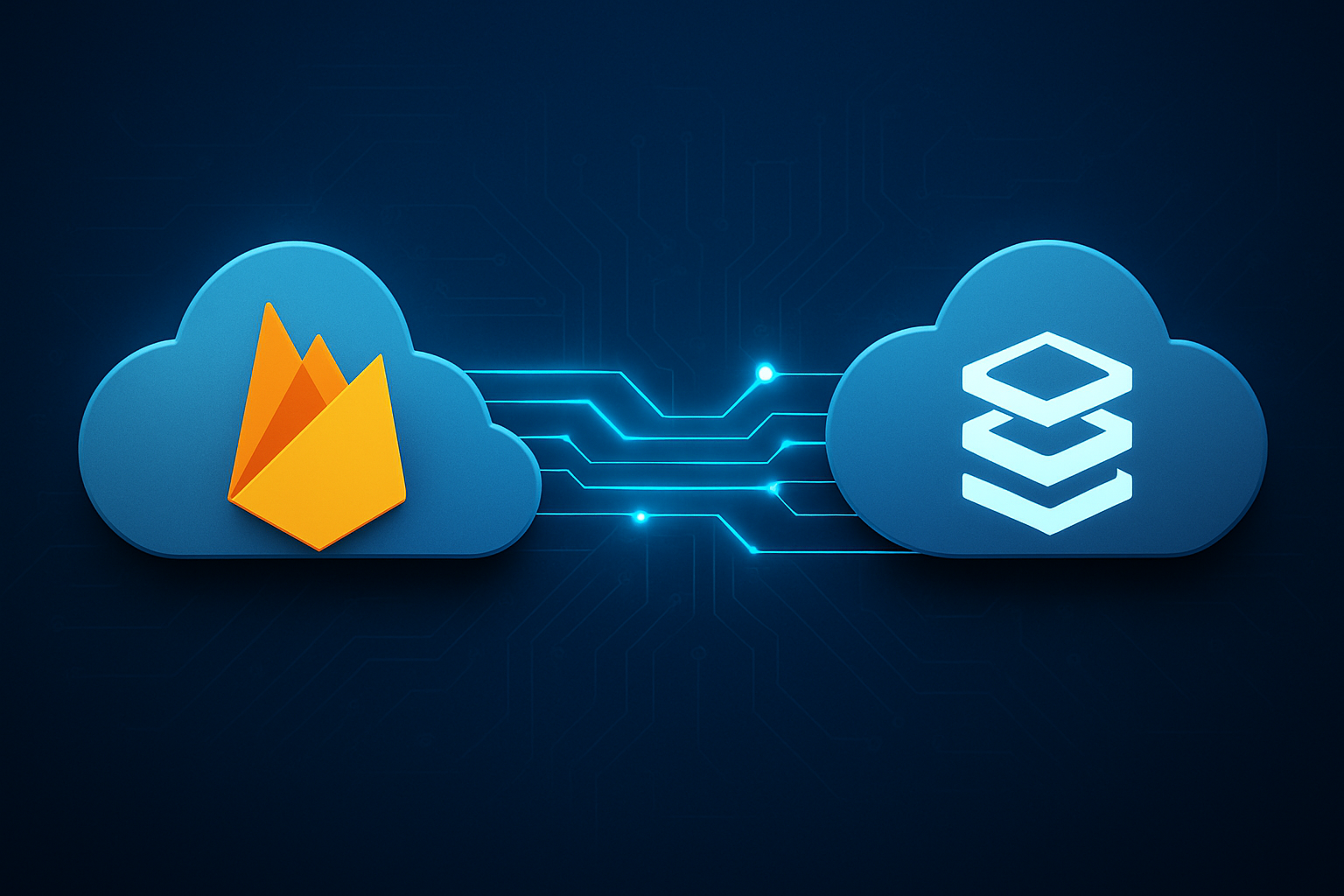
Creating a Firebase Cloud Function that sends messages to AWS SQS requires the AWS SDK and proper IAM permissions. Your function should initialize the SQS client with region-specific endpoints and handle message formatting according to your queue requirements. The Firebase AWS integration becomes seamless when you structure your Cloud Function to accept Firebase event triggers and transform the data into SQS-compatible message payloads.
Implement authentication between Firebase and AWS
AWS authentication from Firebase requires IAM roles with SQS permissions and proper credential management. Store your AWS access keys securely using Firebase Functions config or environment variables, never hardcode credentials in your source code. The cross-cloud serverless architecture demands robust security practices, so consider using AWS STS for temporary credentials or IAM roles for service accounts when establishing your Firebase SQS connection tutorial setup.
Add error handling and retry logic
Robust error handling prevents message loss during cross-cloud messaging setup failures. Implement exponential backoff strategies for temporary network issues and dead letter queues for persistent failures. Your Firebase to AWS SQS tutorial should include comprehensive error catching that distinguishes between transient connectivity issues and permanent configuration problems, ensuring reliable message delivery across your multi-cloud integration Firebase architecture.
Test message delivery and queue monitoring
Monitor your SQS queue through AWS CloudWatch metrics to track message delivery rates, queue depth, and processing times. Set up Firebase Functions logs to capture successful sends and error conditions, creating visibility into your serverless workflow Firebase AWS integration. Test various message sizes and frequencies to validate your queue configuration handles expected traffic patterns while maintaining optimal performance across your cross-cloud infrastructure.
Integrating Vertex AI for Machine Learning Processing

Enable Vertex AI APIs and set up service accounts
Start by enabling the Vertex AI API in your Google Cloud Console and creating dedicated service accounts with proper IAM roles. Your Firebase to AWS SQS integration benefits from Vertex AI’s ML capabilities when you configure the necessary permissions for cross-cloud authentication. Set up workload identity federation to allow secure communication between your Firebase functions and Vertex AI services without storing static credentials.
Create separate service accounts for different ML operations like training, prediction, and model management. Grant the AI Platform Developer role for training operations and Vertex AI User role for inference tasks. This serverless workflow Firebase AWS architecture requires careful permission management to maintain security across cloud boundaries.
Create custom ML pipeline for your use case
Design your Vertex AI pipeline to process data flowing from Firebase through AWS SQS messaging. Use Vertex AI Pipelines to orchestrate your machine learning workflow, connecting data preprocessing, model training, and evaluation steps. Your cross-cloud serverless architecture can trigger pipeline executions based on SQS message patterns or scheduled intervals.
Build reusable pipeline components that handle different data types from your Firebase application. Configure pipeline parameters to dynamically adjust based on message content from your SQS queues. This approach creates a flexible Vertex AI serverless processing system that scales automatically with your application’s demands.
Configure batch prediction endpoints
Set up Vertex AI batch prediction jobs to process large volumes of data accumulated from your Firebase SQS connection tutorial workflow. Create prediction endpoints that can handle both real-time and batch inference requests depending on your application’s requirements. Configure auto-scaling settings to manage costs while maintaining performance during peak processing periods.
Implement prediction result storage back to Firebase or directly to your application endpoints. Your multi-cloud integration Firebase setup can route prediction outputs through SQS for further processing or direct consumption by client applications. Monitor prediction job performance and set up alerts for failed or delayed batch operations.
Implement model versioning and deployment strategies
Establish a robust model versioning system using Vertex AI Model Registry to track different iterations of your machine learning models. Create deployment pipelines that automatically promote models through development, staging, and production environments based on performance metrics and validation results. Your AWS SQS Firebase configuration can trigger model deployments when new training data reaches specific thresholds.
Implement A/B testing strategies for model deployment using Vertex AI’s traffic splitting capabilities. Set up automated rollback procedures for underperforming models and configure monitoring dashboards to track model drift and performance degradation. This ensures your cross-cloud messaging setup maintains high-quality ML predictions across your entire serverless architecture.
Building the Complete Serverless Workflow

Design event-driven architecture flow
Creating a robust cross-cloud serverless architecture requires mapping out your data pipeline from Firebase triggers through AWS SQS to Vertex AI processing. Your architecture should follow a push-based model where Firebase Cloud Functions detect document changes, format the data payload, and publish messages to your SQS queue. The queue acts as a buffer between services, ensuring reliable message delivery even during traffic spikes.
Design your workflow to handle both success and failure scenarios gracefully. Include dead letter queues for messages that fail processing multiple times, and implement exponential backoff strategies for retries. Your Firebase AWS integration should maintain loose coupling between services, allowing each component to scale independently while preserving data integrity throughout the pipeline.
Create SQS message processing triggers
Set up Lambda functions to process messages from your SQS queue and invoke Vertex AI endpoints for machine learning predictions. Configure your Lambda triggers with appropriate batch sizes and visibility timeouts to optimize throughput while preventing message loss. Your processing function should validate incoming Firebase data, transform it for Vertex AI consumption, and handle authentication between AWS and Google Cloud services.
Implement proper error handling within your Lambda functions to manage API rate limits and temporary service unavailability. Use SQS message attributes to route different data types to specialized processing functions, enabling your serverless workflow Firebase AWS integration to handle diverse use cases efficiently.
Connect processed data back to Firebase
After Vertex AI processes your data, establish a return path to update Firebase with enriched results. Use Firebase Admin SDK within your Lambda functions to authenticate and write processed data back to Firestore collections. Structure your return data to maintain referential integrity with original documents while adding new prediction fields and metadata.
Consider implementing batch updates for high-volume scenarios and use Firebase’s real-time listeners to notify client applications of completed processing. Your cross-cloud messaging setup should include proper error handling for write operations and maintain audit trails for debugging purposes.
Implement logging and monitoring across all services
Deploy comprehensive monitoring across your multi-cloud integration Firebase setup using CloudWatch for AWS components and Cloud Logging for Google Cloud services. Create custom metrics to track message processing latency, error rates, and cost per transaction. Set up alerts for queue depth thresholds, failed Lambda invocations, and Firebase write errors to maintain system reliability.
Use structured logging with correlation IDs to trace messages through your entire pipeline from Firebase triggers to Vertex AI responses. Implement dashboards that provide real-time visibility into your cross-cloud workflow performance, enabling proactive issue resolution and capacity planning.
Set up automated scaling and cost optimization
Configure auto-scaling policies for your Lambda functions based on SQS queue metrics and processing duration. Use reserved capacity for predictable workloads while maintaining on-demand scaling for traffic spikes. Implement lifecycle policies for your SQS dead letter queues and Firebase storage to manage long-term costs effectively.
Optimize your Vertex AI serverless processing costs by choosing appropriate machine types and implementing request batching where possible. Monitor your cross-cloud data transfer costs and consider regional deployment strategies to minimize egress charges while maintaining acceptable latency for your use case.
Testing and Debugging Your Cross-Cloud Integration

Unit test individual service components
Start by testing each piece of your Firebase AWS integration separately before connecting them together. Create focused tests for your Firebase Cloud Functions to verify they handle incoming requests correctly and format data properly for SQS messages. Test your AWS Lambda functions independently by sending mock SQS messages and checking if they process data correctly before forwarding to Vertex AI. Write unit tests for your Vertex AI model endpoints using sample data to confirm predictions return expected formats and handle edge cases gracefully.
Perform end-to-end integration testing
Build comprehensive test scenarios that simulate real user interactions flowing through your entire cross-cloud serverless architecture. Create test data that moves from Firebase through SQS to Vertex AI processing, then verify results return to the original Firebase application correctly. Use tools like Postman or custom scripts to automate these workflows and catch integration issues early. Test different data volumes and message types to ensure your Firebase SQS connection tutorial implementation handles various real-world scenarios without breaking.
Monitor performance metrics and latency
Track key performance indicators across all cloud platforms to identify bottlenecks in your serverless workflow Firebase AWS setup. Monitor Firebase Cloud Function execution times, SQS message delivery delays, and Vertex AI model inference latency using each platform’s native monitoring tools. Set up CloudWatch alarms for AWS components and Firebase Performance Monitoring for Google services to get alerts when response times exceed acceptable thresholds. Create dashboards that visualize end-to-end request timing to spot performance degradation quickly.
Troubleshoot common cross-cloud connectivity issues
Address authentication problems by double-checking IAM roles, service account permissions, and API keys across all three platforms in your multi-cloud integration Firebase setup. Network connectivity issues often stem from VPC configurations, security groups, or firewall rules blocking cross-cloud communication. Debug message formatting problems by logging payloads at each integration point to ensure data structures match expected schemas. When messages fail to process, check dead letter queues and error logs systematically to trace where the cross-cloud messaging setup breaks down.

Building a serverless workflow that connects Firebase, AWS SQS, and Vertex AI opens up incredible possibilities for scalable applications. You now have the foundation to create robust systems that can handle real-time data processing, intelligent machine learning workflows, and seamless cross-cloud communication. The combination of Firebase’s real-time capabilities, SQS’s reliable messaging, and Vertex AI’s powerful ML processing creates a powerful architecture that can grow with your needs.
Start implementing this setup piece by piece, testing each connection thoroughly before moving to the next step. Remember that cross-cloud integrations require careful attention to security, error handling, and monitoring. Take your time with the authentication setup and make sure your error handling is solid – these details will save you hours of debugging later. Once you have everything working smoothly, you’ll have a flexible foundation that can power everything from simple data pipelines to complex AI-driven applications.









