


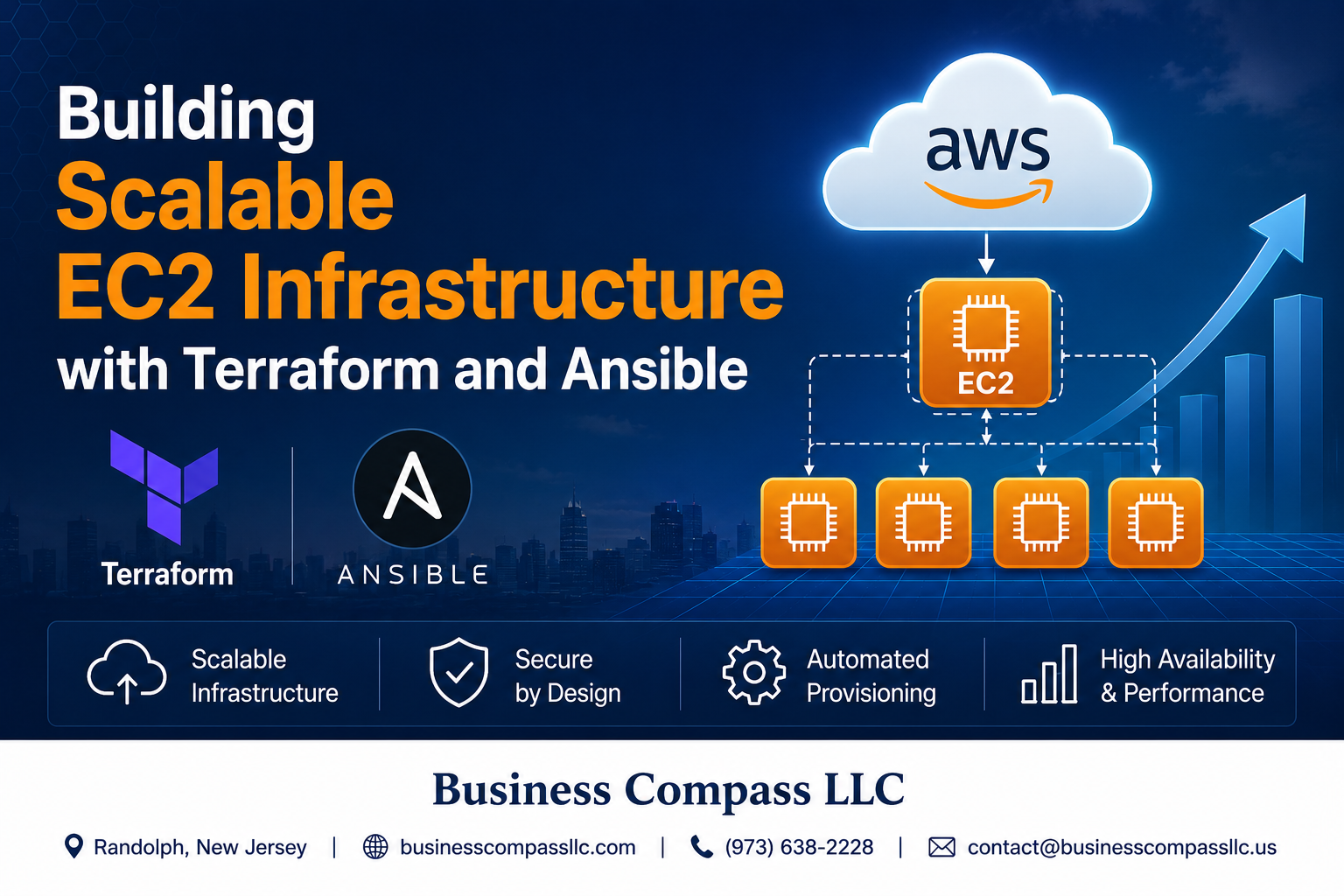
Managing AWS infrastructure manually becomes a nightmare as your applications grow. Building scalable EC2 infrastructure with Terraform and Ansible solves this challenge by automating your entire cloud setup from server provisioning to configuration management.
This guide is for DevOps engineers, cloud architects, and developers who want to master infrastructure as code best practices for their AWS environments. You’ll learn how to create robust, repeatable deployments that scale with your business needs.
We’ll walk through setting up your Terraform foundation for reliable EC2 deployments and show you how Terraform Ansible integration streamlines your entire workflow. You’ll also discover proven strategies for designing scalable cloud infrastructure that handles traffic spikes while keeping costs under control.
By the end, you’ll have the skills to build production-ready AWS infrastructure that deploys consistently every time and scales effortlessly as your applications grow.
Understanding the Power of Infrastructure as Code for AWS EC2

Eliminate Manual Server Provisioning Errors and Inconsistencies
Manual EC2 provisioning leads to configuration drift and human errors that plague production environments. Infrastructure as code transforms this chaos into predictable, repeatable deployments. Teams eliminate the “works on my machine” syndrome by defining infrastructure in version-controlled code. Terraform ensures every EC2 instance launches with identical configurations, reducing debugging time and improving reliability across development, staging, and production environments.
Achieve Faster Deployment Cycles with Automated Infrastructure
AWS infrastructure as code accelerates deployment speed from hours to minutes. Developers push code changes and watch infrastructure automatically provision, configure, and scale. Automated pipelines replace slow manual processes, enabling rapid iteration and faster time-to-market. Teams can spin up complete environments for testing, tear them down when finished, and rebuild them instantly. This automation removes bottlenecks that traditionally slow software delivery cycles.
Reduce Operational Costs Through Optimized Resource Management
Scalable EC2 infrastructure with terraform eliminates waste through precise resource allocation. Automated scaling policies adjust capacity based on actual demand rather than over-provisioned estimates. Teams shut down development environments automatically after hours, reducing unnecessary costs. Infrastructure as code best practices include right-sizing instances, spot instance integration, and automated cleanup of unused resources. Cost optimization becomes systematic rather than reactive, delivering measurable savings month over month.
Scale Your Infrastructure Seamlessly Across Multiple Environments
EC2 terraform automation enables effortless scaling across regions and availability zones. Infrastructure definitions adapt to different environment sizes while maintaining consistency. Production deployments replicate exactly what worked in testing environments. Auto-scaling groups expand and contract based on traffic patterns without manual intervention. Multi-region deployments become straightforward when infrastructure exists as code templates that deploy anywhere within AWS global infrastructure.
Setting Up Your Terraform Foundation for EC2 Success

Install and configure Terraform with AWS provider credentials
Getting Terraform up and running with AWS requires proper credential configuration. Install Terraform from HashiCorp’s official repository using package managers like brew install terraform on macOS or download binaries directly. Configure AWS credentials through the AWS CLI with aws configure, environment variables (AWS_ACCESS_KEY_ID, AWS_SECRET_ACCESS_KEY), or IAM roles for EC2 instances. Create a versions.tf file specifying the AWS provider version to ensure consistent terraform ec2 deployments across environments.
Structure your project with modular Terraform configurations
Organize your terraform ec2 project using a clear directory structure that separates environments, modules, and configurations. Create folders for modules/, environments/dev/, environments/prod/, and shared resources. Use separate files like main.tf for resources, variables.tf for input parameters, outputs.tf for return values, and terraform.tfvars for environment-specific values. This modular approach enables reusable infrastructure as code best practices and simplifies maintenance across multiple AWS environments.
Create reusable modules for VPC, subnets, and security groups
Build foundational modules for VPC components that support scalable ec2 infrastructure. Design a VPC module with configurable CIDR blocks, availability zones, and subnet configurations. Create subnet modules that handle public and private subnet creation with proper routing tables. Develop security group modules with parameterized rules for common patterns like web servers, databases, and application tiers. These reusable modules accelerate aws ec2 automation and ensure consistent networking configurations across your terraform aws deployment projects.
Designing Scalable EC2 Architecture with Terraform

Configure auto-scaling groups for dynamic capacity management
Auto Scaling Groups (ASGs) automatically adjust your EC2 capacity based on demand, keeping costs low during quiet periods and scaling up when traffic spikes. Define minimum, maximum, and desired instance counts in your Terraform configuration, then set scaling policies triggered by CloudWatch metrics like CPU utilization or request count. Target tracking policies work best for most applications, automatically adding or removing instances to maintain your chosen metric threshold. Configure health checks to replace unhealthy instances automatically, and use launch templates to ensure consistent instance configuration across all scaled resources.
Implement load balancers for high availability and traffic distribution
Application Load Balancers distribute incoming traffic across multiple EC2 instances, eliminating single points of failure and improving response times. Create target groups in Terraform that define health check parameters and routing rules for your instances. Configure listener rules to route traffic based on path patterns, host headers, or HTTP methods. Enable sticky sessions when needed for stateful applications, and set up SSL termination at the load balancer level to reduce computational overhead on your instances. Cross-zone load balancing ensures even distribution across all availability zones.
Set up multi-AZ deployments for disaster recovery
Deploy your scalable EC2 infrastructure across multiple availability zones to protect against datacenter failures and maintain high availability. Configure your Auto Scaling Groups to span at least two AZs, distributing instances evenly to handle zone outages gracefully. Create subnets in different zones and ensure your load balancers can route traffic to healthy instances in any available zone. Database replicas and EBS snapshots should also be distributed across zones. This multi-AZ approach provides automatic failover capabilities and meets most compliance requirements for disaster recovery.
Optimize instance types and sizes for cost-effective performance
Choose the right EC2 instance families based on your workload characteristics – compute-optimized for CPU-intensive tasks, memory-optimized for in-memory databases, or general-purpose for balanced workloads. Start with smaller instances and use monitoring data to right-size your infrastructure. Implement mixed instance types in your Auto Scaling Groups to take advantage of Spot Instances for cost savings while maintaining On-Demand instances for baseline capacity. Use placement groups for applications requiring low network latency, and consider burstable performance instances for variable workloads that don’t consistently need high CPU performance.
Create secure network configurations with proper subnet isolation
Design your VPC with public subnets for load balancers and NAT gateways, while placing application servers in private subnets without direct internet access. Create separate subnets for different application tiers – web, application, and database layers should be isolated from each other. Configure Network ACLs and Security Groups following the principle of least privilege, allowing only necessary traffic between components. Use VPC endpoints for AWS services to avoid routing traffic through the internet gateway. Implement proper routing tables and consider using AWS Transit Gateway for complex multi-VPC architectures.
Automating Server Configuration with Ansible Integration

Install Ansible and establish SSH connectivity to EC2 instances
Setting up Ansible for terraform ec2 automation requires installing Ansible on your control machine and configuring secure SSH access to your instances. Install Ansible using pip install ansible or your system’s package manager. Generate SSH key pairs and configure your terraform aws deployment to include the public key in your EC2 instances during provisioning. Update your security groups to allow SSH traffic on port 22 from your control machine’s IP address. Test connectivity using ansible all -m ping to verify your aws ec2 automation setup works correctly before proceeding with configuration management tasks.
Create dynamic inventory for automatic server discovery
Dynamic inventory eliminates manual server management by automatically discovering your EC2 instances based on tags and metadata. Configure the AWS EC2 inventory plugin by creating an inventory.aws_ec2.yml file that queries your AWS account for running instances. Set up proper IAM permissions for Ansible to read EC2 instance information, including describe-instances and describe-tags permissions. Use instance tags created during your terraform ansible integration to group servers by role, environment, or application type. This scalable ec2 infrastructure approach automatically updates your inventory as instances are added or removed through Terraform operations.
Design playbooks for application deployment and system configuration
Create modular Ansible playbooks that handle both system-level configuration and application deployment for your scalable cloud infrastructure. Structure your main playbook to include separate task files for package installation, service configuration, security hardening, and application-specific setup. Use Ansible variables to customize deployments across different environments, leveraging the same playbook for development, staging, and production instances. Implement handlers to restart services only when configuration files change, and use conditional statements to apply different configurations based on instance types or roles defined in your terraform ec2 setup.
Implement role-based configurations for different server types
Organize your infrastructure as code best practices using Ansible roles to manage different server configurations like web servers, database servers, and load balancers. Create a dedicated role directory structure with tasks, handlers, templates, and variables for each server type. Use role dependencies to ensure common configurations like security updates and monitoring agents are applied before application-specific configurations. Tag your EC2 instances during Terraform provisioning with role identifiers, then use these tags in your dynamic inventory to automatically apply the appropriate roles to each instance type in your aws infrastructure as code deployment.
Orchestrating Infrastructure Deployment and Management

Combine Terraform and Ansible for end-to-end automation
Terraform excels at provisioning AWS EC2 infrastructure while Ansible handles configuration management seamlessly. Connect these tools using Terraform’s local-exec provisioner or dynamic inventory files to automatically trigger Ansible playbooks after infrastructure deployment. This terraform ansible integration creates a powerful workflow where EC2 instances are provisioned with proper security groups, networking, and storage, then immediately configured with applications, services, and security hardening through Ansible automation.
Establish CI/CD pipelines for infrastructure updates
GitLab CI, GitHub Actions, or Jenkins can orchestrate your terraform ec2 deployments with automated testing and validation stages. Set up pipeline triggers on infrastructure code changes, incorporating terraform plan for review stages and terraform apply for deployment phases. Include Ansible playbook execution in your pipeline to ensure complete aws ec2 automation from infrastructure provisioning through application deployment, creating a reliable path from code commit to production infrastructure.
Implement blue-green deployments for zero-downtime releases
Blue-green deployments with terraform aws deployment strategies minimize service disruption during infrastructure updates. Create duplicate environments using Terraform modules, deploy new versions to the green environment while blue serves production traffic, then switch load balancer targets after validation. This scalable ec2 infrastructure approach allows instant rollbacks and eliminates downtime during updates. Use Auto Scaling Groups with launch templates to manage instance replacements and maintain consistent configurations across both environments.
Monitoring and Maintaining Your Scalable Infrastructure

Set up CloudWatch monitoring and alerting for proactive management
Effective monitoring keeps your terraform ec2 infrastructure running smoothly. CloudWatch automatically collects metrics from your EC2 instances, tracking CPU usage, memory consumption, and network traffic. Create custom dashboards that display key performance indicators for your scalable ec2 infrastructure. Set up metric-based alarms that trigger notifications when thresholds are exceeded. Configure SNS topics to send alerts via email, SMS, or Slack channels. Use CloudWatch Logs to centralize application and system logs from all instances. Enable detailed monitoring for granular insights into instance performance patterns.
Implement automated backup strategies for data protection
Protect your data with automated backup solutions that scale with your infrastructure. Use AWS Backup to create cross-region backup policies for EBS volumes and databases. Configure Terraform scripts to automatically tag resources for backup policies. Set up lifecycle rules that transition older backups to cheaper storage classes like Glacier. Create Point-in-Time Recovery (PITR) snapshots for critical databases. Test backup restoration procedures regularly to ensure data integrity. Schedule automated backup verification scripts that run weekly to validate backup completeness and accessibility.
Create maintenance schedules for security updates and patches
Regular maintenance keeps your scalable cloud infrastructure secure and performant. Use AWS Systems Manager Patch Manager to automate OS updates across your EC2 fleet. Create maintenance windows during low-traffic periods to minimize service disruption. Configure Ansible playbooks that apply security patches and restart services systematically. Implement blue-green deployment strategies for zero-downtime updates. Set up automated vulnerability scanning with AWS Inspector. Create rollback procedures for failed updates. Use Terraform to manage infrastructure updates alongside application deployments, ensuring consistency across environments.
Establish cost monitoring and optimization practices
Track and optimize infrastructure costs to maximize your cloud investment. Enable Cost Explorer to analyze spending patterns across your terraform aws deployment. Set up billing alerts that notify you when costs exceed predefined thresholds. Use AWS Cost Anomaly Detection to identify unusual spending spikes automatically. Implement automated instance rightsizing based on utilization metrics. Schedule non-production environments to shut down during off-hours using Lambda functions. Tag all resources consistently for accurate cost allocation. Review Reserved Instance recommendations monthly to secure better pricing for long-running workloads.

Building a robust, scalable EC2 infrastructure doesn’t have to be overwhelming when you combine the right tools and approaches. Terraform gives you the foundation to design and deploy consistent infrastructure, while Ansible takes care of the detailed server configuration that makes everything run smoothly. Together, they create a powerful automation pipeline that saves time, reduces errors, and makes your infrastructure much easier to manage as it grows.
The real magic happens when you stop treating infrastructure as something you build once and forget about. By embracing Infrastructure as Code principles, setting up proper monitoring, and maintaining your systems proactively, you’re setting yourself up for long-term success. Start small with a basic setup, get comfortable with the workflow, and gradually add more complexity as your needs evolve. Your future self will thank you for taking the time to build something that scales gracefully instead of constantly fighting fires.









