Deploying a Production-Ready 2-Tier App on AWS
Building and launching a two-tier application AWS deployment can feel overwhelming when you’re dealing with real users and actual business requirements. This guide walks you through creating AWS 2-tier architecture that won’t crash when traffic spikes or keep you up at night worrying about security breaches.
Who This Guide Is For
This tutorial targets developers, DevOps engineers, and system administrators who need to move beyond basic tutorials and deploy production-ready AWS infrastructure. You should have basic AWS experience but want detailed steps for handling real-world deployment challenges.
What You’ll Learn
We’ll cover setting up Amazon RDS database setup with proper security configurations and backup strategies that protect your data. You’ll also learn EC2 application deployment techniques including auto-scaling groups and AWS load balancing to handle traffic spikes gracefully.
Finally, we’ll dive into AWS security best practices and AWS monitoring optimization so you can sleep well knowing your application runs smoothly and stays protected against common threats.
Understanding 2-Tier Architecture for AWS Deployment
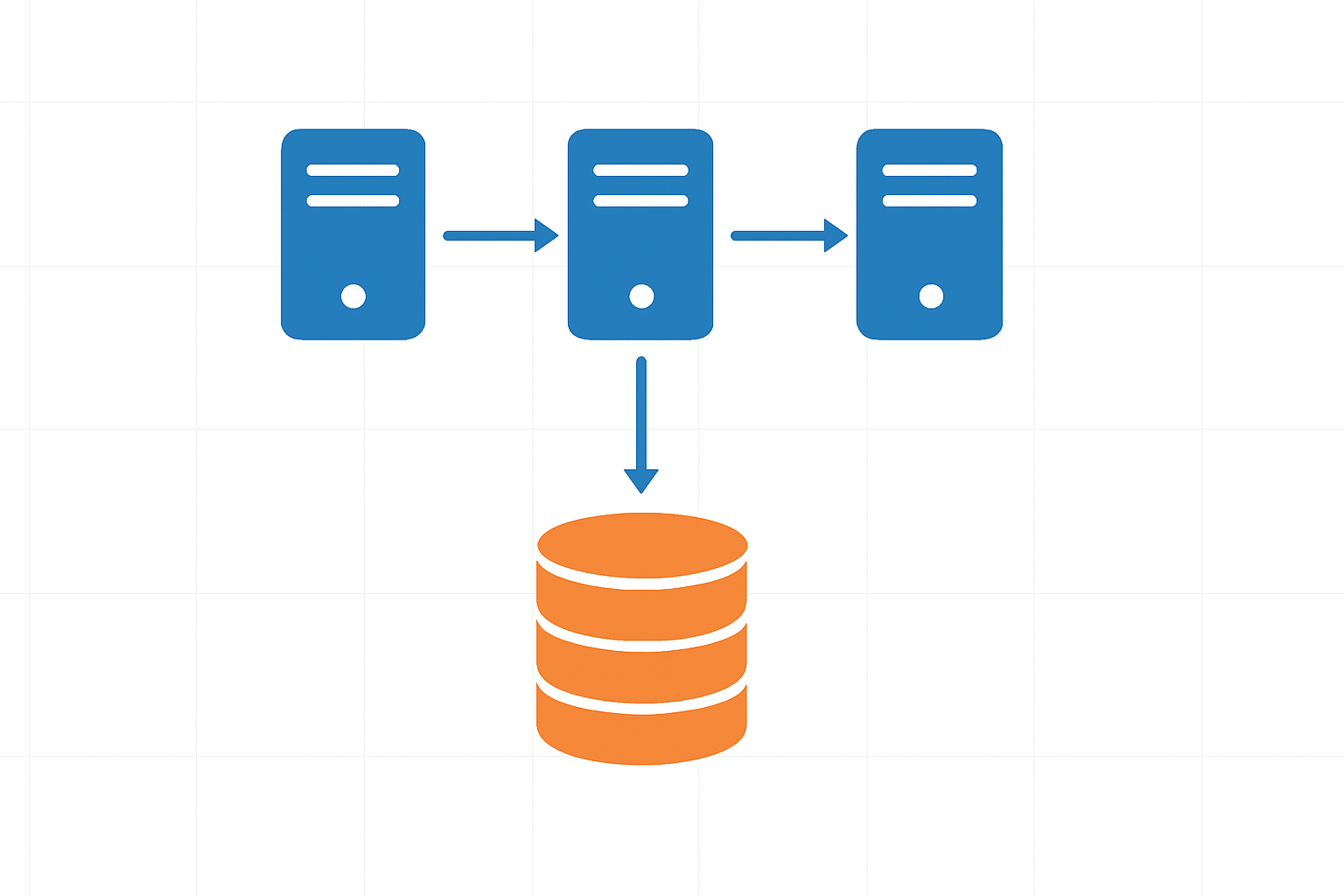
Components of Frontend and Backend Separation
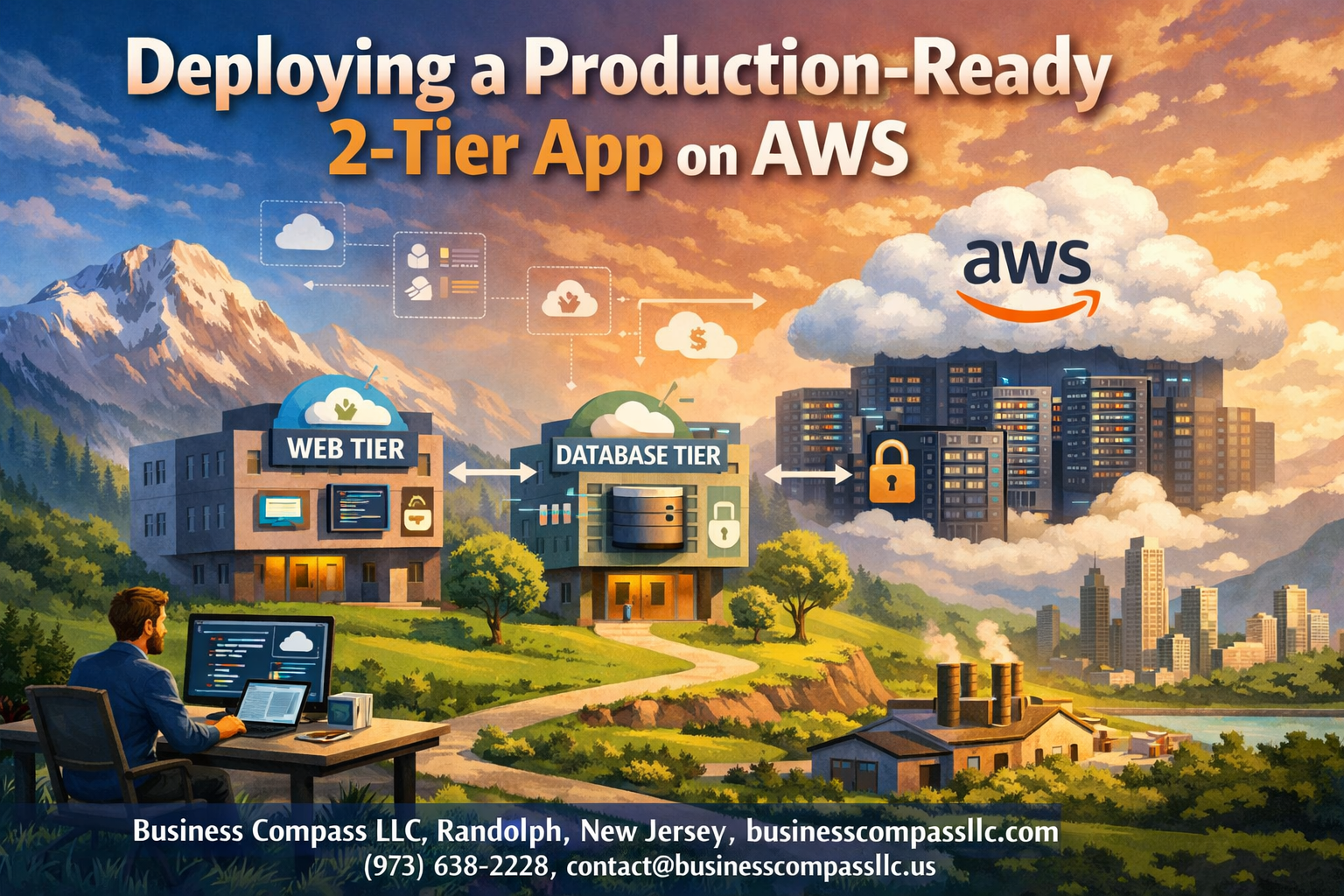
AWS 2-tier architecture separates applications into distinct presentation and data layers, creating a clean division between user-facing components and backend processing. The frontend tier handles user interactions, web interfaces, and client-side logic, while the backend tier manages database operations, business logic, and data storage. This separation allows teams to develop, scale, and maintain each layer independently, reducing complexity and improving system reliability.
Benefits of Scalable Web and Database Tier Design
Separating web and database tiers delivers significant advantages for production-ready AWS infrastructure. Each tier can scale independently based on demand – you can add more web servers during high traffic without touching the database layer. This design improves fault tolerance, as issues in one tier don’t automatically cascade to others. Performance optimization becomes more targeted, allowing specific tuning for web servers versus database configurations.
AWS Services That Support 2-Tier Applications
- Amazon EC2 powers the application tier with flexible compute instances
- Amazon RDS provides managed database services for the data tier
- Application Load Balancer distributes traffic across multiple application instances
- Amazon VPC creates isolated network environments for secure communication
- CloudWatch monitors both tiers with comprehensive metrics and logging
- Auto Scaling Groups automatically adjust capacity based on demand patterns
Planning Your AWS Infrastructure Requirements

Calculating Compute and Storage Needs
Start by analyzing your application’s resource requirements during peak usage periods. Monitor CPU utilization, memory consumption, and storage I/O patterns from your development environment to establish baseline metrics. For production-ready AWS infrastructure, factor in growth projections and traffic spikes when sizing EC2 instances and RDS storage configurations.
Consider your database workload characteristics – transactional applications typically need higher IOPS, while analytical workloads require more storage capacity. Use AWS CloudWatch metrics and application profiling tools to determine optimal instance types and storage classes for your two-tier application AWS deployment.
Selecting Optimal AWS Regions and Availability Zones
Choose regions based on user proximity, data sovereignty requirements, and service availability for your AWS 2-tier architecture. Prioritize regions with multiple availability zones to support high availability designs and disaster recovery strategies.
Evaluate latency requirements between application and database tiers when distributing components across availability zones. Deploy EC2 instances and RDS databases in different AZs for redundancy while maintaining acceptable network performance for your production deployment AWS setup.
Estimating Costs for Production Workloads
Break down costs across compute, storage, data transfer, and managed services using AWS Cost Calculator. Factor in reserved instance pricing for predictable workloads and spot instances for non-critical batch processing tasks.
Account for operational costs including backup storage, monitoring tools, and data transfer charges between availability zones. Regular cost reviews help optimize resource allocation and prevent budget overruns in production environments.
Security and Compliance Considerations
Design network segmentation using VPCs, subnets, and security groups to isolate database and application tiers. Implement least-privilege access policies through IAM roles and enforce encryption at rest and in transit for sensitive data.
Address compliance requirements like PCI DSS, HIPAA, or GDPR early in the planning phase. Document security controls, audit trails, and access patterns required for regulatory compliance in your production-ready AWS infrastructure design.
Setting Up the Database Tier with Amazon RDS

Choosing the Right Database Engine for Your Application
Amazon RDS supports multiple database engines including MySQL, PostgreSQL, MariaDB, Oracle, and SQL Server. Your choice depends on your application’s specific requirements, existing team expertise, and performance needs. MySQL and PostgreSQL work well for most web applications, while Oracle or SQL Server might be necessary for enterprise applications with specific compatibility requirements.
Consider factors like transaction volume, read/write patterns, and scaling requirements when selecting your engine. PostgreSQL excels with complex queries and JSON data, while MySQL offers excellent performance for read-heavy workloads. Each engine provides different features for indexing, replication, and storage optimization that directly impact your AWS 2-tier architecture performance.
Configuring Multi-AZ Deployments for High Availability
Multi-AZ deployments create a standby replica in a different Availability Zone, providing automatic failover capabilities for your production deployment AWS infrastructure. This setup ensures your database remains available even during maintenance windows, hardware failures, or AZ outages. The failover process typically completes within 60-120 seconds without manual intervention.
Enable Multi-AZ during initial setup or modify existing instances through the RDS console. The standby replica stays synchronized through synchronous replication, maintaining data consistency. While this configuration increases costs, it’s essential for production-ready AWS infrastructure where downtime directly impacts business operations and user experience.
Implementing Automated Backups and Point-in-Time Recovery
RDS automatically creates backups during your specified maintenance window and stores transaction logs every five minutes. Set your backup retention period between 1-35 days based on your recovery requirements and compliance needs. Point-in-time recovery allows you to restore your database to any second within the retention period.
Configure backup windows during low-traffic periods to minimize performance impact on your application tier. Enable backup encryption for sensitive data and consider cross-region backup copying for disaster recovery scenarios. These automated features reduce manual backup tasks while ensuring consistent data protection across your AWS 2-tier architecture.
Optimizing Database Performance with Parameter Groups
Parameter groups control database engine configuration settings that affect performance, memory allocation, and connection limits. Create custom parameter groups instead of using defaults to optimize settings for your specific workload patterns. Key parameters include buffer pool size, query cache settings, and connection timeouts.
Test parameter changes in development environments before applying to production systems. Monitor key metrics like CPU utilization, IOPS, and connection counts after making adjustments. Popular optimizations include increasing innodb_buffer_pool_size for MySQL or shared_buffers for PostgreSQL to improve query performance and reduce disk I/O.
Securing Database Access with VPC and Security Groups
Place your RDS instance in a private subnet within your VPC to prevent direct internet access. Configure security groups to allow connections only from your EC2 application servers on the database port (typically 3306 for MySQL or 5432 for PostgreSQL). Use separate security groups for different tiers to maintain clear access boundaries.
Implement database-level security through user accounts with minimal required privileges rather than using root credentials. Enable SSL/TLS encryption for data in transit and configure encryption at rest for sensitive information. Regular security group audits ensure only authorized resources can connect to your database tier within your production-ready AWS infrastructure.
Deploying the Application Tier on EC2 Instances
Launching and Configuring Production-Ready EC2 Instances
Choose the right EC2 instance types based on your application’s CPU, memory, and network requirements. Start with t3.medium or m5.large instances for most web applications, ensuring you select the latest Amazon Linux 2 or Ubuntu AMIs. Configure security groups to allow only necessary inbound traffic – typically HTTP/HTTPS on ports 80 and 443, plus SSH access from your management network.
Set up your instances across multiple Availability Zones for high availability and attach appropriately sized EBS volumes with GP3 storage for optimal performance. Configure IAM roles with minimal required permissions and enable detailed CloudWatch monitoring to track instance metrics from day one.
Installing and Configuring Your Application Stack
Install your web server stack – whether it’s Apache, Nginx, Node.js, or Python – using package managers or containerized deployments. Create dedicated service accounts for your applications and configure proper file permissions to enhance security. Set up environment variables for database connections, API keys, and other configuration parameters.
Configure your application to connect to the RDS database using connection pooling to optimize performance. Install monitoring agents like CloudWatch Agent or third-party tools to collect application-level metrics and logs for troubleshooting production issues.
Setting Up Auto Scaling Groups for Dynamic Load Management
Create launch templates that define your EC2 instance configuration, including AMI ID, instance type, security groups, and user data scripts for automated application deployment. Configure Auto Scaling Groups with minimum, desired, and maximum capacity based on your traffic patterns and performance requirements.
Set up scaling policies using CloudWatch metrics like CPU utilization, memory usage, or custom application metrics. Target 70% CPU utilization as a scaling trigger, allowing headroom for traffic spikes while maintaining cost efficiency. Configure health checks to automatically replace unhealthy instances and maintain your desired capacity.
Implementing Load Balancing and Traffic Distribution
Configuring Application Load Balancer for High Availability
Application Load Balancers serve as the backbone of AWS load balancing for production-ready AWS infrastructure, distributing incoming traffic across multiple EC2 instances in different Availability Zones. Configure your ALB with at least two subnets in separate AZs to achieve true high availability and eliminate single points of failure.
Cross-zone load balancing ensures even traffic distribution regardless of instance placement, while connection draining allows graceful handling of maintenance windows. Enable deletion protection and configure appropriate idle timeout settings to match your application’s behavior and user session requirements.
Setting Up Health Checks and Target Group Management
Health checks monitor your EC2 application deployment continuously, automatically removing unhealthy instances from the load balancer rotation. Configure custom health check paths that verify both application responsiveness and database connectivity, setting appropriate timeout values and failure thresholds based on your application’s startup time.
Target groups organize your instances logically, allowing different routing rules and health check configurations per application tier. Register instances automatically using Auto Scaling Groups or manually for granular control over traffic distribution patterns.
Enabling SSL/TLS Certificates for Secure Connections
AWS Certificate Manager simplifies SSL certificate management by providing free certificates with automatic renewal for your production deployment AWS environment. Attach certificates directly to your load balancer listeners, enabling HTTPS termination at the load balancer level while maintaining HTTP communication between the ALB and backend instances.
Configure security policies that support modern browsers while maintaining compatibility requirements. Redirect HTTP traffic to HTTPS automatically and implement HTTP Strict Transport Security headers to prevent protocol downgrade attacks and ensure secure connections.
Optimizing Load Balancer Performance and Routing
Advanced routing rules enable sophisticated traffic management based on host headers, paths, query strings, and HTTP methods. Configure weighted routing for gradual deployments and A/B testing scenarios, allowing controlled rollouts of new application versions without service disruption.
Sticky sessions maintain user state when required, though stateless applications perform better with round-robin distribution. Monitor CloudWatch metrics including request count, response time, and error rates to identify performance bottlenecks and optimize your two-tier application AWS architecture for peak efficiency.
Securing Your Production Environment

Implementing IAM Roles and Policies for Least Privilege Access
Create specific IAM roles for each tier of your AWS 2-tier architecture, assigning minimal permissions required for functionality. Database administrators need RDS-specific permissions, while application servers require EC2 and S3 access only. Attach policies directly to roles rather than users, enabling automatic permission inheritance when services assume these roles. Regular audits help identify unused permissions and ensure compliance with security standards.
Configuring VPC Security Groups and Network ACLs
Security groups act as virtual firewalls, controlling inbound and outbound traffic to your EC2 instances and RDS databases. Configure application tier security groups to accept traffic only from load balancers on specific ports, while database security groups should allow connections exclusively from application servers. Network ACLs provide subnet-level protection, creating an additional security layer that complements security group rules for your production-ready AWS infrastructure.
Setting Up AWS WAF for Application Layer Protection
AWS WAF protects your application from common web exploits like SQL injection and cross-site scripting attacks. Create custom rules targeting suspicious IP addresses, geographic regions, and malicious request patterns. Integration with Application Load Balancer provides real-time filtering before requests reach your application servers. Monitor WAF logs to identify attack patterns and adjust rules accordingly, ensuring your two-tier application AWS deployment remains secure against evolving threats.
Enabling CloudTrail for Audit Logging and Compliance
CloudTrail records all API calls across your AWS environment, creating comprehensive audit trails for security analysis and compliance reporting. Enable logging for both management and data events, storing logs in dedicated S3 buckets with versioning enabled. Configure log file integrity validation to detect unauthorized modifications. Regular log analysis helps identify unusual access patterns and potential security breaches, supporting your AWS security best practices implementation.
Monitoring and Performance Optimization

Setting Up CloudWatch Metrics and Custom Dashboards
CloudWatch serves as your central monitoring hub for AWS monitoring optimization across your production-ready AWS infrastructure. Start by enabling detailed monitoring for your EC2 instances and RDS databases to capture granular metrics every minute. Create custom dashboards that display key performance indicators like CPU utilization, memory consumption, database connections, and application response times in real-time visual charts.
Custom metrics become powerful when you instrument your application code to send business-specific data points to CloudWatch. Track user sessions, transaction volumes, and error rates alongside infrastructure metrics. Use CloudWatch Insights to query logs and correlate application performance with system resources, giving you complete visibility into your two-tier application AWS deployment.
Configuring Automated Alerts for Critical System Events
Smart alerting prevents small issues from becoming major outages in your production deployment AWS environment. Set up CloudWatch alarms with appropriate thresholds for CPU usage above 80%, database connection pool exhaustion, and disk space consumption exceeding 85%. Configure SNS topics to send notifications via email, SMS, or Slack when critical events occur.
Create composite alarms that trigger only when multiple conditions are met, reducing false positives that lead to alert fatigue. For example, combine high CPU usage with increased error rates before triggering an alert. Use Auto Scaling policies connected to these alarms to automatically add EC2 instances when demand spikes, ensuring your application maintains performance under load.
Implementing Application Performance Monitoring
Application-level monitoring goes beyond infrastructure metrics to track user experience and business functionality. Install AWS X-Ray to trace requests through your entire application stack, from load balancer to database queries. This distributed tracing reveals bottlenecks in your code and identifies which database operations consume the most time.
Integrate Application Insights or third-party APM tools like New Relic or Datadog for deeper code-level visibility. Track custom events like user logins, payment processing times, and feature usage patterns. Set up synthetic monitoring using CloudWatch Synthetics to continuously test critical user journeys, catching issues before real users encounter them.
Analyzing and Optimizing Resource Utilization
Regular performance analysis helps you right-size your AWS 2-tier architecture for optimal cost and performance. Use Cost Explorer and Trusted Advisor recommendations to identify underutilized resources and potential savings opportunities. Analyze CloudWatch metrics over time to spot trends and plan capacity upgrades before performance degrades.
Implement automated scaling policies based on predictable usage patterns, such as scaling up during business hours and scaling down overnight. Use RDS Performance Insights to identify slow SQL queries and optimize database performance. Consider Reserved Instances for steady-state workloads and Spot Instances for non-critical batch processing to reduce operational costs while maintaining reliability.
Backup and Disaster Recovery Implementation

Creating Automated Backup Strategies for Data Protection
Amazon RDS automated backups provide essential data protection for your production-ready AWS infrastructure. Configure continuous backups with point-in-time recovery spanning 1-35 days retention periods. Database snapshots capture complete system states, while transaction logs enable granular recovery options. Automated maintenance windows handle backup scheduling without disrupting application performance.
Application-tier backups require EC2 snapshot automation using AWS Backup or Lambda functions. Create consistent backup policies across multiple instances, ensuring synchronized data states between your database and application tiers. Tag-based backup strategies streamline management while lifecycle policies control storage costs effectively.
Setting Up Cross-Region Replication for Disaster Recovery
Cross-region RDS read replicas establish robust AWS disaster recovery capabilities for your two-tier application AWS deployment. Primary database replication to geographically distant regions provides automatic failover mechanisms during regional outages. Configure replica lag monitoring to maintain acceptable recovery objectives while balancing cost considerations.
Application tier disaster recovery involves AMI replication and infrastructure-as-code templates stored across regions. CloudFormation stacks enable rapid environment reconstruction, while Route 53 health checks automate traffic routing during failures. Multi-AZ deployments within regions provide additional resilience layers.
Testing Recovery Procedures and RTO/RPO Requirements
Recovery testing validates your production deployment AWS disaster recovery effectiveness through scheduled failover exercises. Document recovery procedures with specific timelines, establishing clear RTO (Recovery Time Objective) and RPO (Recovery Point Objective) metrics. Automated testing scripts simulate various failure scenarios, from single instance failures to complete regional outages.
Regular recovery drills identify potential gaps in your backup strategies while training operational teams on emergency procedures. Monitor recovery metrics against business requirements, adjusting backup frequencies and replication configurations to meet evolving needs. Quarterly disaster recovery tests ensure your AWS monitoring optimization strategies remain effective under real-world conditions.
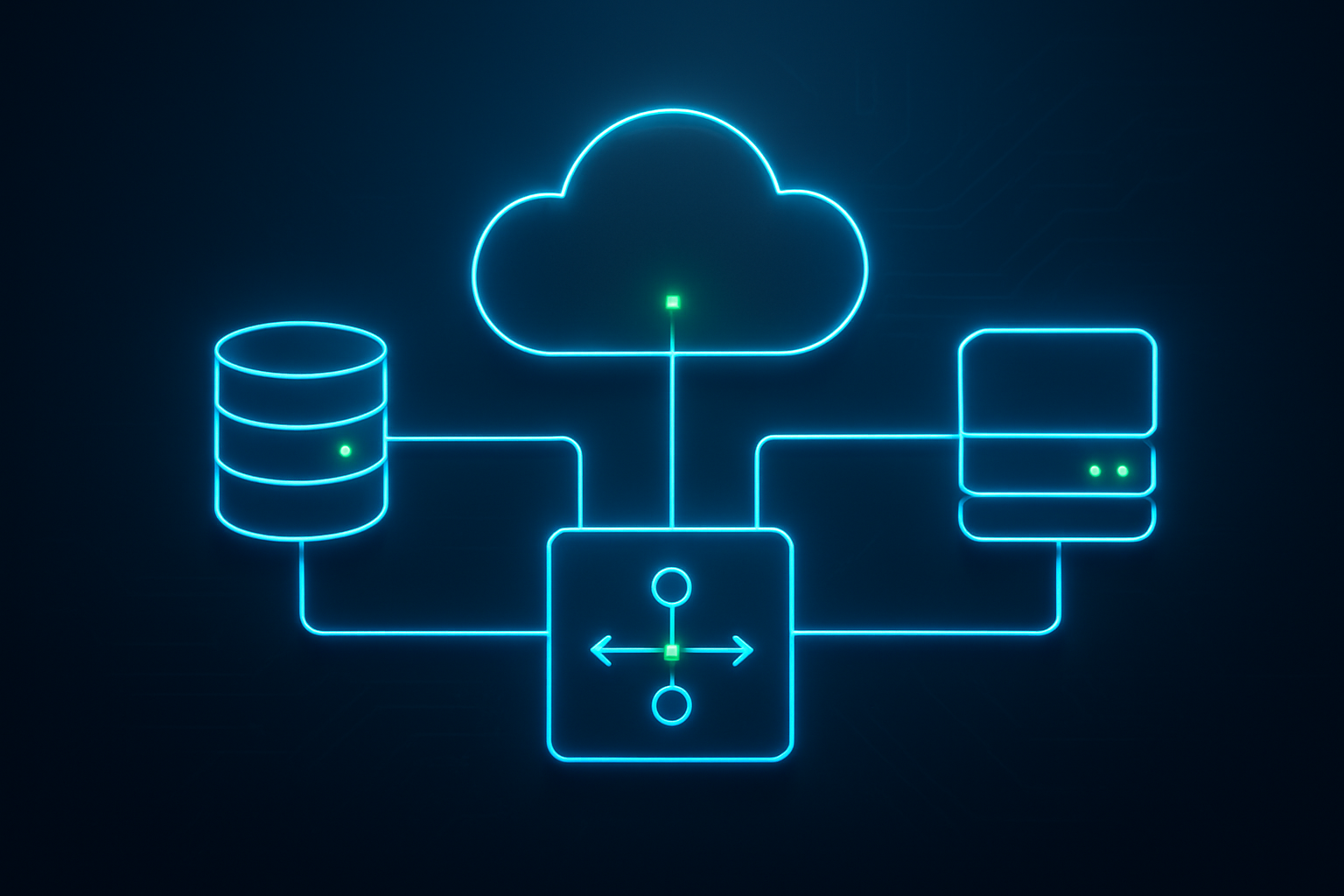
Setting up a production-ready 2-tier application on AWS requires careful planning across multiple components. From designing your database tier with Amazon RDS to deploying application instances on EC2, each layer needs proper configuration. Load balancing keeps your app running smoothly under traffic, while security measures protect your data and infrastructure. Don’t forget about monitoring tools and backup strategies – they’ll save you headaches when things go wrong.
Ready to deploy your own 2-tier application? Start small with a simple setup, then gradually add features like auto-scaling and advanced monitoring as you learn the ropes. AWS offers plenty of free tier resources to practice with, so you can build confidence before handling real production workloads. The key is taking it step by step and testing everything along the way.