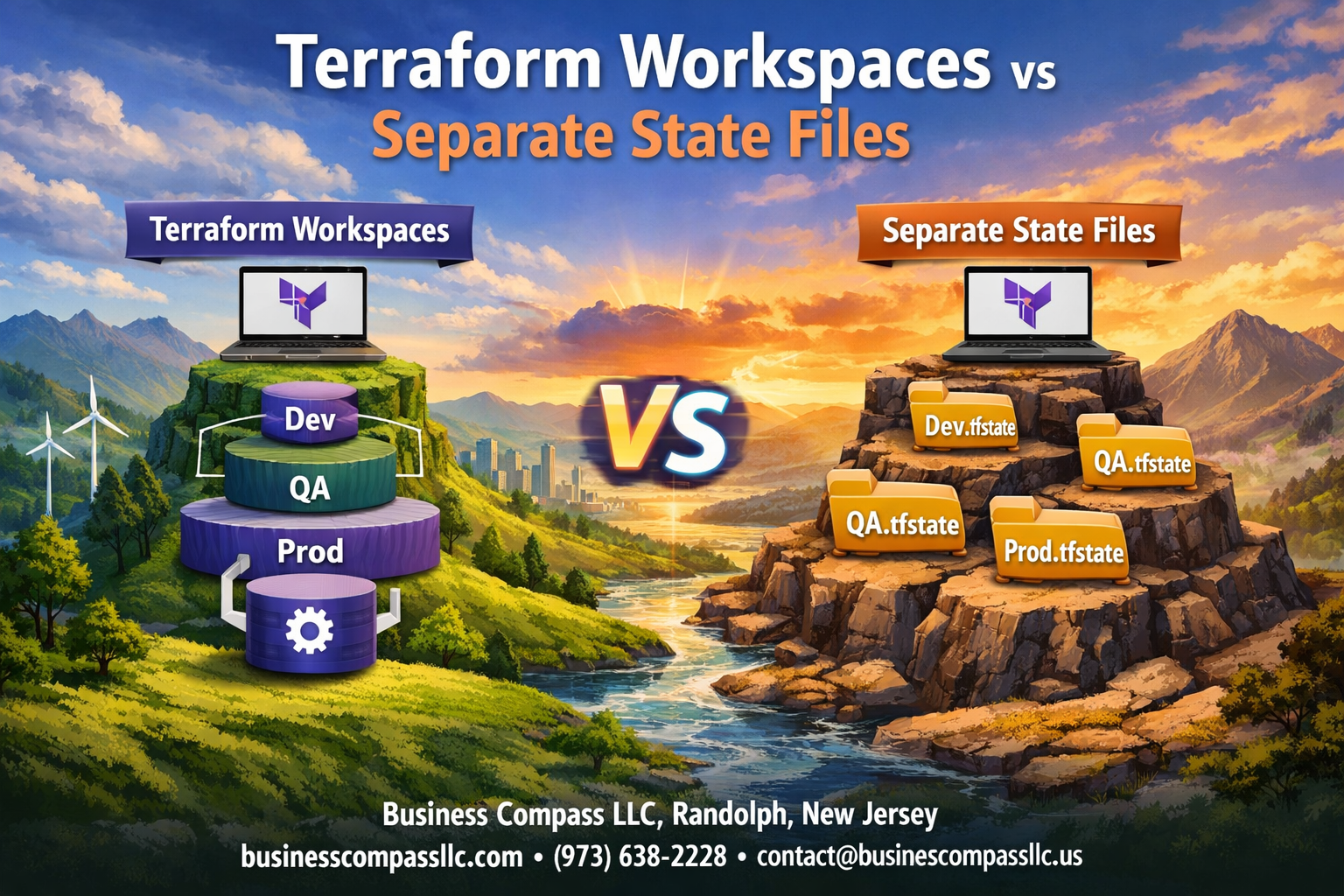
Managing infrastructure with Terraform means choosing how to organize your state files – a decision that affects your entire workflow. For DevOps engineers, cloud architects, and infrastructure teams working with multiple environments, the choice between Terraform workspaces and separate state files directly impacts security, collaboration, and deployment reliability.
This guide breaks down terraform workspaces vs state files to help you pick the right terraform state management strategy for your team. We’ll explore how each approach handles terraform state isolation and compare their security implications. You’ll also learn about operational complexity differences and discover terraform workspace best practices alongside proven methods for terraform state file management across different infrastructure scenarios.
Understanding Terraform State Management Fundamentals
How Terraform tracks infrastructure resources
Terraform maintains a detailed inventory of your cloud resources through terraform state management, creating a mapping between your configuration files and the actual infrastructure deployed. This state acts as Terraform’s memory, storing resource metadata, dependencies, and attributes that enable accurate planning and execution of changes. When you run terraform plan or terraform apply, Terraform compares your desired configuration against this stored state to determine what actions need to be taken.
The state file contains sensitive information about your infrastructure, including resource IDs, IP addresses, and sometimes secrets. Terraform uses this data to track resource relationships and detect configuration drift, making terraform state files the backbone of reliable infrastructure automation and change management.
The critical role of state files in deployment workflows
State files enable Terraform’s core functionality by providing the source of truth for infrastructure deployments. Without proper terraform state isolation, teams risk conflicts when multiple engineers work on the same infrastructure, leading to corrupted deployments or unexpected resource deletions. The state file serves as a lock mechanism during operations, preventing concurrent modifications that could damage your environment.
Terraform remote state storage becomes essential for team collaboration, allowing centralized state management with features like state locking and versioning. This approach supports consistent deployment workflows across different environments while maintaining audit trails for compliance and troubleshooting purposes.
Common challenges with state management at scale
Large organizations face significant hurdles with terraform infrastructure organization as projects grow beyond simple single-environment deployments. State file conflicts become frequent when multiple teams modify shared infrastructure, while monolithic state files create bottlenecks during deployments and increase blast radius for failures. Security concerns arise when sensitive data in state files requires careful access control and encryption.
Terraform environment separation becomes critical as teams struggle with isolating development, staging, and production workloads. Performance degrades with massive state files containing thousands of resources, making terraform operations slow and resource-intensive while complicating disaster recovery and backup strategies.
Terraform Workspaces Explained
Creating isolated environments within a single configuration
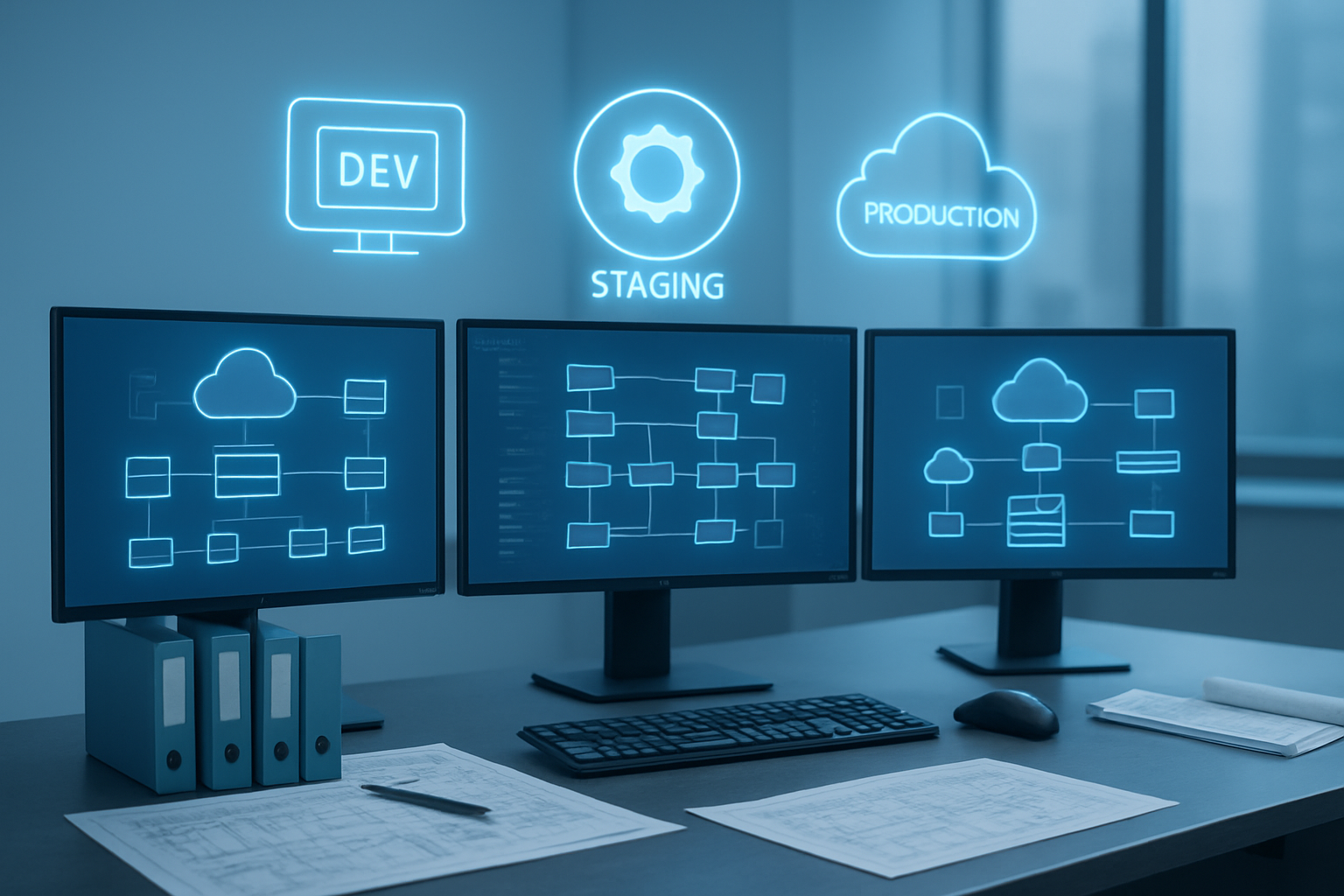
Terraform workspaces let you create completely separate environments using the same configuration files. Each workspace maintains its own state file, keeping your development, staging, and production resources completely isolated. When you create a new workspace, Terraform automatically generates a dedicated state backend for that environment, preventing any cross-contamination between your different deployment stages.
Switching between development, staging, and production effortlessly
The workspace switching process is incredibly straightforward with simple commands like terraform workspace select production. Your configuration remains exactly the same, but Terraform knows which state file to reference based on your active workspace. This approach eliminates the need to maintain separate directories or duplicate configuration files for each environment.
Managing variable values across different workspaces
Variable management across terraform workspaces becomes seamless through workspace-specific variable files and conditional logic. You can use terraform.workspace interpolation to set different values based on the current workspace:
- Create workspace-specific
.tfvarsfiles (dev.tfvars, staging.tfvars) - Use conditional expressions to adjust resource sizing
- Implement different naming conventions per environment
- Set environment-specific tags automatically
Built-in workspace commands that streamline operations
Terraform workspace commands provide powerful state management capabilities right out of the box. Key commands include terraform workspace new for creating environments, terraform workspace list for viewing available workspaces, and terraform workspace show to confirm your current context. These built-in tools make terraform state isolation effortless without requiring external tooling or complex directory structures.
Separate State Files Approach
Maintaining completely independent state management
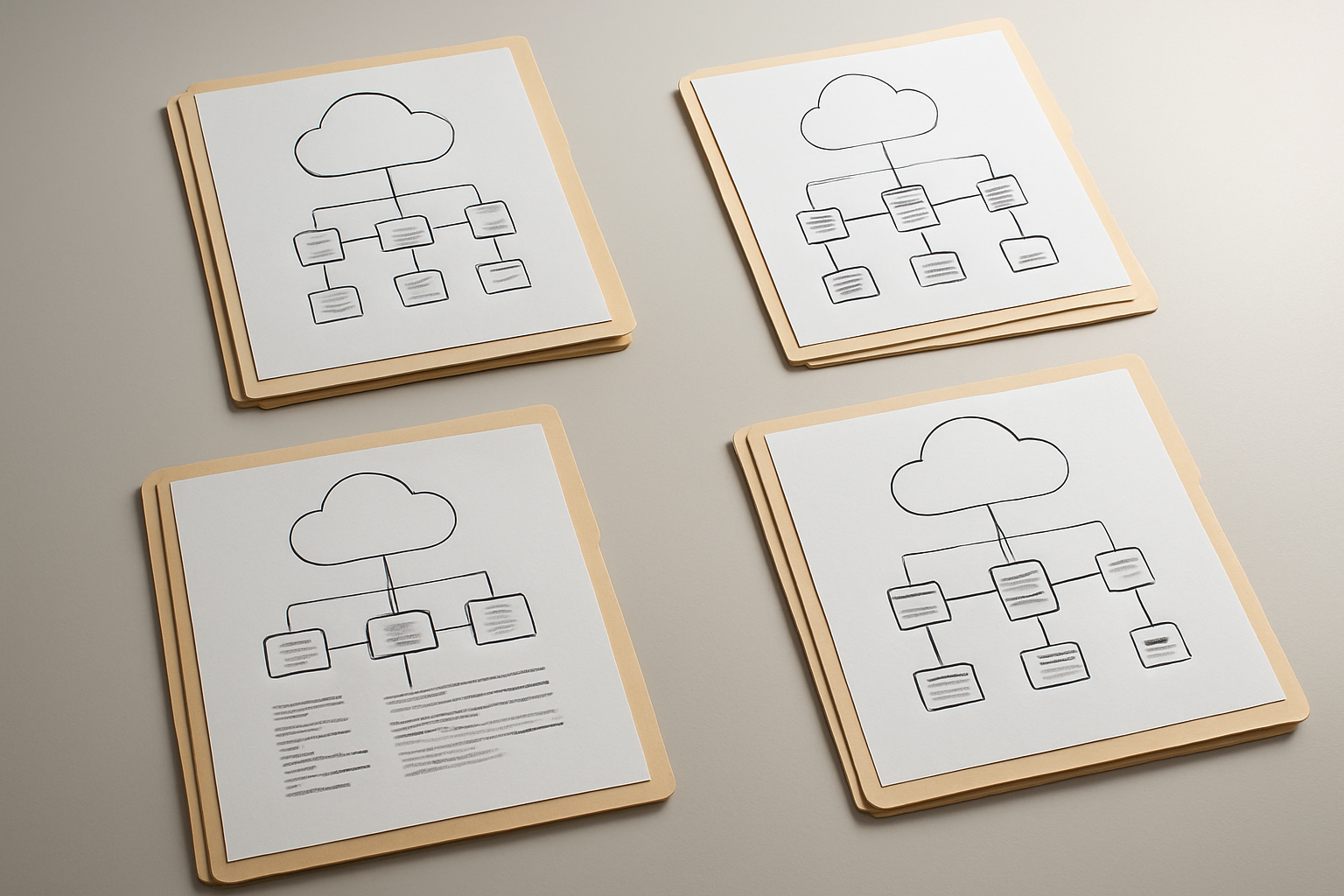
Separate terraform state files create complete isolation between environments by treating each deployment as an entirely independent infrastructure stack. This approach stores state information in distinct files, preventing any cross-environment contamination or accidental modifications. Each environment operates with its own dedicated state backend, ensuring that development changes never accidentally impact production resources.
The independent state management strategy provides maximum safety by eliminating shared dependencies between environments. Teams can confidently experiment in development without worrying about affecting other environments, while production remains completely insulated from testing activities.
Isolating environments through directory structures
Directory-based terraform state isolation organizes infrastructure code using separate folders for each environment, with each containing its own state file and configuration. This structure typically follows patterns like environments/dev/, environments/staging/, and environments/prod/, where each directory maintains independent terraform configurations and state storage.
The directory approach enables teams to customize environment-specific variables, resource configurations, and backend settings without affecting other deployments. This method makes it easy to apply different security policies, scaling parameters, or feature flags across environments while maintaining clear organizational boundaries.
Implementing backend configurations for each environment
Backend configuration implementation requires setting up distinct remote state storage locations for each environment, such as separate S3 buckets or different keys within the same bucket. Each environment’s terraform configuration specifies its unique backend settings through backend configuration blocks or separate backend configuration files that point to environment-specific storage locations.
This setup enables teams to implement different access controls, encryption settings, and backup policies per environment. Production backends typically include stricter security measures, versioning enabled, and limited access permissions, while development environments might use more relaxed configurations for faster iteration cycles.
Security and Risk Comparison

Workspace Isolation Limitations and Potential Cross-Contamination
Terraform workspaces share the same backend configuration and access permissions, creating security vulnerabilities. All workspace state files reside in the same storage location with identical access controls, meaning anyone with backend access can view or modify any workspace. This shared environment increases the risk of accidental modifications across environments when switching between workspaces.
Enhanced Security Benefits of Separate State Files
Separate terraform state files offer superior isolation by using distinct backend configurations for each environment. Each state file can have unique access permissions, encryption keys, and storage locations. This approach prevents unauthorized cross-environment access and reduces the blast radius of security incidents, making terraform state management more secure for production workloads.
Access Control Strategies for Each Approach
Workspace Access Control:
- Single backend with shared IAM policies
- Role-based workspace switching permissions
- Limited granular control per environment
Separate State Files Access Control:
- Environment-specific IAM roles and policies
- Individual backend encryption and access keys
- Fine-grained permissions per terraform state file
- Network-level isolation capabilities
Disaster Recovery Implications for Both Methods
Workspace-based terraform infrastructure faces single points of failure since all environments depend on one backend. If the shared backend becomes corrupted or inaccessible, all workspaces are affected simultaneously. Separate state files distribute risk across multiple backends, enabling independent disaster recovery procedures and reducing the impact of backend failures on overall terraform state isolation.
Operational Complexity Analysis
Simplifying daily workflows with workspace switching
Terraform workspaces streamline development workflows by letting teams switch between environments with a single command. When managing multiple environments, terraform workspace select eliminates the need for complex configuration file juggling or directory navigation. Teams can deploy to development, staging, and production environments while maintaining identical terraform configurations and remote state management practices.
Managing multiple repositories and configurations separately
Separate state files require distinct repository structures or configuration management strategies for each environment. Teams typically maintain separate directories within a single repository or create entirely separate repositories for different environments. While this approach provides clear terraform state isolation, it increases the complexity of keeping configurations synchronized across environments and managing terraform infrastructure organization at scale.
Version control strategies for each approach
Workspace-based strategies keep all environment configurations in a single repository, making version control straightforward but requiring careful branching strategies to prevent cross-environment contamination. Separate state file approaches often benefit from environment-specific branches or repositories, providing natural isolation but complicating feature rollouts across multiple environments. Both methods require robust tagging and release management processes.
Team collaboration considerations
Terraform workspaces excel in smaller teams where members regularly switch between environments and need quick access to all infrastructure states. Separate state files work better for larger organizations where teams own specific environments and rarely need cross-environment access. Workspace switching can lead to accidental deployments to wrong environments, while separate repositories provide natural access control boundaries.
Maintenance overhead comparison
Workspace maintenance involves managing a single codebase with multiple state contexts, reducing code duplication but increasing complexity in workspace-specific variable management. Separate state files create multiple codebases to maintain, requiring synchronization efforts but offering simpler debugging and clearer ownership boundaries. Long-term maintenance costs depend heavily on team size and environment complexity.
Performance and Scalability Factors

State File Size Impact on Workspace Performance
When terraform state files grow larger with more resources, workspace operations slow down noticeably. Each terraform plan or apply command must parse the entire state, creating delays that multiply across teams using the same workspace. Separate state files naturally keep individual environments lean, allowing faster operations since each file contains only relevant resources for that specific environment or project.
Concurrent Access Patterns and Locking Mechanisms
Terraform workspaces share the same backend and locking mechanism, creating bottlenecks when multiple team members work simultaneously. State locking prevents conflicts but forces sequential operations, reducing team productivity. Separate terraform state files enable parallel development since each environment maintains independent locks, allowing teams to deploy different projects without waiting for others to complete their changes.
Resource Provisioning Speed Differences
Resource provisioning speed varies significantly between approaches based on state complexity. Workspaces carrying historical state from multiple environments can slow down terraform remote state operations, especially during large infrastructure changes. Separate state file management keeps provisioning focused and efficient, with each deployment handling only the specific resources needed for that environment, resulting in faster execution times and more predictable performance patterns.
Best Practice Scenarios for Each Method
When workspaces provide maximum efficiency
Terraform workspaces shine when managing similar infrastructure configurations across development environments. Teams working with identical architectures for dev, staging, and production find workspaces perfect for maintaining consistent resource definitions while enabling environment-specific variable values. This approach streamlines terraform state management by keeping all configurations in a single repository with shared modules and standardized naming conventions.
Small to medium teams benefit most from terraform workspaces when environments share the same lifecycle and deployment patterns. The workspace model works exceptionally well for applications requiring rapid environment provisioning, such as feature branch deployments or ephemeral testing environments where terraform workspace best practices can reduce operational overhead significantly.
Situations requiring separate state file isolation
Mission-critical production systems demand separate terraform state files to ensure complete isolation from development environments. Organizations with strict compliance requirements or multi-tenant architectures need independent state management to prevent accidental resource modifications across environments. Separate state files become essential when different teams manage distinct infrastructure components or when environments have varying security clearance levels.
Enterprise environments with complex approval workflows and different deployment schedules require terraform state isolation. When production infrastructure changes follow strict change management processes while development environments need rapid iteration, separate state files provide the necessary boundaries for terraform infrastructure organization.
Hybrid approaches for complex organizations
Large enterprises often combine both methods strategically across their infrastructure landscape. Development and testing environments can leverage terraform workspaces for efficiency, while production systems maintain separate terraform remote state configurations for enhanced security. This hybrid model allows teams to optimize their terraform state file management based on specific requirements rather than adopting a one-size-fits-all approach.
Multi-region deployments frequently benefit from mixing workspace and separate state strategies. Regional infrastructure might use workspaces for environment variants within each region, while maintaining separate state files for geographic boundaries, creating a balanced approach to terraform environment separation that scales with organizational complexity.
Terraform workspaces and separate state files each bring their own strengths to the table. Workspaces shine when you’re managing similar environments like dev, staging, and production with the same configuration. They keep things clean and simple while sharing resources when needed. Separate state files work better for completely different projects or when you need strict isolation between environments. They give you more security and reduce the risk of accidental changes affecting the wrong environment.
The choice really comes down to your specific situation. If you’re running multiple environments of the same application and your team is comfortable with workspace switching, go with workspaces. But if you’re dealing with different projects, sensitive production environments, or large teams where isolation matters more than convenience, separate state files are your friend. Start small, test what works for your team, and don’t be afraid to mix both approaches in different parts of your infrastructure.