


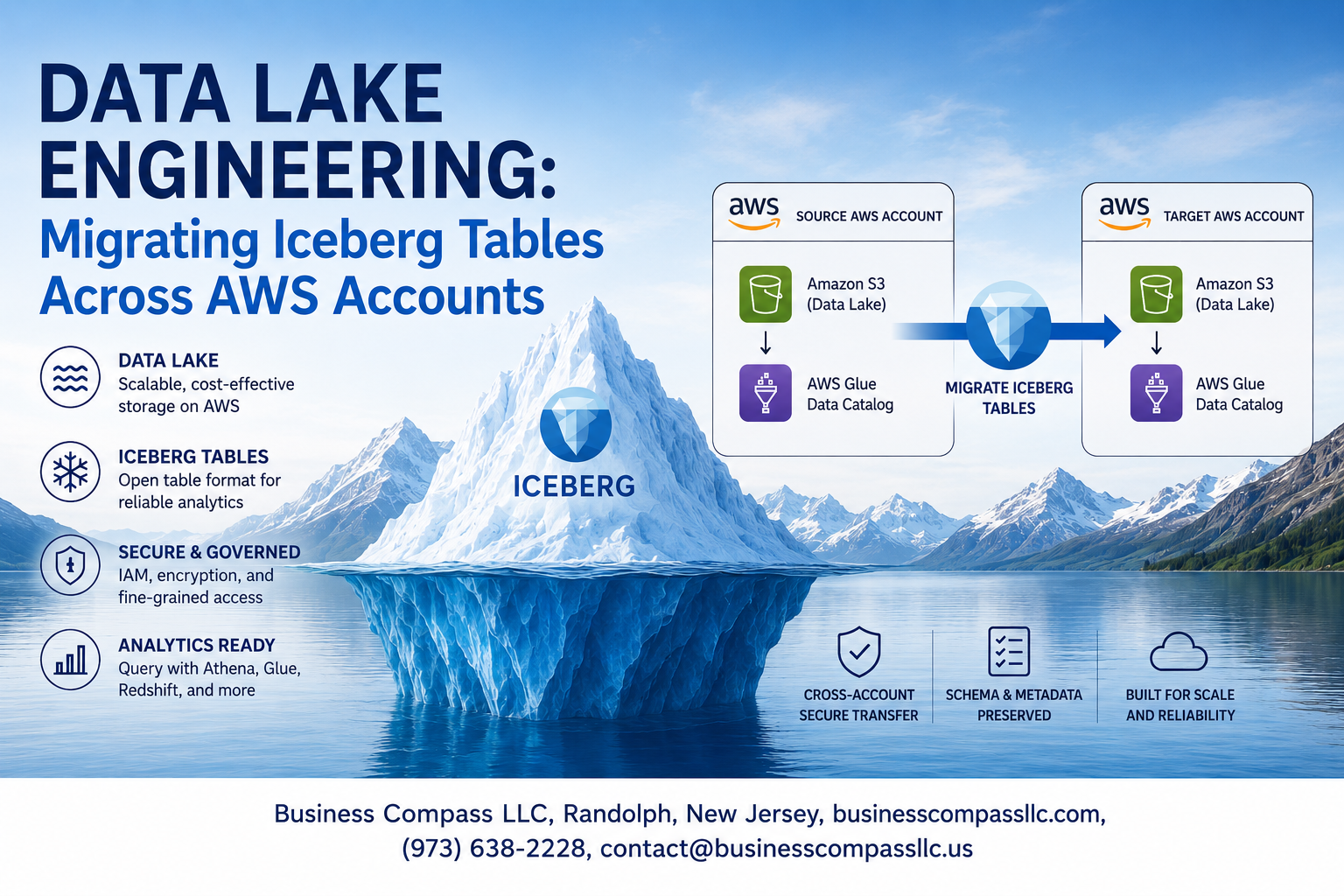
Moving data between AWS accounts can feel like solving a complex puzzle, especially when you’re working with Apache Iceberg tables in your data lake engineering projects. This guide walks you through iceberg table migration across AWS accounts, covering everything from initial planning to post-migration optimization.
This deep dive is designed for data engineers, cloud architects, and DevOps teams managing multi-account AWS environments who need to migrate Iceberg tables while maintaining data integrity and performance. You’ll learn practical strategies that work in real-world scenarios, not just theory.
We’ll explore the fundamentals of iceberg table architecture and how it impacts cross-account data transfer, then dive into setting up the proper AWS cross-account migration permissions and access controls. You’ll also discover proven data transfer strategies and implementation approaches that minimize downtime and reduce migration risks. Finally, we’ll cover post-migration validation techniques and troubleshooting methods to ensure your AWS data lake migration runs smoothly from start to finish.
Understanding Iceberg Table Architecture for Cross-Account Migrations

Core components of Apache Iceberg table format
Apache Iceberg revolutionizes data lake engineering by providing ACID transactions, schema evolution, and time travel capabilities through its unique three-layer architecture. The metadata layer contains JSON files that track table snapshots, manifests, and data files, while the data layer stores actual Parquet files in S3. During AWS cross-account migration, understanding these components becomes critical because each layer requires different transfer strategies. Manifest files reference data file locations using absolute S3 paths, which must be updated when moving between accounts. The catalog layer, whether AWS Glue or custom implementations, maintains table references and must be properly configured for cross-account access.
AWS account boundaries and data isolation challenges
Cross-account data migration introduces complex security boundaries that don’t exist in single-account deployments. S3 bucket policies, IAM roles, and resource-based permissions create isolation barriers that protect data but complicate migration processes. Each AWS account operates as a separate security domain, requiring explicit trust relationships and cross-account access configurations. Iceberg table migration across accounts means dealing with different VPCs, KMS encryption keys, and potentially different AWS regions. The challenge intensifies when source and destination accounts use different governance models or compliance requirements that affect data handling procedures.
Metadata management across distributed environments
Iceberg metadata management becomes particularly complex during cross-account migrations because metadata files contain hardcoded S3 paths pointing to the original account. The table’s commit history, stored in metadata.json files, references manifest files that contain absolute paths to data files. Migration requires careful orchestration to maintain referential integrity while updating these paths. Concurrent read operations during migration can access stale metadata, potentially causing query failures. The distributed nature of Iceberg metadata means you can’t simply copy files; you need to rebuild the metadata structure with updated path references while preserving transaction history and schema evolution records.
Storage layer considerations for migration planning
S3 bucket configurations significantly impact iceberg migration strategies, especially regarding storage classes, lifecycle policies, and cross-region replication settings. The storage layer must handle potentially petabytes of data while maintaining performance during the migration window. Bandwidth limitations between accounts, transfer acceleration options, and multi-part upload configurations affect migration timelines. Consider storage costs when planning migrations, as temporary duplication during the process can double expenses. S3 versioning, server-side encryption settings, and bucket notifications require careful mapping between source and destination environments to ensure consistent behavior post-migration.
Pre-Migration Planning and Assessment

Inventory existing Iceberg tables and dependencies
Start by cataloging all Iceberg tables, their schemas, partitioning strategies, and metadata configurations across your source AWS account. Document table relationships, downstream applications, and ETL pipelines that depend on these tables. Map out your data lineage to understand which systems read from or write to each table, including Apache Spark jobs, AWS Glue workflows, and analytics tools. This comprehensive inventory becomes your migration blueprint, helping you prioritize tables and plan the migration sequence based on business criticality and technical dependencies.
Evaluate data volume and complexity requirements
Assess the size of your Iceberg tables, including both data files and metadata complexity. Large tables with extensive partition structures or heavy write patterns require different migration strategies than smaller, read-optimized tables. Calculate bandwidth requirements for AWS cross-account data transfer and estimate migration timeframes. Consider table growth rates during the migration window and plan for delta synchronization if needed. Factor in snapshot retention policies and time travel features that may impact your data volume calculations for the complete Apache Iceberg AWS migration.
Identify security and compliance constraints
Review data classification levels, encryption requirements, and regulatory compliance needs that will shape your iceberg table migration approach. Determine which datasets require additional security controls during transit and at rest in the target account. Document any data residency requirements or industry-specific regulations that might restrict cross-account data transfer methods. Establish data governance policies for the target environment and ensure your migration plan maintains audit trails and access controls throughout the process.
Design target account infrastructure architecture
Plan your destination AWS data lake infrastructure to support the migrated Iceberg tables effectively. Design the S3 bucket structure, considering naming conventions, lifecycle policies, and storage classes that align with your data access patterns. Set up AWS Glue Data Catalog configurations, IAM roles, and VPC networking to support your iceberg migration strategies. Plan for compute resources like EMR clusters or Glue jobs that will interact with the migrated tables. Consider implementing AWS Lake Formation for centralized data governance and fine-grained access controls in your new data lake cross-account setup.
Setting Up Cross-Account Access and Permissions

Configure IAM roles for secure data transfer
Create dedicated IAM roles in both source and destination AWS accounts specifically for iceberg table migration. The source account role needs permissions to read S3 objects, access Glue catalog metadata, and assume cross-account roles. Set up the destination account role with write permissions to target S3 buckets and Glue catalog update capabilities. Attach trust policies that allow the source role to assume the destination role securely. Include specific resource ARNs rather than wildcard permissions to maintain least privilege access. Configure temporary security credentials with time-limited sessions for enhanced security during data lake engineering operations.
Establish S3 bucket policies and cross-account permissions
Design S3 bucket policies that grant cross-account access while maintaining data security for your AWS cross-account migration. The destination bucket policy should allow the source account’s IAM role to perform ListBucket, GetObject, and PutObject operations on Iceberg table data. Include condition statements that restrict access based on source IP addresses or specific IAM principals. Enable S3 Transfer Acceleration for large datasets spanning multiple regions. Configure bucket versioning and lifecycle policies to handle incremental updates efficiently. Set up CloudTrail logging to monitor all cross-account data transfer activities and maintain audit trails for compliance requirements.
Set up AWS Lake Formation permissions
Enable Lake Formation in both AWS accounts and register the S3 locations containing Iceberg tables as data lake locations. Grant database and table-level permissions to the cross-account IAM roles using Lake Formation’s fine-grained access controls. Create data filters when migrating sensitive datasets that require column-level or row-level security. Configure Lake Formation resource shares to provide controlled access to specific databases or tables across account boundaries. Map IAM roles to Lake Formation principals and assign appropriate data lake permissions including CREATE_TABLE, ALTER, DELETE, and SELECT privileges based on migration requirements.
Implement encryption key management strategies
Establish AWS KMS key policies that support cross-account data transfer for iceberg migration strategies while maintaining encryption standards. Create customer-managed KMS keys in the destination account and grant decrypt permissions to the source account’s migration role. Configure S3 bucket encryption settings to use the appropriate KMS keys for data at rest. Set up envelope encryption for Iceberg manifest files and metadata to protect table structure information. Implement key rotation policies and backup strategies to prevent data loss during extended migration processes. Use AWS Secrets Manager to securely store and rotate database credentials needed for catalog operations.
Data Transfer Strategies and Implementation

Choose optimal data movement approach for your use case
The right data transfer strategy depends on your dataset size, downtime tolerance, and network capabilities. For smaller datasets under 1TB, direct S3 cross-account copying works well using AWS CLI or SDK operations. Medium-sized migrations benefit from AWS DataSync for automated, scheduled transfers with built-in retry logic. Large-scale enterprise migrations require AWS Snow family devices or dedicated network connections like Direct Connect to avoid bandwidth constraints and transfer costs.
Execute metadata catalog migration procedures
Iceberg metadata migration starts with exporting table schemas, partition specifications, and snapshot histories from your source AWS Glue catalog. Use the Iceberg catalog API to programmatically extract table metadata including column statistics and evolution history. Create corresponding table entries in the destination account’s Glue catalog, ensuring schema versions match exactly. Register new table locations pointing to the destination S3 buckets while preserving original table properties and configuration settings.
Transfer underlying data files efficiently
Data file transfers require careful coordination between metadata and storage layers. Copy Parquet data files to destination S3 buckets using parallel upload strategies through AWS CLI sync commands or custom Python scripts leveraging boto3’s multipart uploads. Maintain the original directory structure and file naming conventions to preserve Iceberg’s file organization. Use S3 Transfer Acceleration for faster uploads across regions and enable server-side encryption matching your security requirements.
Validate data integrity throughout the process
Data validation ensures migration accuracy through multiple checkpoints. Compare row counts, column statistics, and data type consistency between source and destination tables using Apache Spark or AWS Athena queries. Verify Parquet file checksums match between accounts and validate that snapshot metadata correctly references all data files. Run sample data comparisons on key business metrics and test query performance against both environments to confirm functional equivalency.
Handle large-scale migrations with minimal downtime
Zero-downtime migrations require careful orchestration of incremental updates and traffic switching. Implement change data capture on source tables to track ongoing modifications during the migration window. Use Iceberg’s time travel capabilities to create consistent snapshots for bulk transfers while capturing incremental changes separately. Set up read replicas in the destination account for testing before switching write operations, ensuring seamless application transitions through DNS or connection string updates.
Post-Migration Optimization and Validation

Verify table functionality in the target account
Start by running comprehensive queries against your migrated Iceberg tables to confirm data integrity and query performance. Test both simple SELECT statements and complex analytical workloads to ensure the table metadata and data files are properly accessible. Validate that partition pruning, column statistics, and time travel capabilities function correctly in the new AWS environment. Check that all table properties, schemas, and configurations match your source environment expectations.
Update data pipelines and application connections
Reconfigure your ETL pipelines, Spark jobs, and analytical applications to point to the new Iceberg table locations in the target AWS account. Update connection strings, IAM roles, and S3 bucket references across all downstream systems. Modify your orchestration tools like Apache Airflow or AWS Step Functions to reflect the new table paths. Test each pipeline end-to-end to verify seamless data processing and ensure no broken dependencies exist in your data lake engineering workflows.
Implement monitoring and alerting systems
Set up CloudWatch metrics and custom dashboards to track query performance, data freshness, and table access patterns in your migrated environment. Configure alerts for failed queries, unusual access patterns, or performance degradation. Establish monitoring for S3 storage costs, API call volumes, and cross-region data transfer charges that may impact your AWS cross-account migration budget. Create automated health checks that validate table availability and data quality on scheduled intervals.
Optimize performance for the new environment
Fine-tune your Iceberg table configuration for the target account’s specific requirements and usage patterns. Adjust file sizes, compaction schedules, and partitioning strategies based on your new environment’s query workloads. Optimize S3 bucket configurations, including storage classes and lifecycle policies, to balance performance with cost efficiency. Consider implementing table clustering or z-ordering if your query patterns have changed, and review your Apache Iceberg AWS settings to maximize throughput for your specific use cases.
Troubleshooting Common Migration Challenges

Resolve metadata synchronization issues
Metadata drift between source and target environments creates the most persistent headaches during iceberg table migration. When catalog entries become inconsistent, queries fail mysteriously or return stale data. Check your Glue Data Catalog versions first – conflicting schema definitions often stem from outdated metadata registrations. Run REFRESH TABLE commands on both sides and verify partition information matches exactly. For persistent sync issues, export metadata snapshots from the source catalog and reimport them systematically to the target account.
Address permission and access control problems
Cross-account permission matrices get complex fast, especially when multiple teams manage different AWS accounts. Start debugging with CloudTrail logs to identify exactly which IAM actions are failing during your iceberg migration. The most common culprits include missing s3:GetBucketLocation permissions and insufficient Glue catalog access rights. Create dedicated migration roles with the minimum required permissions, then gradually expand access as needed. Remember that bucket policies and IAM policies must align – conflicting rules will block your data transfers silently.
Handle data corruption and recovery scenarios
Data integrity issues during AWS cross-account migration require immediate action to prevent cascading failures. Iceberg’s time travel capabilities become your lifeline here – identify the last known good snapshot before corruption occurred. Use Iceberg’s built-in checksums to verify file integrity across both accounts, then roll back to stable snapshots if needed. For large-scale corruption, implement parallel recovery processes that restore data in chunks while maintaining table availability. Always validate row counts and schema consistency after any recovery operation to ensure your data lake engineering efforts remain intact.

Migrating Iceberg tables across AWS accounts doesn’t have to be overwhelming when you break it down into clear steps. Start with understanding your table architecture, plan your migration carefully, and set up the right permissions between accounts. Choose the data transfer method that works best for your situation, and don’t skip the optimization and validation phase once everything is moved over.
The key to success lies in preparation and patience. Take time to test your approach with smaller datasets first, keep detailed logs of what you’re doing, and have a rollback plan ready just in case. When issues pop up during migration, most problems come down to permissions or network connectivity – so check those first. Your future self will thank you for taking the time to do this migration right rather than rushing through it.









