


Implementing Zero-Downtime Deployments with Terraform on AWS
Application downtime costs businesses money and frustrates users. Zero downtime deployment solves this problem by letting you update your applications without interrupting service to customers.
This guide is for DevOps engineers, cloud architects, and development teams who want to master continuous deployment aws practices using terraform infrastructure as code. You’ll learn how to build robust deployment pipelines that keep your applications running smoothly during updates.
We’ll walk through setting up blue green deployment terraform configurations that swap traffic between application versions seamlessly. You’ll also discover how to configure rolling deployment terraform strategies using aws auto scaling group and aws application load balancer terraform resources. Finally, we’ll cover terraform deployment strategies for monitoring and validating your deployments to catch issues before they impact users.
By the end, you’ll have the knowledge to implement terraform aws solutions that deliver updates without downtime, keeping your applications available 24/7.
Understanding Zero-Downtime Deployment Fundamentals

Define zero-downtime deployments and their business benefits
Zero-downtime deployment keeps applications running continuously while updating code or infrastructure. This approach deploys new versions without interrupting user access, maintaining service availability during updates. Businesses benefit through reduced revenue loss, improved customer satisfaction, and enhanced competitive advantage. The strategy eliminates maintenance windows and allows frequent releases.
Compare traditional deployment methods with zero-downtime approaches
Traditional deployments often require taking applications offline, creating service interruptions that frustrate users and impact business operations. Zero-downtime approaches like blue-green deployment terraform and rolling updates maintain service availability by gradually shifting traffic between old and new versions. AWS zero downtime strategies leverage load balancers and auto scaling groups to seamlessly transition users without service disruption.
Identify common challenges that cause service interruptions
Database schema changes, configuration updates, and infrastructure modifications frequently cause outages during deployments. Poor health checks, inadequate rollback procedures, and insufficient testing environments contribute to deployment failures. Resource constraints, dependency conflicts, and timing issues between services create additional risks. Terraform deployment strategies help address these challenges by providing infrastructure as code consistency and automated validation processes.
Essential AWS Services for Zero-Downtime Architecture
Leverage Application Load Balancers for traffic distribution
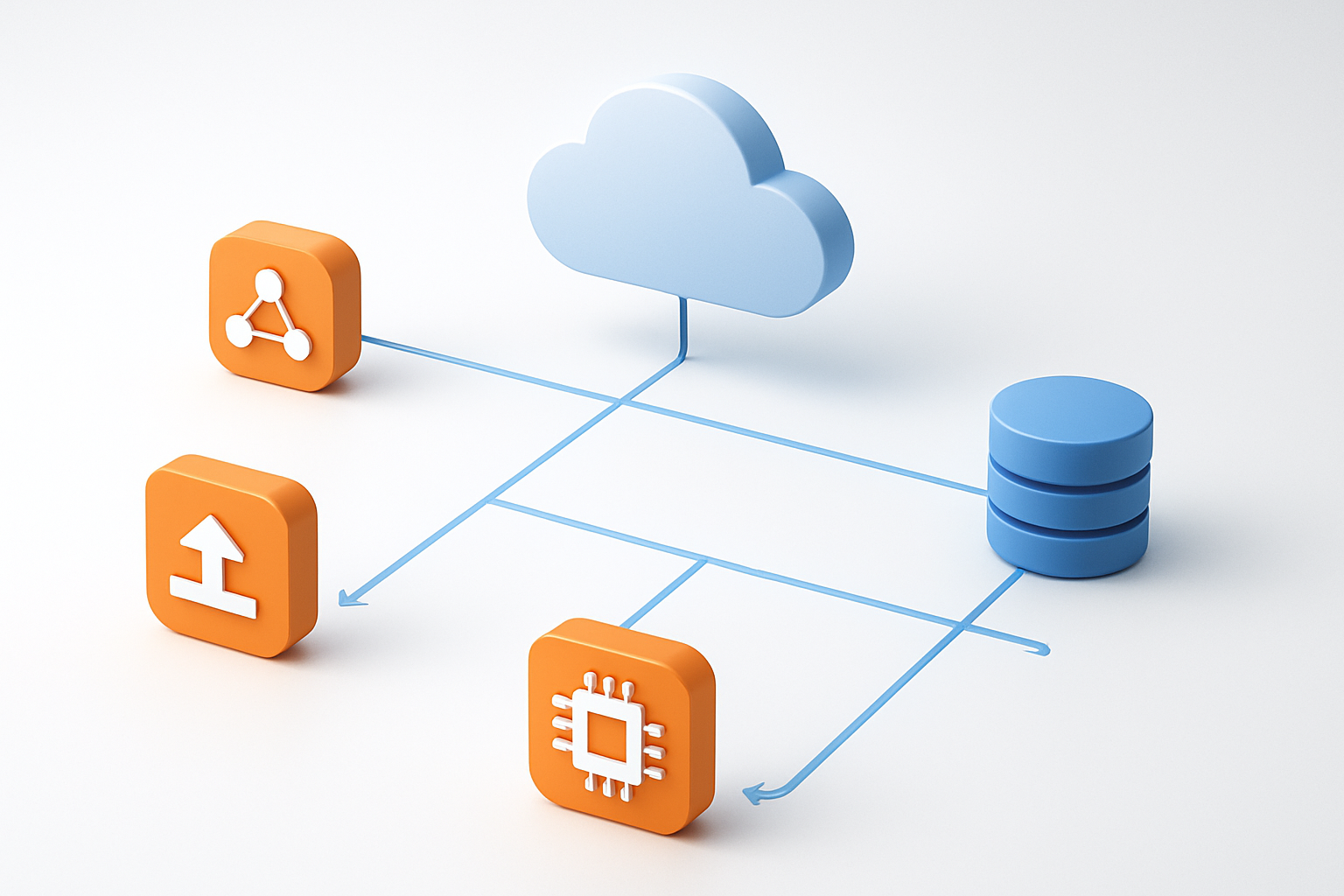
Application Load Balancers serve as the cornerstone of zero downtime deployment strategies on AWS. They intelligently route incoming traffic across multiple healthy instances, automatically detecting and isolating unhealthy targets during deployments. When configured with Terraform, ALBs provide seamless traffic shifting capabilities that enable rolling deployments without service interruption. The target group functionality allows you to gradually redirect traffic from old to new application versions, ensuring users experience no downtime during updates.
Utilize Auto Scaling Groups for seamless instance management
Auto Scaling Groups work hand-in-hand with load balancers to maintain application availability during deployments. They automatically replace unhealthy instances and can scale capacity based on demand, making them perfect for terraform deployment strategies. When implementing blue green deployment terraform configurations, ASGs ensure new instances launch properly before terminating old ones. This orchestrated approach guarantees that your application maintains consistent performance levels throughout the deployment process.
Implement Blue-Green deployments with EC2 instances
Blue-Green deployments represent the gold standard for zero downtime deployment on AWS. This strategy maintains two identical production environments – blue (current) and green (new) – allowing instant traffic switching between versions. Terraform infrastructure as code makes managing these dual environments straightforward by defining both environments in declarative configurations. When issues arise, traffic switches back to the blue environment instantly, providing immediate rollback capabilities that protect your users from experiencing service disruptions.
Configure health checks for automatic failover protection
Health checks form the backbone of aws zero downtime strategies by continuously monitoring application status. Configure both ALB health checks and Auto Scaling Group health checks to catch different types of failures. ALB checks validate application responsiveness while ASG checks monitor instance-level health. Terraform allows you to define custom health check parameters including check intervals, timeout values, and failure thresholds. This multi-layered approach ensures that only healthy instances receive traffic, automatically isolating problematic components before they impact user experience.
Terraform Configuration for Zero-Downtime Infrastructure

Structure your Terraform modules for deployment flexibility
Building modular terraform infrastructure requires careful planning of your directory structure and variable definitions. Create separate modules for core components like VPC, security groups, load balancers, and auto scaling groups. This approach enables independent updates without affecting the entire infrastructure stack.
Define clear input and output variables for each module to ensure loose coupling between components. Use data sources to reference existing resources and implement conditional resource creation using count or for_each meta-arguments for maximum deployment flexibility.
Implement rolling update strategies using lifecycle rules
Configure lifecycle rules within your terraform auto scaling group resources to control instance replacement behavior during deployments. Set create_before_destroy = true on launch templates and auto scaling groups to ensure new instances launch before terminating old ones.
lifecycle {
  create_before_destroy = true
  ignore_changes = [desired_capacity]
}
Combine these rules with instance refresh policies to automate rolling deployments while maintaining application availability throughout the update process.
Configure target group attachment and detachment automation
Automate aws application load balancer target group management using Terraform’s aws_lb_target_group_attachment resource with dynamic blocks. This configuration automatically registers new instances while gracefully removing unhealthy ones during deployments.
resource "aws_lb_target_group_attachment" "app" {
  for_each         = toset(data.aws_instances.app.ids)
  target_group_arn = aws_lb_target_group.app.arn
  target_id        = each.value
  port             = 80
}
Set appropriate health check parameters including grace periods and thresholds to prevent premature instance termination during application startup phases.
Set up proper dependency management between resources
Establish explicit dependencies using depends_on meta-arguments and implicit dependencies through resource references. Create dependency chains that ensure load balancers deploy before target groups, and auto scaling groups wait for launch template updates.
Use terraform’s wait_for_capacity_timeout parameter in auto scaling group configurations to control deployment timing. Implement proper ordering by referencing resource attributes rather than just resource names to create stronger dependency relationships between infrastructure components.
Advanced Deployment Strategies with Terraform

Execute Blue-Green deployments using multiple environments
Blue-green deployment with Terraform AWS creates two identical production environments running simultaneously. You maintain one environment (blue) serving live traffic while preparing the second environment (green) with updated applications. Using AWS Application Load Balancer Terraform configurations, traffic switches instantly between environments by updating target group associations. This terraform deployment strategy eliminates downtime since the new environment runs completely before traffic redirection occurs.
Implement Canary releases for gradual traffic shifting
Canary releases allow controlled traffic distribution between application versions using weighted routing policies. Configure multiple Auto Scaling Groups through Terraform infrastructure as code, directing small traffic percentages to new deployments initially. AWS Application Load Balancer supports weighted target groups, enabling gradual traffic increases as confidence grows. This approach catches issues early while maintaining service availability, making it essential for continuous deployment AWS implementations.
Use Terraform workspaces for environment isolation
Terraform workspaces provide complete environment separation within single configuration files, perfect for managing multiple deployment stages. Each workspace maintains independent state files, preventing cross-environment interference during blue green deployment terraform processes. Create dedicated workspaces for production, staging, and development environments using identical infrastructure definitions. This isolation strategy supports safe testing of terraform auto scaling group configurations before promoting changes to live systems.
Monitoring and Validation During Deployments

Set up CloudWatch alarms for deployment health monitoring
CloudWatch alarms serve as your early warning system during zero downtime deployment processes. Configure alarms to track critical metrics like CPU utilization, memory consumption, response times, and error rates across your terraform infrastructure as code setup. Set up composite alarms that monitor multiple services simultaneously, including your aws application load balancer terraform configuration and auto scaling groups. Create custom metrics dashboards that provide real-time visibility into deployment progress and system health.
Implement automated rollback triggers based on error thresholds
Automated rollback mechanisms protect your production environment when deployments fail to meet predefined success criteria. Configure CloudWatch alarms with specific error rate thresholds that trigger immediate rollback procedures through Terraform state management. Set up SNS topics and Lambda functions that execute rollback scripts when error rates exceed acceptable limits during blue green deployment terraform workflows. Define multiple threshold levels for different severity scenarios to enable graduated response strategies.
Configure real-time application performance tracking
Real-time performance monitoring ensures your terraform deployment strategies maintain service quality throughout the deployment cycle. Implement X-Ray tracing and CloudWatch Insights to track request flows and identify performance bottlenecks during rolling deployment terraform processes. Configure custom metrics collection for application-specific KPIs and integrate with third-party monitoring tools for comprehensive visibility. Set up alerting rules that notify teams immediately when performance degrades below acceptable thresholds.
Validate deployment success with automated testing pipelines
Automated testing pipelines verify deployment success before traffic cutover in your continuous deployment aws workflow. Create comprehensive test suites that validate functionality, performance, and integration points after infrastructure changes complete. Implement health check endpoints that terraform auto scaling group configurations can use to determine instance readiness. Design smoke tests and regression test automation that runs automatically after each deployment phase to ensure system stability and functionality preservation.
Troubleshooting Common Zero-Downtime Deployment Issues

Resolve database migration conflicts during updates
Database migration conflicts arise when multiple deployment environments attempt simultaneous schema changes during zero downtime deployments. Configure Terraform to implement database migration locks using AWS Parameter Store or DynamoDB conditional writes, preventing concurrent migrations that could corrupt your data integrity. Set up your terraform deployment strategies to include pre-deployment validation scripts that check for pending migrations and establish migration ordering through dependency management in your Terraform configuration.
Rolling back failed migrations requires careful planning with your terraform aws infrastructure. Create snapshot-based rollback mechanisms using RDS automated backups and implement feature flags to decouple database changes from application deployments, allowing safer migration testing in production environments.
Handle session persistence challenges across deployments
Session persistence becomes complex during blue green deployment terraform scenarios when user sessions must survive infrastructure transitions. Implement externalized session storage using ElastiCache or DynamoDB through Terraform modules, ensuring session data remains accessible regardless of which application version serves requests. Configure your aws application load balancer terraform setup with sticky sessions only as a temporary measure while transitioning to stateless architectures.
Design your terraform auto scaling group configurations to gracefully drain connections during deployments. Use AWS ALB’s connection draining features combined with health check delays to give active sessions time to complete before terminating instances during rolling deployments.
Debug load balancer health check failures
Health check failures during continuous deployment aws processes often stem from misconfigured timing parameters or application startup delays. Adjust your Terraform configuration to increase health check intervals and success thresholds, giving applications adequate time to initialize before receiving traffic. Monitor CloudWatch metrics to identify patterns in health check failures and correlate them with deployment timing.
Application-level debugging requires examining both infrastructure and code health endpoints. Configure detailed logging in your terraform infrastructure as code setup to capture health check responses, and implement comprehensive health endpoints that verify database connections, external service availability, and critical application components before reporting healthy status to the load balancer.

Zero-downtime deployments with Terraform on AWS don’t have to be a pipe dream. By mastering the fundamentals and leveraging the right AWS services like Application Load Balancers, Auto Scaling Groups, and ECS, you can build infrastructure that updates seamlessly while your users stay connected. The key is combining smart Terraform configurations with proven deployment strategies like blue-green and rolling updates, all backed by solid monitoring and validation processes.
Ready to take your deployment game to the next level? Start small with a simple application, implement the monitoring tools we’ve covered, and gradually work your way up to more complex scenarios. Remember, even the most experienced teams run into deployment hiccups, so keep those troubleshooting techniques handy. Your future self (and your users) will thank you when updates happen so smoothly that nobody even notices.









