


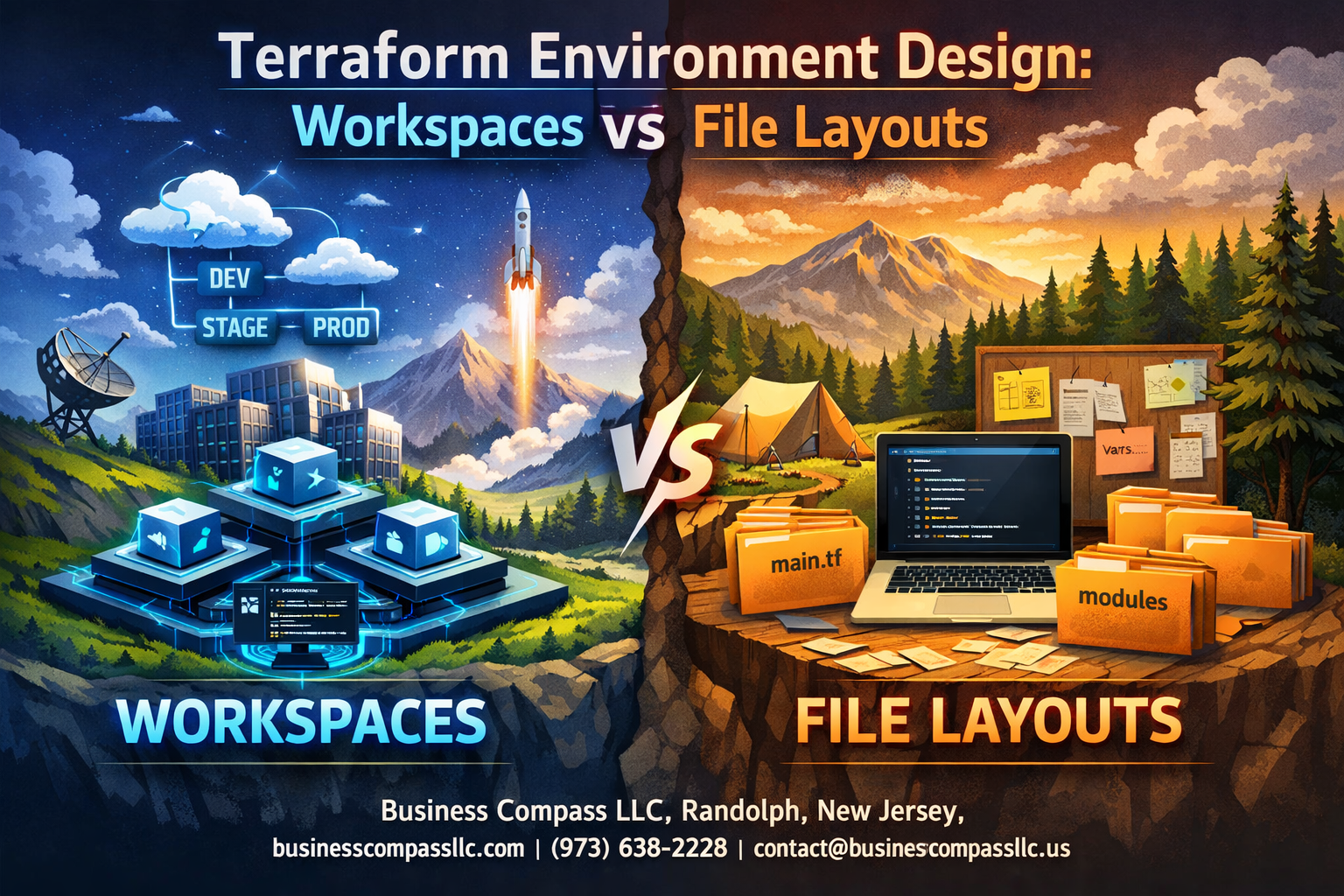
Managing multiple environments in Terraform can feel like juggling while riding a unicycle. DevOps engineers, infrastructure teams, and cloud architects often struggle with choosing between terraform workspaces and strategic terraform file structure approaches for their infrastructure as code environments.
The decision between workspaces and file layouts impacts everything from your daily workflow to long-term terraform environment management scalability. Getting this choice wrong can lead to deployment headaches, security gaps, and maintenance nightmares that’ll have you questioning your career choices.
This guide breaks down the real-world differences between terraform workspace vs modules and file-based strategies. We’ll explore terraform workspace management best practices that actually work in production environments. You’ll also discover terraform deployment strategies that scale with your team size and infrastructure complexity, plus learn when each approach makes sense for your specific situation.
Stop second-guessing your terraform multi environment setup and start building infrastructure that your future self will thank you for.
Understanding Terraform Environment Management Fundamentals
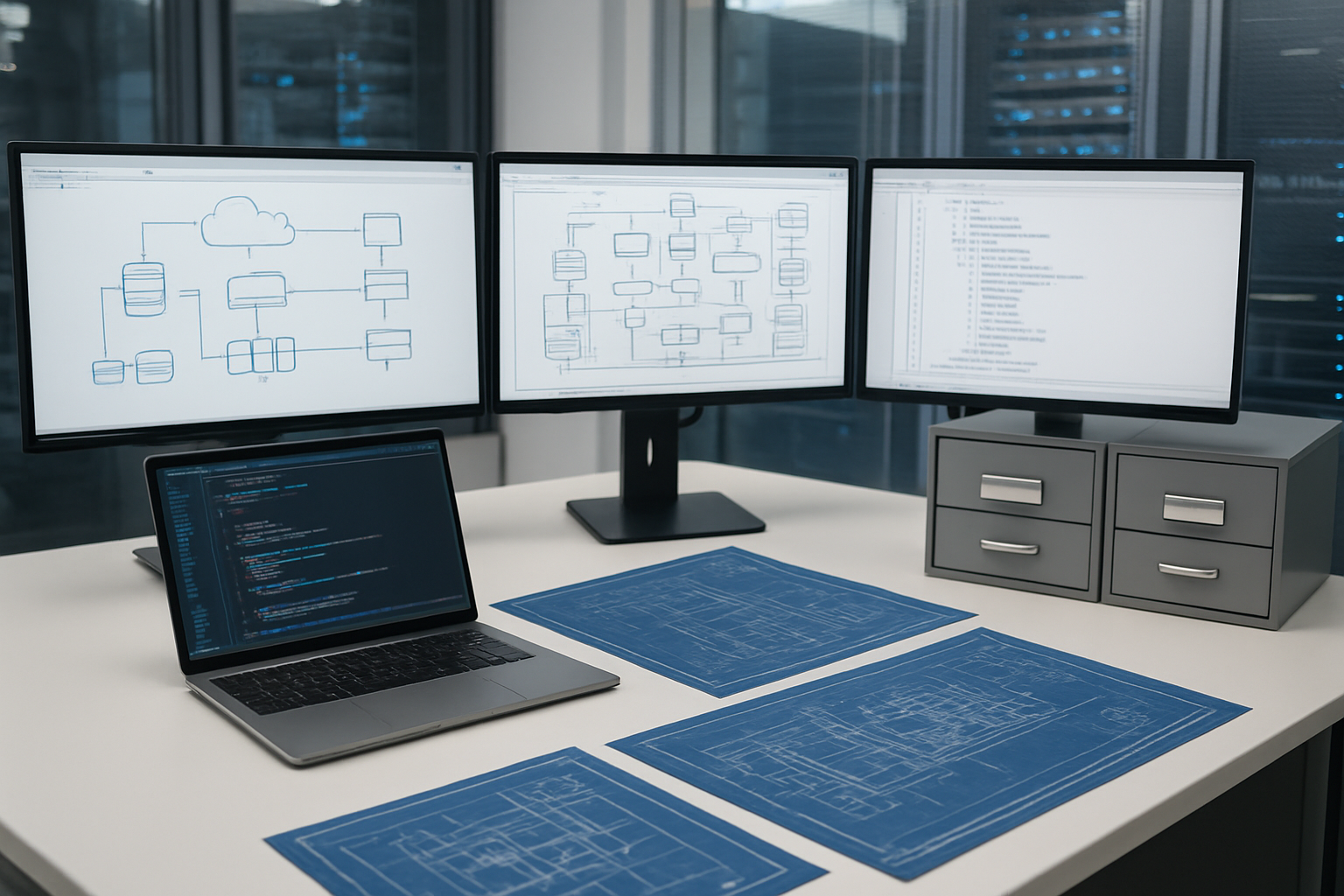
Core principles of infrastructure separation and isolation
Terraform environment management relies on creating clear boundaries between development, staging, and production resources. Each environment should operate independently, preventing changes in one from accidentally affecting another. This isolation protects critical production systems while allowing teams to experiment freely in lower environments.
The foundation of effective terraform environment management involves maintaining consistent resource naming conventions, separate state storage, and controlled access patterns. Teams benefit from standardized configurations that reduce deployment errors and improve reliability across all environments.
Benefits of organized environment structures for team collaboration
Well-structured terraform multi environment setup enables multiple developers to work simultaneously without conflicts. Clear file organization and workspace boundaries let team members understand exactly which resources they’re modifying. This transparency reduces miscommunication and speeds up code reviews.
Organized structures also simplify onboarding new team members who can quickly grasp the terraform directory structure and contribute effectively. Teams report faster deployment cycles and fewer rollbacks when following consistent terraform best practices for environment separation.
Common challenges in multi-environment deployments
Terraform workspace management often becomes complex as organizations scale beyond simple dev-test-prod scenarios. Teams struggle with configuration drift between environments, where subtle differences accumulate over time and cause unexpected behaviors. State file conflicts frequently occur when multiple developers attempt simultaneous deployments.
Another persistent challenge involves managing secrets and sensitive variables across environments securely. Many organizations also face difficulties maintaining consistent terraform deployment strategies while accommodating unique requirements for each environment, such as different instance sizes or network configurations.
Terraform Workspaces Deep Dive
How workspaces create state file isolation within single configurations
Terraform workspaces provide environment isolation by creating separate state files while sharing the same configuration code. When you create a new workspace, Terraform generates a distinct state file in the terraform.tfstate.d directory, maintaining complete separation between environments. This approach allows multiple environments to exist without interfering with each other’s resource tracking.
Switching between environments using workspace commands
Managing terraform workspaces becomes straightforward with built-in commands. Use terraform workspace new production to create environments and terraform workspace select staging to switch between them. The terraform workspace list command shows all available workspaces, while terraform workspace show displays your current workspace context for terraform environment management.
Variable management and conditional logic with workspace names
Workspace-based variable management relies on the terraform.workspace interpolation function to create environment-specific configurations. You can implement conditional logic using this variable to adjust resource naming, instance sizes, and deployment regions. Many teams create variable maps that reference workspace names, enabling dynamic configuration changes based on the active environment without duplicating terraform file structure.
Limitations and potential pitfalls of workspace-based approaches
Terraform workspace management has several drawbacks that impact terraform best practices. State files remain stored in the same backend location, creating potential security risks when multiple teams need different access levels. Workspace switching can lead to accidental deployments in wrong environments, and debugging becomes complex when troubleshooting infrastructure issues across multiple workspaces with shared configuration files.
File Layout Strategies for Environment Management

Directory-based separation for complete environment isolation
Directory-based separation creates completely isolated terraform configurations for each environment, preventing cross-environment interference. Each environment (dev, staging, prod) gets its own dedicated folder containing separate state files, configuration files, and resource definitions. This terraform directory structure approach eliminates the risk of accidentally modifying resources in the wrong environment and provides clear boundaries between different deployment stages.
Shared modules and environment-specific configurations
Terraform modules enable code reusability while maintaining environment-specific customization through dedicated configuration files. Create a centralized modules directory containing reusable infrastructure components, then reference these modules from environment-specific folders with unique variable values. This terraform file structure strategy reduces code duplication while allowing each environment to maintain distinct resource sizing, networking configurations, and security settings tailored to specific requirements.
Variable file organization and inheritance patterns
Organize variables using a hierarchical structure with global, environment-specific, and service-specific variable files. Start with a base terraform.tfvars file containing common configurations, then override specific values using environment files like dev.tfvars or prod.tfvars. This terraform best practices approach creates clear inheritance patterns where specific configurations override general ones, making it easy to track differences between environments and maintain consistency across your infrastructure as code environments.
Code reusability techniques across multiple environments
Maximize code reusability by designing parameterized modules that accept environment-specific inputs through variables. Use conditional logic within modules to handle environment differences, such as enabling monitoring only in production or adjusting instance sizes based on environment type. Template configuration files using tools like envsubst or Terraform’s built-in functions to generate environment-specific values dynamically, reducing manual configuration management overhead.
Version control best practices for file-based structures
Structure your repository with clear branching strategies that align with your terraform multi environment setup. Use feature branches for development, environment-specific branches for testing changes, and protect your main branch with required reviews. Tag releases consistently and maintain separate CI/CD pipelines for each environment directory. This terraform deployment strategies approach ensures proper change control, audit trails, and the ability to roll back environment-specific changes without affecting other environments.
Performance and Scalability Comparison

State file management efficiency in different approaches
Terraform workspaces share a single state file with workspace-specific data separation, creating efficiency gains for small to medium deployments but potential bottlenecks as teams scale. The shared backend reduces storage overhead while maintaining logical environment isolation through workspace switching mechanisms.
File layout strategies distribute state files across separate directories or repositories, enabling parallel operations and reducing lock contention during concurrent deployments. This approach scales better for large teams managing multiple environments simultaneously, though it requires more storage resources and careful state file organization to maintain consistency across your terraform deployment strategies.
Team workflow impact and collaboration considerations
Workspace-based approaches can create workflow friction when multiple developers need simultaneous access to different environments, as workspace switching requires coordination and awareness of current context. Teams often struggle with accidental deployments to wrong environments when workspace state isn’t clearly communicated.
Directory-based terraform file structure naturally supports parallel development workflows, allowing team members to work on different environments without coordination overhead. Each environment maintains its own working directory, reducing context switching errors and enabling cleaner CI/CD integration patterns for terraform multi environment setup scenarios.
CI/CD pipeline integration advantages and challenges
Terraform workspace management in automated pipelines requires explicit workspace selection and validation steps, adding complexity to deployment scripts but centralizing configuration management. Pipeline failures can be harder to debug when workspace context isn’t properly maintained across pipeline stages.
Separate file layouts integrate more seamlessly with branch-based deployment strategies, where each environment directory maps naturally to different pipeline stages or Git branches. This approach simplifies terraform best practices for automated deployments while providing clearer audit trails and rollback capabilities for infrastructure as code environments.
Security and Compliance Considerations

Access Control Mechanisms for Sensitive Environment Data
Workspaces and file layouts handle access control differently, creating distinct security profiles for terraform environment management. Workspace-based approaches rely on backend permissions and workspace-level access controls, while file layout strategies enable granular repository permissions and branch protection rules. Organizations using separate repositories for each environment can implement strict access controls through Git permissions, ensuring developers only access appropriate infrastructure configurations.
Remote state backends like Terraform Cloud offer workspace-specific access controls, allowing teams to restrict who can plan, apply, or read sensitive infrastructure data. File-based approaches benefit from standard Git security features, including signed commits, branch protection, and integration with identity providers for authentication and authorization.
Audit Trail Capabilities and Change Tracking
Both terraform workspace management and file layout strategies provide audit capabilities, though their implementation differs significantly. Workspaces maintain change history within the backend system, offering centralized logging and state version tracking. File-based approaches leverage Git’s native version control, providing detailed commit histories, blame tracking, and merge request workflows that create comprehensive audit trails.
Terraform Cloud workspaces automatically log all runs, plans, and applies with timestamps and user attribution. File layouts benefit from Git’s distributed nature, ensuring audit trails persist across multiple locations and integrate seamlessly with existing development workflows and compliance tools.
Secrets Management Strategies for Each Approach
Managing secrets requires different strategies depending on your chosen terraform best practices approach. Workspace environments typically integrate with cloud-native secret management services, storing sensitive variables within the backend system or referencing external vaults. File-based layouts often rely on environment-specific variable files, encrypted secrets, or runtime secret injection through CI/CD pipelines.
Terraform workspaces excel when paired with HashiCorp Vault or cloud provider secret managers, enabling dynamic secret retrieval during plan and apply operations. File layouts work well with encrypted repository secrets, SOPS, or external secret management systems that inject values during deployment phases.
Compliance Requirements and Regulatory Considerations
Regulatory compliance shapes infrastructure as code environments design decisions, particularly for organizations in healthcare, finance, or government sectors. Workspace approaches simplify compliance reporting through centralized logging and state management, making it easier to demonstrate control effectiveness and maintain audit evidence. File layouts provide immutable change records through Git history, supporting compliance frameworks that require detailed change documentation.
Different compliance standards favor different approaches – SOX compliance often benefits from workspace segregation and approval workflows, while GDPR implementations might prefer file-based approaches that enable data locality controls. Both strategies can meet regulatory requirements when properly configured with appropriate access controls, encryption, and monitoring capabilities.
Choosing the Right Approach for Your Use Case
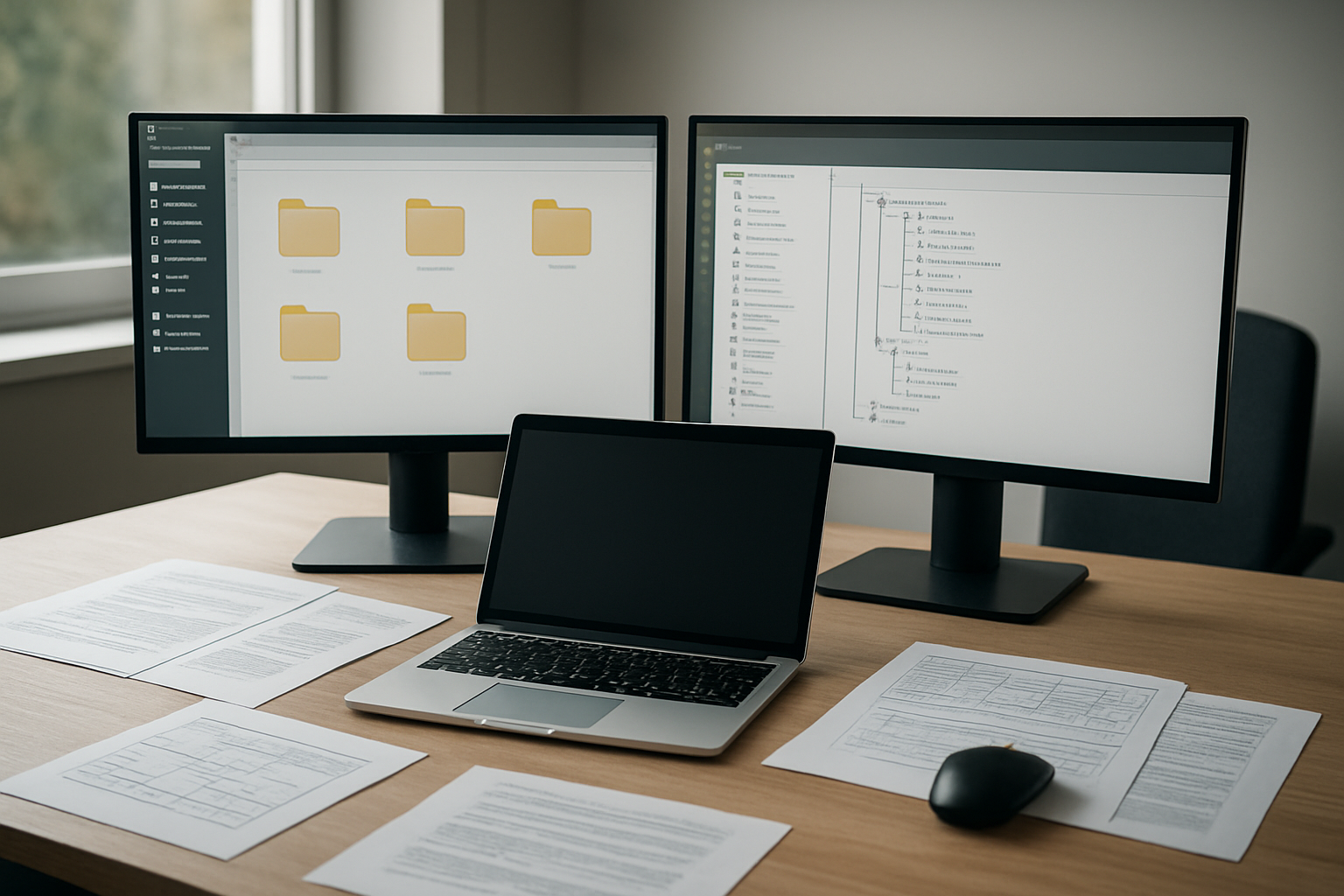
Small team scenarios and rapid prototyping needs
Terraform workspaces shine for small teams building MVPs or testing new infrastructure concepts. The lightweight approach lets developers quickly spin up environments without complex directory structures or governance overhead. Teams can create dev, staging, and production workspaces within minutes, making it perfect for startups or proof-of-concept projects where speed trumps strict separation.
Enterprise-scale deployments with complex governance
File layout strategies become essential when managing hundreds of resources across multiple business units. Enterprise environments demand clear ownership boundaries, detailed audit trails, and granular access controls that workspaces can’t provide. Separate Terraform configurations with dedicated state files enable different teams to manage their infrastructure independently while maintaining compliance with security policies and regulatory requirements.
Hybrid approaches combining workspaces and file layouts
Smart organizations often blend both methods to maximize terraform environment management efficiency. They use file layouts to separate major application domains or business units, then apply workspaces within each domain for environment-specific deployments. This terraform deployment strategy provides the governance benefits of file separation while maintaining the operational simplicity of workspaces for day-to-day environment management.

Managing your Terraform environments effectively comes down to understanding the trade-offs between workspaces and file layouts. Workspaces shine when you need quick environment switching and minimal overhead, making them perfect for smaller teams or simpler infrastructure setups. File layouts, on the other hand, give you better isolation, clearer organization, and stronger security boundaries – especially valuable for larger organizations with complex compliance requirements.
The choice isn’t always black and white, though. Many successful teams combine both approaches, using workspaces for development environments and separate file layouts for production systems. Think about your team size, security needs, and how complex your infrastructure really is. Start simple with what makes sense for your current situation, and don’t be afraid to evolve your approach as your infrastructure grows and your team learns what works best.









