


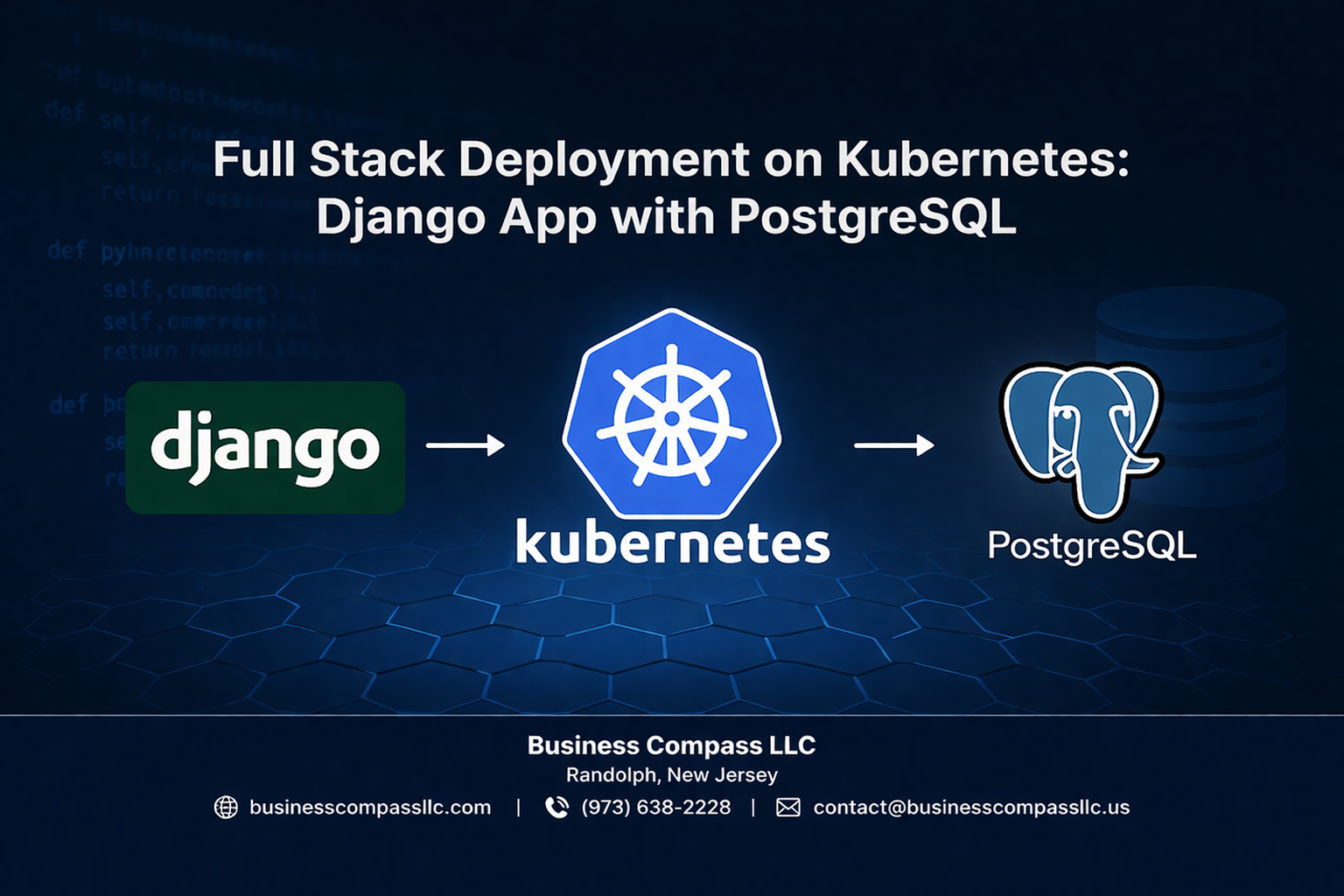
Deploying a Django application with PostgreSQL on Kubernetes can seem overwhelming, but it’s actually straightforward when you break it down into manageable steps. This full stack kubernetes tutorial is designed for developers who want to move beyond basic local development and learn how to containerize django docker applications for production-ready kubernetes django deployment.
You’ll learn practical skills that matter in real-world projects. We’ll start by setting up your development environment and walk through containerizing your Django app, then move on to configuring PostgreSQL with kubernetes persistent storage that won’t lose your data when pods restart.
This guide covers everything from creating a solid kubernetes deployment pipeline to optimizing your django app kubernetes cluster for performance and scalability. By the end, you’ll have a complete understanding of django postgresql kubernetes integration and know how to secure your deployment for production use.
Set Up Your Development Environment for Kubernetes Deployment

Install Docker and Configure Container Runtime
Docker serves as the foundation for your kubernetes django deployment journey. Download Docker Desktop from the official website and complete the installation process. After installation, verify Docker’s functionality by running docker --version and docker run hello-world commands in your terminal. Configure Docker to allocate adequate resources – at least 4GB RAM and 2 CPU cores for smooth django docker containerization workflows.
Set Up kubectl and Minikube for Local Testing
kubectl acts as your command-line interface for interacting with Kubernetes clusters. Install kubectl using your system’s package manager or download the binary directly. Next, install Minikube for local kubernetes cluster development. Start Minikube with minikube start --driver=docker to create a single-node cluster. Verify your setup by running kubectl cluster-info to confirm connectivity between kubectl and your local cluster.
Configure Python Virtual Environment with Django Dependencies
Create an isolated Python environment using python -m venv django-k8s-env and activate it with the appropriate command for your operating system. Install Django and essential dependencies including django, psycopg2-binary, gunicorn, and django-environ for configuration management. Generate a requirements.txt file using pip freeze > requirements.txt to maintain consistent dependency versions across different environments.
Install PostgreSQL Client Tools and Database Drivers
Install PostgreSQL client tools to interact with your database during development and debugging. On Ubuntu, use sudo apt-get install postgresql-client, while macOS users can install via Homebrew with brew install postgresql. Install the psycopg2 Python adapter for postgresql kubernetes configuration compatibility. Test the connection tools by running psql --version to ensure proper installation before proceeding with database setup tasks.
Containerize Your Django Application with Docker
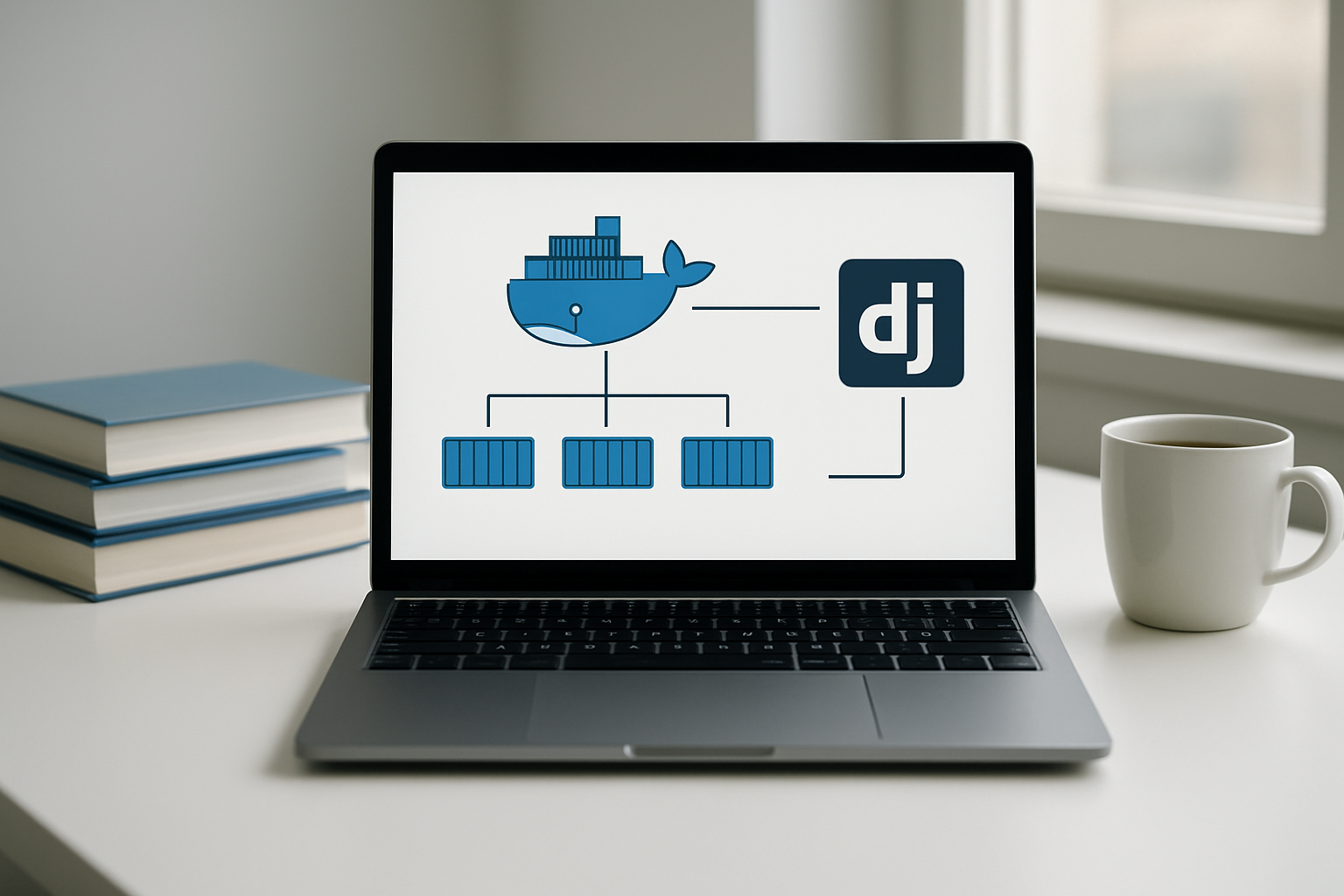
Create Optimized Dockerfile for Django Production
Building an effective django docker containerization strategy starts with a well-structured Dockerfile that balances security, performance, and maintainability. Start with a lightweight Python base image like python:3.11-slim to minimize attack surface and container size. Use multi-stage builds to separate dependencies installation from the runtime environment, keeping your production image clean and efficient.
Configure your Dockerfile to run Django as a non-root user, install only production dependencies, and set appropriate environment variables like PYTHONUNBUFFERED=1 for proper logging. Copy your application code after installing dependencies to leverage Docker’s layer caching, reducing rebuild times during development iterations.
Configure Docker Compose for Local Development
Docker Compose simplifies local development by orchestrating your Django application alongside PostgreSQL and other services. Create a docker-compose.yml file that defines separate services for your Django app, PostgreSQL database, and Redis if needed for caching. Use named volumes for database persistence and bind mounts for live code reloading during development.
Set up environment-specific configurations using .env files to manage database credentials, debug settings, and API keys. This approach mirrors your kubernetes django deployment architecture while providing a consistent development environment across your team.
Set Up Environment Variables and Secret Management
Proper secret management prevents sensitive data from being hardcoded in your container images. Use environment variables for configuration values like database URLs, API keys, and feature flags. Create separate .env files for development, staging, and production environments with appropriate security measures.
Docker Compose supports environment file loading through the env_file directive, while Kubernetes uses ConfigMaps and Secrets for similar functionality. Structure your Django settings.py to read from environment variables with sensible defaults, ensuring your containerize django docker setup works seamlessly across different deployment targets.
Build and Test Your Django Container Image
Build your Django container using docker build -t django-app . and test it thoroughly before pushing to your registry. Run automated tests inside the container to verify that all dependencies are correctly installed and your application functions as expected. Use docker run with appropriate port mappings to test the container locally.
Create a testing pipeline that validates your container image by running Django’s test suite, checking for security vulnerabilities with tools like docker scout, and verifying that static files are properly collected. This ensures your containerized Django application is production-ready for your django app kubernetes cluster deployment.
Configure PostgreSQL Database for Kubernetes

Create PostgreSQL Deployment with Persistent Storage
Setting up PostgreSQL in Kubernetes requires creating a deployment that maintains data integrity across pod restarts. Start by defining a PersistentVolume and PersistentVolumeClaim to ensure your database data survives container failures. Your PostgreSQL deployment should reference these storage resources and include proper resource limits for CPU and memory. Configure environment variables for database credentials using Kubernetes secrets to maintain security best practices.
Set Up Database Service and Network Configuration
Create a ClusterIP service to expose your PostgreSQL deployment internally within the Kubernetes cluster. This service acts as a stable endpoint for your Django application to connect to the database. Define the service with port 5432 and proper selectors matching your PostgreSQL pod labels. Network policies can restrict database access to specific namespaces or pods, enhancing your postgresql kubernetes configuration security while maintaining connectivity for authorized applications.
Configure Database Initialization Scripts and Schema Migration
Mount initialization scripts as ConfigMaps to automatically create databases, users, and initial schema when PostgreSQL starts. Your Django application should handle database migrations through Kubernetes Jobs that run before the main application deployment. Create a separate migration job that connects to PostgreSQL and executes Django’s migrate command. This approach ensures your database schema stays synchronized with your application code during kubernetes django deployment updates.
Deploy Django Application to Kubernetes Cluster

Create Kubernetes Deployment Manifest for Django
Start your kubernetes django deployment by creating a comprehensive deployment manifest that defines your application’s desired state. The deployment YAML should specify your Django container image, resource limits, environment variables for database connections, and replica counts for scalability. Include essential configurations like DATABASE_URL pointing to your PostgreSQL service and DJANGO_SETTINGS_MODULE for production settings.
Your manifest should also define resource requests and limits to ensure optimal performance within your django app kubernetes cluster. Set CPU and memory allocations based on your application’s requirements, typically starting with 100m CPU and 256Mi memory for small applications, then scaling up based on load testing results.
Configure Service Discovery and Load Balancing
Create a Kubernetes Service to enable internal communication between your Django pods and other cluster components. The Service acts as a stable endpoint, automatically discovering healthy pod instances and distributing traffic across multiple Django replicas. Use ClusterIP type for internal services or LoadBalancer for external access depending on your architecture needs.
Configure the Service selector to match your Django deployment labels, ensuring seamless pod discovery. Define appropriate port mappings, typically exposing port 8000 where your Django application listens, and enable session affinity if your application requires sticky sessions for user authentication.
Set up Ingress Controller for External Access
Deploy an Ingress Controller like NGINX or Traefik to manage external traffic routing to your Django application. The Ingress resource defines rules for HTTP/HTTPS traffic, enabling features like SSL termination, path-based routing, and host-based virtual hosting. Configure your Ingress to route traffic from your domain to the Django Service.
Enable TLS encryption by adding SSL certificates through cert-manager or manual certificate provisioning. Define path rules that direct API requests to Django while potentially routing static content to separate services, optimizing your full stack kubernetes tutorial implementation for production workloads.
Implement Health Checks and Readiness Probes
Configure liveness and readiness probes to ensure your Django application maintains high availability within the cluster. The liveness probe should check if your application process is running, typically using an HTTP GET request to a dedicated health endpoint like /health/. Set appropriate timeout and failure threshold values to prevent unnecessary pod restarts.
Implement readiness probes to determine when your Django pod is ready to accept traffic, especially important during database migrations or application startup. Create a custom Django health check view that validates database connectivity and essential service dependencies, ensuring traffic only routes to fully operational pods in your django postgresql kubernetes deployment.
Manage Persistent Data and Storage Solutions

Configure Persistent Volume Claims for Database Storage
Setting up persistent storage for your PostgreSQL database is critical for maintaining data integrity across pod restarts. Create a PersistentVolumeClaim (PVC) that defines your storage requirements, including access modes, storage class, and capacity. Your Django application’s database will rely on this persistent volume to survive container crashes and deployments.
Configure your PostgreSQL deployment to mount the PVC as a volume, ensuring data persists beyond individual pod lifecycles. Use storage classes like gp2 for AWS or standard for local development environments. This kubernetes persistent storage approach guarantees your Django app maintains consistent database connections and prevents data loss during scaling operations.
Set Up Static File Storage with Kubernetes Volumes
Managing static files in a kubernetes django deployment requires careful volume configuration to serve CSS, JavaScript, and media files efficiently. Create dedicated volumes for static assets that can be shared across multiple Django pod replicas. Mount these volumes to your application containers at the appropriate paths where Django expects to find static files.
Consider using ConfigMaps for configuration files and separate PVCs for user-uploaded media files. This separation allows you to scale your Django application horizontally while maintaining consistent access to static resources across all pods in your kubernetes cluster.
Implement Database Backup and Recovery Strategies
Automated backup strategies protect your PostgreSQL data from corruption and accidental deletion. Set up CronJobs within Kubernetes to schedule regular database dumps using pg_dump commands. Store backups in external storage solutions like AWS S3 or Google Cloud Storage for redundancy and disaster recovery.
Create backup verification processes that test restore procedures regularly to ensure your recovery strategies work when needed. Implement point-in-time recovery capabilities using PostgreSQL’s Write-Ahead Logging (WAL) features, enabling you to restore your database to specific moments before critical failures occurred.
Optimize Performance and Scalability Features

Configure Horizontal Pod Autoscaling for Django Pods
Setting up Horizontal Pod Autoscaling (HPA) for your Django application ensures automatic scaling based on CPU and memory usage. Create an HPA resource that monitors your Django pods and scales between minimum and maximum replica counts. Configure CPU utilization thresholds around 70% to trigger scaling events. This kubernetes scalability optimization keeps your application responsive during traffic spikes while reducing costs during low-usage periods.
Implement Resource Limits and Requests
Define resource requests and limits in your Django deployment manifest to guarantee consistent performance. Set memory requests around 512Mi and limits at 1Gi for typical Django applications. CPU requests should start at 250m with limits at 500m. These configurations prevent resource starvation and ensure predictable scaling behavior across your kubernetes django deployment.
Set Up Database Connection Pooling
Implement connection pooling using pgBouncer as a sidecar container or separate service to manage PostgreSQL connections efficiently. Configure pool sizes based on your Django application’s concurrent user load, typically 20-30 connections per Django pod. Connection pooling reduces database overhead and improves response times, especially critical in containerized environments where pods frequently scale up and down.
Enable Caching with Redis Integration
Deploy Redis as a caching layer to boost your Django app’s performance and reduce database load. Create a Redis deployment with persistent storage and configure Django’s cache framework to use Redis for session storage and query caching. Implement cache invalidation strategies for dynamic content and set appropriate TTL values. This caching strategy significantly improves response times for frequently accessed data in your kubernetes cluster.
Secure Your Kubernetes Deployment Pipeline

Implement RBAC and Service Account Permissions
Your kubernetes django deployment needs proper access controls to prevent security breaches. Set up Role-Based Access Control (RBAC) by creating custom roles with minimal permissions for your Django pods and PostgreSQL database. Create dedicated service accounts for each component and bind them to specific roles that only grant necessary cluster resources access.
Configure namespace-level permissions to isolate your Django application from other workloads. Define ClusterRoles and RoleBindings that restrict pod creation, secret access, and network communication based on the principle of least privilege.
Configure TLS Certificates and HTTPS Encryption
Enable secure communication for your kubernetes deployment pipeline by implementing TLS certificates across all service endpoints. Use cert-manager to automatically provision and renew SSL certificates for your Django application’s ingress controller. Configure HTTPS encryption between your Django pods and PostgreSQL database using internal certificates.
Set up certificate rotation policies and monitor certificate expiration dates to maintain continuous security coverage for your full stack kubernetes tutorial implementation.
Set Up Network Policies and Pod Security Standards
Implement Kubernetes NetworkPolicies to control traffic flow between your Django application and PostgreSQL database pods. Create ingress and egress rules that only allow necessary communication patterns while blocking unauthorized network access. Define pod-to-pod communication restrictions that prevent lateral movement in case of container compromise.
Enforce Pod Security Standards by configuring security contexts with non-root user execution, read-only root filesystems, and capability dropping. Apply admission controllers that automatically validate pod specifications against your defined security baseline before deployment.

Deploying your Django app with PostgreSQL on Kubernetes might seem like a lot to tackle, but breaking it down into these manageable steps makes the whole process much smoother. You’ve learned how to set up your environment, containerize your app, configure your database, and get everything running on a Kubernetes cluster. The focus on persistent storage, performance optimization, and security gives you a solid foundation that can handle real-world production demands.
Now it’s time to put this knowledge into practice. Start with a simple project and work through each step systematically. Don’t worry if everything doesn’t click immediately – Kubernetes has a learning curve, but the flexibility and scalability you gain make it worth the effort. Your future self will thank you when you need to scale your application or deploy updates without downtime.









