


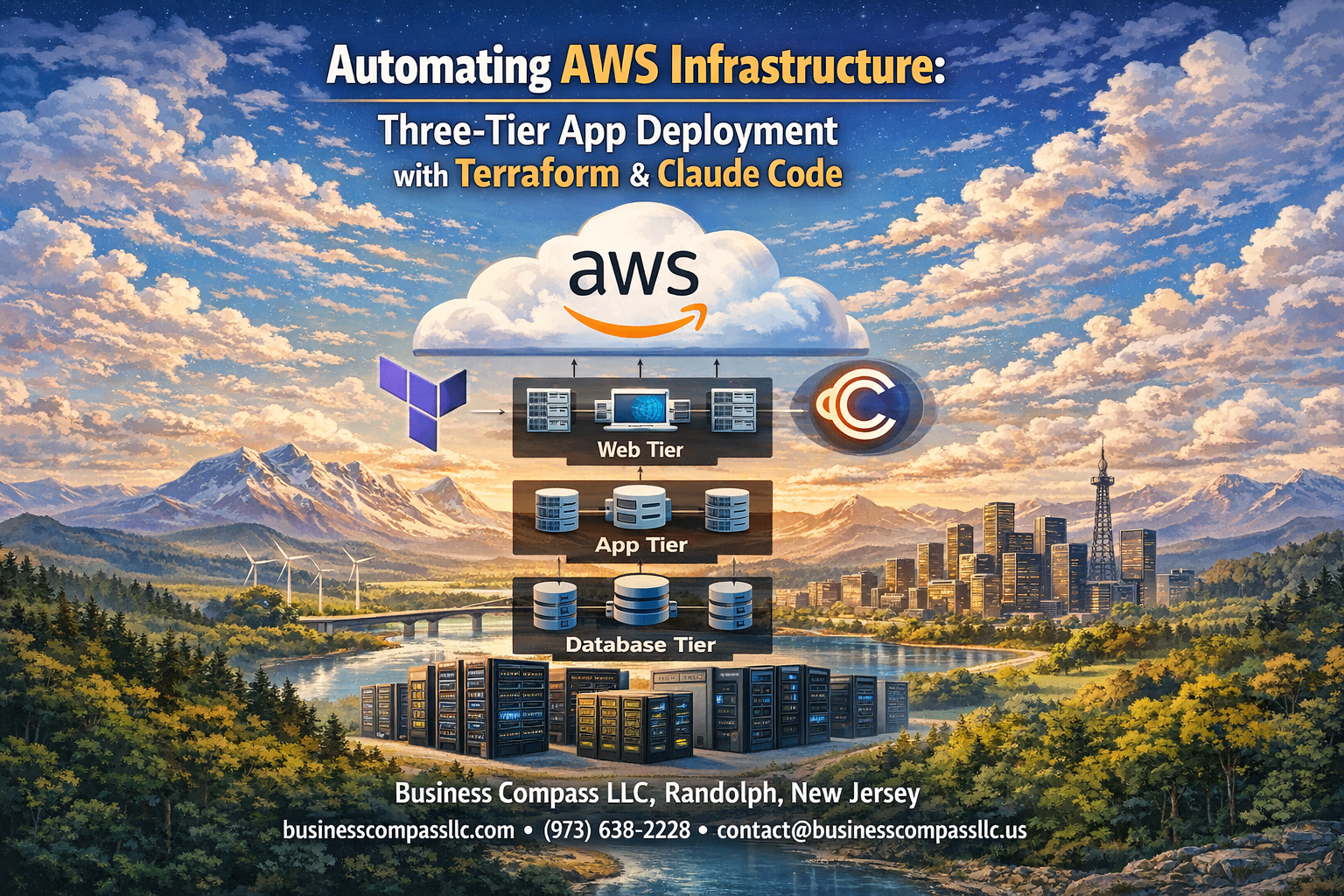
Managing AWS infrastructure manually gets messy fast. You’re jumping between the console, forgetting configurations, and spending hours on repetitive tasks that should take minutes. Terraform AWS three tier architecture automation changes everything—you can deploy entire applications with consistent, repeatable code that scales automatically.
This guide is perfect for DevOps engineers, cloud architects, and developers who want to stop clicking through AWS consoles and start building infrastructure like software. You’ll learn to combine Terraform’s infrastructure-as-code power with Claude AI’s code generation smarts to deploy production-ready applications.
We’ll walk through building each tier systematically—from setting up load balancers and auto scaling groups in the web layer to configuring RDS databases that actually perform under load. You’ll also discover how Claude AI speeds up your Terraform workflow by generating optimized configurations and catching potential issues before deployment.
By the end, you’ll have a complete AWS infrastructure automation system that deploys three-tier applications in minutes instead of hours, with all the monitoring and scaling features your production apps need.
Understanding Three-Tier Architecture for Modern Cloud Applications
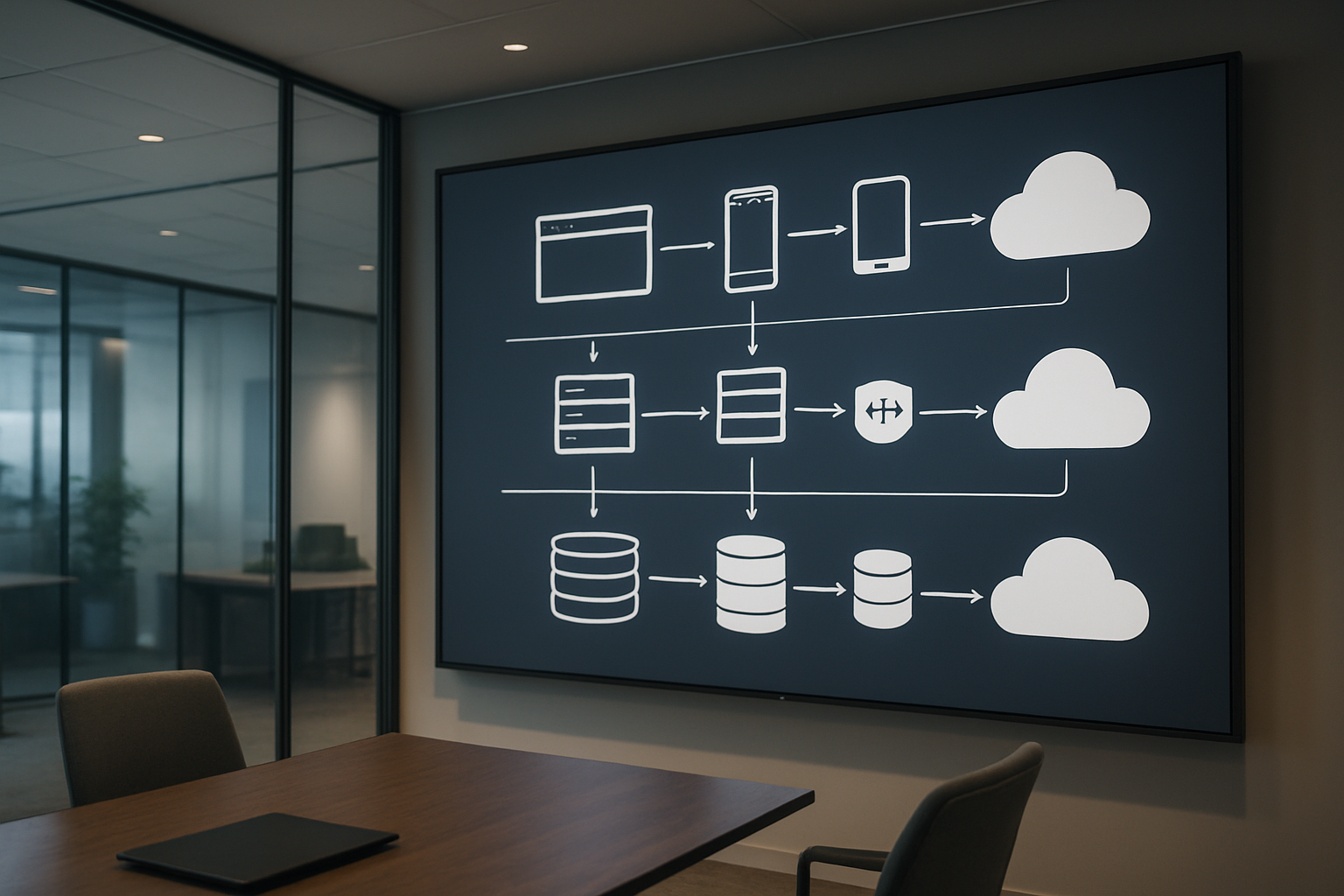
Web tier components and their role in user interaction
The web tier serves as the presentation layer where users directly interact with your application through browsers or mobile clients. This tier includes load balancers that distribute incoming traffic across multiple servers, ensuring high availability and preventing any single point of failure. Auto scaling groups automatically adjust server capacity based on demand, while web servers like Apache or Nginx handle HTTP requests and serve static content efficiently.
Application tier logic and business process management
The application tier contains the core business logic that processes user requests and orchestrates data flow between the web and database layers. This middle layer runs application servers that execute business rules, perform calculations, and manage user sessions without exposing sensitive backend operations to the front-end. AWS infrastructure automation terraform simplifies deploying these components consistently across environments.
Database tier design for optimal data storage and retrieval
The database tier provides secure, reliable data storage through managed database services like Amazon RDS or DynamoDB. This layer handles data persistence, backup operations, and ensures data integrity through proper indexing and query optimization. Terraform aws database tier setup enables automated provisioning of database clusters with proper security groups, subnet configurations, and backup policies that scale with your application needs.
Benefits of separating concerns across multiple tiers
Three tier application deployment aws architecture provides clear separation of responsibilities, making applications more maintainable and scalable. Each tier can be developed, tested, and deployed independently, allowing teams to work in parallel without interfering with each other’s components. This separation also enables better security through network isolation, improved performance through tier-specific optimization, and easier troubleshooting since issues can be isolated to specific layers.
Essential Terraform Components for AWS Infrastructure Automation
Provider Configuration for Seamless AWS Integration
Setting up the AWS provider forms the foundation of your terraform aws infrastructure automation journey. The provider block establishes secure connections to AWS services using authentication credentials, region specifications, and optional configuration parameters. You can leverage environment variables, IAM roles, or credential files to authenticate, while specifying the target AWS region ensures your three tier application deployment aws resources deploy in the correct geographical location.
Resource Blocks for Defining Infrastructure Components
Resource blocks serve as the building blocks for your aws infrastructure as code terraform implementation. Each resource represents a specific AWS service component like EC2 instances, VPCs, security groups, or RDS databases. These declarative statements define the desired state of your infrastructure, with Terraform automatically calculating dependencies and creation order. Resource attributes control configuration details, from instance types and AMI selections to network settings and security policies.
Variables and Outputs for Flexible Deployment Management
Variables enable dynamic and reusable terraform infrastructure automation guide configurations across different environments. Input variables accept values during deployment, allowing customization of instance sizes, database credentials, or network CIDR blocks without modifying core configuration files. Output values expose important resource attributes like load balancer DNS names, database endpoints, or security group IDs, enabling seamless integration between infrastructure components and external systems or subsequent Terraform configurations.
Setting Up Your Development Environment for Success

Installing Terraform and AWS CLI prerequisites
Before jumping into terraform aws infrastructure automation, you’ll need the core tools installed on your machine. Download Terraform from HashiCorp’s official website and verify the installation by running terraform --version in your terminal. Install the AWS CLI using your operating system’s package manager or download it directly from Amazon’s documentation. Both tools work seamlessly together for aws infrastructure as code terraform projects.
Most developers prefer using package managers like Homebrew on macOS or Chocolatey on Windows for easier updates and dependency management. Don’t forget to install a quality code editor with Terraform syntax highlighting – VS Code with the HashiCorp extension works great for terraform infrastructure automation guide workflows.
Configuring AWS credentials and permissions
Setting up proper AWS credentials forms the backbone of secure terraform aws three tier architecture deployments. Create an IAM user with programmatic access and attach policies for EC2, RDS, VPC, and Load Balancer management. Run aws configure to set up your access keys, or use environment variables for enhanced security in automated environments.
For production environments, consider using IAM roles instead of hardcoded credentials. Set up separate AWS profiles for different environments using aws configure --profile production to avoid accidental deployments to the wrong account during your three tier application deployment aws projects.
Creating workspace structure for organized code management
Organizing your terraform aws auto scaling load balancer code properly saves countless hours during maintenance and scaling. Create separate directories for modules, environments, and shared resources. A typical structure includes folders like modules/, environments/dev/, environments/prod/, and shared/ to keep your infrastructure code clean and reusable.
Each environment should have its own terraform.tfvars file containing environment-specific variables. This approach makes your aws three tier architecture tutorial code more maintainable and prevents configuration drift between different deployment stages.
Establishing version control best practices
Version control becomes critical when managing complex terraform aws database tier setup configurations across teams. Initialize a Git repository in your project root and create a comprehensive .gitignore file that excludes sensitive files like terraform.tfstate, *.tfvars, and .terraform/ directories. Never commit state files or credential information to version control.
Implement branching strategies that match your deployment workflow – use feature branches for development and require pull requests for main branch changes. Tag releases corresponding to production deployments, making it easy to rollback infrastructure changes when needed during your claude ai code generation terraform development process.
Building the Web Tier with Load Balancers and Auto Scaling

Application Load Balancer configuration for traffic distribution
The Application Load Balancer (ALB) serves as the entry point for your terraform aws three tier architecture, intelligently routing incoming requests across multiple web servers. Configure your ALB with target groups that automatically register healthy instances, enabling seamless traffic distribution. Set up health checks to monitor application responsiveness and remove unhealthy instances from rotation.
Path-based routing rules allow different application components to handle specific URL patterns, while SSL termination at the load balancer level reduces computational overhead on your web servers. The ALB integrates directly with AWS Certificate Manager for automated SSL certificate management.
Auto Scaling Groups for dynamic capacity management
Auto Scaling Groups provide aws infrastructure automation terraform capabilities that respond to changing demand patterns. Define scaling policies based on CloudWatch metrics like CPU utilization, memory consumption, or custom application metrics. Launch templates specify instance configurations, AMI IDs, and security groups for consistent deployments.
Configure warm-up periods to allow new instances proper initialization time before receiving traffic. Set minimum and maximum capacity limits to control costs while ensuring availability during traffic spikes.
Security groups and network ACLs for enhanced protection
Security groups act as virtual firewalls controlling inbound and outbound traffic at the instance level. Create dedicated security groups for each tier, allowing only necessary ports and protocols. The web tier security group should permit HTTP/HTTPS traffic from the internet while blocking direct database access.
Network ACLs provide subnet-level protection as an additional security layer. Configure stateless rules that explicitly allow required traffic patterns while denying everything else by default, creating defense-in-depth protection for your infrastructure.
Implementing the Application Tier for Business Logic Processing

EC2 instance provisioning with optimal specifications
When setting up EC2 instances for your three tier application deployment aws, choosing the right instance types makes all the difference. Start with t3.medium instances for development environments and scale up to c5.large or m5.large for production workloads. Configure your instances with adequate CPU, memory, and network performance to handle your application’s specific requirements without overpaying for unused resources.
Your terraform aws infrastructure automation should include detailed instance specifications, including AMI selection, key pairs, and security groups. Enable detailed monitoring and configure instance metadata options for better security compliance. Consider using spot instances for non-critical workloads to reduce costs while maintaining performance standards.
Private subnet deployment for improved security
Deploying application servers in private subnets creates a robust security layer for your terraform aws three tier architecture. Private subnets prevent direct internet access to your application tier, forcing all traffic through controlled entry points like load balancers or bastion hosts. This setup significantly reduces your attack surface and protects sensitive business logic from external threats.
Configure your private subnets across multiple availability zones for high availability. Set up NAT gateways to allow outbound internet access for software updates and API calls while keeping inbound traffic restricted. Your Terraform configuration should include proper route tables and network ACLs to maintain strict network isolation.
Application server configuration and dependency management
Application servers need careful configuration to run smoothly in your aws infrastructure as code terraform environment. Install essential dependencies like runtime environments, monitoring agents, and security tools through user data scripts or configuration management tools. Create standardized AMIs with pre-installed software to speed up deployment and ensure consistency across environments.
Package management becomes critical when dealing with multiple application instances. Use package repositories or artifact stores to manage application versions and dependencies. Configure automated deployment pipelines that can pull the latest application code and deploy it across your auto-scaling groups without manual intervention.
Inter-tier communication setup and optimization
Establishing secure communication between tiers requires careful network design and security group configuration. Set up security groups that allow specific ports and protocols between your web, application, and database tiers. Use application load balancers to distribute traffic efficiently and implement health checks to ensure only healthy instances receive requests.
Optimize network performance by placing related services in the same availability zones when possible and using placement groups for compute-intensive workloads. Configure connection pooling and caching mechanisms to reduce database load and improve response times. Monitor network latency and throughput to identify bottlenecks and optimize your terraform infrastructure automation accordingly.
Designing the Database Tier for Reliable Data Management

RDS Instance Configuration with Multi-AZ Deployment
Terraform AWS database tier setup requires careful planning of your RDS configuration to ensure high availability and disaster recovery. Multi-AZ deployments automatically create a standby replica in a different availability zone, providing seamless failover capabilities when primary database instances encounter issues. This configuration protects against hardware failures, network outages, and planned maintenance activities.
Your terraform infrastructure automation guide should include automated backups, read replicas, and proper instance sizing based on your application’s performance requirements. Multi-AZ setups handle failover operations transparently, maintaining database connections while switching to the standby instance within minutes.
Database Subnet Groups and Parameter Optimization
Database subnet groups define which subnets your RDS instances can launch into across multiple availability zones. Creating these groups through Terraform ensures your databases remain isolated within private subnets while maintaining cross-AZ redundancy. Parameter groups allow you to customize database engine settings like memory allocation, connection limits, and query optimization configurations.
Performance tuning through parameter optimization directly impacts your AWS three tier architecture tutorial success. Custom parameter groups let you adjust buffer sizes, timeout values, and logging levels to match your application’s specific workload patterns and traffic requirements.
Backup and Maintenance Window Scheduling
Automated backup configuration protects your data through point-in-time recovery capabilities, allowing restoration to any second within your retention period. Terraform lets you define backup windows during low-traffic hours, minimizing performance impact on production workloads. Setting appropriate retention periods balances data protection needs with storage costs.
Maintenance windows schedule automatic patching and minor version upgrades during planned downtime periods. Coordinating these windows with your application deployment schedule prevents conflicts and ensures system stability throughout your AWS infrastructure automation terraform pipeline.
Leveraging Claude AI for Intelligent Code Generation and Optimization

Generating Terraform modules with AI assistance
Claude AI transforms terraform aws infrastructure automation by generating custom modules tailored to your specific three-tier architecture requirements. When you describe your AWS infrastructure needs, Claude can produce complete Terraform configurations for VPCs, subnets, security groups, and application tiers. The AI understands terraform aws auto scaling load balancer patterns and can generate modules that follow AWS best practices while maintaining consistency across your infrastructure deployment.
The AI excels at creating modular, reusable code structures that simplify complex three tier application deployment aws scenarios. You can request specific configurations like multi-AZ database setups or auto-scaling policies, and Claude delivers production-ready Terraform modules with proper variable declarations and output definitions.
Code review and best practice recommendations
Troubleshooting infrastructure deployment issues
Claude AI serves as an intelligent debugging partner when terraform infrastructure automation encounters deployment failures or configuration conflicts. The AI can analyze error messages, identify root causes, and suggest specific fixes for common AWS infrastructure issues like IAM permission problems, resource dependencies, or networking configuration errors.
When deployment issues arise, Claude can review your terraform aws three tier architecture code and pinpoint problematic sections while recommending corrective actions. This accelerates troubleshooting cycles and reduces the time spent debugging complex infrastructure problems.
Performance optimization suggestions and implementation
The AI continuously analyzes your aws infrastructure as code terraform configurations to identify performance bottlenecks and optimization opportunities. Claude can suggest improvements like right-sizing EC2 instances, optimizing database configurations, or implementing more efficient load balancing strategies based on your application’s specific requirements and traffic patterns.
Performance recommendations extend beyond individual resources to encompass architectural improvements that enhance your three-tier application’s overall efficiency and cost-effectiveness.
Deployment Strategies and Infrastructure Validation

Terraform planning and validation processes
Before deploying your terraform aws three tier architecture, run terraform plan to preview all infrastructure changes. This command validates your configuration syntax and shows exactly what resources will be created, modified, or destroyed. Use terraform validate to catch configuration errors early, and implement pre-commit hooks to automatically check code quality before pushing changes to your repository.
Staged deployment approaches for risk mitigation
Deploy your aws infrastructure automation terraform setup using blue-green or rolling deployment strategies. Start with a development environment, then staging, and finally production. Create separate Terraform workspaces for each environment and use variable files to customize configurations. This approach minimizes downtime and allows quick rollbacks if issues arise during the deployment process.
Testing connectivity between application tiers
Validate that your three tier application deployment aws components communicate properly by testing network connectivity between tiers. Use AWS Systems Manager Session Manager or temporary EC2 instances to verify database connections from the application tier and load balancer health checks for web servers. Implement automated tests that check API endpoints and database queries to ensure all layers function correctly together.
Monitoring and logging setup for ongoing maintenance
Configure CloudWatch monitoring for your terraform aws auto scaling load balancer and all infrastructure components. Set up log aggregation using CloudWatch Logs or centralized logging solutions to track application performance across tiers. Create custom dashboards that display key metrics like CPU utilization, database connections, and response times. Establish alerting rules that notify your team when thresholds are exceeded, enabling proactive infrastructure management and quick issue resolution.

Building a three-tier application on AWS with Terraform and Claude AI brings together the best of modern cloud architecture and intelligent automation. You’ve seen how each layer – from the web tier’s load balancing to the database tier’s reliable storage – works together to create a scalable, maintainable system. The combination of Terraform’s infrastructure-as-code approach with Claude’s smart code generation makes what used to be complex deployment tasks much more manageable.
The real game-changer here is how AI assistance can speed up your development process while maintaining best practices. Start small with a basic three-tier setup, get comfortable with the Terraform workflow, and gradually add more sophisticated features like auto-scaling and monitoring. Your future self will thank you for taking the time to automate your infrastructure properly from the beginning.









