


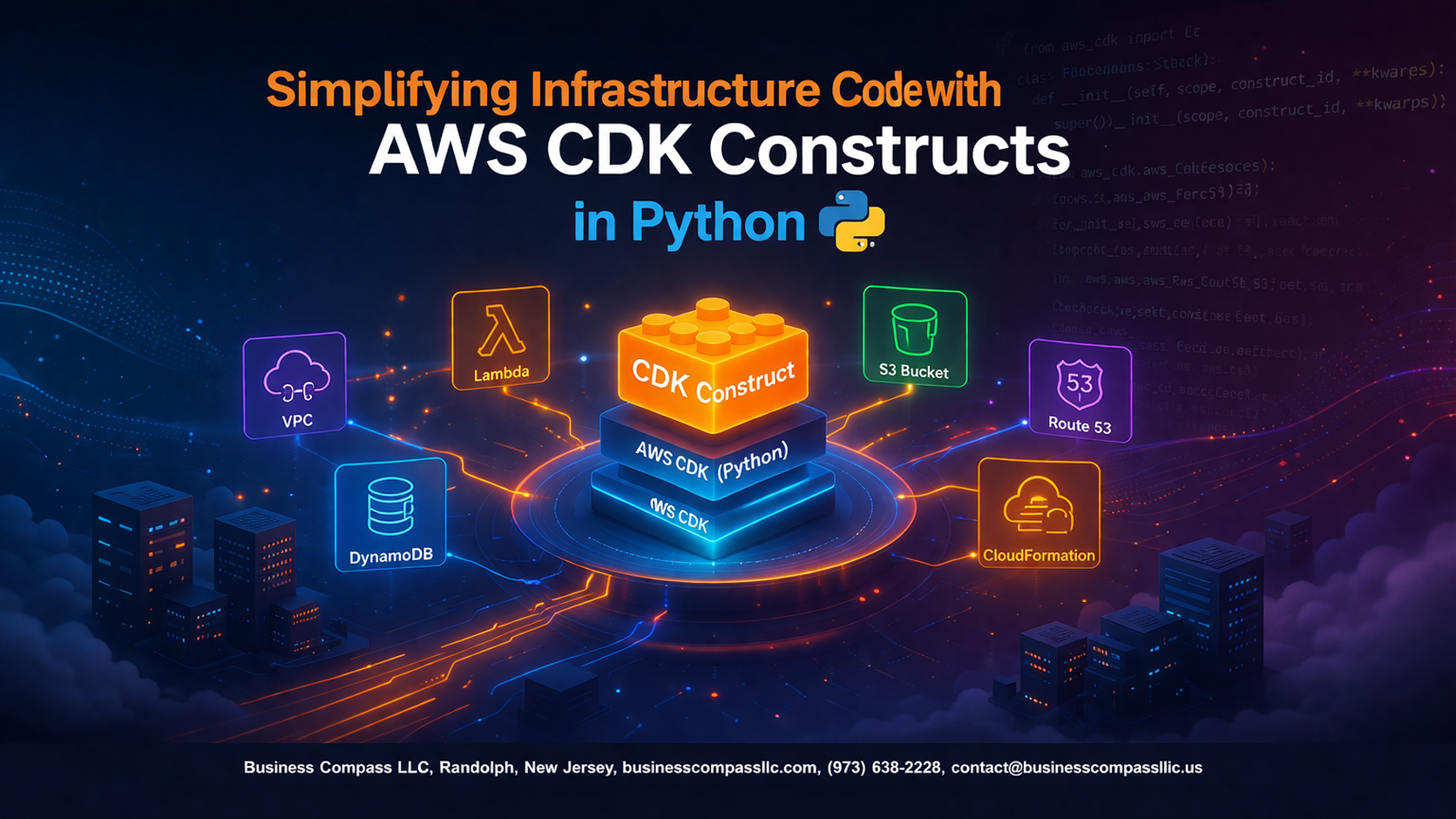
Managing cloud infrastructure doesn’t have to mean wrestling with endless YAML files or complex configuration scripts. AWS CDK Python transforms infrastructure as code into readable, maintainable Python that lets you build and deploy cloud resources with the same tools you use for application development.
This guide is for Python developers, DevOps engineers, and cloud architects who want to streamline their AWS infrastructure deployment and embrace infrastructure automation AWS without the typical complexity. You’ll learn how to leverage CDK Python tutorial concepts to create robust, repeatable infrastructure patterns that scale with your applications.
We’ll walk through setting up your CDK Python development environment so you can start building immediately. You’ll master AWS CDK constructs that handle common infrastructure patterns, from simple S3 buckets to complex serverless infrastructure Python architectures. Finally, we’ll explore AWS CDK best practices for testing and validating your infrastructure code, ensuring your deployments are reliable and maintainable.
By the end, you’ll have the skills to build CDK custom constructs that make your team more productive and your Python cloud infrastructure more robust.
Understanding AWS CDK and Python Integration Benefits

Reduce boilerplate code with high-level constructs
AWS CDK Python transforms complex CloudFormation templates into clean, readable code by providing high-level constructs that abstract away low-level configuration details. Instead of writing hundreds of lines of YAML or JSON, you can create entire application stacks with just a few Python classes and methods.
Leverage familiar Python syntax for infrastructure
Python developers can apply their existing skills to infrastructure management without learning new domain-specific languages. The CDK Python integration brings object-oriented programming, inheritance, and familiar libraries to infrastructure as code, making complex deployments feel like writing regular application code.
Accelerate deployment cycles through code reusability
Custom constructs enable teams to package common infrastructure patterns into reusable components. Once you build a construct for a three-tier web application or serverless API, you can instantiate it across multiple projects with different configurations, dramatically reducing development time.
Eliminate manual configuration errors
Type checking and IDE support catch configuration mistakes before deployment, while CDK’s validation ensures resources are properly configured. This automated error detection prevents common issues like misconfigured security groups or missing dependencies that plague manual infrastructure setup.
Setting Up Your AWS CDK Python Development Environment

Install CDK CLI and Python dependencies
Getting your AWS CDK Python environment ready starts with installing the CDK CLI globally using npm. You’ll need Node.js installed first, then run npm install -g aws-cdk to get the command-line interface. Create a Python virtual environment using python -m venv cdk-env and activate it with the appropriate command for your operating system.
Next, install the core AWS CDK Python library with pip install aws-cdk-lib constructs. Most CDK Python projects also benefit from installing aws-cdk.aws-lambda and other service-specific modules depending on your infrastructure needs. Always pin your CDK versions in a requirements.txt file to ensure consistent deployments across different environments.
Configure AWS credentials and regions
AWS CDK Python projects require proper authentication to deploy infrastructure as code. Set up your AWS credentials using the AWS CLI with aws configure or by setting environment variables like AWS_ACCESS_KEY_ID and AWS_SECRET_ACCESS_KEY. You can also use IAM roles if running on EC2 instances or other AWS services.
Configure your default region by setting the AWS_DEFAULT_REGION environment variable or specifying it in your CDK app code. Many teams prefer using AWS profiles to manage multiple accounts and environments, which you can reference in your CDK deployment commands using the --profile flag.
Initialize your first CDK Python project
Create a new CDK Python project by running cdk init app --language python in an empty directory. This command generates a complete project structure including app.py as your entry point, a requirements.txt file, and example stack definitions. The generated code provides a solid foundation for building your infrastructure automation with clear separation between application logic and stack definitions.
Your project structure will include essential files like cdk.json for CDK configuration and a stacks directory for organizing your infrastructure components. Run pip install -r requirements.txt to install dependencies, then execute cdk synth to generate CloudFormation templates and verify your setup works correctly before deploying any resources.
Mastering Core CDK Constructs for Common Infrastructure Patterns

Create VPCs and networking components efficiently
Building robust networking foundations with AWS CDK Python starts with VPC constructs that simplify complex network topologies. The aws-cdk-lib.aws_ec2 module provides powerful abstractions for creating VPCs with subnets, route tables, and security groups through declarative code. You can define multi-tier architectures with public and private subnets across availability zones using just a few lines of Python, automatically handling CIDR block allocation and route configurations.
Deploy compute resources with EC2 and Lambda constructs
AWS CDK constructs streamline compute resource deployment by abstracting away boilerplate configuration while maintaining full control over instance specifications. EC2 constructs handle AMI selection, security group associations, and user data scripts seamlessly, while Lambda constructs manage function packaging, IAM roles, and environment variables automatically. These constructs enable rapid iteration on compute infrastructure with built-in best practices for security and performance optimization.
Set up databases using RDS and DynamoDB patterns
Database provisioning becomes straightforward with CDK’s high-level database constructs that encapsulate common configuration patterns. RDS constructs handle subnet groups, parameter groups, and backup configurations automatically, while DynamoDB constructs simplify table creation with global secondary indexes and encryption settings. These patterns eliminate manual configuration errors and ensure consistent database deployments across environments.
Implement storage solutions with S3 bucket constructs
S3 bucket constructs in CDK Python provide comprehensive storage solutions with built-in security and lifecycle management capabilities. The constructs automatically configure bucket policies, encryption settings, and versioning based on declared requirements, reducing the complexity of secure storage implementation. Advanced features like cross-region replication and intelligent tiering can be enabled through simple property configurations.
Building Custom Constructs for Reusable Infrastructure Components

Design modular constructs for team standardization
Creating modular CDK custom constructs brings consistency across your organization’s AWS infrastructure deployment. Start by identifying common patterns your team repeatedly implements – like VPC configurations with specific security groups, or standardized Lambda functions with CloudWatch logging. Build these as self-contained construct classes that encapsulate best practices, naming conventions, and security policies. This approach eliminates configuration drift between projects and ensures every team member deploys infrastructure following the same proven patterns.
Package and share constructs across multiple projects
Transform your AWS CDK Python constructs into distributable packages using standard Python packaging tools like setuptools or poetry. Create a private PyPI repository or use AWS CodeArtifact to host your construct libraries, making them easily installable across different projects with simple pip install commands. Version your constructs properly and maintain clear documentation with usage examples. This infrastructure as code Python approach allows teams to quickly bootstrap new projects while maintaining consistency and reducing development time.
Implement parameterized constructs for flexible deployments
Design your CDK constructs with configurable parameters that adapt to different environments and use cases. Accept environment-specific values like VPC CIDR blocks, instance types, or scaling configurations through constructor parameters or configuration files. Use Python’s dataclasses or Pydantic models to validate input parameters and provide clear error messages for invalid configurations. This flexibility enables the same construct to deploy development, staging, and production environments with appropriate resource sizing and security settings while maintaining AWS CDK best practices for infrastructure automation AWS.
Advanced CDK Patterns for Complex Infrastructure Management

Orchestrate multi-stack deployments with dependencies
Managing complex AWS infrastructure often requires breaking down your architecture into multiple CDK stacks. Stack dependencies become critical when resources in one stack need outputs from another. You can establish these relationships using the add_dependency() method or by passing stack outputs as parameters. For example, your VPC stack must deploy before your ECS cluster stack can reference the subnet IDs.
Cross-region deployments add another layer of complexity where your CDK Python application needs to coordinate resources across multiple AWS regions. Pipeline-based deployment strategies help manage these dependencies automatically, ensuring your infrastructure deploys in the correct sequence while handling rollback scenarios gracefully.
Implement cross-stack resource sharing
Resource sharing between stacks requires careful planning of your CDK Python constructs architecture. Export values from producer stacks using CfnOutput and import them in consumer stacks with Fn.import_value(). This pattern works well for shared resources like VPCs, security groups, or IAM roles that multiple applications need to access.
Parameter Store and Systems Manager provide alternative approaches for sharing configuration data between stacks. These AWS services offer better flexibility than CloudFormation exports since you can update shared values without redeploying dependent stacks.
Manage environment-specific configurations
Environment-specific configurations in AWS CDK Python applications require a structured approach to handle differences between development, staging, and production environments. Create configuration classes that encapsulate environment-specific parameters like instance sizes, database configurations, and scaling policies. Your CDK constructs can then adapt their behavior based on the target environment.
Context values and environment variables provide clean ways to inject configuration data into your CDK applications. Consider using configuration files or external parameter stores for sensitive data, keeping your infrastructure code clean and secure while maintaining flexibility across different deployment environments.
Handle resource lifecycle and updates safely
Safe resource updates in CDK Python applications require understanding CloudFormation’s update behaviors and implementing appropriate safeguards. Use removal policies to protect critical resources from accidental deletion, and implement custom resources for complex update scenarios that CloudFormation doesn’t handle natively.
Rolling updates and blue-green deployment patterns help minimize downtime during infrastructure changes. Your CDK constructs should include proper health checks and rollback mechanisms, especially for stateful resources like databases or persistent storage that require careful handling during updates.
Testing and Validating Your CDK Infrastructure Code
Write unit tests for construct behavior
Testing AWS CDK Python constructs starts with unit tests that verify your infrastructure components behave correctly before deployment. Use the aws-cdk-lib.assertions module to check resource properties, counts, and configurations without creating actual AWS resources. Focus on testing construct logic, parameter validation, and resource relationships to catch issues early in development.
Implement integration testing strategies
Integration tests validate that your CDK constructs work together properly and deploy successfully to AWS environments. Create dedicated test stacks that mirror production configurations, then use AWS CLI commands or SDK calls to verify deployed resources function as expected. Set up automated pipelines that deploy test infrastructure, run validation checks, and clean up resources afterward.
Validate generated CloudFormation templates
CDK generates CloudFormation templates that you can inspect and validate before deployment. Use cdk synth to output templates locally, then analyze them for security issues, resource limits, and compliance requirements. Implement automated template scanning with tools like cfn-lint or custom scripts that check for specific patterns, naming conventions, and required tags across your infrastructure as code Python projects.

AWS CDK with Python transforms how we build and manage cloud infrastructure. By combining the power of AWS services with Python’s simplicity, developers can write infrastructure code that’s both readable and maintainable. The key benefits we’ve explored—from setting up your development environment to mastering core constructs—show how CDK eliminates the complexity of traditional infrastructure management.
Creating custom constructs and applying advanced patterns takes your infrastructure game to the next level. When you build reusable components and implement proper testing strategies, you’re not just deploying resources—you’re building a scalable foundation for your entire organization. Start small with basic constructs, then gradually work your way up to more complex patterns. Your future self (and your team) will thank you for the clean, well-tested infrastructure code you create today.









