


Building production-ready AI agents that can handle real-world demand requires more than just spinning up a basic setup. This guide walks you through scaling AI workflows AWS using Bedrock AgentCore, Amazon’s powerful framework for creating intelligent, automated systems that grow with your business needs.
Who this guide is for: DevOps engineers, AI/ML engineers, and cloud architects who need to deploy robust AI agent workflows that won’t break under pressure. You should have basic AWS experience and some familiarity with AI concepts.
We’ll start by breaking down Bedrock AgentCore architecture so you understand how all the pieces fit together. Then we’ll dive into designing scalable AI agent workflows that can handle everything from a few requests to thousands per minute. Finally, we’ll cover AWS Bedrock production deployment strategies that keep your agents running smoothly while optimizing costs.
By the end, you’ll have a clear roadmap for building AI systems that scale without the headaches.
Understanding AWS Bedrock AgentCore Architecture
Core Components and Service Integration
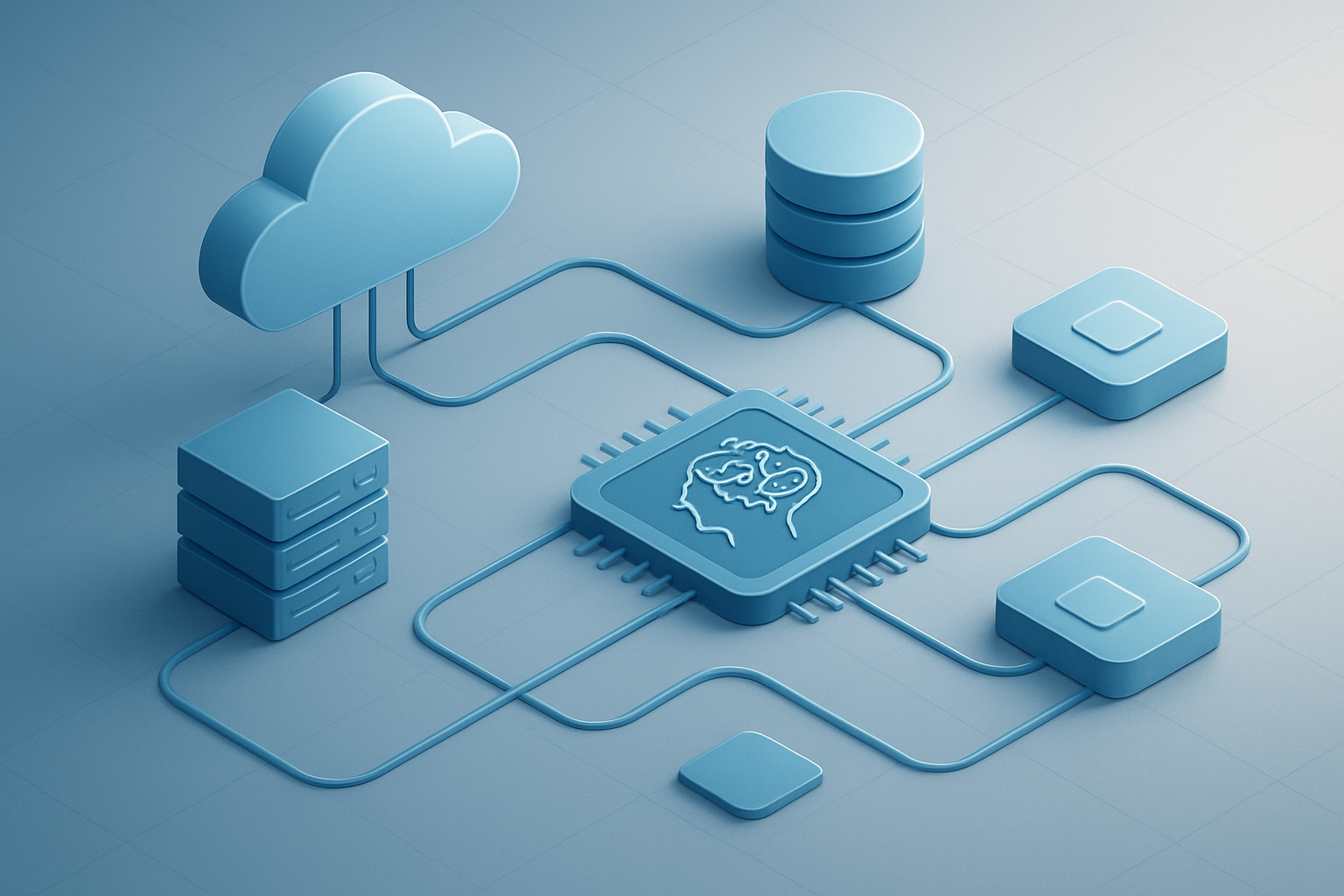
AWS Bedrock AgentCore architecture builds on three foundational pillars: the Agent Runtime Environment, Knowledge Base Integration, and Action Groups framework. The Agent Runtime provides isolated execution contexts where AI agents process requests using foundation models from Bedrock’s model catalog. Knowledge bases connect to vector databases like Amazon OpenSearch or Pinecone, enabling semantic search and retrieval-augmented generation capabilities. Action Groups define discrete functions that agents can execute, from API calls to database operations.
Service integration extends beyond core AWS services to encompass third-party systems through standardized APIs. The architecture seamlessly connects with Lambda functions, DynamoDB tables, and S3 buckets while maintaining secure communication channels through VPC endpoints and IAM policies.
Agent Orchestration Capabilities
The orchestration layer manages complex multi-agent workflows through a declarative configuration approach. Agents can collaborate through message passing, shared knowledge bases, and coordinated task delegation. The system supports both sequential and parallel execution patterns, automatically handling dependencies and error propagation across agent chains. Built-in retry mechanisms and circuit breakers ensure robust operation under varying load conditions.
Dynamic agent spawning allows workflows to scale horizontally based on demand, with the orchestrator intelligently distributing workloads across available compute resources. This capability proves essential when processing large document sets or handling concurrent user requests requiring specialized expertise from different agent types.
Workflow Execution Models
Bedrock AgentCore supports three primary execution models: synchronous request-response, asynchronous batch processing, and event-driven reactive workflows. Synchronous execution provides real-time responses for user-facing applications, while batch processing handles large-scale data operations efficiently. Event-driven workflows respond to triggers from CloudWatch Events, S3 object changes, or custom application events.
The execution engine optimizes resource allocation based on workflow characteristics, automatically switching between execution modes as workload patterns change. Memory and compute resources scale dynamically, with built-in checkpointing ensuring workflow continuity during infrastructure updates or unexpected interruptions.
Security and Compliance Features
Security operates at multiple layers within the AgentCore architecture, starting with IAM-based access controls that govern agent creation, modification, and execution permissions. All inter-service communications use TLS encryption, while data at rest receives protection through AWS KMS integration. Agent isolation prevents cross-contamination between workflows, with each execution environment maintaining separate memory spaces and network boundaries.
Compliance features include comprehensive audit logging through CloudTrail integration, automatic data residency controls for regulated industries, and configurable retention policies for conversation logs and intermediate processing results. The architecture supports SOC 2, GDPR, and HIPAA requirements through built-in data handling controls and encryption standards.
Setting Up Your First Bedrock AgentCore Environment

Prerequisites and Account Configuration
Before diving into AWS Bedrock AgentCore, you’ll need an active AWS account with proper billing setup and service limits configured. Your account should have access to the Bedrock service in your preferred region, as availability varies by location. Enable necessary AWS services including CloudWatch for monitoring, Lambda for serverless functions, and S3 for data storage. Most organizations benefit from setting up a dedicated AWS account or organizational unit specifically for AI workloads to maintain isolation and cost control.
IAM Roles and Permission Management
Creating granular IAM policies for AWS Bedrock AgentCore ensures secure access while maintaining operational flexibility. Set up service-linked roles that allow AgentCore to interact with foundation models, knowledge bases, and external APIs. Your IAM strategy should include separate roles for development, testing, and production environments. Grant minimum necessary permissions for each role, including access to specific Bedrock models, S3 buckets for data sources, and CloudWatch for logging and metrics collection.
Resource Allocation and Cost Optimization
Smart resource allocation starts with understanding your AI workflow patterns and expected usage volumes. Configure auto-scaling policies for your AgentCore environments to handle variable workloads efficiently. Set up CloudWatch billing alarms to monitor costs and establish budget thresholds for different project stages. Choose appropriate model configurations based on your performance requirements – lighter models for development and testing, with more powerful options reserved for production workloads where accuracy and response quality are critical.
Designing Scalable AI Agent Workflows
Workflow Pattern Best Practices
Successful AWS Bedrock AgentCore workflows follow modular patterns that separate concerns and enable independent scaling. Break complex tasks into smaller, reusable components that can handle specific functions like data validation, processing, or external API interactions. This approach makes debugging easier and allows teams to optimize individual components without affecting the entire workflow.
Data Flow Architecture Planning
Smart data flow architecture starts with understanding your input sources and output requirements. Design clear data pipelines that move information between agents efficiently, using AWS services like S3 for temporary storage and EventBridge for event-driven communications. Map out data transformations early to avoid bottlenecks and ensure consistent data formats across your AgentCore workflows.
Error Handling and Retry Mechanisms
Build robust error handling into every agent interaction point. Configure exponential backoff strategies for temporary failures and implement circuit breakers to prevent cascading failures across your AWS Bedrock AgentCore system. Set up dead letter queues for messages that repeatedly fail processing, allowing you to investigate issues without losing important data or blocking other workflow operations.
Performance Monitoring Integration
Integrate CloudWatch metrics and custom dashboards from day one to track agent response times, success rates, and resource consumption. Set up automated alerts for key performance indicators like workflow completion times and error rates. This monitoring foundation helps you identify scaling bottlenecks before they impact production workloads and guides optimization efforts across your AgentCore implementation.
Multi-Agent Coordination Strategies
Coordinate multiple agents using event-driven patterns rather than direct coupling. Design agents to publish status updates and consume relevant events from other agents, creating flexible workflows that adapt to changing conditions. Use AWS Step Functions to orchestrate complex multi-agent processes while maintaining clear visibility into each step’s execution status and performance metrics.
Implementation Strategies for Production Workloads

Development to Production Pipeline
Building a robust development to production pipeline for AWS Bedrock AgentCore requires establishing clear deployment stages and automated testing. Create separate environments for development, staging, and production, each with isolated AgentCore configurations and data sources. Implement automated CI/CD pipelines using AWS CodePipeline to deploy agent configurations, validate performance benchmarks, and run integration tests. Version control your agent definitions and knowledge bases through Git, enabling rollback capabilities when issues arise.
Auto-scaling Configuration
Configure AgentCore auto-scaling by setting up CloudWatch metrics that monitor request volume, response times, and error rates. Define scaling policies that automatically adjust compute resources based on demand patterns, ensuring your AI workflows maintain optimal performance during traffic spikes. Use AWS Application Auto Scaling to manage both horizontal scaling of agent instances and vertical scaling of underlying resources. Set minimum and maximum capacity limits to control costs while maintaining service availability.
Load Balancing for High Availability
Deploy Application Load Balancer in front of your AgentCore endpoints to distribute incoming requests across multiple availability zones. Configure health checks that monitor agent responsiveness and automatically route traffic away from unhealthy instances. Implement session affinity when agents maintain conversational context, ensuring user interactions remain consistent. Set up cross-region failover using Route 53 for disaster recovery scenarios where primary regions become unavailable.
Monitoring and Optimizing AgentCore Performance

Key Performance Metrics Tracking
Tracking the right metrics makes all the difference when running AWS Bedrock AgentCore at scale. Focus on latency measurements, token consumption rates, and agent success ratios to get a clear picture of your system’s health. CloudWatch dashboards should display real-time data for request processing times, concurrent agent sessions, and API throttling events. Set up custom metrics for workflow completion rates and error frequency to catch issues before they impact users.
Resource Utilization Analysis
Smart resource monitoring prevents costly over-provisioning while ensuring your AgentCore performance optimization stays on track. Monitor Lambda function memory usage, concurrent executions, and cold start frequencies across your agent workflows. Track DynamoDB read/write capacity units and S3 request patterns to identify bottlenecks. Use AWS X-Ray to trace request paths and spot inefficient resource allocation patterns that could slow down your scaling AI workflows AWS implementation.
Cost Management and Budget Controls
Bedrock AgentCore costs can spiral quickly without proper controls in place. Set up billing alerts for token usage thresholds and implement automated scaling policies that balance performance with budget constraints. Use AWS Cost Explorer to analyze spending patterns across different agent types and workflows. Create resource tagging strategies to track costs by project or team, making it easier to optimize your AWS Bedrock AgentCore deployment budget.
Troubleshooting Common Performance Issues
Agent timeout errors often stem from poorly configured retry logic or insufficient Lambda timeout settings. When agents fail to respond, check CloudWatch logs for API rate limiting or memory exhaustion patterns. Slow response times usually indicate inefficient prompt engineering or oversized model selections. Address connection pooling issues by reviewing concurrent execution limits and implementing proper error handling for downstream service dependencies.
Advanced Integration Techniques
Third-Party Service Connections
AWS Bedrock AgentCore integration with external services opens up powerful automation possibilities. Connect your AI agents directly to CRM systems, databases, and API endpoints using Lambda functions as middleware. Popular integrations include Salesforce for customer data synchronization, Slack for notifications, and GitHub for code repository management. Configure secure authentication using IAM roles and API keys stored in AWS Secrets Manager to maintain security best practices.
Custom Model Integration
Bring your own trained models into AWS Bedrock AgentCore workflows by deploying them on SageMaker endpoints. This approach lets you leverage specialized models alongside foundation models for domain-specific tasks. Set up model versioning and A/B testing frameworks to compare performance between custom and pre-built models. Use CloudWatch metrics to track inference latency and accuracy across different model combinations.
Real-time Data Processing Workflows
Stream processing capabilities in AgentCore handle live data feeds through Kinesis Data Streams and EventBridge. Build reactive AI workflows that respond to IoT sensors, user interactions, or market data changes within milliseconds. Implement circuit breakers and retry logic to handle high-volume data spikes. Scale processing capacity automatically using Lambda concurrency controls and DynamoDB on-demand billing to match workload demands without over-provisioning resources.

AWS Bedrock AgentCore opens up a world of possibilities for building robust AI agent workflows that can grow with your business needs. From setting up your first environment to implementing advanced monitoring strategies, this platform gives you the tools to create AI solutions that actually work in the real world. The key is starting simple with your agent architecture and gradually adding complexity as you learn what works best for your specific use case.
Getting your AI workflows production-ready doesn’t have to be overwhelming when you break it down into manageable steps. Focus on building solid foundations first, then layer on the performance optimizations and advanced integrations that will make your agents truly shine. Start experimenting with Bedrock AgentCore today – even a basic setup will teach you valuable lessons about scaling AI that you can apply to bigger projects down the road.









