


Getting your web app ready to launch on AWS? Your VPC design will make or break your deployment success. This guide is for developers, DevOps engineers, and startup founders who need to build a solid foundation for their web applications without the guesswork.
A poorly planned VPC can lead to security gaps, performance bottlenecks, and surprise costs that drain your budget. The right AWS VPC design sets you up for smooth scaling, keeps your data secure, and helps you avoid common networking pitfalls.
We’ll walk through the VPC fundamentals that matter most for web applications, then dive into planning a scalable VPC architecture that grows with your business. You’ll also learn the security best practices that protect your app from day one, plus proven strategies for optimizing both network performance and costs as your traffic increases.
Understanding VPC Fundamentals for Web Applications
Essential VPC Components That Impact Your Web App Performance
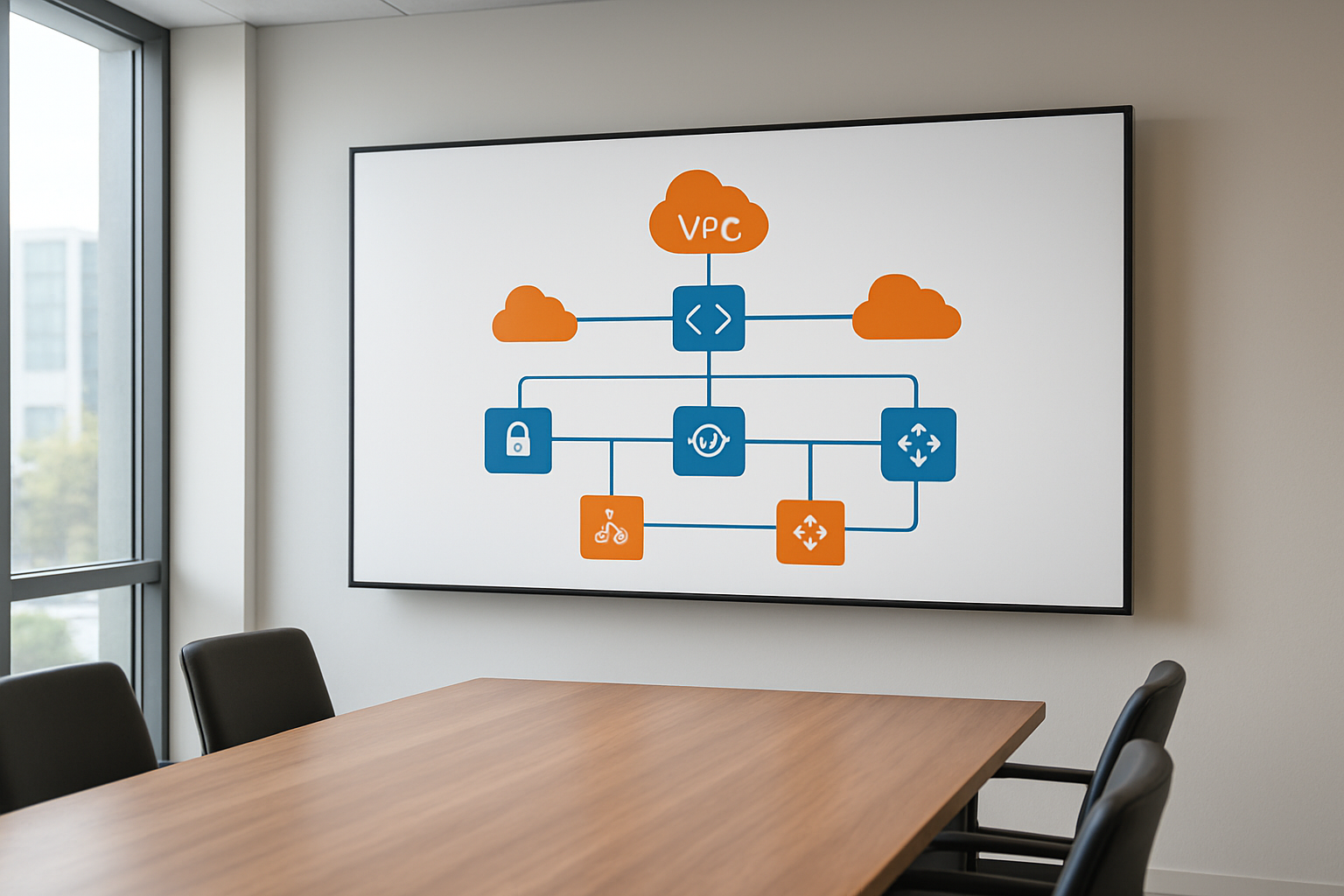
Your VPC setup directly affects how fast and reliable your web application runs. The core components include subnets that segment your network, route tables that control traffic flow, and internet gateways that provide external connectivity. Network ACLs act as subnet-level firewalls, while security groups protect individual instances. Each component plays a specific role in your AWS VPC design, and understanding their interactions helps you build a scalable VPC design that supports high-performance web applications.
Public vs Private Subnets: Making the Right Choice for Your Architecture
Public subnets host resources that need direct internet access, like load balancers and bastion hosts, while private subnets protect backend components like databases and application servers. Smart web app deployment AWS strategies place front-end resources in public subnets and sensitive data in private ones. This VPC architecture best practices approach creates natural security layers while maintaining performance. Route your traffic through NAT gateways to give private subnet resources controlled outbound access without exposing them to inbound internet traffic.
Security Groups and NACLs: Building Your First Line of Defense
Security groups work at the instance level and act like virtual firewalls with stateful filtering – they automatically allow return traffic. NACLs operate at the subnet level with stateless rules that you must configure for both inbound and outbound traffic. Your AWS networking security strategy should use security groups for granular instance protection and NACLs for broader subnet-level controls. Configure security groups with specific port ranges and source IP blocks, while keeping NACLs as backup protection with allow-all rules unless you need strict subnet isolation.
Planning Your VPC Architecture for Scalability

Multi-AZ Design Patterns That Prevent Single Points of Failure
Spreading your web app across multiple Availability Zones creates the foundation for true resilience. Deploy your application servers in at least two AZs, with each zone containing identical infrastructure components including compute instances, databases, and storage. This AWS VPC design approach means if one zone experiences issues, traffic automatically routes to healthy zones without downtime.
Configure your database layer with Multi-AZ deployments or read replicas across zones to maintain data availability. Place critical components like NAT gateways and bastion hosts in separate AZs to avoid bottlenecks during zone failures.
Subnet Sizing Strategies That Accommodate Future Growth
Start with /24 subnets (254 usable IPs) for most application tiers, but plan bigger for auto-scaling groups. Public subnets can be smaller since they primarily host load balancers and NAT gateways. Private subnets need more IP space to handle container deployments and scaling events during peak traffic.
Reserve IP blocks by using /20 or /21 subnets in high-growth environments. This scalable VPC design prevents the headache of subnet expansion later when your web app deployment AWS requirements increase unexpectedly.
CIDR Block Selection for Optimal Network Management
Choose a /16 CIDR block like 10.0.0.0/16 for your main VPC to provide 65,000+ IP addresses across all subnets. Avoid overlapping with on-premises networks or other VPCs you might peer with later. Break down your address space logically: 10.0.1.0/24 for web tier, 10.0.2.0/24 for app tier, and 10.0.3.0/24 for database tier.
Plan secondary CIDR blocks early if you expect rapid growth. AWS allows up to five CIDR blocks per VPC, giving you flexibility to expand without redesigning your entire network architecture.
Load Balancer Placement for Maximum Availability
Position Application Load Balancers in public subnets across multiple AZs to distribute incoming traffic evenly. This setup ensures users can reach your application even if one zone becomes unavailable. ALBs automatically detect unhealthy targets and reroute traffic to healthy instances in other zones.
Use Network Load Balancers for ultra-low latency requirements, placing them strategically near your application clusters. Configure health checks that match your application’s actual readiness, not just basic connectivity, to prevent routing traffic to struggling instances.
Implementing Security Best Practices from Day One

Network Segmentation Techniques for Enhanced Protection
Proper network segmentation forms the backbone of AWS VPC security by isolating different application tiers and controlling traffic flow. Create separate subnets for your web servers, application servers, and databases, placing each tier in distinct availability zones for both security and resilience. Public subnets should only contain load balancers and bastion hosts, while keeping application logic and sensitive data in private subnets with no direct internet access.
Security groups act as virtual firewalls that control inbound and outbound traffic at the instance level, while NACLs provide subnet-level protection. Configure security groups with the principle of least privilege, opening only necessary ports for specific sources. Use NACLs as an additional defense layer, creating explicit deny rules for known malicious traffic patterns and implementing stateless filtering that complements your security group configurations.
IAM Roles and Policies Integration with VPC Resources
IAM roles eliminate the need for hardcoded credentials by providing temporary security tokens to EC2 instances and other AWS services within your VPC. Assign specific roles to different application components, ensuring each service can only access the AWS resources it genuinely needs. Create custom policies that restrict actions based on VPC context, such as allowing S3 access only from specific subnets or enabling RDS connections solely from designated application servers.
Cross-service integration becomes seamless when you attach IAM roles to VPC endpoints, allowing private access to AWS services without routing traffic through the internet. Configure VPC endpoint policies that work alongside IAM permissions, creating multiple layers of access control that protect both data in transit and service interactions within your AWS networking security framework.
VPC Flow Logs Configuration for Monitoring and Compliance
VPC Flow Logs capture detailed information about IP traffic flowing through your network interfaces, providing visibility into connection patterns and potential security threats. Enable flow logs at the VPC, subnet, and network interface levels to create comprehensive monitoring coverage that supports both real-time analysis and compliance reporting. Store logs in CloudWatch Logs for immediate alerting or S3 for long-term analysis and cost optimization.
Configure custom flow log formats to capture specific fields relevant to your security requirements, such as protocol types, packet counts, and connection states. Set up automated analysis using CloudWatch Insights or third-party tools to detect unusual traffic patterns, failed connection attempts, and potential data exfiltration. Regular flow log analysis helps identify misconfigured security groups, unused resources, and provides the audit trail necessary for compliance frameworks.
Optimizing Network Performance and Costs

Internet Gateway vs NAT Gateway: Choosing the Right Connectivity Option
Internet Gateways provide direct internet access for resources in public subnets, making them ideal for web servers and load balancers that need bidirectional connectivity. NAT Gateways enable outbound internet access for private subnet resources while maintaining security. For cost-effective AWS VPC cost optimization, use Internet Gateways for public-facing components and reserve NAT Gateways only when private resources need internet access for updates or API calls.
VPC Endpoints for Reduced Data Transfer Costs
VPC endpoints dramatically reduce data transfer costs by keeping traffic within AWS infrastructure when accessing services like S3 or DynamoDB. Gateway endpoints for S3 and DynamoDB are free, while interface endpoints for other services charge hourly but eliminate NAT Gateway data processing fees. This VPC performance optimization strategy can save thousands monthly for data-intensive web applications by avoiding expensive internet routing paths.
CloudFront Integration for Global Content Delivery
CloudFront integration with your VPC design reduces origin server load and improves global performance. Configure CloudFront to cache static assets from your web servers, reducing bandwidth costs and latency. Origin Shield provides additional caching layers for high-traffic applications. Implement custom cache behaviors for different content types to maximize cache hit ratios and minimize data transfer from your VPC.
Bandwidth Optimization Strategies for Web Traffic
Enable gzip compression on web servers to reduce bandwidth usage by up to 70% for text-based content. Implement connection pooling and HTTP/2 to reduce connection overhead. Use Elastic Load Balancers strategically to distribute traffic across availability zones, minimizing cross-AZ data transfer charges. Consider placing frequently accessed databases in the same AZ as application servers to avoid inter-AZ transfer costs while maintaining scalable VPC design principles.
Monitoring and Troubleshooting Your VPC Setup

Essential CloudWatch Metrics for VPC Health Monitoring
Monitor your AWS VPC monitoring setup through key CloudWatch metrics that reveal network health instantly. Track NetworkPacketsIn/Out, NetworkLatencyHigh, and VPC Flow Logs to catch performance bottlenecks before they impact users. Set up custom dashboards displaying NAT Gateway bandwidth utilization, subnet-level traffic patterns, and security group connection attempts.
Common VPC Misconfigurations That Break Web Apps
VPC architecture best practices get overlooked when teams rush deployments, creating silent failures. Route table misconfigurations block traffic between subnets, while security groups with overly restrictive rules prevent legitimate connections. Network ACLs set to deny-all accidentally cut off entire availability zones from communicating.
Network Debugging Tools and Techniques for Quick Resolution
VPC Flow Logs provide granular visibility into rejected connections and unusual traffic patterns within your web application VPC configuration. Use VPC Reachability Analyzer to test connectivity between resources before deploying code changes. AWS X-Ray traces network calls across services, pinpointing exactly where requests fail in complex multi-tier applications running across multiple subnets.
A well-designed VPC serves as the foundation for any successful web application launch on AWS. Getting your network architecture right from the start saves you from costly redesigns down the road. Focus on creating a scalable structure with proper subnets, implement security groups and NACLs early, and don’t forget about performance optimization through strategic placement of resources.
Take time to set up comprehensive monitoring before you go live. Your future self will thank you when you can quickly spot and fix network issues before they impact your users. Remember, a solid VPC design isn’t just about making things work today – it’s about building a platform that can grow with your business and keep your applications running smoothly for years to come.









