

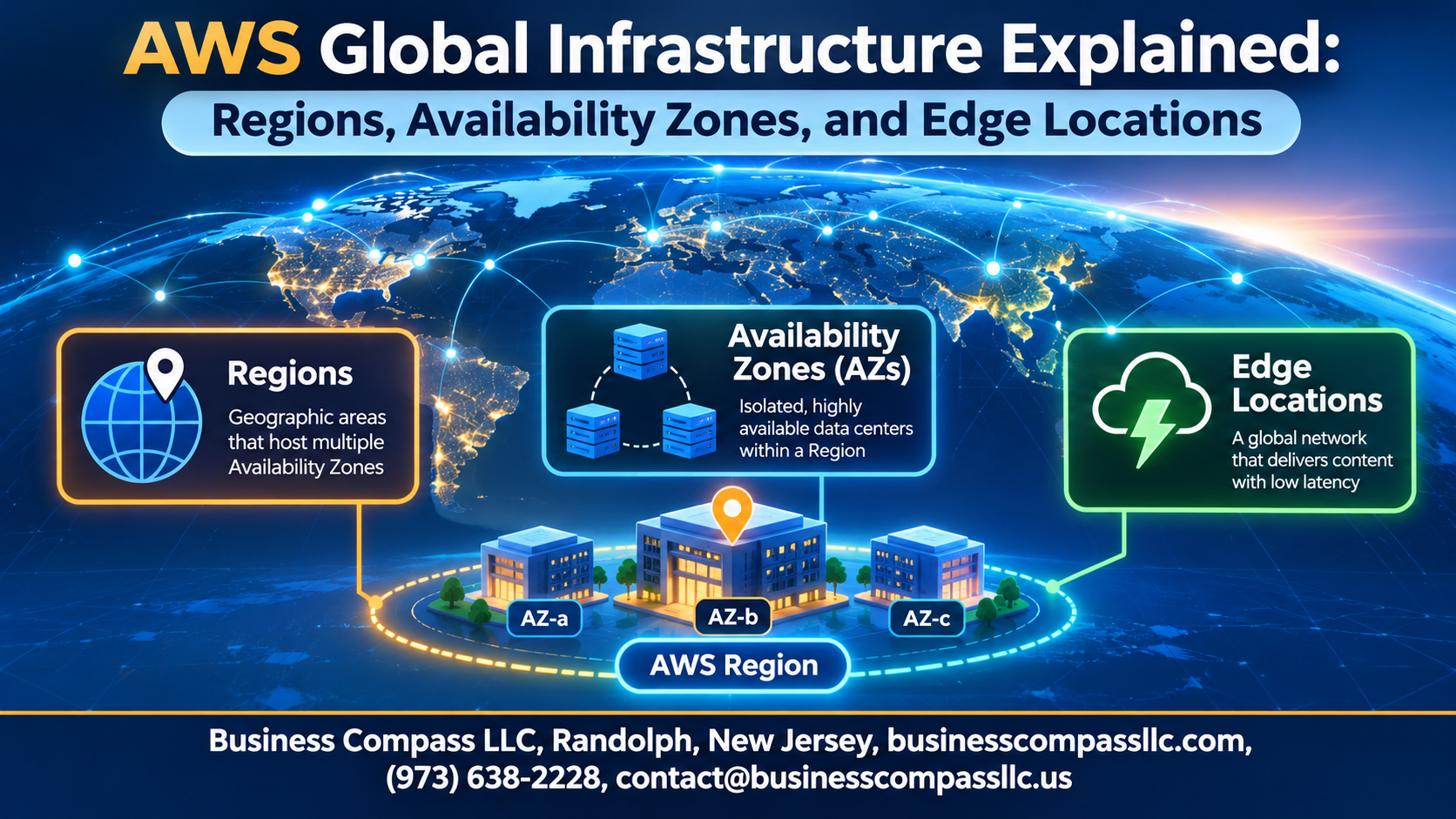
AWS Global Infrastructure Explained: Regions, Availability Zones, and Edge Locations
Trying to make sense of AWS global infrastructure? This guide is for developers, cloud engineers, and IT leads who are new to AWS or want a clearer mental map.
AWS regions and availability zones decide where your apps run, how fast they feel, and how well they survive failures. Here’s what we’ll cover:
- How to choose an AWS region: Balance latency, cost, and data rules.
- Availability zones: Build an AWS high availability architecture that keeps running when one data center fails.
- AWS edge locations: See how CloudFront gets content to users faster.
We’ll also touch on security, compliance, and multi-region best practices. Grab a coffee and let’s get into it.
Understand the Big Picture of AWS Global Infrastructure

See How AWS Delivers Worldwide Scale and Reliability
Dozens of Regions keep your apps fast and available.
Learn How the Three Building Blocks Fit Together
Regions contain Availability Zones; edge locations sit near users.
Discover Why Infrastructure Design Matters for Your Workloads
Smart placement cuts latency, downtime, and compliance headaches.
Choose the Right Region for Your Workloads

What an AWS Region Is
Each region has multiple isolated Availability Zones.
Reduce Latency
Place resources near users for faster responses.
Meet Compliance Needs
Keep data in required countries.
Compare Pricing and Services
Costs and service availability vary by region.
Decide Confidently
Weigh latency, compliance, price, and services.
Build Resilience with Availability Zones

Understand How Availability Zones Isolate Failures
Each Availability Zone has its own power, cooling, and networking, so a fire or outage in one rarely touches the others.
See How Data Centers Are Grouped Within a Zone
An AZ is one or more nearby data centers working as a single unit.
Achieve High Availability with Multi-AZ Deployments
Spread instances and databases across at least two AZs, so traffic shifts automatically if one fails.
Reduce Downtime Using Low-Latency AZ Connectivity
Fast, private links between AZs make synchronous replication and quick failover practical.
Accelerate Content Delivery with Edge Locations

A. Explain What Edge Locations Are and Why They Matter
Nearby AWS points of presence that cut user latency.
B. Speed Up Websites Using Amazon CloudFront Caching
CloudFront caches content at edge locations, sparing your origin repeat requests.
C. Improve DNS Performance with Amazon Route 53
Route 53 answers DNS queries from the nearest edge.
D. Boost Application Performance with AWS Global Accelerator
Global Accelerator sends traffic over AWS’s backbone to healthy endpoints.
E. Extend the Edge with Local Zones and Wavelength
Local Zones and Wavelength put compute near cities and 5G users.
Strengthen Security and Compliance Across the Global Network

Rely on the AWS Private Global Backbone Network
Traffic skips the public internet.
Apply the Shared Responsibility Model Across Regions
You secure your workloads.
Protect Data with Encryption and Regional Controls
Encrypt with KMS; keep data local.
Leverage AWS Compliance Programs for Regulated Industries
Get audit reports in Artifact.
Apply Best Practices to Design for Global Scale

Design Multi-Region Architectures for Disaster Recovery
- Replicate data across Regions; test failovers.
Balance Cost, Performance, and Availability Trade-Offs
- Multi-Region costs more; protect critical workloads.
Monitor Global Workloads with Native AWS Tools
- Track health with CloudWatch.
Follow a Practical Checklist for Your Next Deployment
- Choose compliant Regions, span AZs, add CloudFront.

AWS’s global setup might look complicated at first, but it comes down to three simple ideas. Regions are where your workloads live, so pick them based on latency, cost, and compliance needs. Availability Zones keep your app running when something breaks. Edge Locations get your content to users fast, wherever they are.
Add solid security and a few smart design habits, like spreading workloads across multiple AZs and planning for growth early, and you’ve got a setup that can scale around the world without constant headaches.
So take a look at your current architecture. Are you running in the best Region for your users? Is everything sitting in a single AZ? Pick one thing to fix this week, and build from there.