

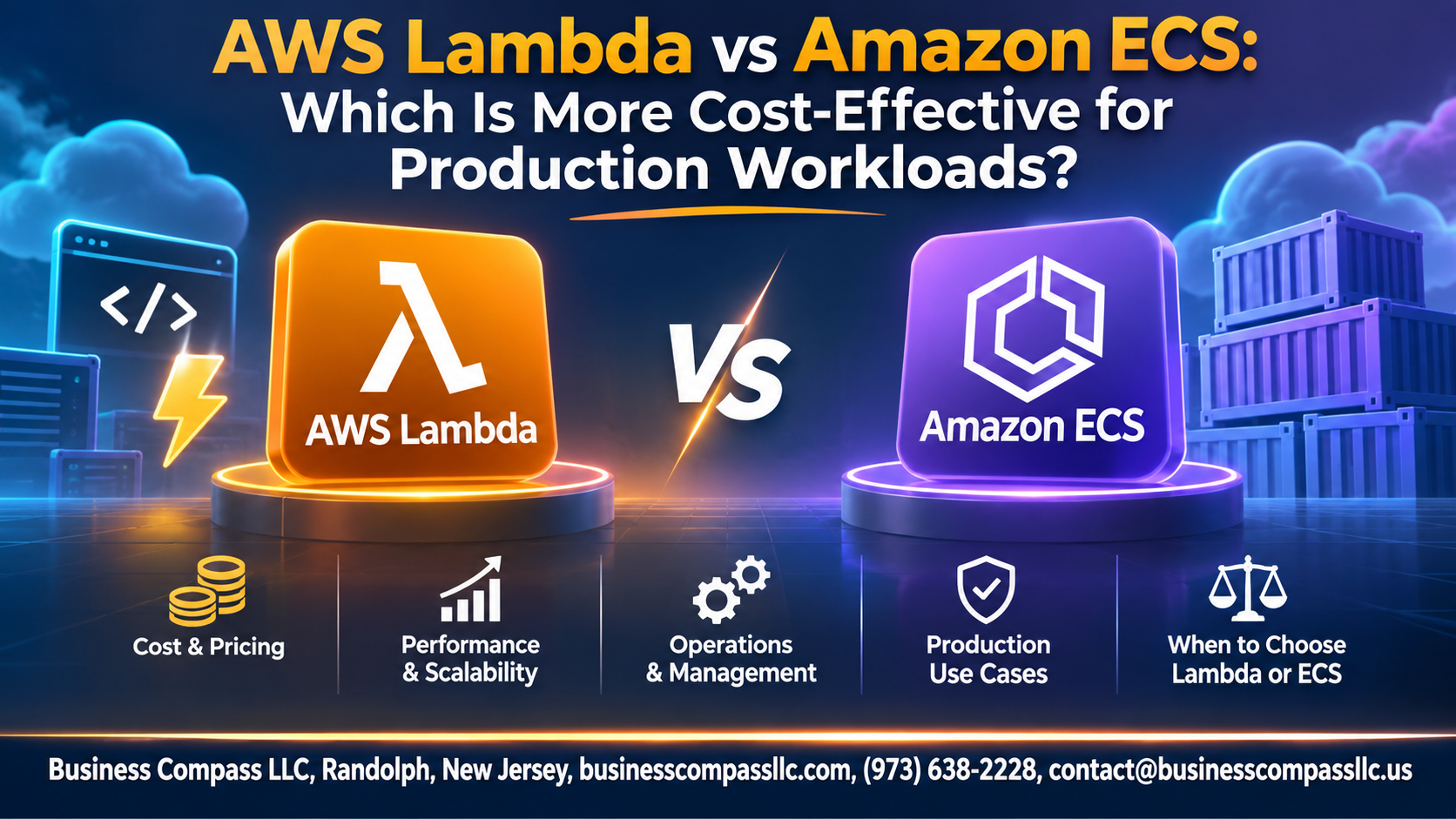
Trying to pick between AWS Lambda vs ECS for production? You’re probably asking one thing: which one costs less? The honest answer is that it depends on your traffic.
This guide is for developers, DevOps engineers, and tech leads who want the cheapest way to run production workloads on AWS without guessing.
Here’s what we’ll cover:
- How each service charges you: a plain-English look at AWS Lambda pricing and Amazon ECS pricing, including the Lambda vs Fargate cost split.
- Which workloads fit where: the traffic patterns that make serverless vs containers cost tip one way or the other.
- Real numbers and hidden costs: a side-by-side Lambda vs ECS cost comparison, plus the team time and ops work that never show up on your bill.
By the end, you’ll know when to use Lambda vs ECS and how to keep your AWS cost optimization on track.
Understand How Each Service Charges You

Lambda pricing: requests, duration, and memory
Lambda bills per request plus GB-seconds, so memory size drives your cost.
ECS pricing on EC2 versus Fargate
ECS itself is free. On EC2 you pay for instances. On Fargate you pay for vCPU and memory per second.
Hidden costs like data transfer, logging, and NAT gateways
Watch CloudWatch logs, NAT gateways, and data transfer.
Match Workload Patterns to the Cheapest Option

A. Spiky and unpredictable traffic
Lambda wins here. You pay only per request, so idle time costs nothing.
B. Steady, high-volume workloads
ECS on Fargate or EC2 usually costs less when traffic stays constant.
C. Long-running and background processes
ECS handles these better. Lambda’s 15-minute limit forces workarounds.
D. Latency-sensitive applications
ECS avoids cold starts, though provisioned concurrency can fix Lambda for a price.
Compare Real-World Costs Side by Side

Low-traffic API cost scenario
Lambda wins; 1M requests cost about $2, idle Fargate $10+.
Medium-traffic web service cost scenario
Close call; steady traffic makes Fargate competitive.
High-throughput workload cost scenario
Fargate or EC2-backed ECS usually costs far less.
Finding the break-even point
Roughly 30–40% sustained utilization often flips the math.
Factor in Operational Overhead and Team Time

Infrastructure management effort
Lambda has no servers to patch. ECS on Fargate removes most host work, but you still manage images, task sizing, and networking.
Deployment and scaling complexity
Lambda deploys fast and scales on its own. ECS needs service tuning, autoscaling rules, and load balancers.
Monitoring and troubleshooting costs
Lambda’s per-invocation logs add up. ECS needs container-level metrics.
Skill requirements and learning curve
Lambda is quicker to learn. ECS demands Docker and networking know-how.
Optimize Performance to Cut Costs

Right-size Lambda memory and timeouts
Test memory settings with AWS Lambda Power Tuning. More memory often shortens runtime, lowering cost.
Reduce cold start impact affordably
Trim packages and use provisioned concurrency only for latency-critical functions.
Use ECS autoscaling and Spot capacity
Scale on demand; run fault-tolerant tasks on Spot.
Apply Savings Plans and Reserved Instances
Commit to steady usage for discounts.
Avoid Costly Production Pitfalls

Concurrency limits and runaway invocations
Set reserved concurrency and billing alarms. A retry loop or recursive trigger can burn through Lambda budgets overnight.
Overprovisioned containers and idle resources
Right-size ECS tasks using CloudWatch metrics. Idle Fargate capacity bills 24/7.
Vendor lock-in and migration expenses
Lambda ties you to AWS event models. Containers move more easily.
Choose the Right Service for Your Budget

Decision framework based on cost drivers
Spiky, low-volume traffic fits Lambda; steady, high-throughput loads fit ECS Fargate.
When a hybrid Lambda and ECS approach saves more
Run steady APIs on ECS and event-driven tasks on Lambda.
Tools for forecasting and tracking spend
Use AWS Pricing Calculator, Cost Explorer, and Budgets.

So, which one is cheaper? It depends on your workload. Lambda charges you for every request and every millisecond of runtime, so it’s great when traffic is spiky or unpredictable. ECS charges for the compute you reserve, so it usually wins when traffic is steady and high. Run the numbers side by side with your real usage, not guesses, and the answer gets pretty clear.
Don’t forget the hidden costs, either. Your team’s time counts as much as your AWS bill. Lambda cuts a lot of the babysitting, while ECS gives you more control but needs more hands-on work. Tune your memory settings, right-size your tasks, and watch out for traps like runaway retries, idle capacity, and surprise data transfer fees.
Here’s what to do next: pull up your last month of usage, plug it into the AWS pricing calculator for both services, and see which one comes out ahead. Start with one workload, measure it, and adjust. You can always mix both, using Lambda for the bursty stuff and ECS for the steady stuff, and let each one do what it does best.