

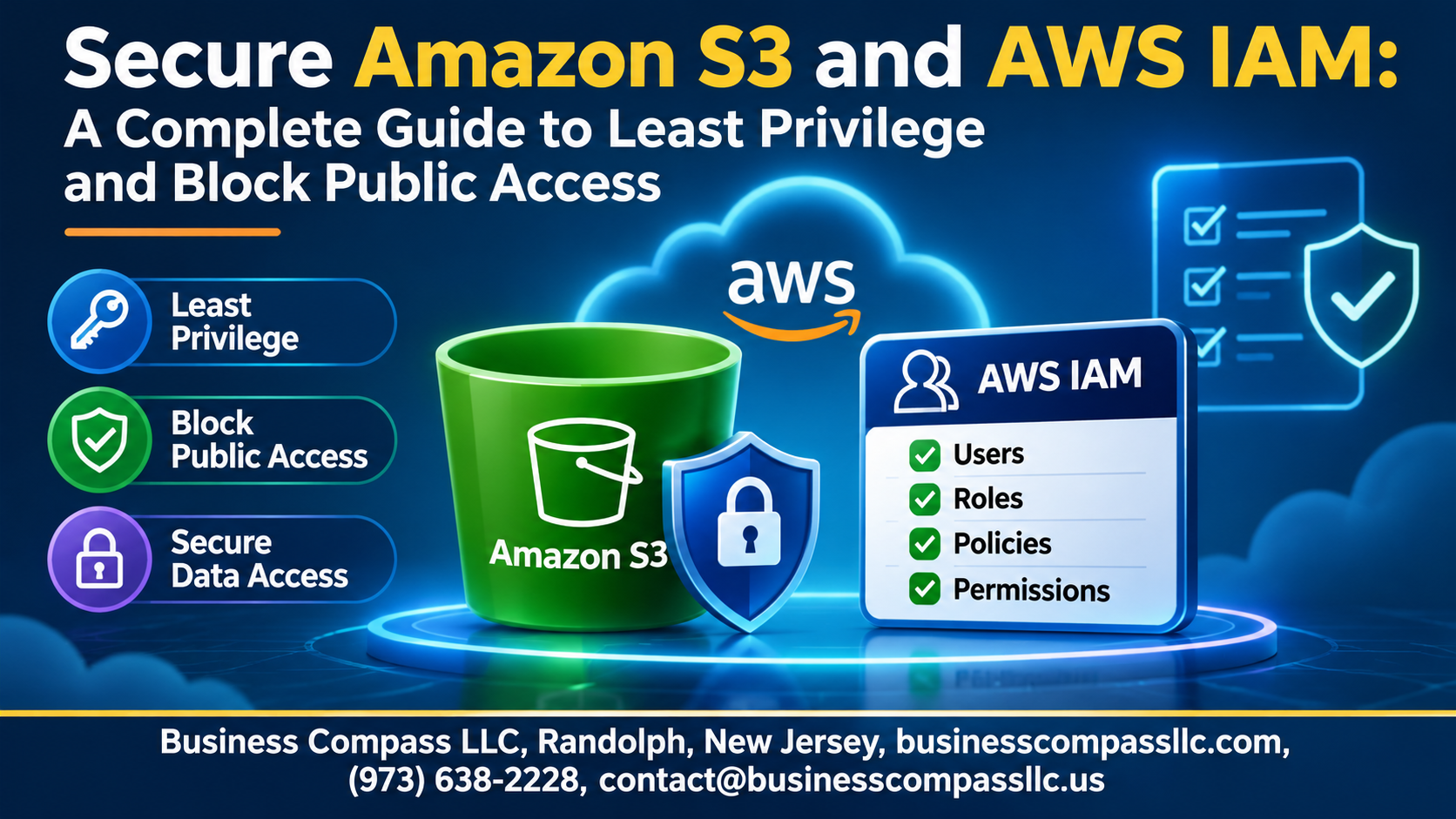
Leaked S3 buckets keep making headlines, and most of them come down to one bad setting or an overly generous IAM policy. This guide shows you how to secure Amazon S3 buckets with AWS IAM best practices, so you can lock things down without breaking your apps.
It’s for cloud engineers, DevOps teams, developers, and security folks who manage AWS accounts and want a clear, practical path.
Here’s what we’ll cover:
- Least privilege IAM policy: How to give people and services only the access they need, using IAM roles and permissions that are easy to review.
- S3 Block Public Access and bucket policies: How to prevent public S3 bucket exposure, with S3 bucket policy examples you can adapt.
- Data protection and monitoring: How S3 encryption works, and how to audit your setup over time.
We’ll wrap up with an AWS S3 security checklist you can run through today.
Understand the S3 and IAM Risk Landscape

Spot Common Misconfigurations That Cause Data Leaks
Wildcards, public buckets, and stale ACLs cause most leaks.
See How S3 and IAM Work Together to Protect Data
IAM controls who acts; bucket policies control data reach.
Apply the Shared Responsibility Model to Your Buckets
AWS secures infrastructure; you secure access and configuration.
Build a Strong IAM Foundation

Lock Down the Root Account
Skip daily root use; enable MFA and delete root keys.
Use Roles, Not Access Keys
Roles give temporary credentials, so leaked keys expire quickly.
Enforce MFA
Require MFA for every user, especially for sensitive actions.
Organize Access with Groups
Attach policies to groups, not individuals.
Apply Least Privilege to Cut Your Attack Surface

Define Exactly Who Needs Access to What
Map each user, role, and app to specific buckets and tasks.
Write Granular IAM Policies with Specific Actions and Resources
Skip s3:*. Allow only needed actions on exact bucket ARNs.
Use Conditions to Tighten Access by IP, VPC, or Tags
Limit requests with aws:SourceIp, aws:SourceVpce, or resource tags.
Set Permission Boundaries to Prevent Privilege Escalation
Cap what delegated admins can grant, even if policies expand.
Use IAM Access Analyzer to Generate Right-Sized Policies
Generate policies from CloudTrail activity, then remove unused permissions.
Control Bucket Access with Bucket Policies and ACLs

A. Choose Between IAM Policies and Bucket Policies
Use IAM policies for user and role permissions. Use bucket policies for resource-wide rules and cross-account access.
B. Disable ACLs with Bucket Owner Enforced
Turn ACLs off to keep ownership and permissions simple.
C. Restrict Access to Trusted Accounts and Principals
Allow only named accounts, roles, and conditions.
D. Share Data Safely Using Presigned URLs and Access Points
Use short-lived presigned URLs and scoped access points.
Block Public Access the Right Way

Enable Block Public Access at the Account Level
Turn on all four settings account-wide. It’s your safety net, overriding risky bucket policies and ACLs everywhere.
Configure Bucket-Level Settings for Added Protection
Enable all four settings on each bucket too, so S3 Block Public Access still protects it if account settings change.
Handle Legitimate Public Content with CloudFront and OAC
Keep buckets private. Let CloudFront serve content through Origin Access Control.
Prevent Accidental Exposure with Service Control Policies
Use SCPs to deny changes to Block Public Access settings.
Strengthen Data Protection Beyond Access Controls

Enforce Encryption at Rest with SSE-S3 or SSE-KMS
Use SSE-KMS for audit trails.
Require HTTPS to Secure Data in Transit
Deny when aws:SecureTransport is false.
Protect Against Deletion with Versioning and MFA Delete
Versioning recovers deleted objects.
Use Object Lock for Tamper-Proof Storage
WORM retention blocks ransomware edits.
Monitor, Audit, and Continuously Improve

Track Activity with CloudTrail and S3 Server Access Logs
Log object-level activity for audits.
Detect Risky Configurations Using AWS Config and Security Hub
Flag public buckets automatically.
Uncover Sensitive Data Exposure with Amazon Macie
Scan buckets for exposed PII.
Review Permissions Regularly to Maintain Least Privilege
Prune unused access quarterly.
Put It All Together with a Practical Security Checklist

Follow a Step-by-Step Hardening Workflow
Enable Block Public Access, lock down IAM roles, add encryption, turn on logging.
Automate Secure Deployments with Infrastructure as Code
Codify bucket policies in Terraform or CloudFormation, and scan changes before deploying.
Avoid Common Pitfalls That Undo Your Security Work
Skip wildcard permissions, forgotten ACLs, and unreviewed access.

Locking down S3 and IAM comes down to a few habits that work together. Know where your risks are, build IAM on solid ground, and give every user and role only the access they actually need. Use bucket policies to keep access tight, and turn on Block Public Access so one wrong setting doesn’t expose your data. Add encryption and versioning for extra protection, then keep an eye on everything with logging and regular reviews.
You don’t have to fix it all in one day. Start with the quick wins: switch on Block Public Access, clear out unused permissions, and make sure MFA is on for your key accounts. Then work through your security checklist one item at a time. Set a reminder to revisit it every few months, because the best security setup is the one you keep improving.