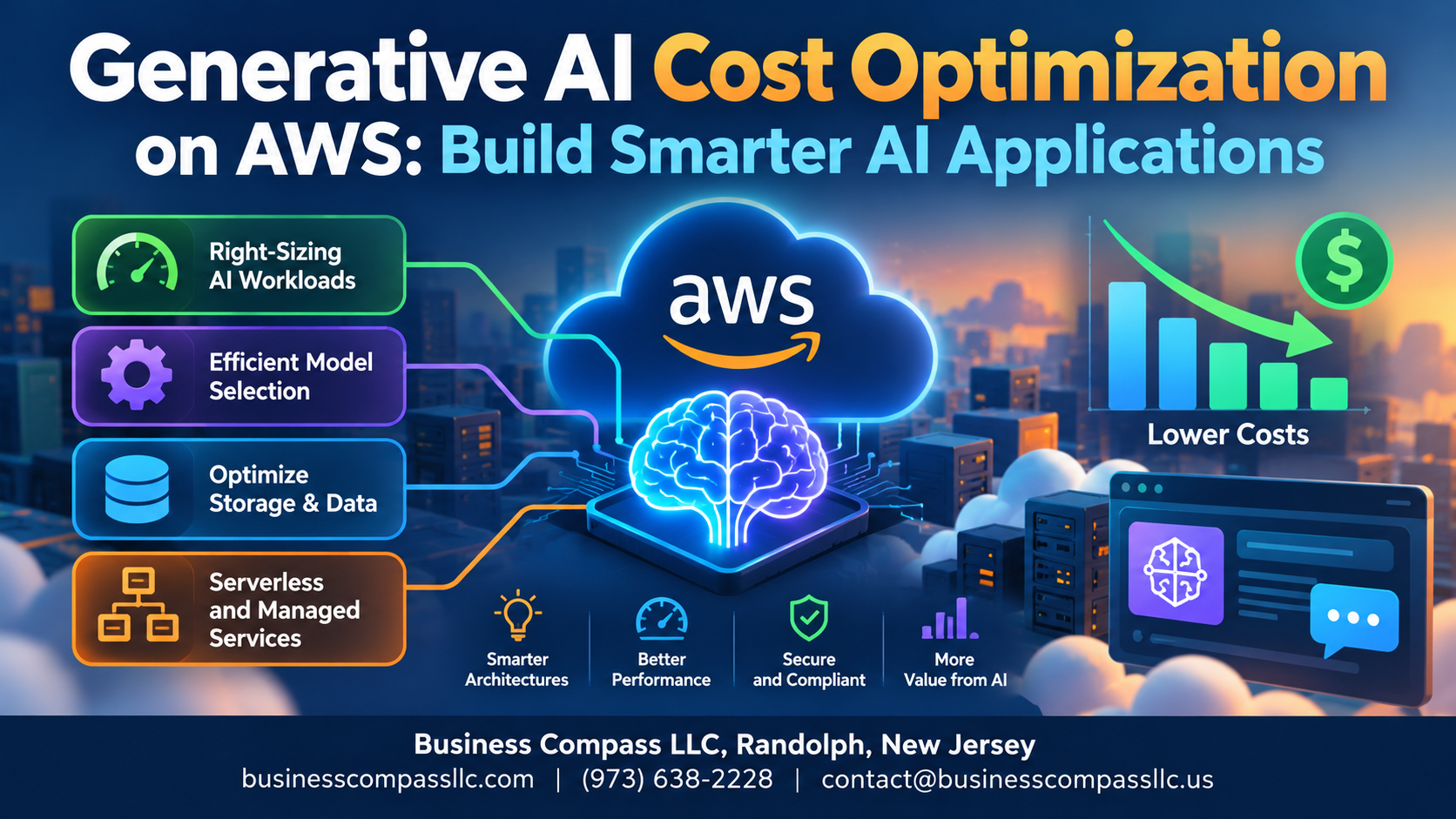
Generative AI Cost Optimization on AWS: Build Smarter AI Applications
Running generative AI on AWS can get expensive fast — and most teams don’t realize where the money is actually going until the bill lands.
This guide is for developers, ML engineers, and technical decision-makers who are building or scaling generative AI applications on AWS and want to keep costs under control without sacrificing performance.
Here’s what we’ll walk through:
- Where your money is actually going — the real cost drivers behind generative AI on AWS that most people overlook
- How to cut inference costs — practical AWS AI model inference optimization techniques that directly reduce what you pay per request
- How to architect and monitor smarter — building cost-efficient generative AI applications from the ground up and setting up visibility into your AI spending before it spirals
No fluff, no vague advice. Just straightforward AWS AI cost reduction strategies you can actually act on.
Understanding the True Cost Drivers of Generative AI on AWS

A. Model Selection and Its Direct Impact on Your AWS Bill
Picking a larger model like Claude 3 Opus over Haiku can multiply costs 10–20x instantly.
B. Hidden Infrastructure Costs
Idle GPU instances and over-provisioned endpoints quietly drain budgets.
C. Data Transfer and Storage
Frequent S3 retrievals and cross-region transfers add unexpected charges.
D. Request Volume and Token Usage
Every input/output token counts — batching requests slashes generative AI cost optimization on AWS significantly.
Choosing the Right AWS Services to Maximize Cost Efficiency

Amazon Bedrock vs. Self-Hosted Models
Bedrock’s pay-per-token pricing beats managing GPU instances for low-to-medium workloads.
SageMaker JumpStart
Pre-built models cut setup costs dramatically—deploy affordable generative AI fast.
AWS Inferentia Chips
For high-volume inference, Inferentia2 slashes costs up to 70% compared to standard GPU instances.
Optimizing Model Inference to Reduce Operational Expenses

A. Batch Inference Strategies
Group non-urgent requests to slash real-time processing costs.
B. Right-Sizing Instances
Match instance types to actual workload demands—avoid over-provisioning.
C. Model Quantization
Compress models to reduce memory and cut AWS AI inference costs significantly.
D. Response Caching
Cache repeated outputs to eliminate redundant inference calls entirely.
E. Auto-Scaling Policies
Scale down during low traffic to prevent idle compute waste.
Architecting Cost-Smart Generative AI Applications on AWS

Selecting Serverless Options to Pay Only for What You Use
AWS Lambda and Amazon Bedrock’s on-demand pricing let you skip idle infrastructure costs entirely.
Designing Efficient Prompt Engineering to Minimize Token Consumption
Shorter, precise prompts directly cut token costs.
Building RAG Pipelines That Reduce Model Dependency
RAG pulls relevant context from Amazon Kendra or OpenSearch, reducing expensive large-model calls significantly.
Monitoring and Continuously Improving Your AI Spend on AWS

Using AWS Cost Explorer to Track Generative AI Expenditure
Tag every AI resource consistently, then pull service-level breakdowns weekly.
Setting Budget Alerts That Protect Against Unexpected Cost Spikes
Configure SNS-triggered alerts at 80% and 100% thresholds.
Evaluating Performance-to-Cost Ratios
Compare token throughput against dollar spend monthly to catch drift.
Running Regular Architecture Reviews
Drop unused endpoints quarterly.

Running generative AI on AWS doesn’t have to break the bank. By getting a clear picture of what’s actually driving your costs, picking the right services, fine-tuning your model inference, and building with a cost-conscious architecture from the start, you can run powerful AI applications without watching your AWS bill spiral out of control. Pair all of that with consistent monitoring, and you’re not just cutting costs once — you’re setting yourself up to keep improving over time.
The smartest AI applications aren’t just the most powerful ones — they’re the ones built to scale without unnecessary waste. So take a hard look at your current setup, identify where the money is going, and start making changes that actually move the needle. Your AWS spend should be working as hard as your AI does.