Stop Overpaying for Cloud Resources You’re Not Even Using
If your AWS bill keeps climbing but your workloads haven’t changed much, you’re probably leaving money on the table. This guide is for DevOps engineers, cloud architects, and engineering managers who want practical ways to cut waste without slowing down their teams.
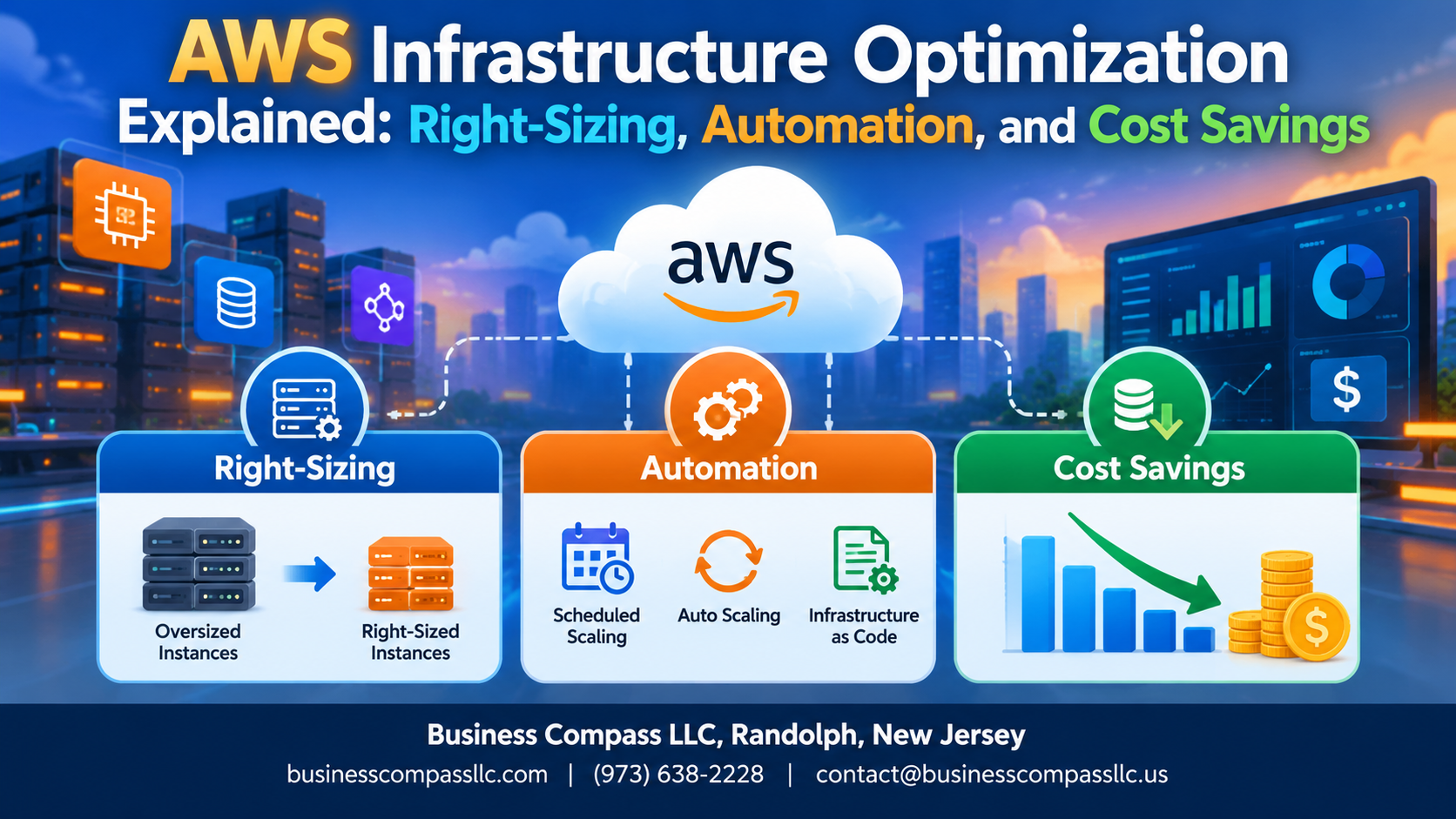
AWS infrastructure optimization isn’t just a buzzword — it’s a repeatable process that can seriously reduce what you spend every month. We’ll walk through three core areas: right-sizing AWS resources so you’re not paying for capacity you don’t need, cloud infrastructure automation so your environment scales intelligently instead of sitting idle, and smart use of AWS Reserved Instances and Savings Plans to lock in lower rates for workloads you know you’ll keep running.
No fluff, no theory-heavy detours — just clear strategies you can actually act on.
Understanding AWS Infrastructure Optimization and Why It Matters

Key Challenges of Unoptimized AWS Environments
- Idle resources silently drain budgets
- Oversized instances waste money daily
- Poor visibility hides runaway costs
How Optimization Impacts Profitability
Right-sizing AWS resources directly cuts waste, improving margins.
Core Pillars of AWS Optimization
- Visibility, automation, and smart purchasing through AWS Reserved Instances and Savings Plans
Right-Sizing Your AWS Resources for Maximum Efficiency
What Right-Sizing Means and How It Reduces Waste
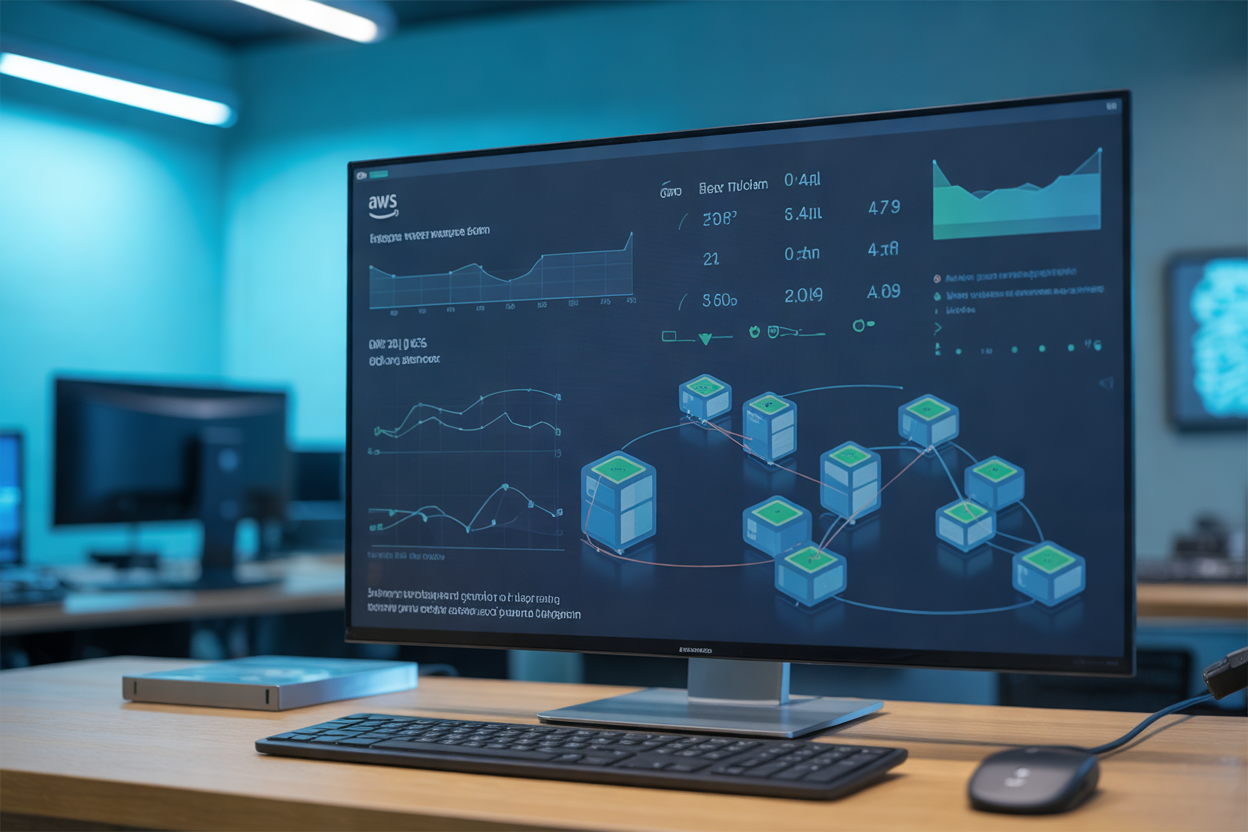
Right-sizing AWS resources means matching your compute power to actual workload demands—no more, no less. Paying for unused capacity is money straight down the drain. By analyzing real usage patterns and picking the right instance types, teams can cut AWS costs significantly without sacrificing performance.
Leveraging AWS Cost Management Tools to Gain Full Visibility
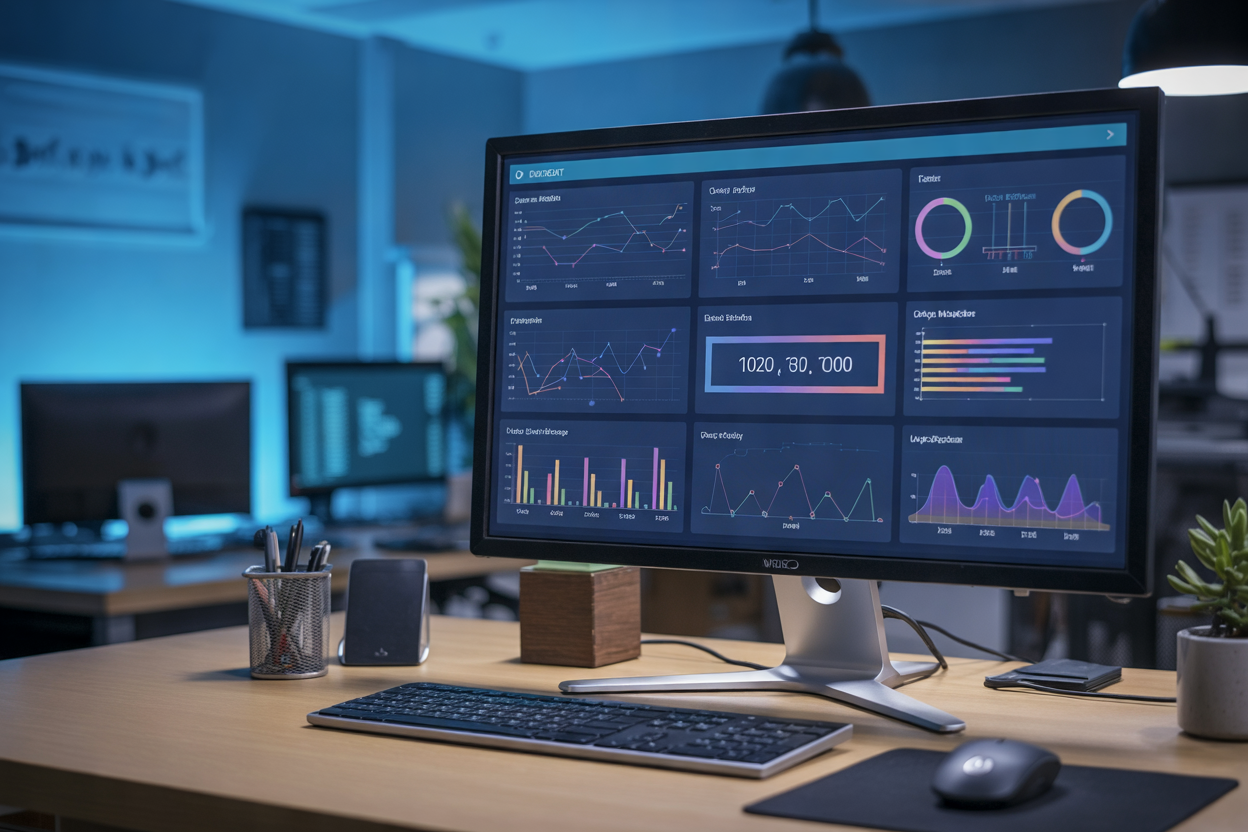
Using AWS Cost Explorer to Uncover Spending Patterns
AWS Cost Explorer shows exactly where your money goes, filtering by service, region, or tag.
Setting Up Budgets and Alerts to Prevent Cost Overruns
- Get notified before hitting spending limits
Understanding Your Bill with AWS Cost and Usage Reports
Granular usage data helps pinpoint waste fast.
Automating AWS Infrastructure to Cut Costs and Boost Agility

A. Scheduling Start/Stop Times for Non-Production Environments
Automatically shut down dev and test environments after hours using AWS Instance Scheduler.
B. Auto Scaling for Real-Time Demand
Match capacity to actual traffic, eliminating over-provisioning waste.
C. Automated Resource Cleanup
Regularly purge unattached EBS volumes and idle snapshots.
D. Infrastructure as Code
Use Terraform or AWS CloudFormation for consistent, repeatable deployments.
Optimizing Storage and Data Transfer Costs on AWS

Selecting the Right S3 Storage Classes
Move infrequently accessed data to S3-Infrequent Access or Glacier to cut storage costs significantly.
Implementing Lifecycle Policies
Automate data tiering with lifecycle rules—no manual work needed.
Minimizing Data Transfer Fees
- Keep workloads within one region
- Use CloudFront to reduce expensive egress costs
Adopting Reserved Instances and Savings Plans for Long-Term Savings

Comparing Reserved Instances, Savings Plans, and Spot Instances
- Reserved Instances: Up to 72% savings with 1–3 year commitments
- Savings Plans: Flexible, usage-based discounts across compute services
- Spot Instances: Up to 90% off for interruption-tolerant workloads
Calculating the Right Commitment Level
Analyze 3–6 months of usage data before committing.
Combining Purchasing Models
Mix all three purchasing models to balance AWS cost savings with flexibility.

Getting the most out of your AWS infrastructure comes down to a few key habits: matching your resources to your actual workload, keeping a close eye on spending with the right tools, and letting automation handle the repetitive stuff. Throw in smarter storage choices and long-term commitment plans like Reserved Instances and Savings Plans, and you have a solid foundation for cutting costs without cutting corners.
The good news is that you don’t have to tackle all of this at once. Start with right-sizing and get visibility into where your money is going. From there, layer in automation and storage optimizations as you go. Small, consistent changes add up fast, and your AWS bill will reflect it. If you haven’t done an infrastructure audit recently, now is a great time to start.