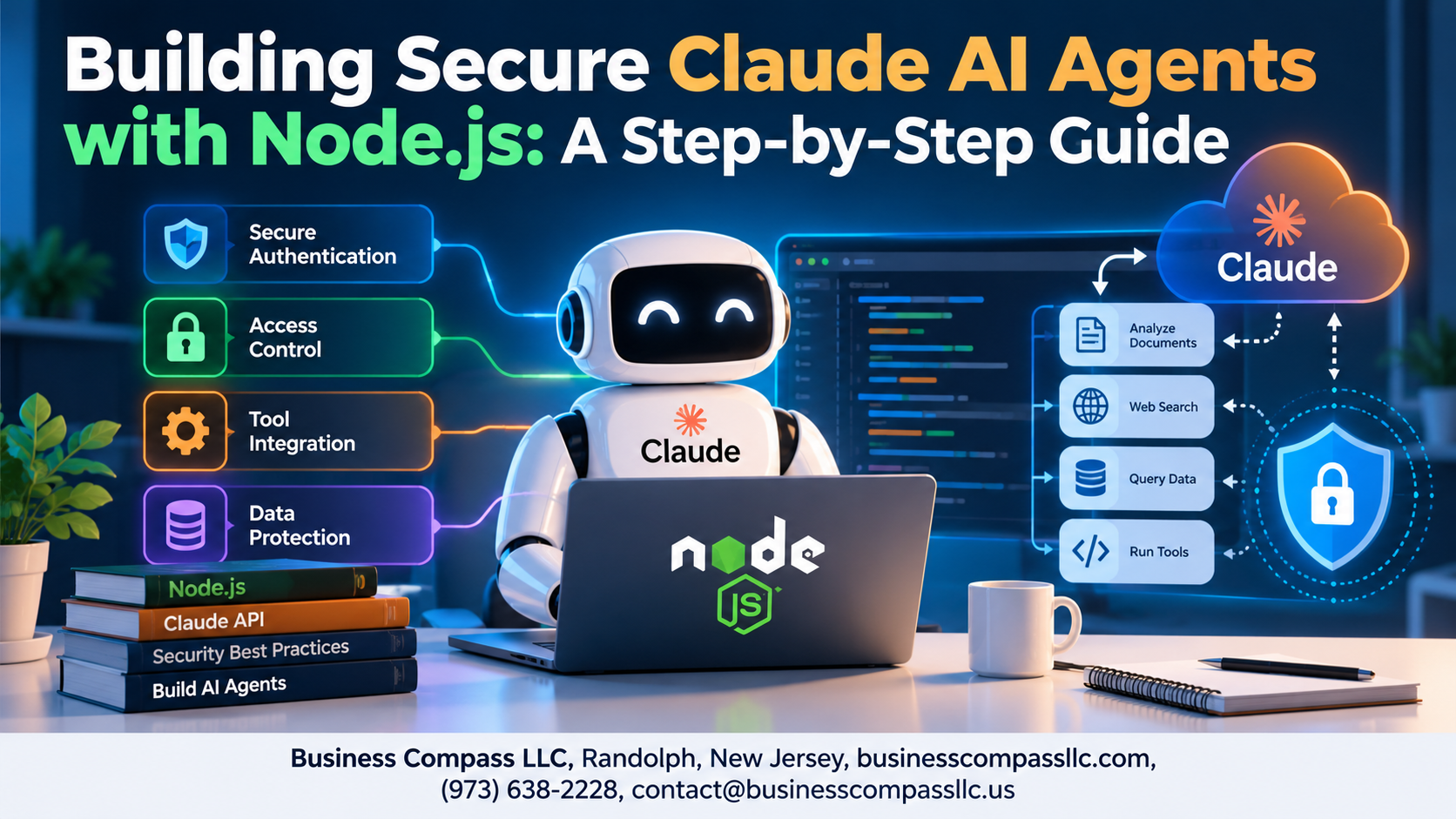
Building Secure Claude AI Agents with Node.js: A Step-by-Step Guide
If you’re a Node.js developer who wants to build Claude AI agents that actually hold up in production, this guide is for you. Not just “it works on my machine” production — but secure, monitored, and ready for real users.
Building AI agents with Node.js is exciting, but skipping security basics can cost you big. From exposed API keys to unchecked user inputs slipping through to your Claude API calls, the risks are real and surprisingly easy to miss.
Here’s what we’ll walk through together:
- What Claude AI agents actually are and where developers typically leave the door open to security risks
- How to handle Claude API authentication properly in Node.js, so your credentials never end up where they shouldn’t
- How to protect your app from malicious inputs and outputs, plus how to set up monitoring so you catch problems before your users do
By the end, you’ll have a working Node.js Claude API integration built with security baked in from the start — not bolted on as an afterthought. Grab your coffee. Let’s build something solid.
Understanding Claude AI Agents and Their Security Risks

What Claude AI Agents Can Do for Your Node.js Applications
Claude AI agents handle complex tasks like data analysis, customer support, and workflow automation within your Node.js apps.
Common Security Vulnerabilities in AI Agent Implementations
- Prompt injection attacks
- Exposed API keys
- Malicious input/output manipulation
Why a Secure-First Approach Saves Time and Resources
Fixing AI agent security risks early beats costly post-breach damage control every time.
Setting Up Your Secure Node.js Development Environment

Installing and Configuring the Required Dependencies Safely
Run npm init -y, then install only what you need:
@anthropic-ai/sdk– official Claude clientdotenv– secret managementhelmet,express-rate-limit– request protection
Store API keys in .env, add .env to .gitignore, and enable ESLint with strict mode for cleaner, safer Node.js Claude API code.
Authenticating and Authorizing Claude API Requests

A. Generating and Rotating Claude API Keys Securely
Store keys in environment variables, never hardcode them. Rotate every 90 days using a secrets manager like AWS Secrets Manager.
B. Implementing Role-Based Access Control
Assign roles (admin, user, viewer) to restrict Claude AI agent actions per user type.
C. Validating User Permissions
Check permissions before every Claude API call to block unauthorized requests instantly.
Building the Claude AI Agent with Security at Its Core

A. Structuring Agent Prompts to Prevent Injection Attacks
Sanitize user inputs before passing them to Claude AI agents. Use parameterized prompt templates to separate instructions from data, blocking prompt injection attempts effectively.
B. Limiting Agent Capabilities with Scoped Tool Definitions
Define only necessary tools per agent session.
Protecting Your Application from Malicious Inputs and Outputs

Sanitizing User Inputs Before Passing Them to the Agent
Strip HTML tags, escape special characters, and reject suspiciously long strings before they reach your Claude AI agent.
Validating and Filtering Claude Responses Before Use
Check responses for harmful content patterns before rendering them.
Enforcing Rate Limiting to Block Abuse and Overuse
Cap requests per user using express-rate-limit.
Testing and Monitoring Your Secure Claude AI Agent

A. Writing Unit Tests That Cover Security Edge Cases
Test prompt injection, oversized inputs, and malformed requests using Jest.
B. Simulating Attack Scenarios with Penetration Testing
Run OWASP-based attack simulations against your Claude AI agents.
C. Setting Up Real-Time Monitoring and Alerting
Use Datadog or CloudWatch to flag anomalies instantly.
D. Continuously Updating Dependencies
Run npm audit weekly to patch vulnerabilities fast.

Building a secure Claude AI agent with Node.js is absolutely doable when you break it down into manageable steps. From setting up a hardened development environment to locking down API authentication, handling malicious inputs, and keeping a close eye on your agent’s behavior — every layer of security you add makes your application more trustworthy and resilient. Skipping any of these steps can leave your agent exposed to risks that are entirely avoidable.
Now that you have a solid roadmap, the best next move is to start building. Don’t wait until your project is “perfect” to think about security — bake it in from day one. Test often, monitor continuously, and keep your dependencies updated. A secure Claude AI agent isn’t a one-time achievement; it’s an ongoing commitment that pays off every time your application runs without a hitch.