Everyday AI Agents: How to Build AI Assistants That Actually Get Things Done
Most AI tools take your input and spit out a response. AI agents are different — they take a goal and run with it, handling multiple steps on their own without you babysitting every move.
This guide is for anyone who wants to stop experimenting and start getting real results: solo founders, busy professionals, developers dipping their toes into AI workflow automation, or anyone tired of copy-pasting between tools all day.
Here’s what we’ll cover:
- What AI agents actually are and why they’re a bigger shift than most people realize
- How to choose and build an AI assistant that fits your specific workflow, not just the one everyone else is hyping
- How to keep your AI agent reliable so it doesn’t go rogue, make costly mistakes, or quietly do the wrong thing
No fluff, no theory for theory’s sake. Just a straight path from understanding autonomous AI agents to having one running inside your daily work by the time you finish reading.
What AI Agents Are and Why They Change Everything

How AI Agents Differ from Simple Chatbots and Automation Tools
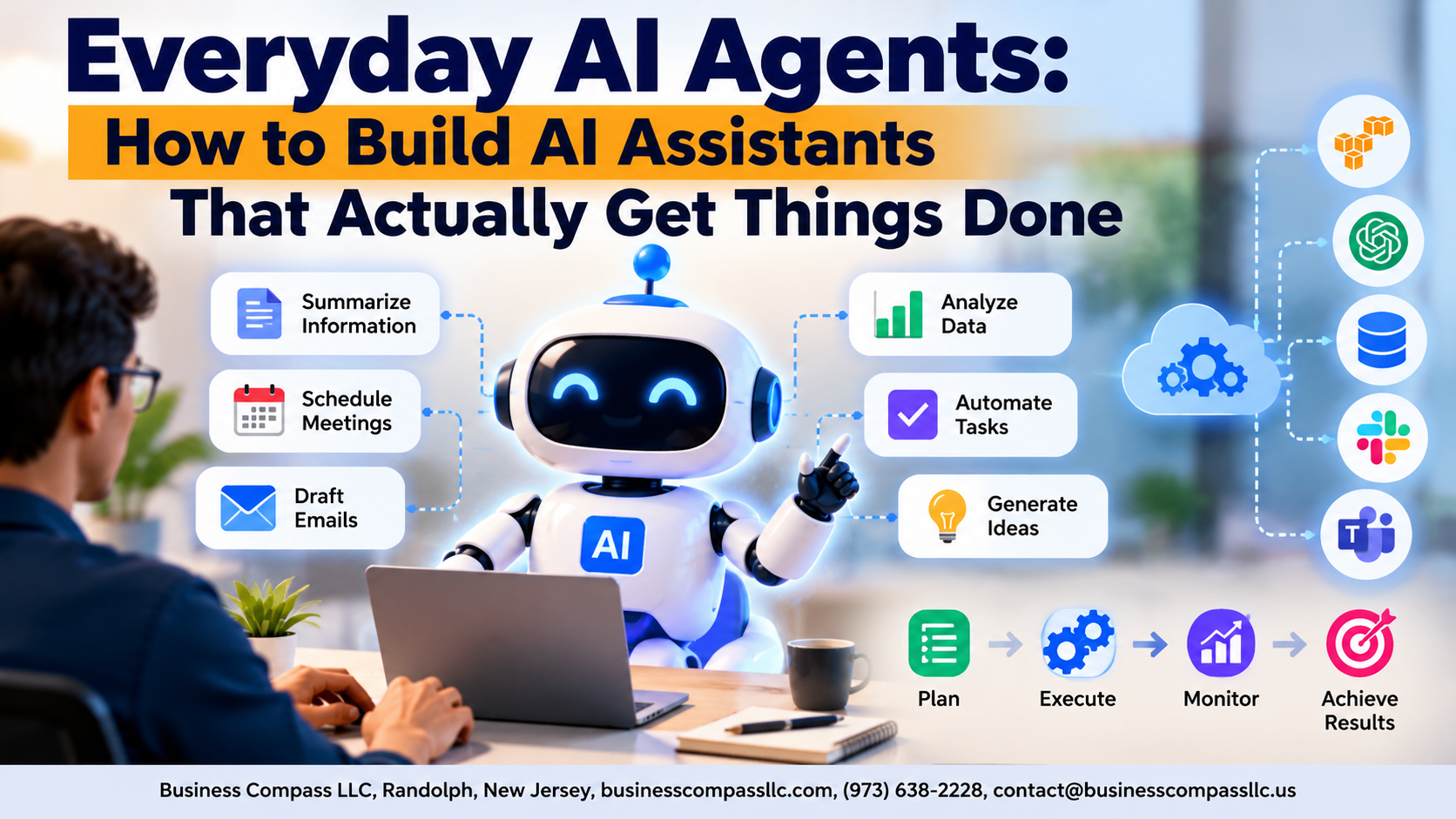
Unlike basic chatbots that just answer questions, autonomous AI agents plan, decide, and act across multiple steps without hand-holding.
The Core Capabilities That Make AI Agents Truly Useful
- Memory, tool use, and goal-chasing
Real-World Tasks AI Agents Can Handle Right Now
- Scheduling, research, drafting emails, and AI workflow automation daily.
Choosing the Right AI Agent for Your Needs

Matching Agent Types to Specific Goals and Workflows
Pick task-specific agents for focused work—scheduling, writing, or research. General-purpose assistants handle variety but lack depth.
Key Features to Look for
- API integrations
- Memory retention
- Customizable workflows
Free vs. Paid
Free tiers work for basics; paid unlocks automation and reliability.
Avoid These Mistakes
Don’t overbuild early.
Building Your First AI Agent Step by Step

A. Defining Clear Goals
- Pinpoint exactly what task your agent handles
B. Setting Up Integrations
- Connect tools like Gmail, Slack, or Notion
C. Writing Effective Instructions
- Be specific; vague prompts kill consistency
D. Testing First
- Run low-stakes tasks before trusting it fully
E. Iterating
- Tweak based on real results
Powering Up Productivity with AI Agents in Daily Work

Automating Repetitive Tasks to Reclaim Hours Every Week
AI agents for productivity shine brightest when handling boring, repetitive work—data entry, report generation, file sorting.
Using AI Agents to Manage Emails, Schedules, and Follow-Ups
They draft replies, schedule meetings, and send reminders automatically.
Streamlining Research and Summarization for Faster Decisions
They scan sources and deliver clean summaries instantly.
Keeping Your AI Agent Reliable, Safe, and on Track

Setting Boundaries So Your Agent Does Not Overstep
Define clear permission scopes—limit access to only necessary tools and data.
Monitoring Agent Actions to Catch Errors Before They Escalate
Review logs regularly; set alerts for unusual behavior.
Protecting Sensitive Data
Mask credentials, avoid storing raw data.
Knowing When to Hand Control Back to a Human
Flag low-confidence decisions for human review automatically.

AI agents are no longer just a futuristic concept reserved for tech giants and research labs. They are practical, accessible tools that anyone can set up to handle real tasks, save time, and take the busywork off your plate. From picking the right agent for your goals to building it step by step and keeping it running smoothly, the process is far more straightforward than most people expect.
The best part? You do not need to be a developer or have a background in AI to get started. Start small, experiment with one task you want to automate, and build from there. The more you work with your AI agent, the better you will get at shaping it into something that genuinely fits your workflow. Give it a shot — you might be surprised at how much time and energy you get back.