Done Running Docker on One Server? Here’s How to Move to Amazon ECS
If you’re running containers on a single Docker server, you already know the feeling — one bad deploy, one server hiccup, and everything goes down. This Amazon ECS migration guide is for developers and DevOps engineers who are ready to stop babysitting a single machine and start running containers the way production apps actually need.
This guide walks you through the real steps of a Docker to ECS migration — not just the theory. You’ll learn why a single Docker server setup eventually breaks under real traffic, what Amazon ECS core concepts you need to understand before you touch anything, and how to build an Amazon ECS production setup that handles failures, scales automatically, and doesn’t drain your budget.
No fluff. Just the steps that get you from “it works on my server” to production-ready containers on AWS.
Understanding the Limitations of a Single Docker Server Setup
Performance Bottlenecks, Security Risks, and Manual Overhead
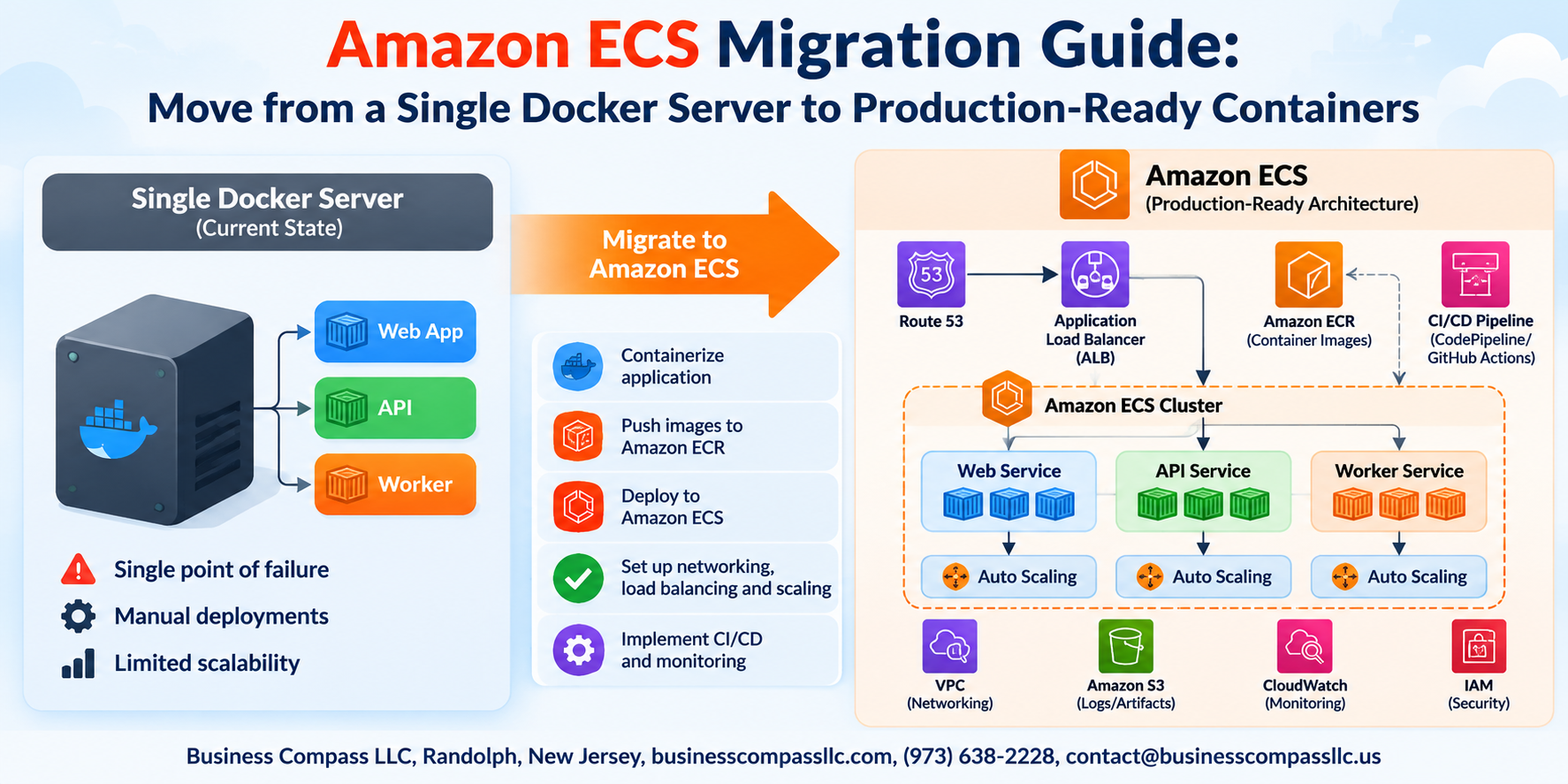
Running everything on one Docker server means a traffic spike can crash your entire app. There’s no failover, no load balancing, and one compromised container threatens everything. Manual restarts, deployments, and scaling eat your team’s time — pushing teams toward an Amazon ECS migration for real production reliability.
Enter Your Heading
Core Amazon ECS Concepts You Need Before Migrating
How Clusters, Services, and Tasks Work Together
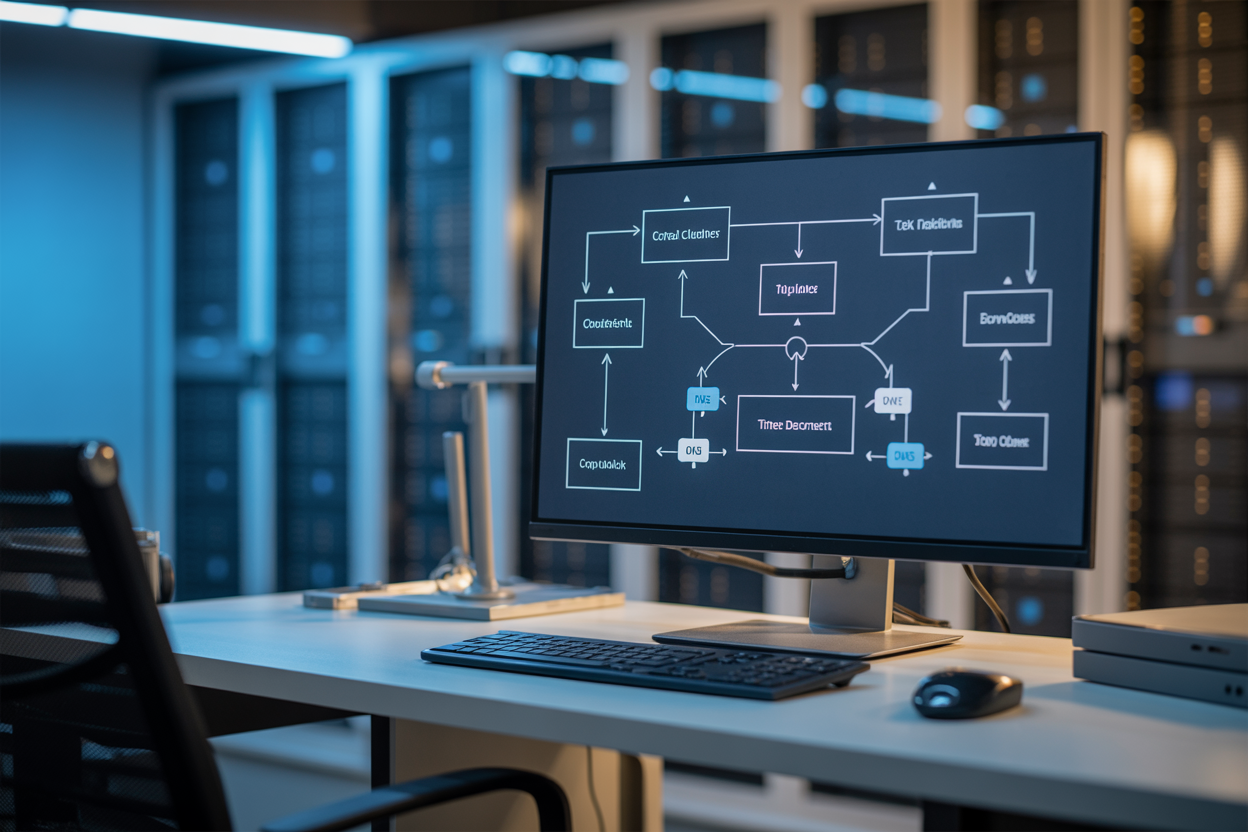
In Amazon ECS, a cluster groups your infrastructure, services keep your containers running and restart failures, and tasks are the actual running containers. Think of it like a restaurant: cluster is the building, service is the kitchen manager, and tasks are the cooks actively working.
Preparing Your Existing Docker Environment for Migration
Auditing Your Current Containers and Dependencies
Before your Docker to ECS migration, list every running container, exposed port, mounted volume, and external dependency. Note which services talk to each other.
Pushing Your Docker Images to Amazon ECR
Tag and push images using aws ecr get-login-password then docker push.
Converting Environment Variables and Secrets to AWS Parameter Store
Move hardcoded secrets into SSM Parameter Store using SecureString type.
Building Your ECS Infrastructure for Production
Setting Up a Scalable and Secure ECS Cluster
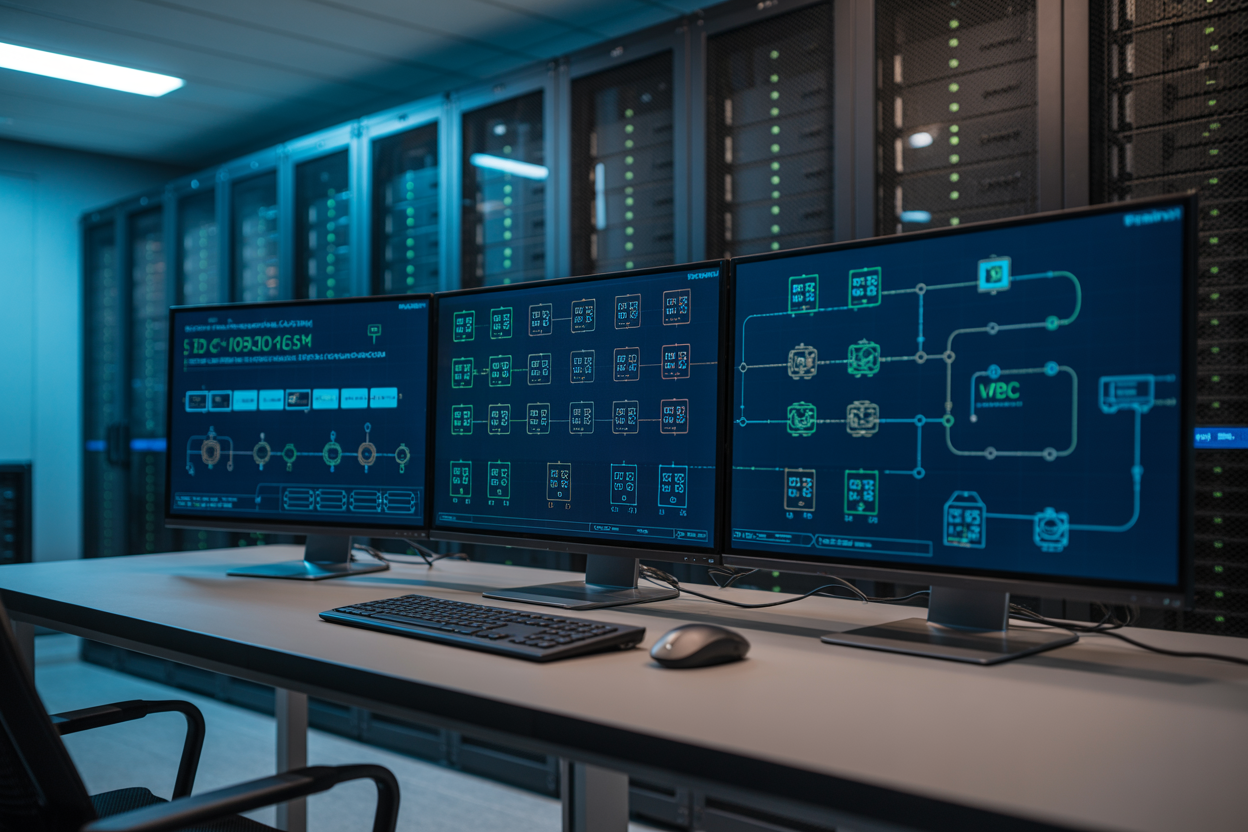
Your Amazon ECS production setup needs an ECS cluster, task definitions mirroring your Docker config, and an Application Load Balancer for high availability. Add Auto Scaling policies to handle traffic spikes, then pipe container logs to CloudWatch — giving you full visibility without SSH-ing into individual servers.
Executing the Migration with Minimal Downtime
Running ECS Alongside Your Existing Server for a Safe Cutover
Keep your single Docker server running while spinning up ECS. Route a small traffic slice to ECS first, watch the metrics, then shift everything over.
Validating Application Health Before Switching Traffic
- Check ALB target group health checks
- Monitor CloudWatch logs for errors
Using Blue-Green Deployments to Eliminate Migration Risk
Swap environments instantly if something breaks.
Optimizing Cost and Performance After Going Live

Right-Sizing Your Task CPU and Memory to Reduce Waste
Check CloudWatch Container Insights to spot over-provisioned tasks. Drop CPU/memory until performance holds steady.
Saving Money with Fargate Spot and Reserved Capacity
Run stateless workloads on Fargate Spot for up to 70% savings. Use Compute Savings Plans for predictable baseline traffic.
Using ECS Service Metrics to Fine-Tune Scaling Policies
Track CPUUtilization and MemoryUtilization to adjust target-tracking scaling thresholds, keeping costs tight without sacrificing availability.
Moving from a single Docker server to Amazon ECS is one of those decisions that pays off quickly once you’re on the other side of it. You get rid of the single point of failure, gain the ability to scale without breaking a sweat, and finally have an infrastructure that can handle real production traffic without you losing sleep over it. The migration process does require some upfront planning — getting your Docker environment ready, building out the ECS infrastructure properly, and timing the cutover carefully — but each of those steps exists for a good reason and makes the end result that much more solid.
Once you’re live on ECS, don’t just set it and forget it. Take the time to dig into your cost and performance metrics, right-size your tasks, and make sure your setup reflects what your workload actually needs — not just what you guessed it needed before launch. The jump from a single server to production-ready containers on ECS is a big one, but it’s absolutely worth making. Start with the prep work, take it one step at a time, and you’ll have a setup that grows with you instead of holding you back.