


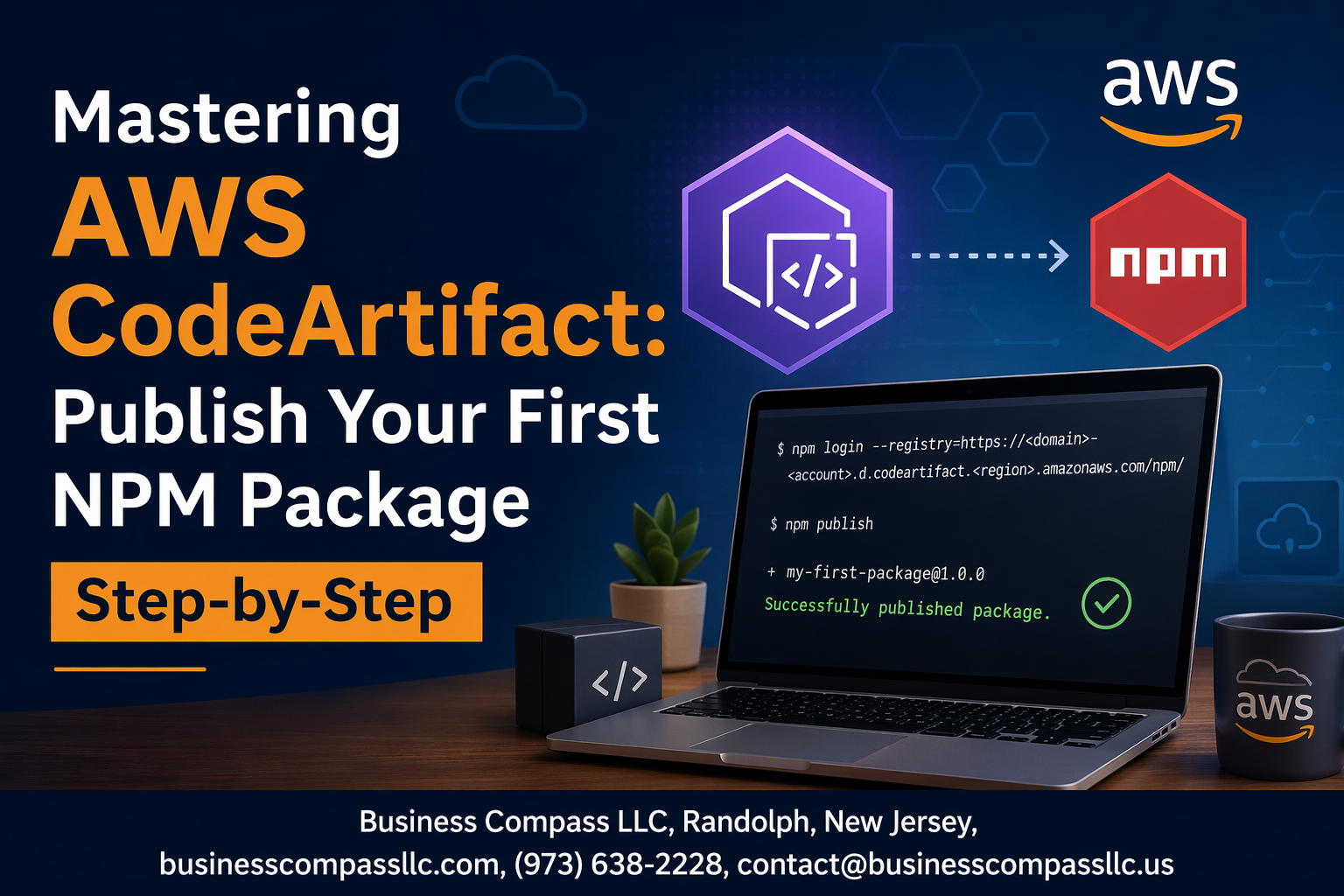
AWS CodeArtifact makes managing private NPM packages simple, but getting started can feel overwhelming. This guide walks you through publishing your first NPM package to AWS CodeArtifact with clear, actionable steps.
Who this is for: Developers and DevOps engineers ready to move beyond public NPM registries and create secure, private package repositories for their teams.
You’ll learn how to set up your AWS CodeArtifact environment from scratch and prepare your NPM package for publishing with the right configuration. We’ll also cover managing package access and security settings to keep your code protected while ensuring your team can access what they need.
By the end, you’ll have a working private NPM registry and the confidence to publish packages like a pro.
Understanding AWS CodeArtifact Fundamentals
What is AWS CodeArtifact and why it matters for package management
AWS CodeArtifact serves as a fully managed artifact repository service that securely stores, publishes, and shares software packages used in your development process. Unlike public registries where packages remain exposed to potential security risks, CodeArtifact creates a private ecosystem for your organization’s dependencies. This managed service eliminates the overhead of maintaining your own package registry infrastructure while providing enterprise-grade security and compliance features.
The service integrates seamlessly with popular package managers like npm, pip, Maven, and NuGet, making it easy to adopt without changing existing development workflows. CodeArtifact acts as a proxy for public repositories, allowing you to pull packages from sources like npmjs.org while maintaining complete control over what enters your development environment.
Key benefits over traditional NPM registries
Security stands as the primary advantage, with CodeArtifact offering fine-grained access controls and integration with AWS Identity and Access Management (IAM). You can scan packages for vulnerabilities and block malicious dependencies before they reach your applications. The service also provides package versioning controls, preventing accidental updates that could break your builds.
Performance improvements come through AWS’s global infrastructure, with packages cached closer to your development teams and CI/CD pipelines. This reduces build times and eliminates dependency on external registry availability. CodeArtifact also supports upstream repositories, creating a hierarchical structure that optimizes package resolution and reduces redundant storage costs.
Core concepts: domains, repositories, and packages
Domains act as the top-level organizational unit, grouping related repositories under a single administrative boundary. Think of domains as your company’s namespace within CodeArtifact, where you can apply consistent policies and access controls. Each AWS account can create multiple domains, but most organizations start with one domain for simplicity.
Repositories within a domain store your actual packages and can be configured with upstream connections to other repositories or external sources like npmjs.org. This upstream relationship creates a package resolution hierarchy, where CodeArtifact first checks your private repository before falling back to public sources. Packages represent the individual software artifacts, each with metadata, versions, and associated dependencies that CodeArtifact tracks automatically.
Pricing structure and cost optimization strategies
CodeArtifact pricing follows a pay-per-use model with three main components: storage costs, request charges, and data transfer fees. Storage costs $0.05 per GB per month, while requests are charged at $0.05 per 10,000 operations. Data transfer within the same AWS region is free, but cross-region transfers incur standard AWS data transfer charges.
Optimization starts with proper repository organization and lifecycle management. Configure upstream repositories to avoid duplicating packages across multiple repositories. Implement automated cleanup policies to remove old package versions that are no longer needed. Consider using AWS Cost Explorer to monitor your CodeArtifact spending patterns and identify opportunities for optimization, such as consolidating repositories or adjusting retention policies.
Setting Up Your AWS CodeArtifact Environment

Creating your first CodeArtifact domain
Setting up a CodeArtifact domain starts with choosing a unique name that reflects your organization or project. Navigate to the AWS CodeArtifact console and create your domain, which serves as the top-level container for all your repositories. The domain name must be unique within your AWS account and region.
Once created, your domain acts as the foundation for organizing repositories and managing access policies. Think of it as your private package management ecosystem where you control who can publish, consume, and manage packages across your development teams.
Configuring repository hierarchies for optimal package flow
Repository hierarchies in CodeArtifact work like a cascading system where packages flow from upstream to downstream repositories. Create a central repository that connects to public registries like npmjs.org, then establish team-specific repositories that pull from this central hub. This setup reduces external API calls and improves package resolution speed.
Design your hierarchy based on your team structure and security requirements. For example, create separate repositories for development, staging, and production environments, each inheriting packages from appropriate upstream sources while maintaining proper isolation.
Setting up authentication and access permissions
CodeArtifact uses AWS IAM for authentication and access control. Create specific IAM roles and policies that grant appropriate permissions for publishing, reading, or managing packages. The principle of least privilege should guide your permission strategy – developers need read access to consume packages, while CI/CD systems require publish permissions.
Generate authentication tokens using the AWS CLI, which provide temporary credentials for npm operations. These tokens typically last 12 hours and can be refreshed automatically in your build pipelines. Configure your team’s development environments to use these tokens for seamless package operations.
Installing and configuring AWS CLI for CodeArtifact operations
Install the latest version of AWS CLI v2, which includes native CodeArtifact support. Configure your AWS credentials using aws configure or through environment variables, ensuring your profile has the necessary CodeArtifact permissions. The CLI handles authentication token generation and npm configuration automatically.
Run aws codeartifact login --tool npm to configure your local npm client with the correct registry URL and authentication token. This command updates your .npmrc file with the repository endpoint and sets up token-based authentication, enabling seamless package publishing and installation from your CodeArtifact repositories.
Preparing Your NPM Package for Publishing

Creating a production-ready package.json configuration
Your package.json serves as the blueprint for your NPM package, defining essential metadata and dependencies. Start by setting accurate fields like name, version, description, and author – these create your package’s identity in CodeArtifact. Include a publishConfig section that explicitly points to your CodeArtifact repository URL, ensuring your package lands in the right destination. Don’t forget to specify main or module entry points, proper keywords for discoverability, and a valid license field.
Clean dependency management separates professional packages from amateur ones. Use dependencies for runtime requirements and devDependencies for build tools and testing frameworks. Lock down exact versions using package-lock.json to guarantee consistent installations across environments. Add scripts for common tasks like build, test, and prepublishOnly to automate quality checks before publishing.
Implementing proper versioning and tagging strategies
Semantic versioning (SemVer) provides a universal language for package updates that developers worldwide understand. Follow the MAJOR.MINOR.PATCH format: increment MAJOR for breaking changes, MINOR for new features, and PATCH for bug fixes. This approach helps downstream consumers make informed decisions about upgrading your package.
Git tags create permanent markers for each release, enabling easy rollbacks and historical tracking. Use npm version commands to automatically update package.json and create corresponding Git tags in one step. Consider implementing conventional commits to automate changelog generation and version bumps based on commit messages.
Setting up local NPM authentication with CodeArtifact
CodeArtifact requires proper authentication before you can publish or consume packages. Generate authorization tokens using the AWS CLI with aws codeartifact get-authorization-token, which provides temporary credentials valid for up to 12 hours. Configure your local NPM client by running aws codeartifact login – this command automatically updates your .npmrc file with the correct registry URL and authentication token.
Store your AWS credentials securely using AWS CLI profiles or IAM roles rather than hardcoding them in configuration files. Set up your .npmrc to point to CodeArtifact for specific package scopes, allowing you to mix public NPM packages with private CodeArtifact packages seamlessly. Remember to refresh tokens regularly or automate the process in your CI/CD pipeline.
Publishing Your First Package to CodeArtifact
Authenticating NPM client with your CodeArtifact repository
Authentication with CodeArtifact requires configuring your NPM client to use AWS credentials. Run aws codeartifact login --tool npm --repository your-repo --domain your-domain to automatically set your .npmrc file with the correct registry URL and auth token. The generated token expires after 12 hours, so you’ll need to refresh periodically for long development sessions.
Executing the publish command and handling common errors
After authentication, publish your package using npm publish. Common errors include insufficient permissions (check your IAM policies), package version conflicts (increment your version number), and network timeouts (verify your AWS region settings). If publishing fails, examine the error message carefully – most issues stem from naming conflicts or missing metadata in your package.json file.
Verifying successful package upload and metadata
Once published, verify your package appears in the CodeArtifact console under your repository. Check that all package metadata displays correctly, including description, version, and dependencies. You can also test installation by running npm install your-package-name from a different directory to confirm the package downloads and installs properly.
Managing package versions and updates
CodeArtifact follows semantic versioning principles for package management. Update your package.json version field before each publish operation – use npm version patch, minor, or major commands to automate this process. The service maintains all published versions, allowing you to install specific versions using npm install package-name@1.2.3 syntax when needed for compatibility or rollback scenarios.
Managing Package Access and Security

Configuring Team Permissions and Access Controls
Access control in AWS CodeArtifact starts with IAM policies that define who can read, write, or manage packages. Create granular permissions by assigning specific actions like codeartifact:ReadFromRepository for developers who only need to consume packages, while reserving codeartifact:PublishPackageVersion for designated publishers.
Resource-based policies provide an additional layer of control, allowing you to restrict access to specific repositories or domains. Use condition keys like aws:PrincipalTag to automatically grant access based on team membership, creating a scalable permission model that grows with your organization.
Setting up Cross-Account Package Sharing
Cross-account sharing enables organizations to distribute packages across multiple AWS accounts while maintaining security boundaries. Configure resource policies on your CodeArtifact domain to grant specific permissions to external accounts, using principal ARNs to identify trusted accounts.
Package sharing works best with a hub-and-spoke model where a central account hosts shared libraries, and development accounts consume them through upstream repositories. This approach centralizes package management while allowing teams to maintain independent development environments and access controls.
Implementing Package Scanning and Vulnerability Management
CodeArtifact integrates with Amazon Inspector to automatically scan packages for known vulnerabilities during publication. Enable package origin controls to block packages from untrusted sources and configure allowed external connections to limit exposure to potentially malicious code from public repositories.
Monitor package security through CloudTrail logs and set up EventBridge rules to trigger alerts when vulnerable packages are detected. Implement automated workflows that prevent deployment of packages with critical vulnerabilities, creating a security-first approach to dependency management that protects your entire software supply chain.
Optimizing Your CodeArtifact Workflow

Automating Package Publishing with CI/CD Pipelines
GitHub Actions and AWS CodeBuild make package publishing seamless by automating your entire workflow. Configure your pipeline to authenticate with CodeArtifact using AWS CLI credentials, then run npm publish commands automatically on merge to main. This eliminates manual steps and reduces human error while ensuring consistent publishing practices across your team.
Setting Up Upstream Repositories for External Package Management
Connect CodeArtifact to public npm registry as an upstream repository to proxy external dependencies through your private registry. This creates a unified package source while maintaining security controls. Configure your domain to automatically cache packages from npmjs.org, reducing external dependency risks and improving download speeds for your development teams.
Monitoring Package Usage and Download Metrics
CloudWatch metrics reveal package download patterns and usage trends across your organization. Track which packages get the most downloads, identify unused dependencies, and monitor storage costs through the CodeArtifact console. Set up alerts for unusual download spikes or authentication failures to catch potential security issues early.
Troubleshooting Common Publishing and Authentication Issues
Authentication failures typically stem from expired AWS credentials or incorrect repository URLs in your .npmrc file. Check your AWS CLI configuration and regenerate authentication tokens when publishing fails. Package version conflicts occur when trying to republish existing versions – always increment version numbers or use semantic versioning to avoid these conflicts.

Publishing NPM packages to AWS CodeArtifact gives you complete control over your private package distribution while keeping everything secure within your AWS ecosystem. You’ve learned how to set up your environment, prepare packages properly, and manage access controls that protect your code from unauthorized use. The workflow optimizations we covered will save you time and reduce the friction between development and deployment.
Start small by migrating one internal package to CodeArtifact and see how it fits into your current development process. Once you’re comfortable with the basics, expand your usage to include automated publishing through your CI/CD pipeline. Your team will appreciate having a centralized, secure place to store and share packages without worrying about public registry outages or security vulnerabilities.









