


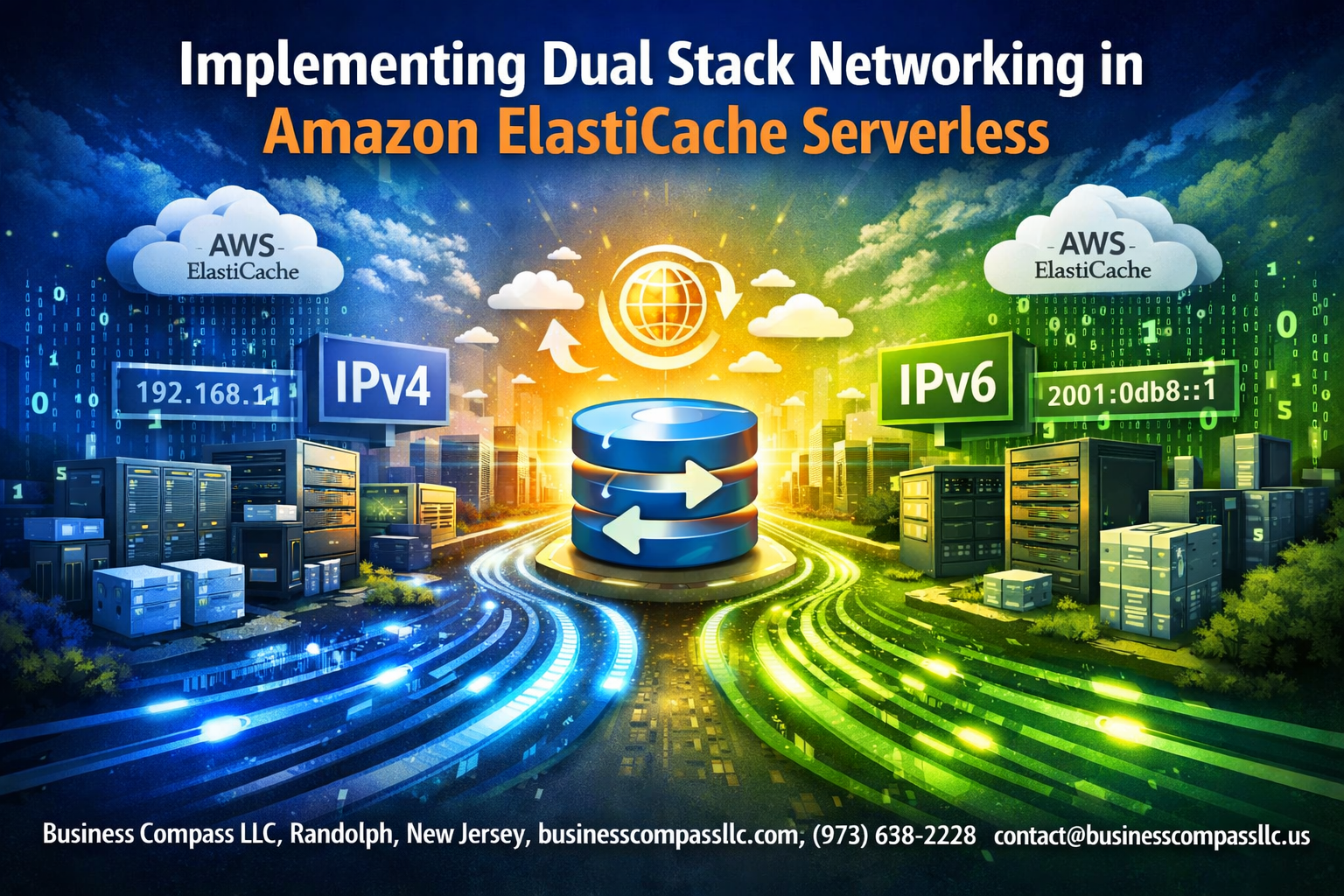
Implementing Dual Stack Networking in Amazon ElastiCache Serverless
Setting up dual stack networking with Amazon ElastiCache Serverless lets you support both IPv4 and IPv6 traffic for your caching layer. This guide is designed for cloud engineers, DevOps professionals, and AWS architects who need to implement modern networking standards while maintaining backward compatibility.
ElastiCache dual stack configuration opens up better connectivity options and future-proofs your infrastructure. You’ll learn why dual stack networking matters for serverless applications and how it improves your cache performance across different network environments.
We’ll walk through the essential prerequisites and planning steps you need before starting your ElastiCache serverless deployment. You’ll discover how to set up the network infrastructure properly and deploy your cache clusters with full IPv4 IPv6 implementation support.
This tutorial also covers practical testing methods to validate your dual stack network setup and common dual stack troubleshooting scenarios you might encounter during implementation.
Understanding ElastiCache Serverless and Dual Stack Networking Benefits

Core advantages of serverless caching architecture
Amazon ElastiCache Serverless removes the complexity of managing cache infrastructure by automatically handling provisioning, scaling, and maintenance. You pay only for the resources consumed, eliminating the need to pre-provision capacity or manage cluster sizing. The service scales seamlessly based on application demand, providing consistent performance without manual intervention.
IPv4 and IPv6 protocol compatibility benefits
Dual stack networking enables ElastiCache Serverless to communicate over both IPv4 and IPv6 protocols simultaneously. This compatibility ensures your applications can connect using either protocol version, supporting legacy systems while preparing for modern IPv6-only environments. The dual stack approach eliminates network translation overhead and provides direct connectivity paths for optimal performance.
Enhanced network flexibility and future-proofing
Network Architecture Benefits
- Protocol flexibility: Applications choose the most efficient connection path
- Global connectivity: IPv6 support enables better international routing
- Migration readiness: Smooth transition from IPv4-only to IPv6-enabled infrastructure
- Reduced complexity: Single network configuration supports multiple protocol versions
Cost optimization through serverless scaling
ElastiCache Serverless with dual stack configuration optimizes costs by automatically adjusting resources based on actual usage patterns. The service monitors connection demands across both IPv4 and IPv6 traffic, scaling capacity precisely to match requirements. This eliminates over-provisioning costs while maintaining high availability and performance across all network protocols.
Prerequisites and Planning for Dual Stack Implementation

AWS Account and IAM Permissions Setup
Setting up proper IAM permissions forms the foundation for successful dual stack networking implementation with Amazon ElastiCache Serverless. Your AWS account needs specific policies that grant access to VPC management, ElastiCache operations, and IPv6 resource allocation. Create dedicated IAM roles with permissions for elasticache:*, ec2:CreateVpc, ec2:ModifyVpcAttribute, and ec2:AssociateVpcCidrBlock actions to enable seamless dual stack configuration across your infrastructure.
VPC Configuration Requirements and Subnet Planning
Dual stack networking requires careful VPC architecture planning to support both IPv4 and IPv6 traffic effectively. Your VPC must have an IPv6 CIDR block assigned alongside the existing IPv4 range, with subnets configured for dual stack operation. Plan subnet allocation across multiple availability zones, ensuring each subnet receives both IPv4 and IPv6 address ranges. This setup enables ElastiCache Serverless instances to communicate using either protocol while maintaining high availability and fault tolerance.
Security Group and Network ACL Considerations
Security groups and network ACLs need specific rules to accommodate dual stack traffic patterns for ElastiCache serverless deployment. Configure inbound and outbound rules for both IPv4 and IPv6 addresses, typically allowing traffic on ports 6379 for Redis and 11211 for Memcached. Network ACLs should permit IPv6 traffic flows while maintaining security boundaries. Consider creating separate security groups for IPv4 and IPv6 traffic or unified rules that handle both protocols efficiently.
Configuring Dual Stack Network Infrastructure
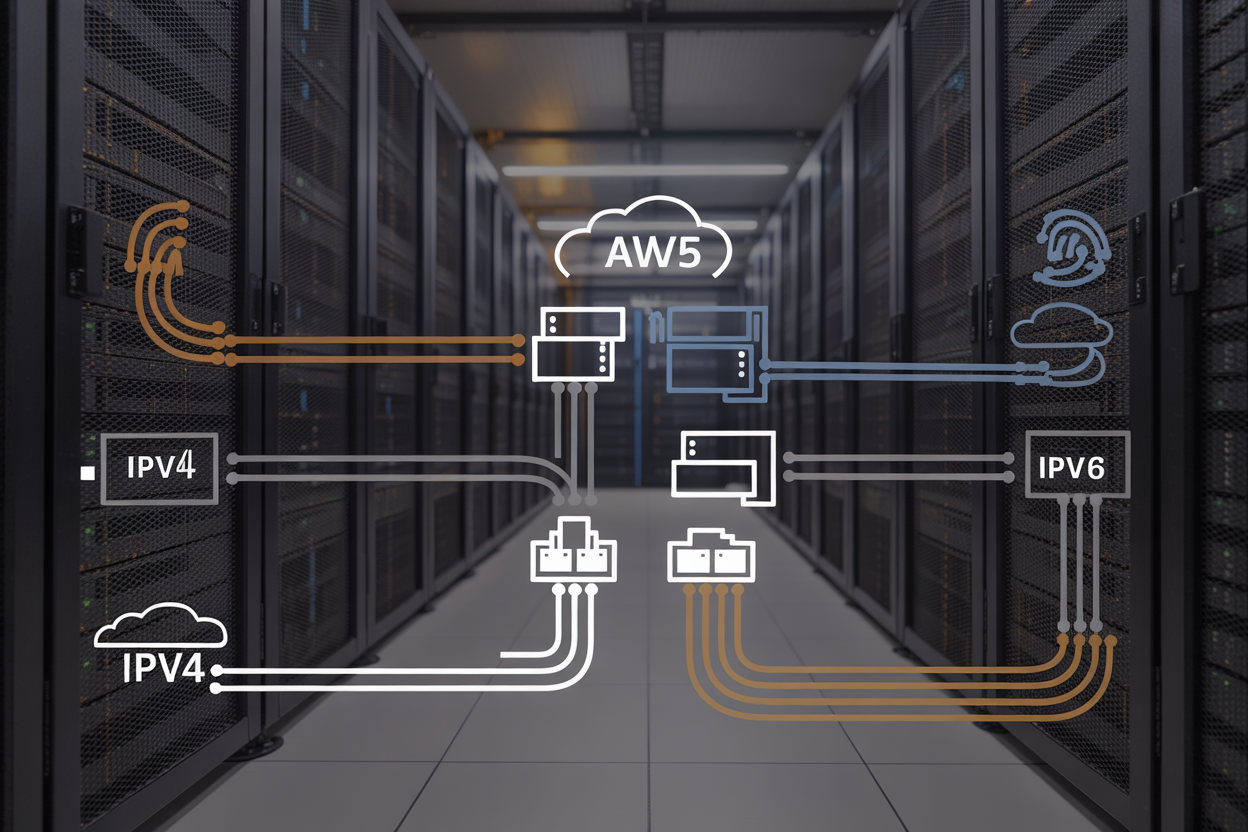
Creating IPv4 and IPv6 enabled VPC subnets
Setting up dual stack VPC subnets requires configuring both IPv4 CIDR blocks and IPv6 CIDR blocks for your network infrastructure. Start by creating subnets with automatic IPv4 address assignment enabled, then associate an IPv6 CIDR block to your VPC through the AWS console or CLI. Each subnet needs its own /64 IPv6 CIDR block carved from the VPC’s /56 allocation. Configure auto-assign IPv6 addresses to ensure instances receive both protocol addresses automatically.
When designing your subnet architecture for ElastiCache Serverless dual stack implementation, distribute subnets across multiple availability zones for high availability. Verify that your chosen regions support IPv6 connectivity and that your subnet configurations don’t conflict with existing network ranges. Test connectivity between subnets using both protocols before proceeding with cache deployment.
Setting up route tables for dual protocol support
Route table configuration demands separate entries for IPv4 and IPv6 traffic routing. Create routes directing IPv4 traffic (0.0.0.0/0) and IPv6 traffic (::/0) to appropriate gateways. Associate these dual-protocol route tables with your ElastiCache subnets to enable proper traffic flow. Each route table should include local routes for both protocol versions within your VPC address space.
Enabling IPv6 on existing network components
Existing VPCs require IPv6 CIDR block association before enabling dual stack networking. Navigate to your VPC settings and request an Amazon-provided IPv6 CIDR block or bring your own IPv6 addresses. Update security groups to include IPv6 rules matching your IPv4 configurations. Network ACLs also need IPv6 entries to permit traffic flow for both protocols.
Configuring internet gateways for dual protocol support
Internet gateways automatically support both IPv4 and IPv6 traffic without additional configuration. Verify your existing internet gateway handles both protocols by checking route table entries. For new deployments, attach the internet gateway to your VPC and create appropriate routes in your route tables. Egress-only internet gateways provide IPv6-only outbound connectivity when needed for enhanced security configurations.
Deploying ElastiCache Serverless with Dual Stack Support
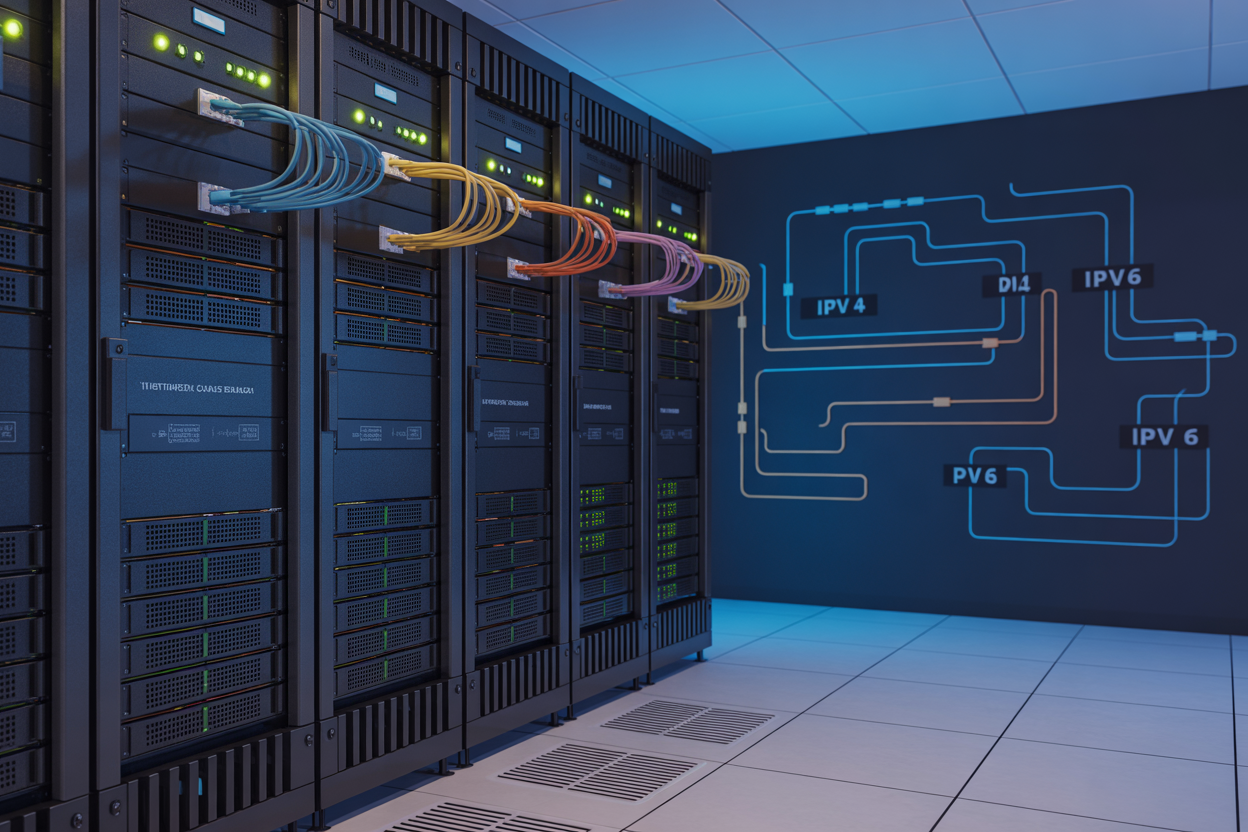
Creating serverless cache clusters with network specifications
Creating ElastiCache Serverless clusters with dual stack networking requires careful configuration of network parameters during the deployment process. When launching your serverless cache, specify the VPC subnets that support both IPv4 and IPv6 addressing, ensuring your cluster can handle traffic from clients using either protocol. The cluster automatically inherits the dual stack capabilities from your configured subnets, enabling seamless connectivity across both network stacks.
Configure your cache cluster’s network settings to explicitly enable dual stack support by selecting subnets with proper CIDR blocks for both IPv4 and IPv6. This setup allows ElastiCache Serverless to provision endpoints that respond to requests from diverse client environments, whether they’re running legacy IPv4 applications or modern IPv6-native services.
Configuring endpoint access for IPv4 and IPv6 clients
ElastiCache Serverless automatically provisions dual stack endpoints when deployed in properly configured subnets, providing separate connection strings for IPv4 and IPv6 clients. Your applications can connect using either protocol depending on their network stack configuration, with the service transparently handling protocol-specific routing and load balancing.
Access patterns remain consistent across both protocols, with clients connecting through the same authentication mechanisms and security groups. The service maintains separate endpoint addresses for each protocol while ensuring data consistency and performance characteristics remain identical regardless of the IP version used by connecting applications.
Setting memory and scaling parameters
Memory allocation and auto-scaling configurations work identically across both IPv4 and IPv6 connections in ElastiCache Serverless dual stack deployments. The service monitors traffic patterns and resource utilization from all connected clients regardless of their IP protocol, ensuring optimal performance scaling based on actual demand rather than connection type.
Configure your scaling policies to account for the potential increase in concurrent connections from dual stack environments, as you may see traffic from both IPv4 and IPv6 clients simultaneously. Set appropriate memory limits and scaling thresholds that accommodate the combined load from all client types while maintaining cost efficiency.
Implementing encryption and authentication settings
Security configurations apply uniformly across both IPv4 and IPv6 connections, with encryption in transit and authentication mechanisms working seamlessly regardless of the client’s IP protocol. Enable TLS encryption for all connections and configure your security groups to allow traffic on the appropriate ports for both protocol versions.
Authentication tokens and access controls function identically for dual stack implementations, simplifying security management while maintaining robust protection. Your existing security policies and IAM roles continue to work without modification, ensuring that dual stack deployment doesn’t compromise your established security posture or require complex credential management changes.
Testing and Validating Dual Stack Connectivity

Connecting applications using IPv4 endpoints
Testing IPv4 connectivity requires configuring your application clients to connect to the ElastiCache Serverless cluster using standard IPv4 endpoints. Create test scripts that establish connections through your VPC’s IPv4 subnets and verify data read/write operations work correctly. Run connection pooling tests to ensure your applications can handle multiple concurrent IPv4 sessions without performance degradation.
Verifying IPv6 client connectivity and performance
IPv6 validation involves connecting clients through dual stack-enabled subnets using the cluster’s IPv6 endpoints. Test applications should demonstrate successful cache operations over IPv6 while measuring latency differences between IPv4 and IPv6 connections. Performance benchmarks help identify any network overhead introduced by IPv6 routing in your specific AWS region and availability zone configuration.
Monitoring network traffic and cache hit rates
Network monitoring tools like CloudWatch and VPC Flow Logs track traffic patterns across both IP protocols in your ElastiCache serverless deployment. Monitor cache hit rates separately for IPv4 and IPv6 connections to identify protocol-specific performance variations. Set up custom metrics to track connection counts, error rates, and response times for comprehensive dual stack network analysis.
Troubleshooting Common Dual Stack Implementation Issues

Resolving DNS resolution problems across protocols
DNS configuration issues often surface when clients attempt to connect to ElastiCache Serverless endpoints using both IPv4 and IPv6. The most common problem occurs when DNS queries return AAAA records (IPv6) but the client application lacks proper IPv6 connectivity, causing connection timeouts. Check your VPC DNS settings and ensure both enableDnsHostnames and enableDnsSupport are enabled for proper dual stack DNS resolution.
Fixing security group and routing configuration errors
Security groups must explicitly allow traffic on both IPv4 and IPv6 address families for ElastiCache ports (typically 6379 for Redis, 11211 for Memcached). Route tables need separate entries for IPv4 (0.0.0.0/0) and IPv6 (::/0) traffic directing to appropriate gateways. Double-check that your internet gateway supports dual stack and that subnet associations include both protocol versions for seamless ElastiCache dual stack networking.
Addressing application compatibility challenges
Legacy applications may default to IPv4-only connections even when IPv6 is available, creating inconsistent behavior in dual stack environments. Modern Redis and Memcached clients typically handle protocol selection automatically, but older versions might require explicit configuration. Test your application with both protocol types and implement connection pooling strategies that gracefully handle protocol fallback scenarios.
Optimizing performance for mixed protocol environments
Monitor connection latency differences between IPv4 and IPv6 paths to your ElastiCache Serverless clusters, as routing inefficiencies can impact performance. Configure client applications to prefer the faster protocol while maintaining fallback capabilities. Use CloudWatch metrics to track connection patterns and adjust your dual stack configuration based on actual usage data rather than assumptions about protocol performance.

Dual stack networking in Amazon ElastiCache Serverless opens up new possibilities for modern applications that need to support both IPv4 and IPv6 traffic seamlessly. By following the configuration steps and best practices covered here, you can set up a robust caching solution that works across both protocol versions. The key is proper planning, careful network infrastructure setup, and thorough testing to make sure everything connects smoothly.
Don’t skip the validation and troubleshooting phases – they’ll save you headaches down the road. Start with a test environment to get comfortable with the dual stack configuration before rolling it out to production. Your applications will benefit from improved connectivity options and future-proof networking capabilities that scale with your growing infrastructure needs.









