

Stop Restarting Apps by Hand Across Your EC2 Fleet
If you’re managing a fleet of EC2 instances and still SSHing into servers one by one to restart applications, this guide is for you. DevOps engineers, cloud architects, and platform teams running production workloads on AWS will get the most out of what’s covered here.
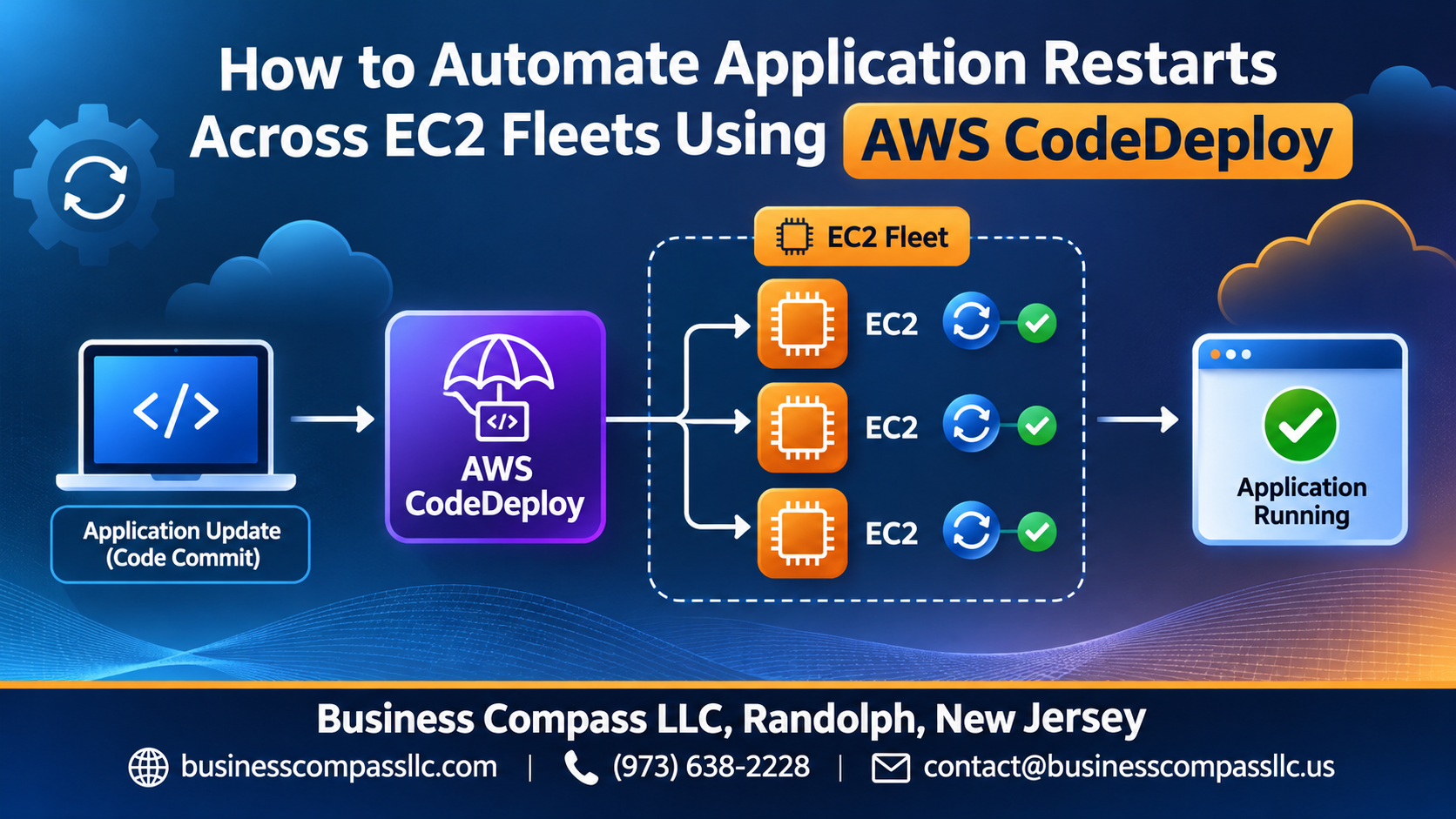
AWS CodeDeploy EC2 automation takes that manual restart process off your plate entirely. You define the logic once, and CodeDeploy handles the rest — across every instance in your fleet, every time.
Here’s what this guide walks you through:
- AppSpec file configuration — how to build the automated restart workflow that tells CodeDeploy exactly what to run and when
- CodeDeploy deployment strategies — picking the right approach so you get zero downtime deployment on AWS without dropping traffic or surprising your users
- AWS CodeDeploy troubleshooting — what to check when restarts fail, deployments stall, or instances fall out of sync at scale
By the end, you’ll have a working restart workflow you can apply to your EC2 fleet today and scale as your infrastructure grows.
Understanding the Role of AWS CodeDeploy in Fleet Management

What AWS CodeDeploy Does and Why It Matters for EC2 Fleets
AWS CodeDeploy EC2 automation handles rolling application restarts across hundreds of instances without manual SSH sessions. It tracks deployment health, rolls back failures automatically, and keeps your fleet consistent — saving hours of operational work while dramatically reducing human error during critical restart windows.
Setting Up AWS CodeDeploy for Your EC2 Fleet
Prerequisites and IAM Permissions You Need Before Starting
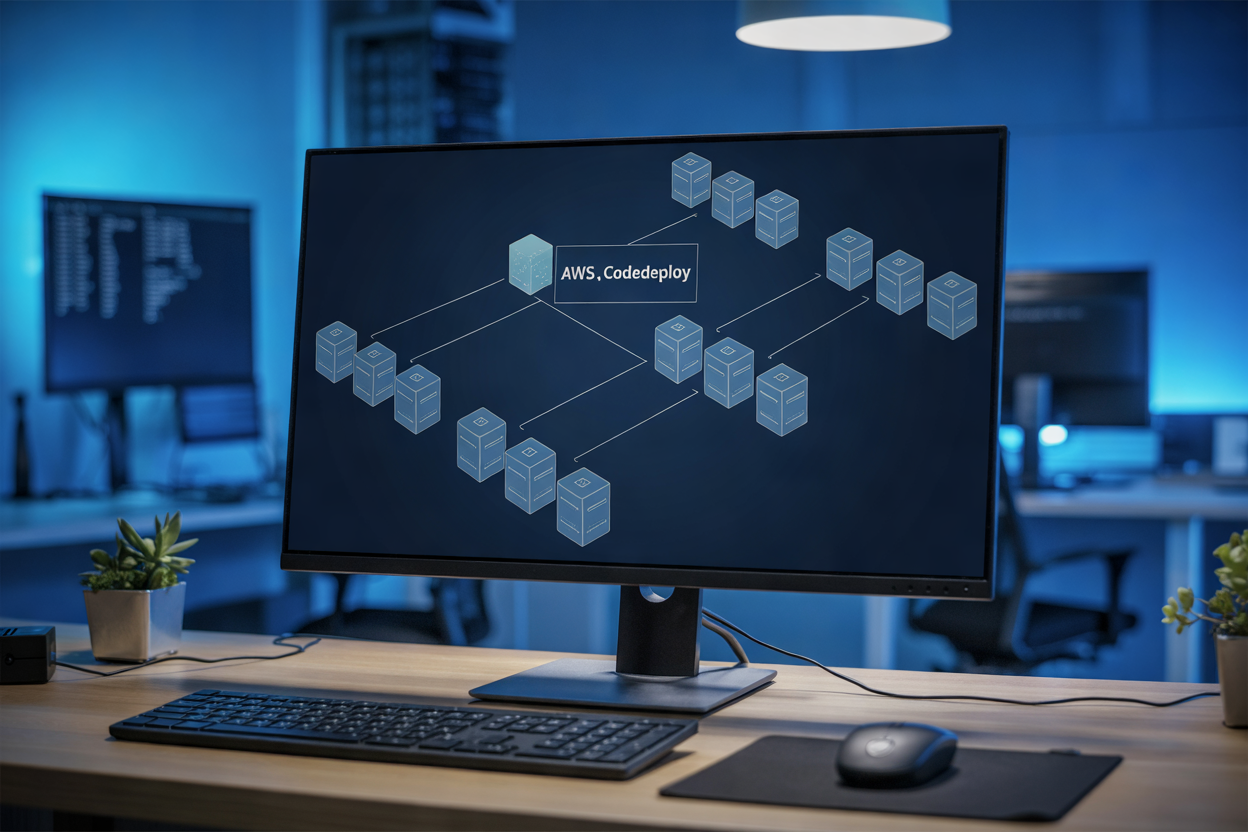
Attach the AWSCodeDeployRole to your EC2 instances via an IAM instance profile, and create a service role granting CodeDeploy access to Auto Scaling and EC2 tags. Your AWS account needs codedeploy:CreateDeployment permissions at minimum.
Building an Automated Restart Workflow With AppSpec

Understanding the AppSpec File and Its Role in Restart Automation
The appspec.yml file drives every CodeDeploy deployment, mapping lifecycle hooks to your scripts.
Writing Lifecycle Hook Scripts to Safely Stop and Restart Applications
- Use
ApplicationStopto gracefully drain connections - Use
ApplicationStartto bring services back up
Validating Application Health After Each Restart
Run health checks inside ValidateService.
Choosing the Right Deployment Strategy for Zero Downtime

Comparing In-Place vs Blue-Green Deployments for Restart Scenarios
For zero downtime deployment AWS scenarios, blue-green keeps a live environment running while the new one spins up. In-place restarts are faster but riskier. Pick blue-green for critical fleets, in-place for dev environments where speed beats safety.
Monitoring and Troubleshooting Automated Restarts
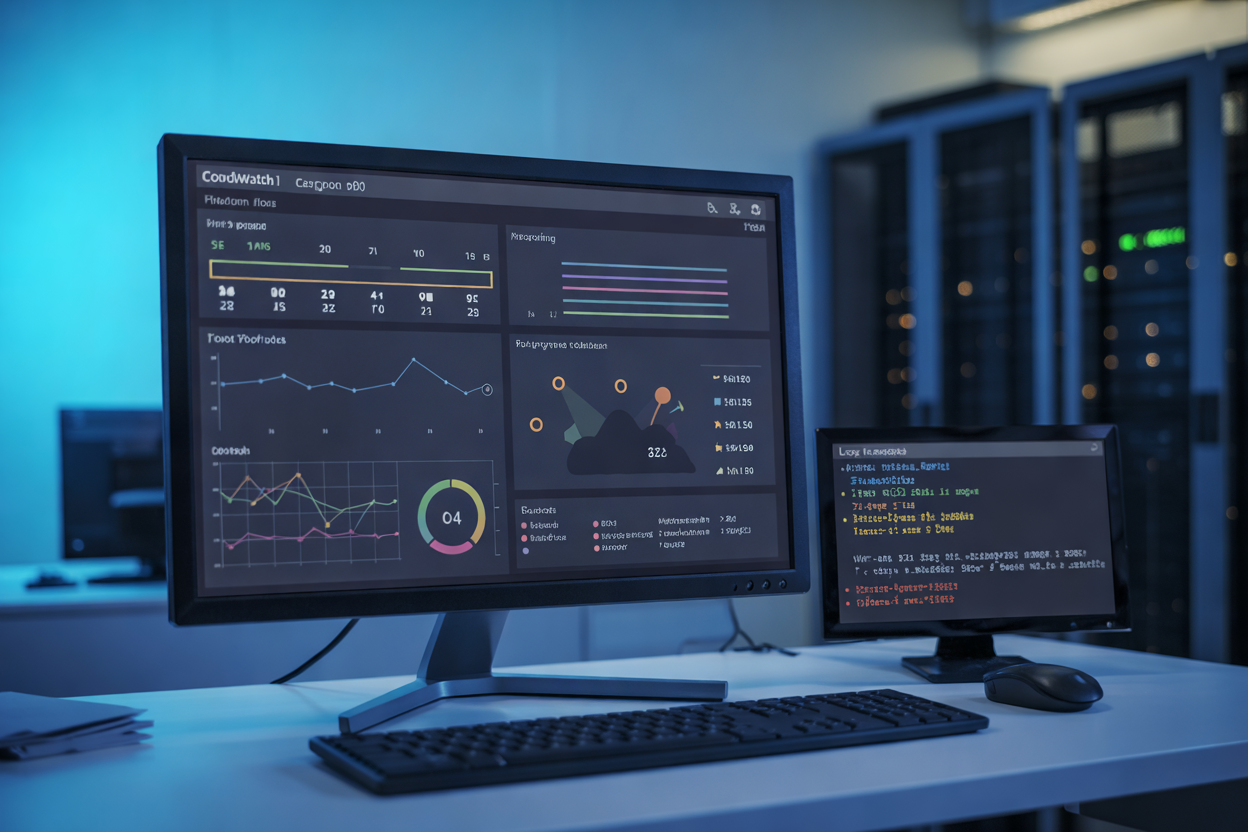
Tracking Deployment Progress in Real Time With the CodeDeploy Console
Watch your AWS CodeDeploy EC2 automation roll out live — the console shows per-instance status instantly.
Diagnosing Failed Restarts Using CodeDeploy Logs and CloudWatch
Check /var/log/aws/codedeploy-agent/ and CloudWatch for AWS CodeDeploy troubleshooting details.
Setting Up Rollback Rules to Recover Quickly From Failed Deployments
Enable automatic rollback on failure thresholds to keep your zero downtime deployment AWS strategy intact.
Scaling and Optimizing Restart Automation for Large Fleets

Integrating CodeDeploy With Auto Scaling Groups for Dynamic Fleets
- Attach your deployment group directly to an Auto Scaling Group so new instances automatically receive the latest application version on launch.
Triggering Automated Restarts Through CI-CD Pipelines
- Use AWS CodePipeline to kick off CodeDeploy deployments after every successful build, keeping restarts hands-free.
Reducing Restart Time by Optimizing Agent and Script Performance
- Keep lifecycle scripts lean and pre-install dependencies on your AMI to cut restart time across your entire EC2 fleet deployment automation setup.

Automating application restarts across EC2 fleets doesn’t have to be a headache. With AWS CodeDeploy handling the heavy lifting, you can set up a solid workflow that keeps your applications running smoothly, minimizes downtime, and takes the manual guesswork out of fleet management. From configuring your deployment groups and crafting the right AppSpec file to picking a deployment strategy that fits your uptime requirements, every piece plays a role in making restarts predictable and reliable.
As your fleet grows, the same principles scale with you. Keep an eye on your deployments through CloudWatch, stay ahead of issues with proper logging, and fine-tune your automation to handle larger workloads without breaking a sweat. If you haven’t started automating your restart workflows yet, now is a great time to dive in — your future self (and your on-call rotation) will thank you.