


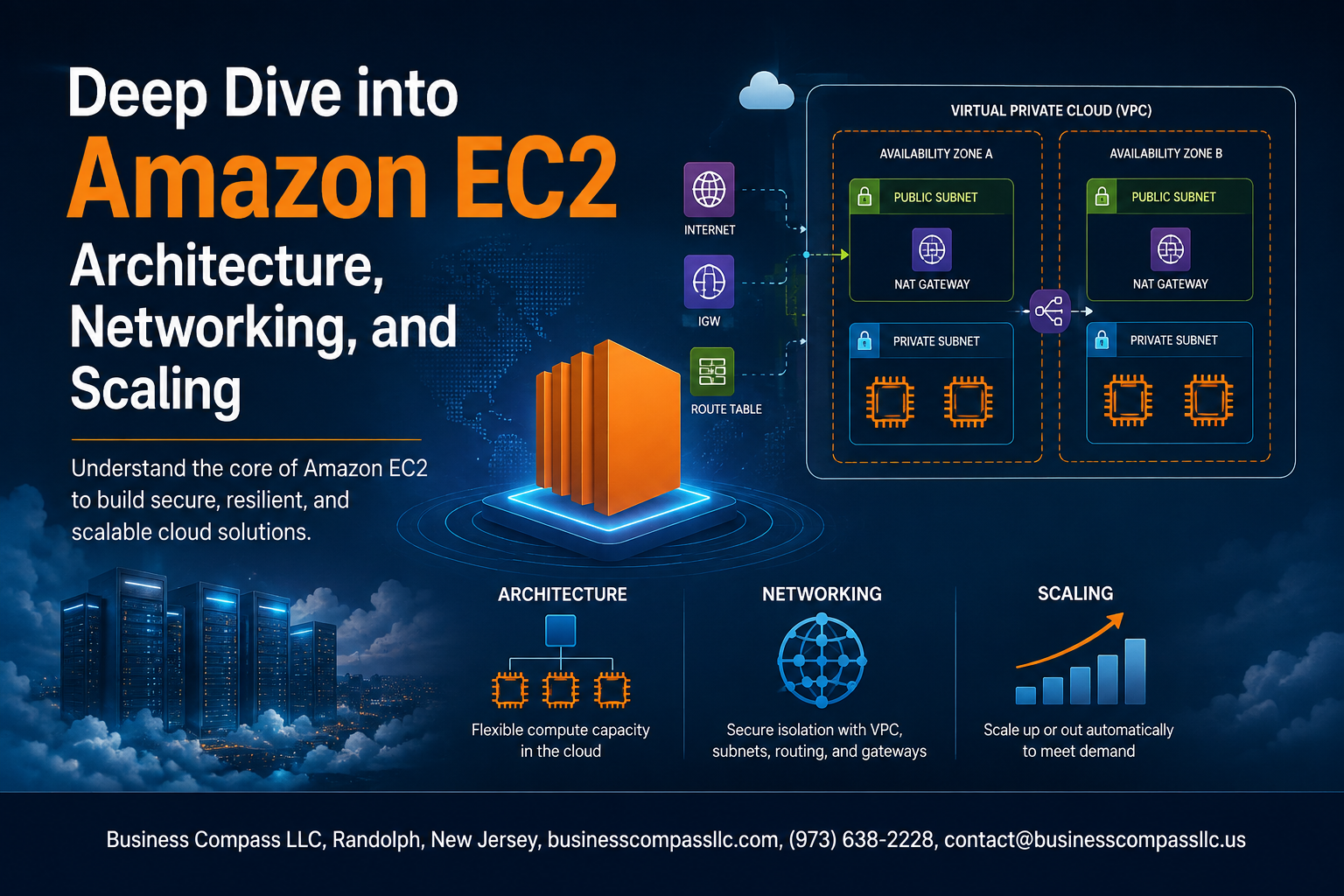
Deep Dive into Amazon EC2: Architecture, Networking, and Scaling
If you’re building on AWS and want to stop guessing about EC2 and start making smarter decisions, you’re in the right place.
This guide is for cloud engineers, DevOps teams, and developers who already know the basics and want to go deeper — the kind of depth that actually changes how you build and run workloads.
Here’s what we’ll get into:
- Amazon EC2 architecture — how EC2 actually works under the hood, and why that knowledge shapes every decision you make from instance selection to deployment
- EC2 networking best practices — how to set up your network for low latency, high throughput, and solid EC2 performance optimization without overcomplicating things
- EC2 auto scaling strategies — how to scale up fast when traffic spikes and scale down to keep Amazon EC2 cost optimization in check
Along the way, we’ll also cover EC2 instance types, storage options, security compliance, and how to pick the best EC2 instance families for different workload patterns.
No fluff. Just the stuff that actually matters when you’re in the console making real calls.
Understanding Amazon EC2 Architecture

Key Components That Power EC2 Instances
Amazon EC2 architecture runs on physical host servers inside AWS data centers, pairing compute, memory, storage, and networking into flexible virtual machines. The Nitro System hypervisor offloads virtualization overhead to dedicated hardware, pushing near bare-metal EC2 performance optimization while keeping workloads isolated, secure, and consistently fast across every supported EC2 instance type.
Selecting the Best EC2 Instance Families for Your Needs

Compute-Optimized Instances for High-Performance Tasks
C-series instances (like C7g) crush CPU-heavy workloads—batch processing, gaming servers, video encoding.
Memory-Optimized Instances for Data-Intensive Applications
R and X instances pack massive RAM, perfect for in-memory databases and real-time analytics.
Storage-Optimized Instances for Fast I/O Workloads
I4i instances deliver blazing NVMe speeds for high-transaction databases needing low-latency local storage.
Mastering EC2 Networking for Maximum Performance

How Amazon VPC Integrates with EC2 Instances
EC2 instances run inside a VPC, giving you full control over IP ranges, subnets, and routing.
Elastic Network Interfaces
Attach multiple ENIs to one instance for traffic separation.
Placement Groups
- Cluster – low latency
- Spread – high availability
Security Groups & NACLs
Layered firewalls protecting instances.
Elastic IPs
Static public IPs for consistent connectivity.
Optimizing Storage Options Across EC2 Instances

Amazon EBS Volume Types and When to Use Each
- gp3: Best for general workloads
- io2: Ideal for high-performance databases
Instance Store for Temporary High-Speed Storage
Perfect for caching and scratch data—blazing fast but non-persistent.
Connecting EC2 to Amazon EFS for Shared File Storage
Great for multi-instance shared access.
Scaling EC2 Infrastructure to Meet Demand

Auto Scaling Groups to Automatically Adjust Capacity
EC2 Auto Scaling groups add or remove instances based on demand, keeping your app responsive without overpaying.
Launch Templates for Consistent and Repeatable Scaling
Templates lock in your AMI, instance type, and configs so every scaled instance matches exactly.
Scaling Policies That Respond to Real-Time Metrics
Target tracking policies adjust capacity when CPU or request counts hit defined thresholds automatically.
Predictive Scaling to Handle Traffic Before It Spikes
AWS EC2 scaling strategies include ML-powered predictive scaling that provisions capacity ahead of anticipated traffic surges.
Reducing EC2 Costs Without Sacrificing Performance

On-Demand vs Reserved Instances for Long-Term Savings
Commit to Reserved Instances for predictable workloads and save up to 72% versus On-Demand pricing.
Spot Instances for Cost-Effective Fault-Tolerant Workloads
Spot Instances cut costs by 90% — perfect for batch jobs and stateless apps.
Savings Plans for Flexible Commitment-Based Discounts
Savings Plans offer commitment-based discounts without locking you into specific instance types.
Enhancing EC2 Security and Compliance

IAM Roles, KMS, Systems Manager & GuardDuty
Securing EC2 security compliance means layering defenses smartly:
- IAM Roles grant instances least-privilege access without hardcoded credentials
- AWS KMS encrypts EBS volumes and snapshots automatically
- Systems Manager patches instances without opening SSH ports
- GuardDuty + CloudTrail catch threats and log every API call instantly

Amazon EC2 gives you an incredible amount of flexibility to build, scale, and secure your cloud infrastructure exactly the way you need it. From picking the right instance family and fine-tuning your networking setup to choosing the best storage options and keeping costs in check, every decision you make shapes how well your workloads perform in the real world.
The good news is that you don’t have to get everything perfect on day one. Start with a solid understanding of your workload requirements, experiment with the tools and configurations covered here, and keep refining as you go. Whether you’re optimizing for speed, cost, or compliance, EC2 has the building blocks to get you there — you just need to know how to put them together.









