

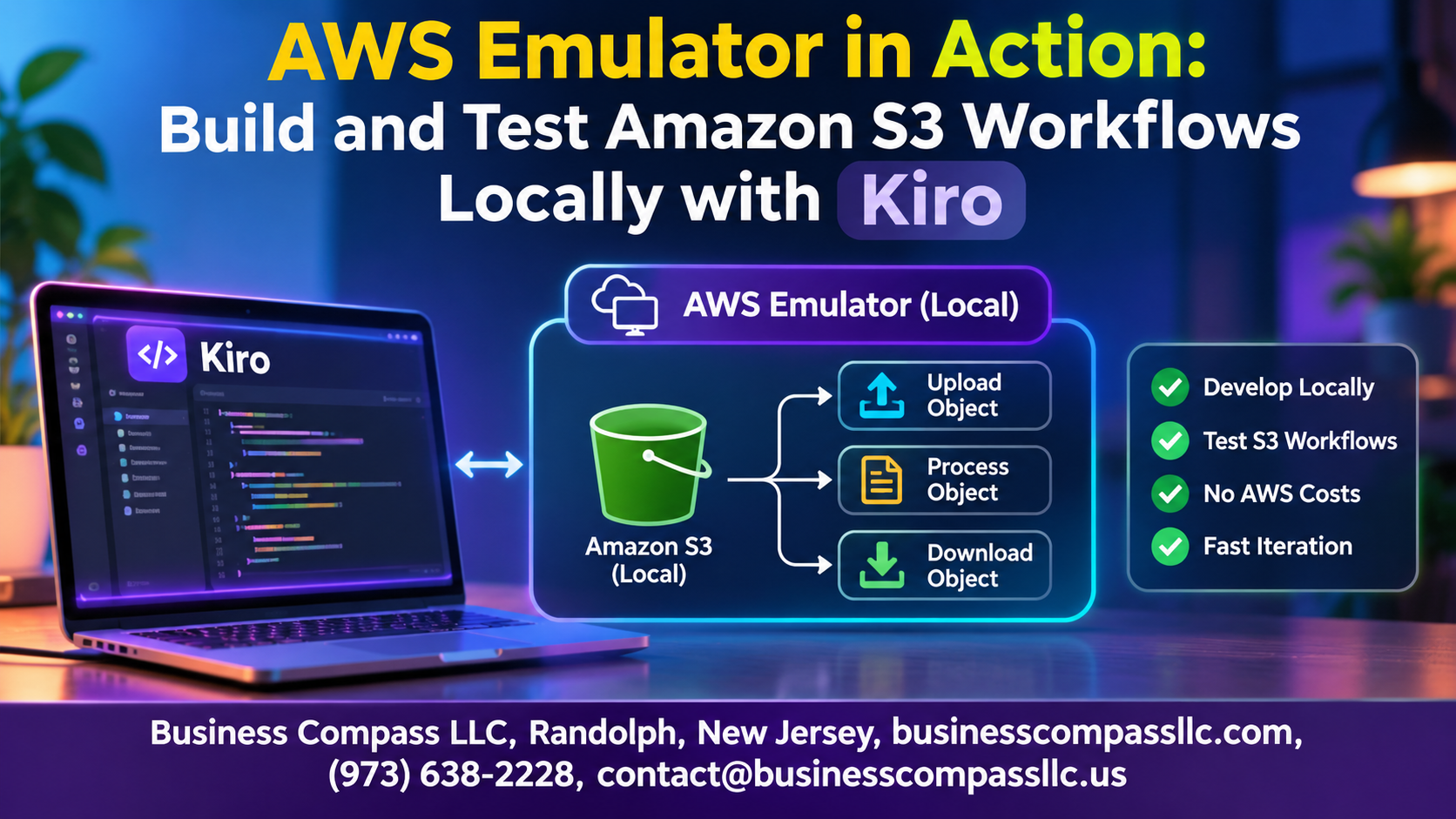
AWS Emulator in Action: Build and Test Amazon S3 Workflows Locally with Kiro
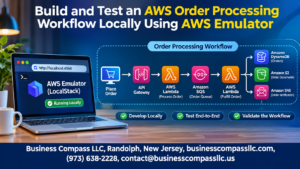
Waiting on cloud deployments just to check one S3 change gets old fast. A Kiro AWS emulator lets you skip that. You can run local AWS development on your own machine, with no surprise bills and no shared environments to break.
This guide is for developers, DevOps engineers, and QA folks who work with Amazon S3 and want faster feedback. You’ll learn how to test S3 workflows locally and set up a local S3 development environment you can trust.
Here’s what we’ll cover:
- Getting started: Why an S3 emulator speeds you up, and how to set up Kiro in a few steps.
- Building and testing: Create core S3 workflows, add event-driven S3 workflows, and run S3 event notifications testing.
- Going live: How to migrate local AWS to cloud without surprises.
Grab your coffee and let’s get building.
Understand Why Local AWS Emulation Speeds Up Development

Cut Cloud Costs and Avoid Surprise Bills
Your S3 emulator runs locally, so requests and storage cost nothing.
Iterate Faster Without Network Latency
Local calls respond instantly, so you rerun tests in seconds.
Test Safely Without Touching Production Resources
Break things freely; no real buckets or data are at risk.
Set Up Your Local Environment with Kiro

A. Install Kiro and Meet the Prerequisites
Install Kiro, Docker, and the AWS CLI.
B. Launch the AWS Emulator in Minutes
Start the S3 emulator container on port 4566.
C. Configure Kiro to Point at Local Endpoints
Set the endpoint URL to http://localhost:4566 with dummy credentials.
D. Verify Your Setup with a Quick Health Check
Run aws s3 ls locally. An empty list means you’re good.
Build Core Amazon S3 Workflows Locally
Create and Manage Buckets with Ease
Spin up buckets locally with aws s3 mb, pointing the CLI at your emulator endpoint.
Upload, Download, and Organize Objects
Use aws s3 cp and prefixes to mimic real folder layouts.
Apply Bucket Policies and Access Controls
Test JSON policies before they touch production.
Enable Versioning to Protect Your Data
Turn on versioning, overwrite files, and restore older versions safely.
Use Kiro to Accelerate S3 Development

Generate S3 Code from Natural Language Prompts
Tell Kiro what you need, like “create a bucket and upload files with presigned URLs,” and it writes the code against your local endpoint.
Use Specs to Plan Workflows Before You Build
Specs map requirements and tasks first, so you build with fewer surprises.
Automate Repetitive Tasks with Agent Hooks
Hooks run tests or reseed buckets whenever you save.
Debug Faster with AI-Assisted Troubleshooting
Paste errors into Kiro to spot policy or endpoint issues quickly.
Create Event-Driven S3 Workflows

Trigger Actions with S3 Event Notifications
Set bucket notifications locally to fire on uploads or deletes, then check the payloads without touching the cloud.
Connect S3 to Lambda Functions Locally
Wire ObjectCreated events to a local Lambda and watch it process files instantly.
Route Events Through Queues and Topics
Send events to SQS or SNS to test fan-out patterns.
Test S3 Workflows with Confidence

Write Repeatable Integration Tests
Point tests at the local endpoint and run them in CI.
Simulate Failures and Edge Cases
Try missing keys, huge uploads, and timeouts.
Validate Permissions and Error Handling
Check access-denied responses before production does.
Reset State Quickly for Clean Test Runs
Wipe buckets between runs.
Move from Local to Cloud Smoothly

Switch Between Emulator and Real AWS
Swap endpoint URLs and credentials with environment variables.
Add Emulator Tests to CI/CD
Run tests on every commit, no AWS costs.
Spot Differences in Behavior
Check IAM, consistency, and event timing against real S3.
Follow Best Practices
Keep configs separate; smoke-test in staging.

Local AWS emulation takes a lot of the friction out of building with S3. You skip the cloud setup, the surprise bills, and the slow feedback loops. With Kiro running on your machine, you can build core S3 workflows, wire up event-driven triggers, and test everything in minutes instead of waiting on deployments.
The best part is how smoothly it all carries over. Once your workflows pass locally, moving them to the real cloud is mostly a config change, not a rewrite. So fire up Kiro, build a small S3 workflow this week, and see how much faster you can ship when you’re not waiting on the cloud.