


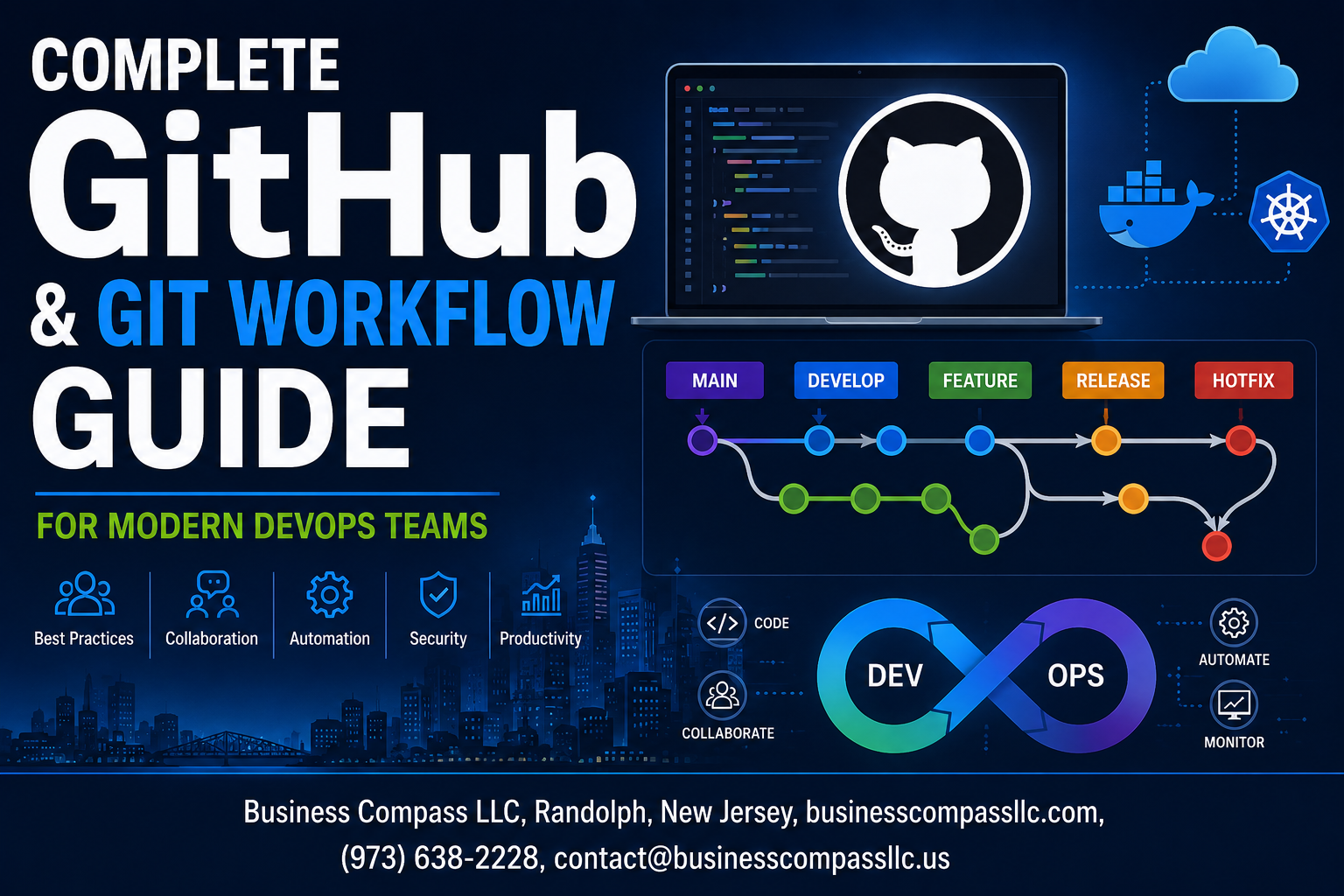
Modern DevOps teams need a solid GitHub & Git workflow guide to streamline their development process and boost collaboration. This comprehensive guide is designed for DevOps engineers, software developers, and team leads who want to master Git collaboration strategies and implement robust DevOps automation practices.
Getting your Git workflow right can make or break your team’s productivity. Whether you’re managing a small startup or scaling enterprise applications, the right approach to GitHub repository management and DevOps Git practices will save you countless hours and prevent those dreaded merge conflicts that keep developers up at night.
We’ll walk through essential Git fundamentals that every DevOps professional should know, including proven Git branching strategies and how to structure your repositories for maximum efficiency. You’ll also discover how to set up powerful CI/CD pipeline integration using GitHub Actions CI/CD, turning your GitHub pull requests into automated testing and deployment triggers.
Finally, we’ll cover critical DevOps security practices that protect your code and ensure compliance without slowing down your development cycle. By the end of this guide, you’ll have a complete toolkit for building workflows that scale with your team and projects.
Essential Git Fundamentals for DevOps Success

Master Core Git Commands That Boost Daily Productivity
Understanding DevOps Git practices starts with mastering essential commands that streamline development workflows. Commands like git rebase -i for interactive history editing, git stash for temporary changes, and git cherry-pick for selective commits become powerful tools for maintaining clean project histories. Advanced commands such as git bisect help teams quickly identify problematic commits, while git reflog provides safety nets for recovering lost work. Smart aliases and Git hooks automate repetitive tasks, allowing developers to focus on code quality rather than manual processes.
Implement Strategic Branching Models for Team Collaboration
Effective Git branching strategies form the backbone of successful DevOps automation workflows. GitFlow provides structured release management with dedicated feature, develop, and release branches, perfect for teams with scheduled deployments. GitHub Flow offers simplified collaboration through feature branches and pull requests, ideal for continuous deployment environments. Trunk-based development encourages frequent integration with short-lived branches, reducing merge conflicts and accelerating delivery cycles. Teams should choose branching models based on deployment frequency, team size, and release complexity while maintaining consistent naming conventions and branch protection rules.
Leverage Git Hooks to Automate Quality Checks
Git hooks enable automated quality enforcement throughout the development lifecycle, seamlessly integrating with GitHub workflow processes. Pre-commit hooks validate code formatting, run linting tools, and execute unit tests before changes reach the repository. Pre-push hooks can trigger security scans and comprehensive test suites, preventing broken code from entering shared branches. Server-side hooks like pre-receive and post-receive enable automated deployment triggers and notification systems. Popular tools like Husky and lint-staged simplify hook management, while custom scripts can enforce team-specific coding standards and compliance requirements automatically.
GitHub Repository Management Best Practices

Structure Repositories for Maximum Team Efficiency
Smart GitHub repository management starts with clear organization that scales with your team. Create separate repositories for microservices rather than monolithic structures, making code reviews faster and deployments more targeted. Use consistent naming conventions like project-service-name and establish folder hierarchies that mirror your application architecture. Set up .github directories with standardized workflows, and implement semantic versioning tags to track releases effectively across your DevOps pipeline.
Configure Branch Protection Rules That Prevent Errors
Branch protection rules act as your safety net against broken code reaching production. Require pull request reviews before merging to main branches, and enforce status checks that run automated tests and security scans. Set up required reviews from code owners in critical directories, disable force pushes, and require branches to be up-to-date before merging. These GitHub workflow safeguards catch issues early while maintaining development velocity through automated checks.
Optimize Issue Tracking for Faster Problem Resolution
Transform GitHub Issues into a powerful project management tool by creating custom issue templates for bugs, features, and technical debt. Use labels strategically to categorize by priority, component, and team ownership. Link issues to pull requests automatically, and set up automation that moves issues through project boards based on development status. Integrate with your DevOps automation tools to create issues from monitoring alerts, creating seamless incident response workflows.
Design Templates That Accelerate Development Workflows
Repository templates eliminate setup friction and ensure consistency across projects. Create base templates with pre-configured GitHub Actions for CI/CD, standardized README structures, and essential configuration files like .gitignore and dependabot.yml. Include pull request templates that guide developers through proper change documentation and testing checklists. These Git collaboration strategies reduce onboarding time for new repositories while maintaining quality standards across your entire development ecosystem.
Advanced Collaboration Strategies Using Pull Requests

Craft Pull Requests That Get Approved Faster
Writing clear, focused pull requests speeds up your DevOps Git practices and keeps your team moving. Start with descriptive titles that summarize the change in under 50 characters. Include screenshots for UI changes, link related issues, and explain the “why” behind your code. Break large features into smaller, reviewable chunks. Use templates to ensure consistency across your team. Add context about testing approaches and potential impacts. Tag the right reviewers based on expertise rather than availability. Your GitHub pull requests become documentation that future developers will thank you for.
Implement Code Review Processes That Catch Bugs Early
Smart code review processes catch issues before they reach production, making your Git collaboration strategies more effective. Set up automated checks for code formatting, security vulnerabilities, and test coverage before human review begins. Establish clear review criteria focusing on logic, performance, and maintainability rather than personal preferences. Use GitHub’s suggestion feature for quick fixes and educational feedback. Require at least two approvals for critical components. Create review checklists covering security, performance, and business logic. Train reviewers to look for edge cases and potential race conditions. Schedule regular review sessions for complex changes that benefit from real-time discussion.
Automate Merge Strategies for Continuous Integration
Automated merge strategies streamline your DevOps automation while maintaining code quality standards. Configure branch protection rules requiring status checks before merging. Use squash merges for feature branches to maintain clean commit history. Set up auto-merge for approved pull requests that pass all tests. Implement different strategies based on branch types – rebase for hotfixes, merge commits for features. Create automated rollback procedures for failed deployments. Use GitHub Actions CI/CD to trigger deployments only after successful merges to main branches. Configure merge queues for high-traffic repositories to prevent conflicts and ensure sequential integration testing.
CI/CD Pipeline Integration with GitHub Actions

Build Automated Testing Workflows That Save Time
GitHub Actions transforms your DevOps Git practices by automating tests every time code gets pushed. Set up workflows that run unit tests, integration tests, and security scans automatically. Your team saves hours of manual testing while catching bugs early. Configure parallel test execution across multiple environments to speed up feedback loops and maintain code quality standards.
Deploy Applications Seamlessly Across Multiple Environments
GitHub Actions CI/CD pipelines handle deployments from development to production without manual intervention. Create environment-specific workflows that deploy to staging first, run smoke tests, then promote to production. Use deployment slots and blue-green strategies to minimize downtime. Your GitHub workflow can automatically roll back failed deployments, keeping your applications stable and users happy.
Monitor Pipeline Performance for Continuous Improvement
Track your GitHub Actions performance metrics to optimize build times and resource usage. Monitor success rates, execution duration, and failure patterns across your DevOps automation workflows. Set up alerts for pipeline failures and bottlenecks. Use workflow insights to identify slow steps and optimize your CI/CD processes for faster delivery cycles.
Secure Deployment Processes with Built-in Safety Checks
Implement security gates within your GitHub workflow using environment protection rules and required reviewers. Add automated vulnerability scanning, secret detection, and compliance checks before deployments. Configure branch protection policies that enforce code reviews and status checks. Your DevOps security practices become seamless when security validations run automatically within your deployment pipeline.
Security and Compliance in Modern Git Workflows

Protect Sensitive Data with Advanced Security Features
GitHub’s secret scanning automatically detects API keys, tokens, and credentials across your repositories, preventing accidental exposure of sensitive data. Enable dependency vulnerability alerts to catch security flaws in third-party packages before they reach production. Use GitHub Advanced Security features like code scanning to identify potential security issues during development, while branch protection rules ensure sensitive code changes go through proper review processes.
Implement Access Controls That Scale with Team Growth
Team-based permissions and repository access controls grow seamlessly with your DevOps organization. Configure role-based access using GitHub teams to grant specific permissions for repositories, branches, and administrative functions. SAML single sign-on integration connects your existing identity provider, while two-factor authentication adds an extra security layer. Fine-grained personal access tokens limit scope and reduce security risks when automating GitHub workflows.
Audit Code Changes for Regulatory Compliance
GitHub’s audit logs provide comprehensive tracking of repository activities, user actions, and administrative changes required for compliance frameworks. Git’s immutable commit history creates tamper-proof records of all code modifications with timestamps and author information. Use signed commits with GPG keys to verify code authenticity and maintain chain of custody. Export audit data through GitHub’s API to integrate with compliance monitoring tools and generate regulatory reports.
Respond to Security Vulnerabilities with Rapid Deployment
Security advisories and automated dependency updates help teams respond quickly to discovered vulnerabilities. GitHub Actions enables rapid deployment pipelines that can patch and redeploy applications within minutes of vulnerability detection. Create dedicated security branches for emergency fixes that bypass normal review processes while maintaining audit trails. Implement automated rollback mechanisms to quickly revert compromised deployments and restore service availability.
Backup and Recovery Strategies That Prevent Data Loss
Multiple backup layers protect your DevOps workflow from catastrophic data loss scenarios. GitHub’s distributed Git architecture creates natural redundancy across developer machines and remote repositories. Regular automated backups of repository metadata, issues, and wiki content provide comprehensive recovery options. Implement cross-region repository mirroring for critical projects and maintain local backup copies of essential repositories to ensure business continuity during service disruptions.

Getting your Git and GitHub workflows right makes all the difference in how smoothly your DevOps team operates. From mastering the basic commands to setting up automated pipelines with GitHub Actions, each piece works together to create a development process that actually helps rather than hinders your team’s progress. When you combine solid repository management with smart collaboration through pull requests and proper security practices, you’re building a foundation that scales with your projects.
The real magic happens when your team stops fighting with version control and starts using it as a powerful tool for collaboration and automation. Take the time to implement these practices gradually – start with the fundamentals, get your repository structure organized, then layer on the advanced features like automated testing and deployment pipelines. Your future self (and your teammates) will thank you when code reviews become smoother, deployments stop causing headaches, and everyone can focus on building great software instead of wrestling with merge conflicts.









