


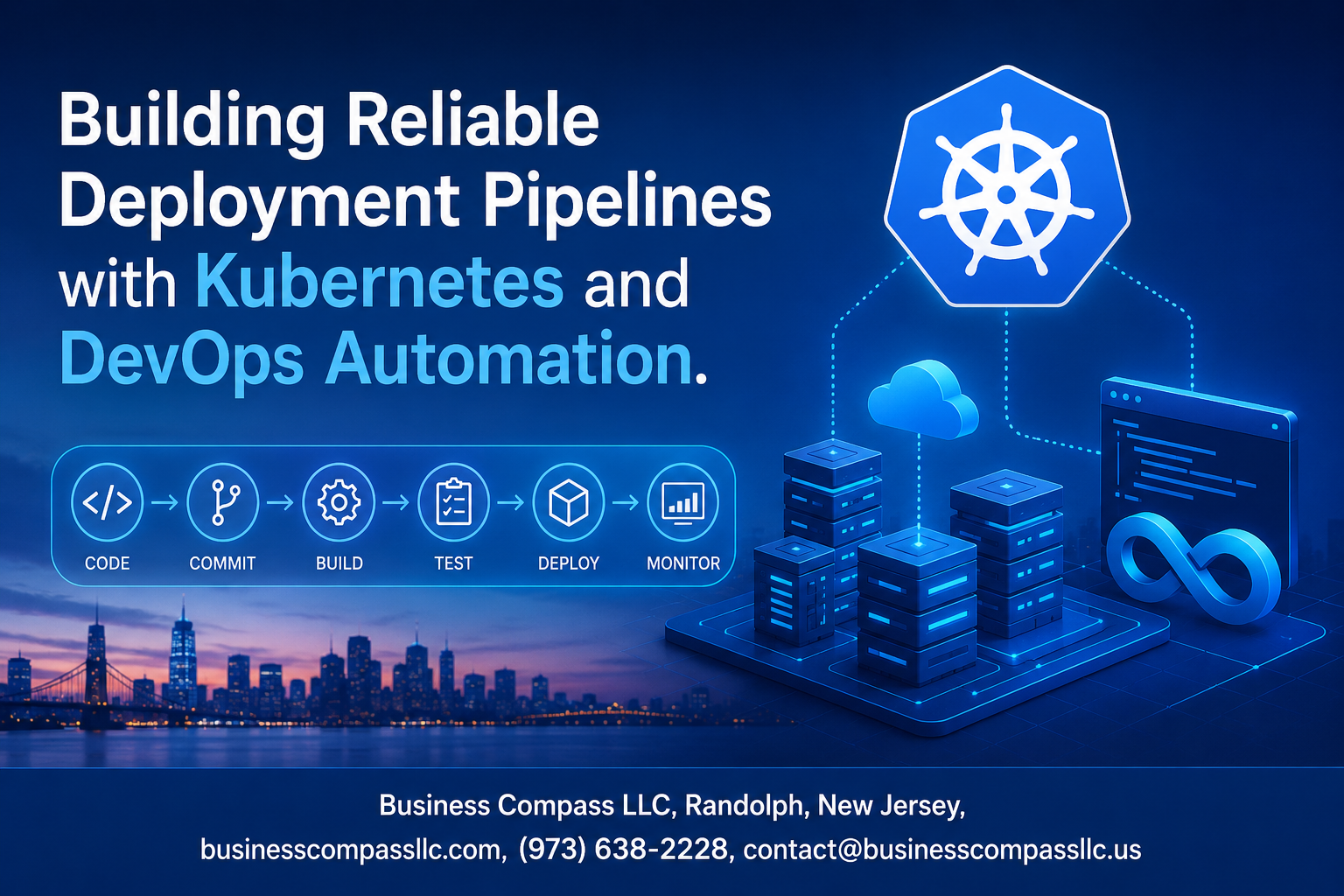
Stop Shipping Broken Code: Build a Kubernetes Deployment Pipeline That Actually Works
If you’ve ever pushed a release on a Friday afternoon and spent the weekend firefighting, this guide is for you.
DevOps engineers, platform teams, and developers managing growing infrastructure know the pain — manual deployments break, pipelines are flaky, and one bad rollout can take down production. Getting your Kubernetes deployment pipeline right isn’t just a nice-to-have anymore. It’s the difference between shipping fast with confidence and constantly putting out fires.
This post walks you through the practical side of building a fault-tolerant deployment pipeline from the ground up. Here’s what we’ll get into:
- Core pipeline architecture — what goes inside a solid Kubernetes CI/CD workflow and how the pieces connect
- CI/CD automation and DevOps pipeline best practices — cutting release time without cutting corners on quality or pipeline security compliance
- Kubernetes observability and monitoring — because deploying is only half the job; knowing what’s happening after the fact keeps everything running smoothly
No fluff, no hand-waving. Just real, actionable steps you can take back to your team today.
Understanding the Core Components of a Deployment Pipeline

How Kubernetes Simplifies Container Orchestration at Scale
Kubernetes takes the heavy lifting out of managing containerized applications by automatically handling scheduling, scaling, and self-healing across clusters. When a pod crashes, Kubernetes spins it back up without you lifting a finger. It abstracts away the underlying infrastructure complexity, so teams can focus on shipping features rather than babysitting servers.
- Automated scheduling places containers on the right nodes based on available resources
- Self-healing mechanisms restart failed containers and reschedule them when nodes go down
- Horizontal scaling adjusts workloads dynamically based on real-time demand
- Service discovery and load balancing route traffic seamlessly across running pods
Key DevOps Principles That Drive Pipeline Reliability
A solid Kubernetes deployment pipeline is only as good as the DevOps culture behind it. The principles of automation, collaboration, and continuous feedback loops keep deployments predictable and teams aligned. Shifting left on testing, treating infrastructure as code, and maintaining a single source of truth for configurations are habits that separate reliable pipelines from chaotic ones.
- Everything as code — infrastructure, configurations, and policies live in version control
- Shift-left testing catches bugs early before they reach production
- Continuous feedback shortens the loop between writing code and seeing it run in the real world
- Blameless post-mortems build a learning culture instead of a fear-driven one
Essential Tools That Power Modern Deployment Workflows
The right DevOps automation tools turn a fragile manual process into a repeatable, scalable machine. A well-chosen toolchain covering source control, CI/CD automation, container registries, and secrets management gives teams the confidence to deploy multiple times a day.
- ArgoCD / Flux — GitOps-driven continuous deployment directly into Kubernetes clusters
- Jenkins / GitHub Actions / GitLab CI — CI/CD automation pipelines that build, test, and package code
- Helm — packages Kubernetes manifests into reusable, versioned charts
- Prometheus + Grafana — Kubernetes observability and monitoring for real-time cluster health
- Vault by HashiCorp — secrets management that keeps credentials out of your codebase
- Trivy / Snyk — container image scanning baked into the pipeline for early vulnerability detection
Designing a Scalable and Fault-Tolerant Pipeline Architecture

A. Structuring Multi-Stage Pipelines for Maximum Stability
A well-structured Kubernetes deployment pipeline breaks work into clear stages — build, test, staging, and production — so failures get caught early before they ever reach your users. Each stage acts as a checkpoint, and only clean, verified code moves forward.
- Build stage: Compile code, run unit tests, and package container images
- Test stage: Run integration, regression, and security scans automatically
- Staging stage: Deploy to a production-like environment for final validation
- Production stage: Release only after all prior gates pass successfully
B. Leveraging Kubernetes Namespaces to Isolate Environments
Kubernetes namespaces give you clean boundaries between dev, staging, and production without spinning up separate clusters. Teams can work in parallel without stepping on each other, and resource quotas keep one environment from hogging shared infrastructure.
- Assign dedicated namespaces per environment:
dev,staging,prod - Apply Role-Based Access Control (RBAC) to limit who touches production
- Set resource limits and quotas per namespace to maintain predictable performance
C. Implementing Rolling Updates to Eliminate Downtime
Rolling updates are one of the smartest moves in a fault-tolerant deployment pipeline. Kubernetes gradually replaces old pods with new ones, keeping your app live throughout the entire process.
- Configure
maxSurgeandmaxUnavailablein your deployment spec to control rollout speed - Pair rolling updates with automated rollback triggers if error rates spike
- Test rollback procedures regularly so your team stays confident under pressure
D. Using Health Checks and Readiness Probes to Prevent Failures
Readiness and liveness probes are your safety net inside a scalable Kubernetes architecture. Readiness probes stop traffic from hitting pods that aren’t ready, while liveness probes restart pods stuck in a broken state.
- Liveness probe: Detects and restarts hung or crashed containers automatically
- Readiness probe: Holds traffic back until the app is fully warmed up
- Startup probe: Useful for slow-starting apps to avoid premature restarts
Automating CI/CD Workflows for Faster and Safer Releases

Integrating CI Tools with Kubernetes for Seamless Builds
Connecting your CI tools directly to Kubernetes makes the build process smoother and way less painful. Tools like Jenkins, GitHub Actions, and GitLab CI can trigger Kubernetes jobs automatically whenever code gets pushed, spinning up ephemeral build containers that disappear once the job finishes — keeping your cluster clean and efficient.
- Jenkins with Kubernetes plugin spins up dynamic agent pods, scaling build capacity on demand
- GitHub Actions with self-hosted runners on Kubernetes cuts infrastructure costs while keeping pipelines fast
- Tekton Pipelines runs natively inside Kubernetes, making your CI/CD automation a first-class cluster workload
Automating Testing Stages to Catch Errors Before Production
A solid Kubernetes CI/CD workflow catches bugs before they ever reach production by layering multiple automated testing stages back to back.
- Unit tests run first — fast feedback within seconds
- Integration tests spin up real service dependencies inside Kubernetes namespaces
- Load and performance tests validate behavior under traffic spikes
- Security scanning tools like Trivy or Snyk check container images for vulnerabilities automatically
Each stage acts as a gate. If something breaks, the pipeline stops right there.
Streamlining Deployment Approvals with GitOps Practices
GitOps treats your Git repository as the single source of truth for deployments. Tools like ArgoCD and Flux watch your repo and sync changes to Kubernetes automatically, removing manual steps that slow teams down.
- Pull requests become the natural approval checkpoint before anything ships
- Audit trails live inside Git history — no separate logging needed
- Rollbacks are as simple as reverting a commit
Strengthening Security and Compliance Across the Pipeline

Enforcing Role-Based Access Control to Protect Resources
Getting RBAC right in your Kubernetes deployment pipeline is one of the smartest moves you can make. Assign permissions based on actual job roles — developers get what they need to deploy, and nothing more. Cluster admins hold the keys to sensitive configs. Regularly audit who has access to what, and revoke stale permissions before they become a problem.
- Use
ClusterRolesandRoleBindingsto scope permissions tightly per namespace - Apply the principle of least privilege across every service account
- Rotate credentials regularly and audit bindings with tools like
kubectl auth can-i
Scanning Container Images to Eliminate Vulnerabilities
Every container image entering your pipeline security compliance workflow should be scanned before it ever touches production. Tools like Trivy, Snyk, and Grype integrate directly into your CI/CD automation steps, flagging known CVEs early.
- Block images with critical vulnerabilities from progressing past the build stage
- Set up automated re-scans on a schedule, not just at build time
- Maintain a trusted internal registry to control which base images are allowed
Automating Compliance Checks to Meet Regulatory Standards
Manual compliance reviews slow teams down. Baking automated checks directly into your Kubernetes CI/CD workflow keeps audits from becoming a fire drill. Tools like Open Policy Agent (OPA) and Kyverno let you define policies as code and enforce them automatically across every deployment.
- Define policies for resource limits, image sources, and network access
- Gate deployments that fail compliance checks before they reach staging
- Keep policy-as-code versioned alongside your application code
Managing Secrets Securely with Kubernetes Native Solutions
Hardcoding secrets into config files or environment variables is a fast path to a breach. Kubernetes Secrets, combined with external solutions like HashiCorp Vault or AWS Secrets Manager, give your DevOps pipeline best practices a real security backbone.
- Never store secrets in plaintext inside your Git repositories
- Use Vault Agent Injector or the External Secrets Operator to sync secrets dynamically
- Enable envelope encryption for Kubernetes Secrets at rest using a KMS provider
Auditing Pipeline Activity to Maintain Full Accountability
Knowing who did what — and when — across your fault-tolerant deployment pipeline is non-negotiable. Kubernetes audit logs capture every API server request, giving you a clear record of changes, deployments, and access patterns.
- Enable audit logging at the API server level with appropriate verbosity settings
- Ship audit logs to a centralized SIEM like Splunk or Elastic for real-time analysis
- Set up alerts for suspicious activity, like unexpected
execinto production pods or privilege escalations
Monitoring, Observability, and Continuous Improvement

Gaining Real-Time Visibility with Kubernetes Monitoring Tools
Getting clear visibility into your Kubernetes deployment pipeline is a game-changer. Tools like Prometheus, Grafana, and Datadog give you live dashboards showing pod health, resource consumption, and cluster performance — all in one place.
- Prometheus scrapes metrics from Kubernetes nodes and workloads
- Grafana turns raw metrics into visual, easy-to-read dashboards
- Jaeger or Zipkin handle distributed tracing across microservices
- Kubernetes-native tools like kubectl top and metrics-server give quick snapshots of CPU and memory usage
Using Metrics and Alerts to Respond to Issues Proactively
Good Kubernetes observability monitoring is not just about watching dashboards — it’s about acting before users feel the pain. Setting smart alerting thresholds helps your team catch deployment failures, memory leaks, or latency spikes early.
- Define SLOs (Service Level Objectives) tied to real user experience
- Use PagerDuty or Alertmanager to route alerts to the right team members
- Avoid alert fatigue by tuning thresholds carefully and eliminating noisy, low-value alerts
- Combine log aggregation (via Loki or ELK stack) with metrics for richer context
Analyzing Pipeline Performance to Reduce Deployment Lead Time
Tracking CI/CD automation metrics like deployment frequency, change failure rate, and mean time to recovery (MTTR) directly shows where your DevOps pipeline best practices are paying off — and where bottlenecks are hiding.
- Measure lead time from code commit to production deployment
- Identify slow pipeline stages using tools like Jenkins X or GitLab CI analytics
- Run regular retrospectives using pipeline data to drive concrete improvements
- Shorter feedback loops mean faster, safer releases across growing teams
Scaling and Optimizing Pipelines for Growing Teams

Autoscaling Kubernetes Clusters to Handle Increased Workloads
A scalable Kubernetes deployment pipeline lives or dies by how well your cluster responds to demand spikes. Horizontal Pod Autoscaler (HPA) and Vertical Pod Autoscaler (VPA) work together to keep your workloads running smoothly without manual intervention:
- HPA scales pods based on CPU, memory, or custom metrics
- VPA right-sizes resource requests automatically over time
- Cluster Autoscaler adds or removes nodes based on pending pod demand
Pair these with KEDA (Kubernetes Event-Driven Autoscaling) to trigger scaling from external signals like queue depth or HTTP traffic, giving your CI/CD automation a responsive backbone during high-frequency release windows.
Reducing Infrastructure Costs Through Smart Resource Allocation
Wasted compute is one of the biggest hidden costs in a growing DevOps pipeline. Getting your resource requests and limits right makes a huge difference:
- Set realistic CPU and memory requests based on actual usage data, not guesses
- Apply LimitRanges and ResourceQuotas per namespace to prevent runaway workloads
- Schedule non-critical pipeline jobs on spot or preemptible nodes to cut costs significantly
- Regularly audit idle workloads using tools like Goldilocks or Kubecost
This kind of smart allocation keeps your scalable Kubernetes architecture lean without sacrificing reliability.
Standardizing Pipeline Templates to Accelerate Team Onboarding
When teams grow fast, inconsistent pipelines become a real headache. Standardized CI/CD workflow templates solve this by giving every team a solid starting point:
- Build reusable pipeline templates in tools like GitHub Actions, GitLab CI, or Tekton
- Store templates in a shared repository so updates roll out centrally
- Include built-in steps for testing, security scanning, and deployment approvals
- Document each template with clear usage examples and customization guidelines
New teams get up and running faster, and your DevOps pipeline best practices stay consistent across the org without constant hand-holding.
Evolving Pipeline Strategies to Support Microservices Growth
As your microservices footprint expands, a one-size-fits-all pipeline stops working. Each service has different release cadences, dependencies, and risk profiles, so your Kubernetes CI/CD workflow needs to grow with that complexity:
- Adopt per-service pipelines rather than monolithic build scripts
- Use ArgoCD or Flux for GitOps-driven, independent service deployments
- Implement service mesh tooling like Istio or Linkerd for traffic shaping during canary releases
- Tag pipeline stages with service ownership metadata to simplify debugging and accountability
This approach keeps your fault-tolerant deployment pipeline flexible and your teams autonomous as the architecture scales.

Getting your deployment pipeline right with Kubernetes and DevOps automation isn’t a one-time project — it’s an ongoing practice. From designing a fault-tolerant architecture to locking down security and keeping a close eye on system health, every piece of the puzzle works together to help your team ship faster without breaking things. Automating your CI/CD workflows removes the manual bottlenecks, and building in observability from the start means you can catch and fix problems before they snowball.
As your team grows, your pipeline needs to grow with it. The good news is that Kubernetes gives you the flexibility to scale without starting from scratch every time. Start with the fundamentals, tighten your security practices, and keep refining based on real data. The teams that treat their pipelines as a living system — not a set-it-and-forget-it tool — are the ones that consistently deliver reliable, high-quality releases.









