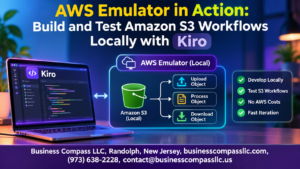


Want to build an AWS order processing workflow without racking up a cloud bill? You can. With an AWS emulator like LocalStack, you can run the whole thing on your laptop.
This LocalStack tutorial is for developers and backend engineers who want local AWS development that’s fast, cheap, and easy to repeat. If you’re new to serverless order processing, you’ll still keep up.
Here’s what we’ll cover:
- Setting up your local cloud development environment: Get your emulator running in minutes.
- Building the workflow: Create the core resources, write the order logic, and use AWS Lambda and Step Functions locally.
- Testing and going live: Test AWS locally with confidence, then move to production without surprises.
Grab your coffee, and let’s get started.
Set Up Your Local AWS Emulator for Faster Development

Choose the Right Emulator for Your Workflow
LocalStack is a solid AWS emulator for Lambda, Step Functions, SQS, and DynamoDB.
Install and Configure Prerequisites Quickly
- Install Docker, Python, and AWS CLI.
- Run
pip install localstack awscli-local.
Start the Emulator and Verify Services Are Running
Run localstack start -d, then localstack status services to confirm everything’s running.
Design a Scalable Order Processing Architecture

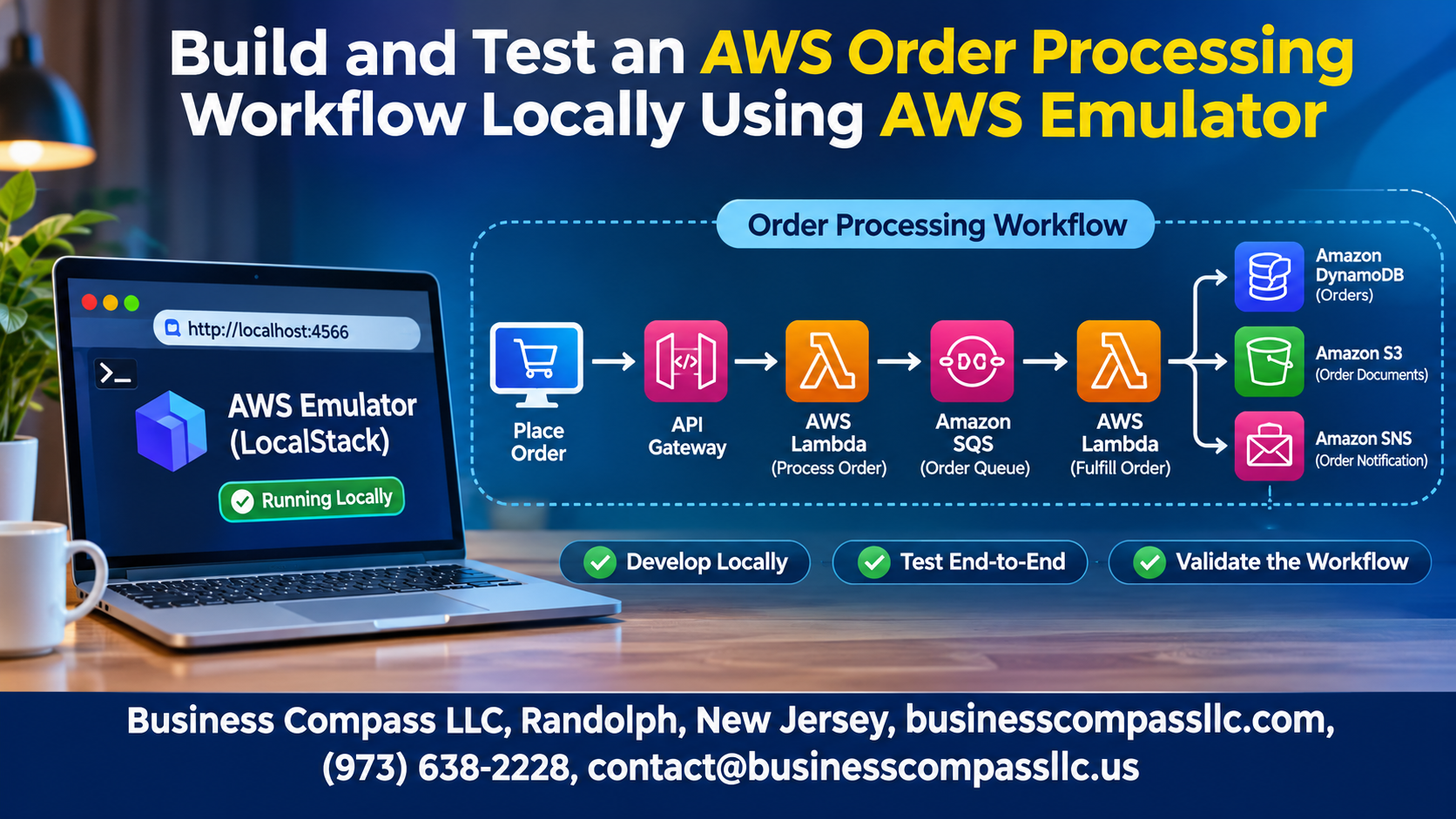
Map the Order Flow from Checkout to Fulfillment
Checkout triggers order creation, payment, inventory check, then shipping.
Select the AWS Services That Fit Each Step
API Gateway, Lambda, Step Functions, DynamoDB, SQS, SNS.
Plan Event-Driven Connections for Reliability
Queues buffer orders; retries and dead-letter queues catch failures.
Define Data Models for Orders and Inventory
Orders: orderId, items, status. Inventory: sku, quantity.
Create Core Resources Without Cloud Costs

A. Provision API Gateway Endpoints to Accept Orders
Create a REST API with a /orders POST route using awslocal apigateway.
B. Store Order Data in DynamoDB Tables
Make an Orders table keyed on orderId.
C. Set Up SQS Queues to Buffer Incoming Orders
Add an orders-queue plus a dead-letter queue.
D. Configure SNS Topics for Instant Notifications
Create an order-events topic and subscribe email or SQS endpoints.
E. Automate Resource Creation with Infrastructure as Code
Script everything with Terraform or CloudFormation, pointed at LocalStack.
Build the Order Processing Logic

Write Lambda Functions to Validate Orders
Check required fields, prices, and stock before anything else runs.
Process Payments and Update Inventory Reliably
Make each step idempotent, so retries never double-charge or double-deduct.
Orchestrate Multi-Step Flows with Step Functions
Chain validate, pay, and update states in LocalStack.
Handle Errors and Retries with Dead Letter Queues
Add retries, then send failures to an SQS DLQ.
Deploy and Run the Workflow Locally

Package and Deploy Functions to the Emulator
Zip each Lambda, then deploy with awslocal lambda create-function.
Connect Services with Triggers and Event Mappings
Link SQS to Lambda using awslocal lambda create-event-source-mapping.
Submit a Sample Order and Trace It End to End
Send an order to the queue, then check Step Functions executions and DynamoDB, plus the logs.
Test the Workflow with Confidence

Write Automated Integration Tests for Each Component
Use pytest with boto3 pointed at LocalStack’s endpoint to test each piece: Lambda, SQS, DynamoDB, Step Functions.
Simulate Failures to Strengthen Resilience
Throw errors in Lambda and watch retries and dead-letter queues kick in.
Inspect Logs and Resources to Debug Faster
Check CloudWatch logs and run awslocal commands.
Add Tests to Your CI Pipeline for Continuous Validation
Start LocalStack in GitHub Actions, then run your tests on every push.
Move from Local to Production Smoothly

Compare Emulator Behavior with Real AWS Services
LocalStack skips IAM enforcement, real latency, and some service limits, so expect surprises.
Manage Configuration Across Environments
Keep endpoints, regions, and ARNs in environment variables.
Deploy the Tested Workflow to AWS Safely
Deploy to staging first, check permissions, then promote.

You don’t need a cloud account or a surprise bill to build a solid order processing workflow. With a local AWS emulator, you can set up your environment in minutes, design the architecture, create your resources, and write the order logic right on your own machine. Then you deploy it, run it, and see what happens, all without waiting on slow deployments.
The biggest win is confidence. You can test every step, break things on purpose, fix them fast, and repeat until it works. When you’re ready, moving to production is mostly a matter of switching endpoints, not rebuilding from scratch.
So fire up your emulator and build that first workflow today. Start small, test often, and ship when it feels right. Your future self (and your AWS bill) will thank you.