

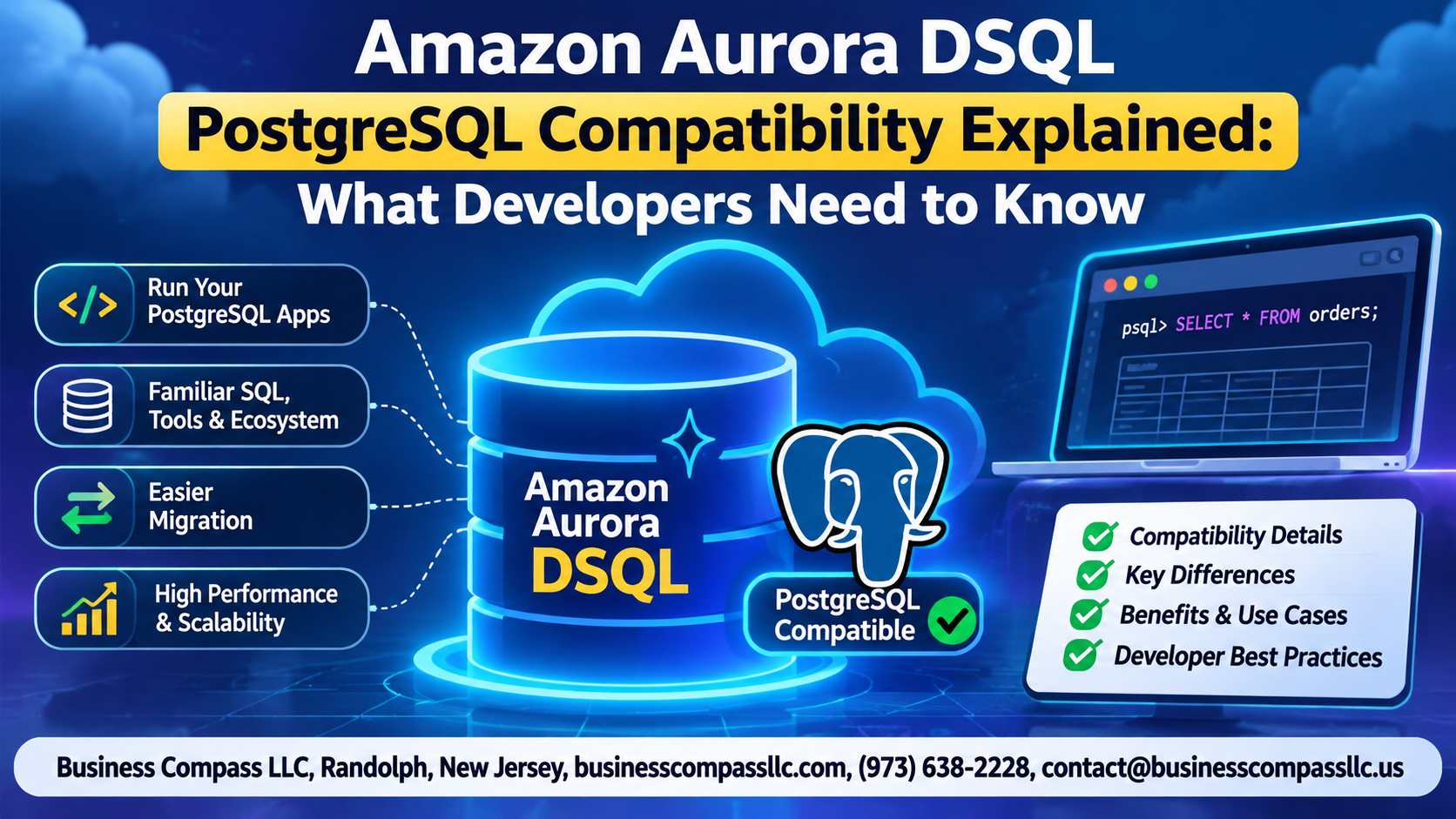
Amazon Aurora DSQL PostgreSQL Compatibility Explained: What Developers Need to Know
If you’ve been building on PostgreSQL and heard about Amazon Aurora DSQL, you’re probably wondering how much of your existing code actually works with it — and where things might break. That’s exactly what this guide covers.
This is written for backend developers, database engineers, and anyone evaluating Aurora DSQL as a drop-in or near-drop-in replacement for standard PostgreSQL workloads on AWS. Whether you’re mid-migration or just kicking the tires, you’ll want to know the specifics before committing.
Here’s what we’re getting into:
- What Aurora DSQL PostgreSQL compatibility actually looks like — not the marketing version, but what’s supported, what’s not, and why it’s built differently from the ground up as a distributed SQL database.
- How Aurora DSQL handles transactions, including where its optimistic concurrency model behaves differently from what your PostgreSQL apps expect today.
- What it takes to connect your existing PostgreSQL applications to Aurora DSQL and the performance considerations you need to plan for before going live.
No fluff here — just the stuff that actually matters when you’re making a real technical decision.
What Is Amazon Aurora DSQL and Why It Matters for Developers

Key Differences Between Aurora DSQL and Traditional Aurora PostgreSQL
Amazon Aurora DSQL is a serverless, distributed SQL database built for multi-region active-active workloads — something traditional Aurora PostgreSQL simply wasn’t designed for. It trades some PostgreSQL features for near-unlimited horizontal scale and automatic conflict resolution across regions.
Understanding Aurora DSQL PostgreSQL Compatibility at Its Core

Supported Features
Aurora DSQL backs standard DDL, DML, and most PostgreSQL 16 query syntax.
Key Limitations
- No stored procedures or triggers
- No foreign keys
- Extensions are restricted;
pgcryptoworks, butPostGISdoesn’t
Query Behavior
Expect subtle differences in transaction isolation—Aurora DSQL uses optimistic concurrency by default.
How Aurora DSQL Handles Transactions Differently from Standard PostgreSQL
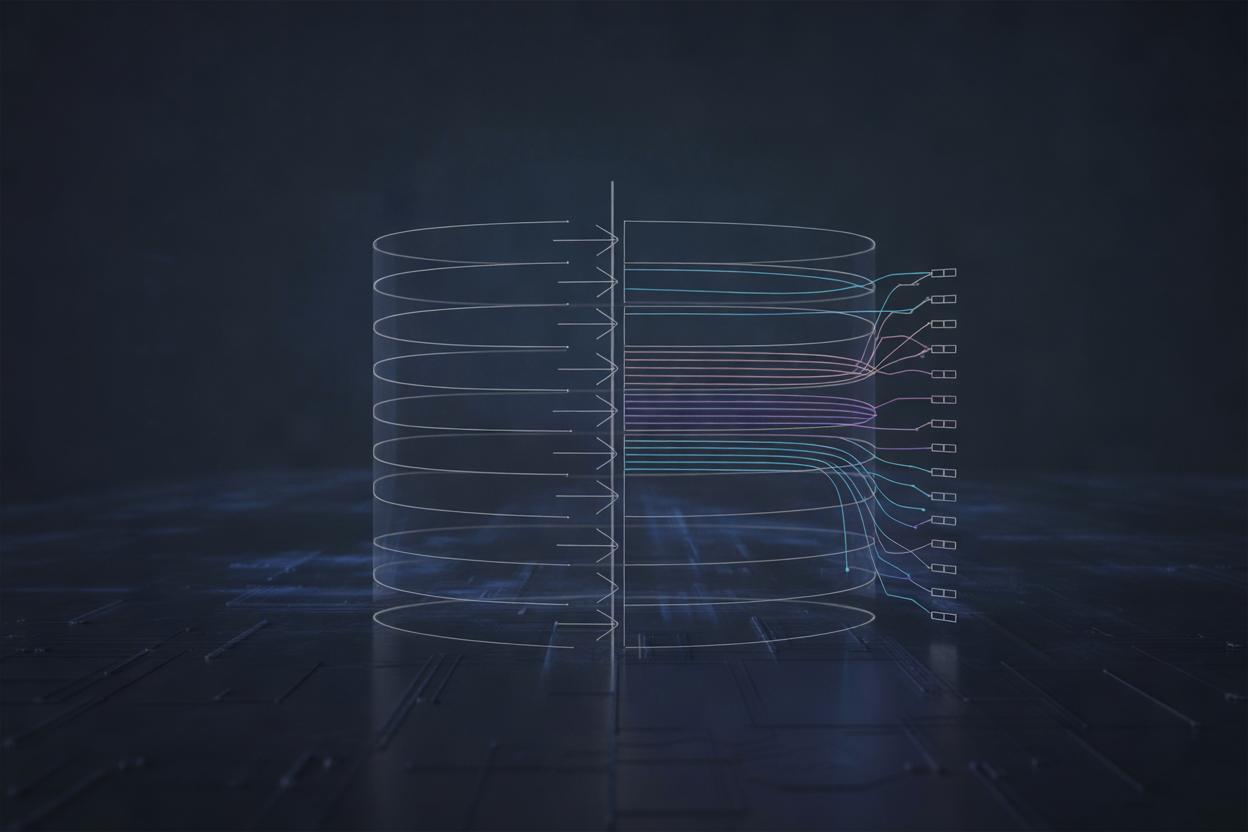
The Optimistic Concurrency Control Model Explained Simply
Aurora DSQL skips traditional locking. Instead, transactions run freely, then get validated at commit time. If conflicts exist, one transaction retries. This means Amazon Aurora DSQL transactions behave differently—your app must handle retry logic gracefully, especially under high concurrency, unlike standard PostgreSQL’s pessimistic locking approach.
Connecting Your Existing PostgreSQL Applications to Aurora DSQL
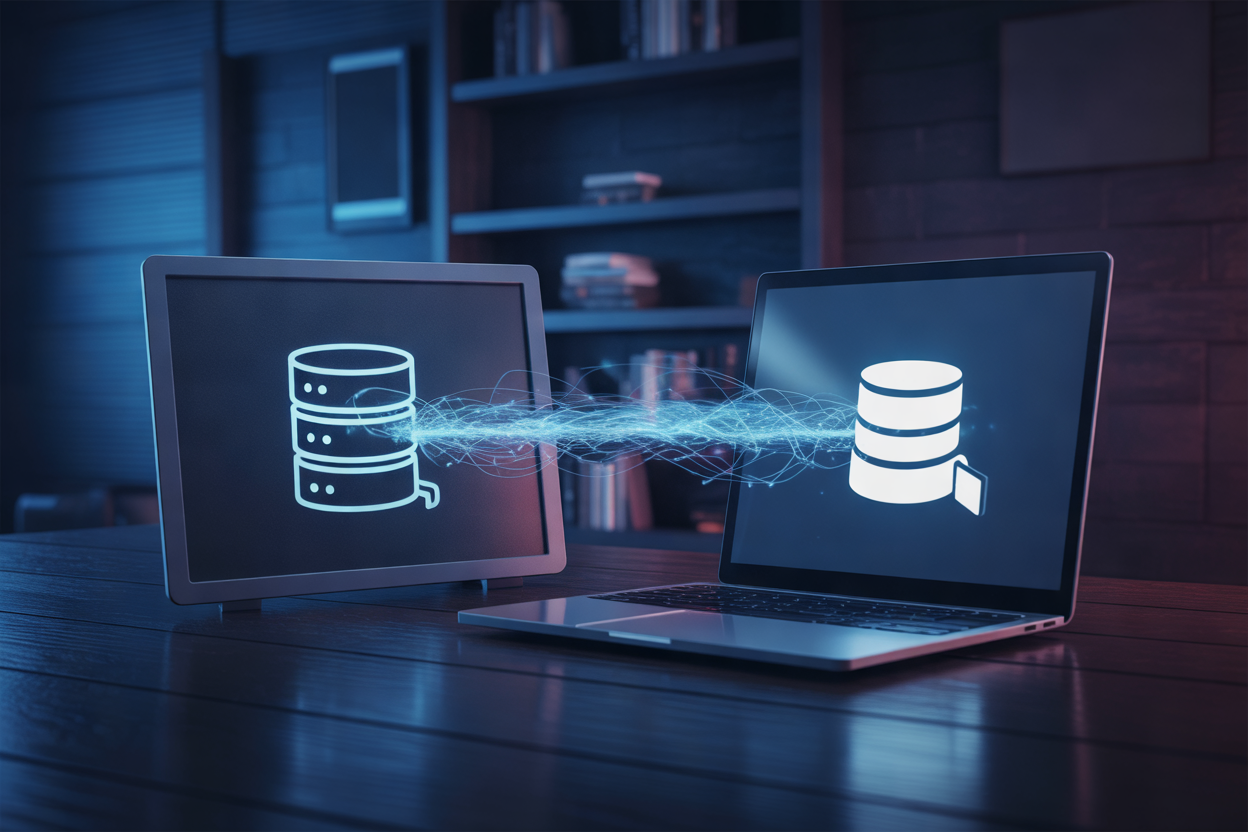
Using Standard PostgreSQL Drivers with Aurora DSQL
Connect using psycopg2 or pg8000 with standard connection strings — Aurora DSQL drops in like regular PostgreSQL. Swap your host endpoint, enable SSL, and use IAM-based token authentication instead of passwords. SQLAlchemy works with minor dialect tweaks; Hibernate needs optimistic locking adjustments. Watch for unsupported DDL during migration.
Performance Considerations Developers Need to Plan For

How Aurora DSQL Achieves High Availability and Low Latency Globally
Aurora DSQL replicates data across multiple AWS regions automatically, keeping reads fast and writes consistent without manual sharding.
Query Optimization and Indexing Best Practices
- Avoid full-table scans; always filter on indexed columns
- Prefer targeted, selective queries
- Use partial indexes for distributed workloads
Practical Steps to Test PostgreSQL Compatibility Before Going Live

Setting Up a Staging Environment
Deploy Aurora DSQL in AWS and mirror your production schema there first.
Running PostgreSQL Test Suites
Point existing pgTAP or pytest-based tests directly at Aurora DSQL’s endpoint.
Resolving Compatibility Issues
- Swap unsupported functions early
- Rewrite multi-statement transactions flagged by DSQL
Monitoring Tools
Use Amazon CloudWatch and pg_stat_statements.
Aurora DSQL brings a lot to the table for developers who want the familiarity of PostgreSQL with the scalability of a distributed cloud database. The key things to keep in mind are that while the compatibility is strong, there are real differences in how transactions work, and those differences matter when you’re migrating or building something new. Testing your application thoroughly before going live isn’t optional — it’s the step that saves you from nasty surprises in production.
If you’re planning to adopt Aurora DSQL, start small. Connect a non-critical app, run your queries, stress-test your transaction flows, and see where the edges are. The compatibility gaps aren’t dealbreakers for most use cases, but knowing them upfront puts you in control. The more you dig into how Aurora DSQL handles things under the hood, the better positioned you’ll be to build something fast, reliable, and ready to scale.