AWS Database Deployment Guide: RDS, Aurora, DynamoDB, and ElastiCache
Getting your database setup right on AWS can make or break your application’s performance. This guide is for developers, cloud architects, and DevOps engineers who want a clear, hands-on walkthrough of AWS database deployment across the four main managed services: Amazon RDS, Aurora, DynamoDB, and ElastiCache.
Here’s what we’re covering:
- Picking the right database for your workload — relational vs. NoSQL, and where each AWS managed database service actually fits
- Setting up and scaling RDS and Aurora — including an honest look at Aurora vs. RDS so you know which one to reach for
- Boosting performance and locking things down — from DynamoDB best practices for flexible NoSQL workloads to ElastiCache performance optimization and AWS database security
No fluff, no theory dumps — just the practical steps and decisions that actually matter when you’re building scalable cloud database solutions on AWS.
Understanding AWS Database Services and Choosing the Right Fit

Key Differences Between Relational, NoSQL, and In-Memory Databases
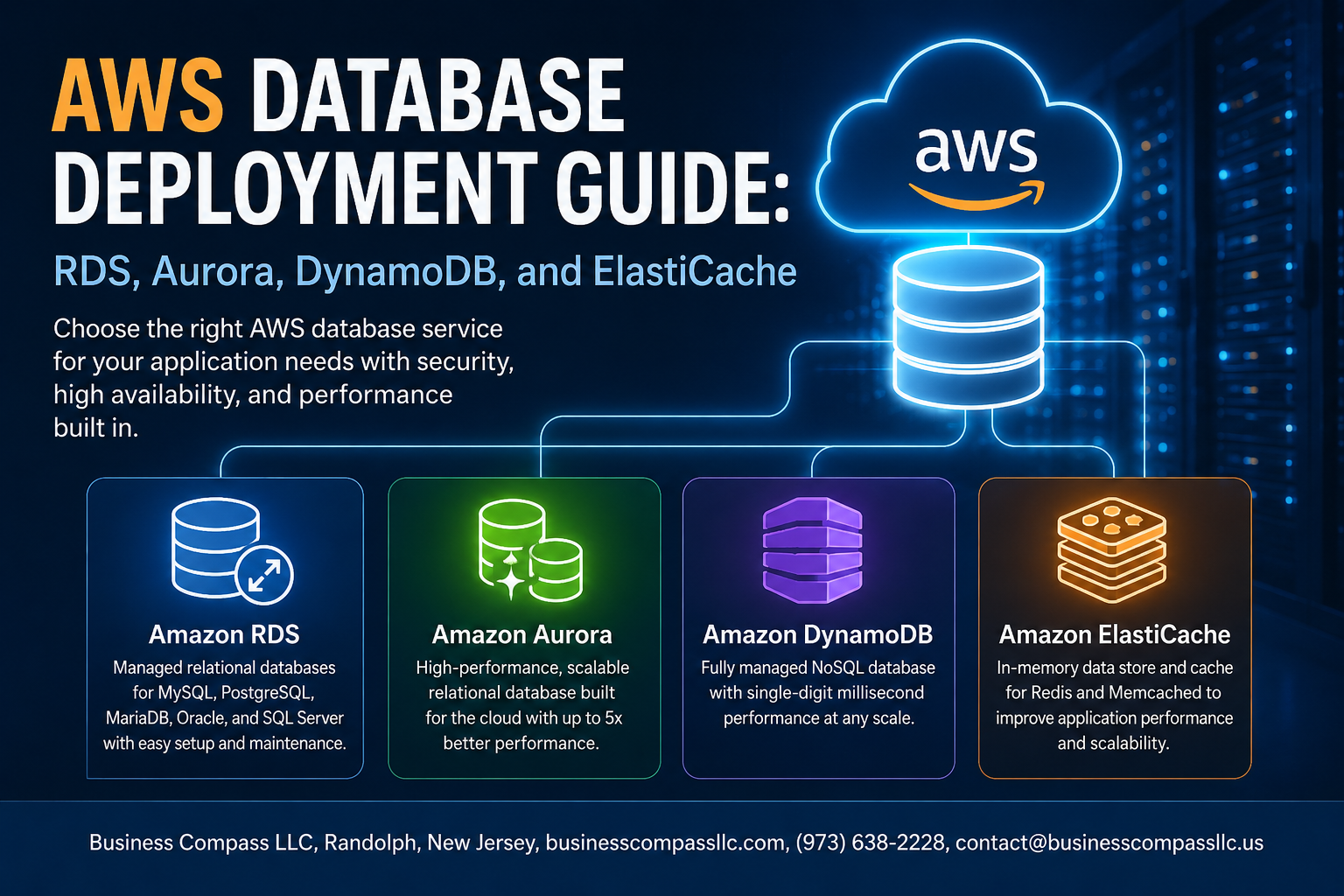
AWS managed database services cover three core types: relational (RDS, Aurora), NoSQL (DynamoDB), and in-memory (ElastiCache). Relational databases handle structured data with strict schemas, NoSQL offers flexible document storage, and in-memory databases deliver microsecond-speed caching for high-traffic workloads.
Deploying Amazon RDS for Scalable Relational Databases

Setting Up Your First RDS Instance in Minutes
Launch your first instance via AWS Console by selecting RDS, choosing Create Database, and picking your preferred engine.
Choosing the Right Engine: MySQL, PostgreSQL, and Beyond
- MySQL: ideal for web apps
- PostgreSQL: great for complex queries
Configuring Multi-AZ for High Availability
Automatic failover keeps downtime minimal.
Automating Backups and Snapshots
Schedule daily backups effortlessly.
Maximizing Performance with Amazon Aurora
Why Aurora Outperforms Traditional RDS Deployments
Aurora delivers up to 5x MySQL and 3x PostgreSQL performance through distributed storage, automatic replication across six nodes, and self-healing capabilities — making it a smarter pick for production workloads needing speed and resilience without manual tuning overhead.
Building Flexible Applications with Amazon DynamoDB

Designing Tables and Partition Keys for Optimal Performance
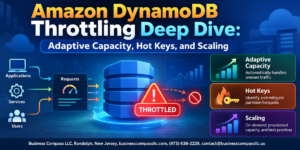
Pick partition keys with high cardinality to spread reads/writes evenly—avoiding hot partitions is a core DynamoDB best practice.
Using DynamoDB Streams for Real-Time Applications
- Trigger Lambda functions on data changes instantly
Reducing Costs with Capacity Modes
- On-Demand: unpredictable traffic
- Provisioned: steady workloads, cheaper
Accelerating Data Access with Amazon ElastiCache

Choosing Between Redis and Memcached for Your Use Case
- Redis: Best for complex data structures, persistence, pub/sub messaging
- Memcached: Ideal for simple, high-speed caching needs
Deploying ElastiCache to Reduce Database Load and Latency
Pick Redis for ElastiCache performance optimization in most AWS database deployments — it handles sessions, leaderboards, and real-time analytics effortlessly while slashing database load dramatically.
Securing and Optimizing Your AWS Database Environment

Enforcing Least Privilege Access with IAM Roles and Policies
Assign database permissions strictly by role—never over-provision access.
Encrypting Data at Rest and in Transit Across All Services
Enable AES-256 encryption and SSL/TLS connections across RDS, Aurora, DynamoDB, and ElastiCache.
Using AWS CloudWatch to Monitor and Alert on Database Health
Track CPU, latency, and connections; set alarms before problems escalate.

AWS gives you a solid lineup of database services, each built for different needs. RDS keeps your relational databases manageable and scalable, Aurora pushes performance to the next level for MySQL and PostgreSQL workloads, DynamoDB handles flexible and high-speed NoSQL storage, and ElastiCache takes the pressure off your databases by serving frequently accessed data at lightning speed. Layering in strong security practices and ongoing optimization ties everything together and keeps your environment running smoothly.
The right database choice comes down to what your application actually needs — not just today, but as it grows. Take time to test, monitor, and fine-tune your setup. Start with one service, get comfortable with how it behaves under real load, and expand from there. Your future self will thank you for getting the foundation right from the start.