Stop Overcomplicating Terraform State Management
Most Terraform tutorials assume you need DynamoDB for state locking — but that’s not always true, and it’s definitely not the only way to manage Terraform remote state on S3.
If you’re a developer or DevOps engineer who’s tired of spinning up extra AWS resources just to get a working backend, this guide is for you. We’ll walk through exactly how the Terraform S3 backend works, how to set it up without DynamoDB, and what your real options are for state locking when you want to keep things simple.
Here’s what we’ll cover:
- How Terraform remote state actually works and why storing state locally is a bad idea the moment more than one person touches your infrastructure
- The step-by-step S3 backend setup — the backend configuration, the right S3 bucket settings, and what you actually need versus what’s just nice to have
- State locking alternatives and security basics — because skipping DynamoDB doesn’t mean skipping safety, and there are legit ways to protect your Terraform state management without the extra overhead
No fluff, no unnecessary AWS services. Just a clean, practical look at Terraform S3 backend best practices that actually fit real-world projects.
Understanding Terraform Remote State and Why It Matters

What Local State Management Gets Wrong at Scale
Local state files break fast when teams grow — two engineers applying changes simultaneously can corrupt state entirely. Terraform remote state stored in an S3 backend solves this by centralizing state in one reliable location, preventing conflicts and giving every teammate a single source of truth without manual file sharing.
How the Terraform S3 Backend Works Under the Hood
How Terraform Reads and Writes State to S3
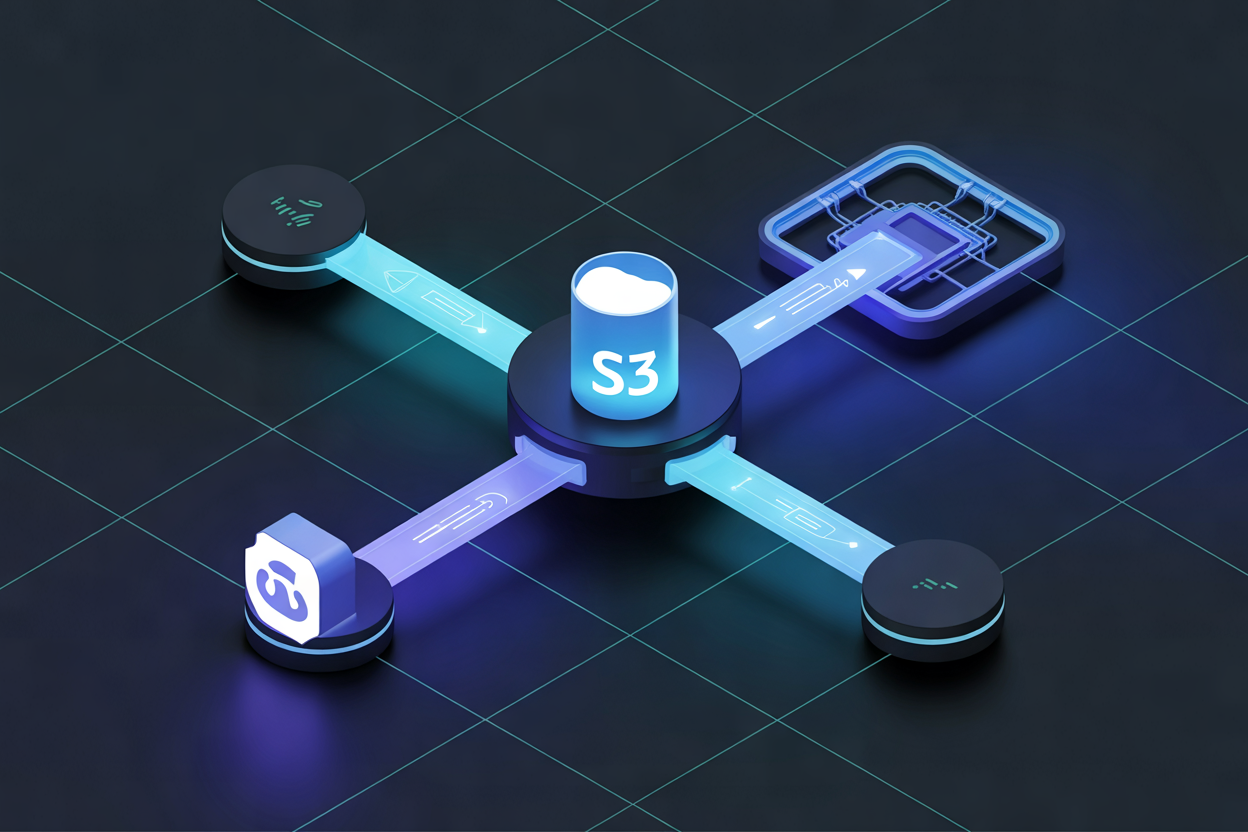
Terraform pushes your state file directly to S3 as a JSON object after every apply. It reads that same file before planning changes. Bucket versioning keeps older state snapshots recoverable. Server-side encryption (SSE-S3 or SSE-KMS) secures data at rest. Without DynamoDB, locking relies on native S3 conditional writes.
Setting Up Your S3 Backend Without DynamoDB

Creating and Configuring the Right S3 Bucket
Enable versioning and server-side encryption on your bucket. Block all public access.
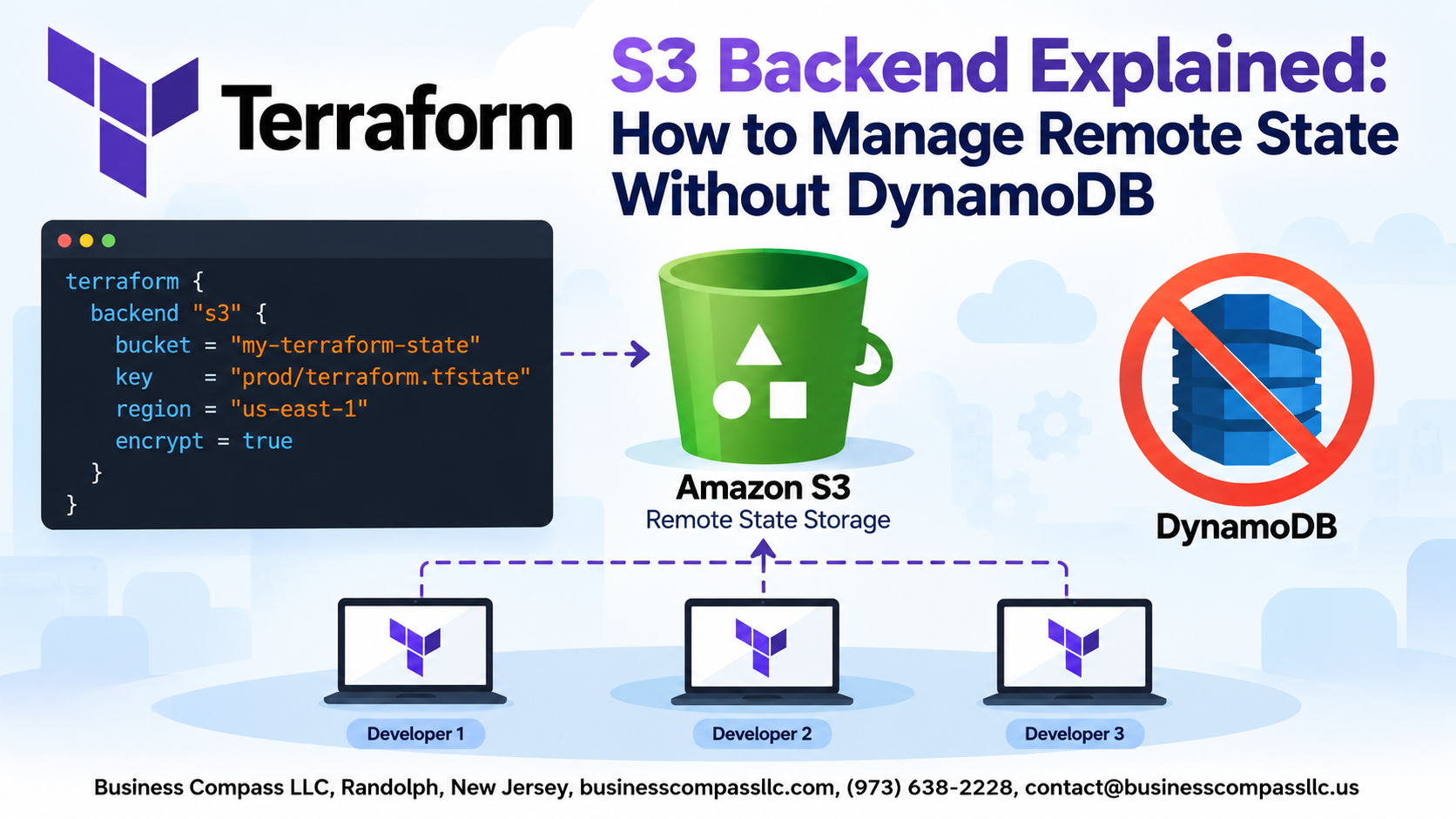
Writing the Backend Block
terraform {
  backend "s3" {
    bucket = "my-tf-state"
    key    = "prod/terraform.tfstate"
    region = "us-east-1"
  }
}
Authenticating, Initializing, and Verifying
- Use IAM roles over static credentials
- Run
terraform initto migrate state - Check S3 directly to confirm
.tfstateexists
Managing State Locking Without DynamoDB

Why State Locking Exists and What Happens Without It
Without locking, two engineers running terraform apply simultaneously can corrupt your state file. DynamoDB traditionally handles this, but skipping it means relying on team discipline or pipeline controls instead.
Practical Strategies to Reduce Concurrent Apply Risks
- Serialize runs through CI/CD queues
- Use branch protection rules
- Restrict direct CLI access
Keeping Your S3 Backend Secure and Reliable

Enforcing Least Privilege IAM Policies for State Access
Restrict IAM permissions to only s3:GetObject, s3:PutObject, and s3:ListBucket for your secure Terraform remote state bucket.
Enabling MFA Delete to Prevent Accidental State Loss
Turn on MFA Delete so no one accidentally wipes state files.
Using Bucket Policies to Block Public Access
Always block public access explicitly.
Common Mistakes to Avoid With the S3 Backend

A. Forgetting to Enable Versioning Before First Use
Enable S3 versioning before running terraform init. Without it, accidental overwrites are unrecoverable.
B. Sharing One Bucket Across Environments Carelessly
Use separate state keys or buckets per environment to prevent cross-environment corruption.
C. Hardcoding Credentials Inside the Backend Configuration
Never embed AWS keys directly—use IAM roles or environment variables instead.
D. Ignoring State Drift Caused by Manual AWS Changes
Run terraform refresh regularly to catch drift early.

Managing Terraform remote state with an S3 backend is simpler than most people think, and you definitely don’t need DynamoDB to make it work. From understanding how state files are stored and retrieved, to setting up your bucket correctly, handling state locking through alternative approaches, and locking down your security settings — there’s a clear path to getting this right without overcomplicating things.
The biggest wins come from keeping your setup clean, avoiding the common pitfalls like misconfigured permissions or skipping versioning, and making sure your team is working from the same state file every time. Give your S3 backend the attention it deserves, and it’ll quietly do its job without causing headaches down the road. Start with the basics covered here, tighten up your security, and you’ll have a solid remote state setup that actually works for your team.