


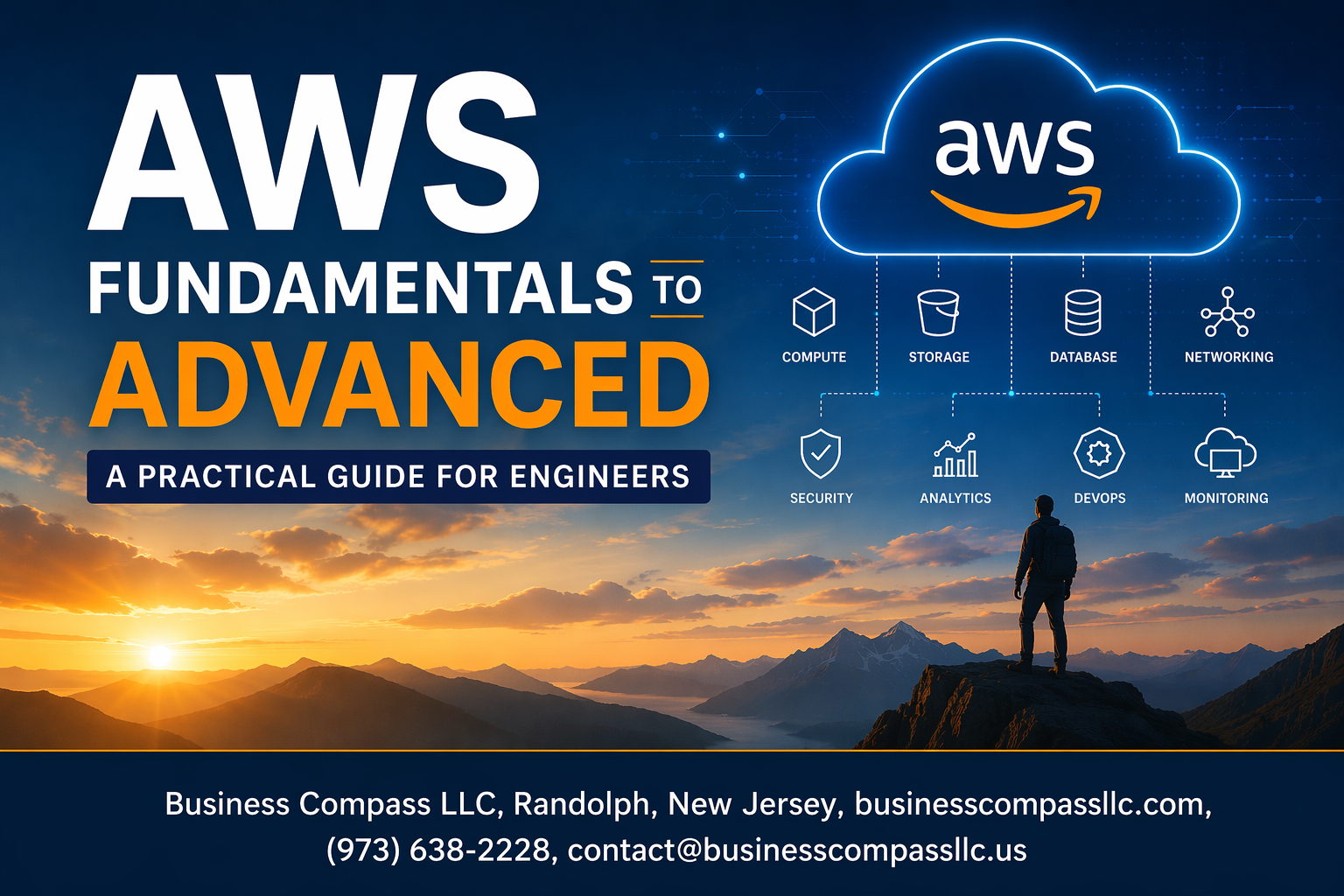
Amazon Web Services powers millions of applications worldwide, but many engineers struggle to navigate its vast ecosystem effectively. This AWS practical guide for engineers takes you from basic concepts to advanced implementations, helping you build production-ready cloud solutions with confidence.
Who This Guide Is For
This comprehensive resource is designed for software engineers, DevOps professionals, and infrastructure specialists who want to master AWS fundamentals and advance their cloud expertise. You’ll get hands-on experience with real-world scenarios that mirror what you’ll face in your daily work.
What You’ll Learn
We’ll start by exploring AWS core services and database solutions, showing you how to choose the right tools for your specific needs. You’ll discover AWS security best practices and learn to implement robust identity management systems that protect your applications and data.
The guide also covers essential scaling techniques, including AWS auto scaling and AWS load balancing strategies that keep your applications running smoothly under any load. Finally, we’ll dive into AWS DevOps practices, AWS cost optimization, and AWS performance tuning methods that help you build efficient, cost-effective cloud infrastructure.
By the end of this journey, you’ll have the practical skills needed to architect, deploy, and manage enterprise-grade AWS solutions.
Master AWS Core Services and Infrastructure

Set up your AWS account and navigate the management console
Creating your AWS account is straightforward—simply visit the AWS website, provide your email and payment information, and complete the verification process. The AWS Management Console serves as your central dashboard where you can access all services through an intuitive web interface. Start by exploring the search functionality and bookmarking frequently used services like EC2, S3, and VPC to streamline your workflow.
Deploy EC2 instances for scalable computing power
EC2 instances form the backbone of AWS computing, offering virtual servers that can scale from micro workloads to high-performance computing clusters. Choose the right instance type based on your CPU, memory, and network requirements—t3.micro works perfectly for testing, while c5 instances excel at compute-intensive tasks. Launch instances through the console by selecting an Amazon Machine Image (AMI), configuring security groups, and setting up key pairs for secure SSH access.
Configure VPCs for secure network isolation
Virtual Private Clouds create isolated network environments where you control IP addressing, subnets, and routing tables. Design your VPC with public subnets for web servers that need internet access and private subnets for databases and internal services. Configure internet gateways for public connectivity and NAT gateways to allow private subnet resources to reach the internet securely while remaining protected from inbound traffic.
Implement S3 for reliable object storage solutions
S3 provides virtually unlimited storage with 99.999999999% durability across multiple facilities. Organize your data using buckets and objects, implementing proper naming conventions and folder structures for easy management. Configure bucket policies and access controls to secure your data, while choosing appropriate storage classes like Standard, Infrequent Access, or Glacier based on your access patterns to optimize costs.
Build Robust Database Solutions

Launch RDS for managed relational databases
Amazon RDS takes the heavy lifting out of database management by handling backups, patches, and scaling automatically. You can spin up MySQL, PostgreSQL, Oracle, or SQL Server instances in minutes while AWS handles the infrastructure complexity. Multi-AZ deployments provide automatic failover protection, and read replicas help distribute query loads across multiple database instances for better performance.
Implement DynamoDB for high-performance NoSQL applications
DynamoDB delivers single-digit millisecond response times with virtually unlimited scalability for modern applications. This serverless NoSQL database automatically adjusts capacity based on traffic patterns, making it perfect for mobile apps, gaming, and IoT workloads. Global tables enable multi-region replication, while on-demand billing means you only pay for actual read and write requests.
Optimize database performance and cost efficiency
Smart provisioning strategies can cut database costs by 40-60% without sacrificing performance. Reserved instances offer significant discounts for predictable workloads, while Aurora Serverless automatically scales compute capacity based on demand. Regular monitoring with CloudWatch helps identify bottlenecks, and choosing the right instance types based on CPU, memory, and I/O requirements ensures optimal price-performance ratios for your AWS database solutions.
Implement Security and Identity Management

Configure IAM roles and policies for secure access control
IAM serves as the backbone of AWS security best practices, controlling who can access your resources and what actions they can perform. Create role-based access patterns instead of sharing root credentials – assign specific permissions through policies that follow the principle of least privilege. Users should only access resources they need for their job function.
Set up multi-factor authentication and access keys
Enable MFA on all user accounts, especially those with administrative privileges. This adds an extra security layer beyond passwords, requiring a second authentication factor like a smartphone app or hardware token. Rotate access keys regularly and avoid embedding them directly in application code – use IAM roles for EC2 instances instead.
Apply security groups and NACLs for network protection
Security groups act as virtual firewalls at the instance level, controlling inbound and outbound traffic based on IP addresses, protocols, and ports. Network ACLs provide subnet-level protection with stateless rules. Configure both layers strategically – security groups for application-specific access and NACLs for broader network segmentation and defense in depth.
Monitor security threats with AWS CloudTrail
CloudTrail records API calls and user activities across your AWS account, creating an audit trail for compliance and security monitoring. Set up log file validation and centralized logging to S3 buckets with proper encryption. Configure CloudWatch alarms to detect suspicious activities like unauthorized access attempts or unusual resource usage patterns.
Design Auto-Scaling and Load Balancing Systems

Create Application Load Balancers for traffic distribution
Application Load Balancers (ALBs) serve as the traffic directors for your AWS auto scaling infrastructure, intelligently routing requests across multiple targets based on content and application health. These Layer 7 load balancers excel at handling HTTP/HTTPS traffic with advanced routing capabilities including path-based, host-based, and header-based routing rules that enable sophisticated traffic management strategies.
ALBs integrate seamlessly with Auto Scaling Groups, automatically registering and deregistering EC2 instances as they scale up or down. The health check mechanisms continuously monitor target availability, removing unhealthy instances from rotation while maintaining optimal performance across your application tier.
Configure Auto Scaling Groups for dynamic resource allocation
Auto Scaling Groups provide the backbone for dynamic resource allocation in AWS, automatically adjusting EC2 capacity based on demand patterns and predefined scaling policies. These groups work with CloudWatch metrics to trigger scaling actions, ensuring your application maintains performance during traffic spikes while minimizing costs during low-demand periods.
Configure scaling policies using target tracking, step scaling, or simple scaling approaches depending on your application’s behavior. Target tracking policies maintain specific metrics like CPU utilization or request count per target, while step scaling provides more granular control for complex scaling scenarios requiring different responses to varying load levels.
Implement CloudWatch monitoring and alerting
CloudWatch monitoring forms the nervous system of your AWS auto scaling architecture, collecting metrics from load balancers, Auto Scaling Groups, and EC2 instances to provide comprehensive visibility into system performance. Set up custom dashboards that track key performance indicators including response times, error rates, and resource utilization patterns across your scaling infrastructure.
Create intelligent alerting strategies using CloudWatch Alarms that trigger notifications via SNS when thresholds are breached. Configure composite alarms that combine multiple metrics for more accurate anomaly detection, reducing false positives while ensuring critical issues receive immediate attention through automated responses or human intervention.
Deploy Applications with Modern DevOps Practices

Build CI/CD pipelines using AWS CodePipeline
AWS CodePipeline streamlines software delivery by automating build, test, and deployment processes. This fully managed service connects with CodeCommit for source control, CodeBuild for compilation, and CodeDeploy for releases, creating seamless workflows that trigger automatically on code changes.
Pipeline stages can include multiple actions like running unit tests, security scans, and approval gates. Integration with third-party tools like GitHub, Jenkins, and Slack ensures existing workflows remain intact while gaining AWS’s reliability and scalability benefits.
Containerize applications with ECS and EKS
Amazon ECS provides serverless container orchestration through Fargate, eliminating server management overhead. Task definitions specify CPU, memory, and networking requirements while service configurations handle load balancing and auto-scaling. ECS integrates natively with Application Load Balancers and CloudWatch for monitoring.
EKS offers managed Kubernetes clusters for teams requiring Kubernetes-native features. Worker nodes can run on EC2 instances or Fargate, providing flexibility between cost optimization and operational simplicity. Both services support service mesh architectures and integrate with AWS security services.
Manage infrastructure as code with CloudFormation
CloudFormation templates define AWS resources using JSON or YAML, enabling version-controlled infrastructure deployments. Stack operations create, update, or delete entire environments consistently across development, staging, and production accounts. Template parameters and mappings support environment-specific configurations without code duplication.
Cross-stack references and nested stacks organize complex architectures into manageable components. Change sets preview modifications before execution, preventing unintended resource deletions. Integration with AWS DevOps practices ensures infrastructure changes follow the same review processes as application code.
Implement blue-green deployments for zero-downtime releases
Blue-green deployments maintain two identical production environments, routing traffic between them during releases. Route 53 weighted routing or Application Load Balancer target groups enable instant traffic switching. This approach provides immediate rollback capabilities and comprehensive testing in production-like conditions.
CodeDeploy automates blue-green deployments for EC2, Lambda, and ECS applications. Pre-configured deployment configurations handle traffic shifting patterns, from instant switches to gradual canary releases. CloudWatch alarms can trigger automatic rollbacks when error rates exceed defined thresholds.
Monitor application performance with X-Ray tracing
AWS X-Ray traces requests across microservices architectures, revealing performance bottlenecks and error patterns. Service maps visualize application topology and dependencies while trace timelines show execution paths through distributed systems. Integration with Lambda, ECS, and API Gateway requires minimal configuration changes.
Custom annotations and metadata enrich traces with business context like user IDs or transaction types. X-Ray analytics identify trending issues and performance regression patterns. Integration with CloudWatch creates alerts based on trace data, enabling proactive incident response before user impact occurs.
Optimize Costs and Performance at Scale

Analyze spending patterns with Cost Explorer
Cost Explorer helps you understand where your money goes by breaking down AWS expenses across services, regions, and usage types. The tool provides detailed visualizations showing spending trends over time, making it easy to spot unusual spikes or identify services consuming the most budget. You can create custom reports to track costs by specific tags, accounts, or projects, giving teams clear visibility into their resource consumption patterns.
Implement Reserved Instances and Spot Instances strategies
Reserved Instances offer significant savings for predictable workloads, providing up to 75% cost reduction compared to On-Demand pricing when you commit to one or three-year terms. Spot Instances work perfectly for fault-tolerant applications like batch processing, delivering up to 90% savings by using spare EC2 capacity. Smart engineers combine both strategies – using Reserved Instances for baseline capacity and Spot Instances for variable workloads.
Configure CloudFront CDN for global content delivery
CloudFront dramatically improves application performance by caching content at edge locations worldwide, reducing latency for global users. Configure origin behaviors to cache static assets like images and CSS files while allowing dynamic content to pass through to your origin servers. The CDN also provides built-in DDoS protection and SSL/TLS termination, reducing load on your backend infrastructure while enhancing security.
Apply AWS Well-Architected Framework principles
The Well-Architected Framework guides you through five key pillars: operational excellence, security, reliability, performance efficiency, and cost optimization. Regular architecture reviews using these principles help identify areas for improvement before they become expensive problems. Focus on automation, monitoring, and designing for failure to build systems that scale efficiently while maintaining high availability and cost-effectiveness.

AWS mastery comes down to building a solid foundation and then expanding your skills systematically. You’ve seen how core services like EC2 and S3 form the backbone of cloud infrastructure, while proper database design and security practices protect your applications and data. The combination of auto-scaling, load balancing, and modern DevOps workflows gives you the power to create systems that can handle real-world demands while staying cost-effective.
The journey from AWS fundamentals to advanced implementation doesn’t happen overnight, but each skill builds on the last. Start with one service, get comfortable with it, and then add complexity as you grow. Your next step should be picking a small project and applying these concepts hands-on. Whether it’s setting up a simple web application with proper security or experimenting with auto-scaling configurations, practical experience will cement everything you’ve learned and prepare you for the challenges ahead.









