


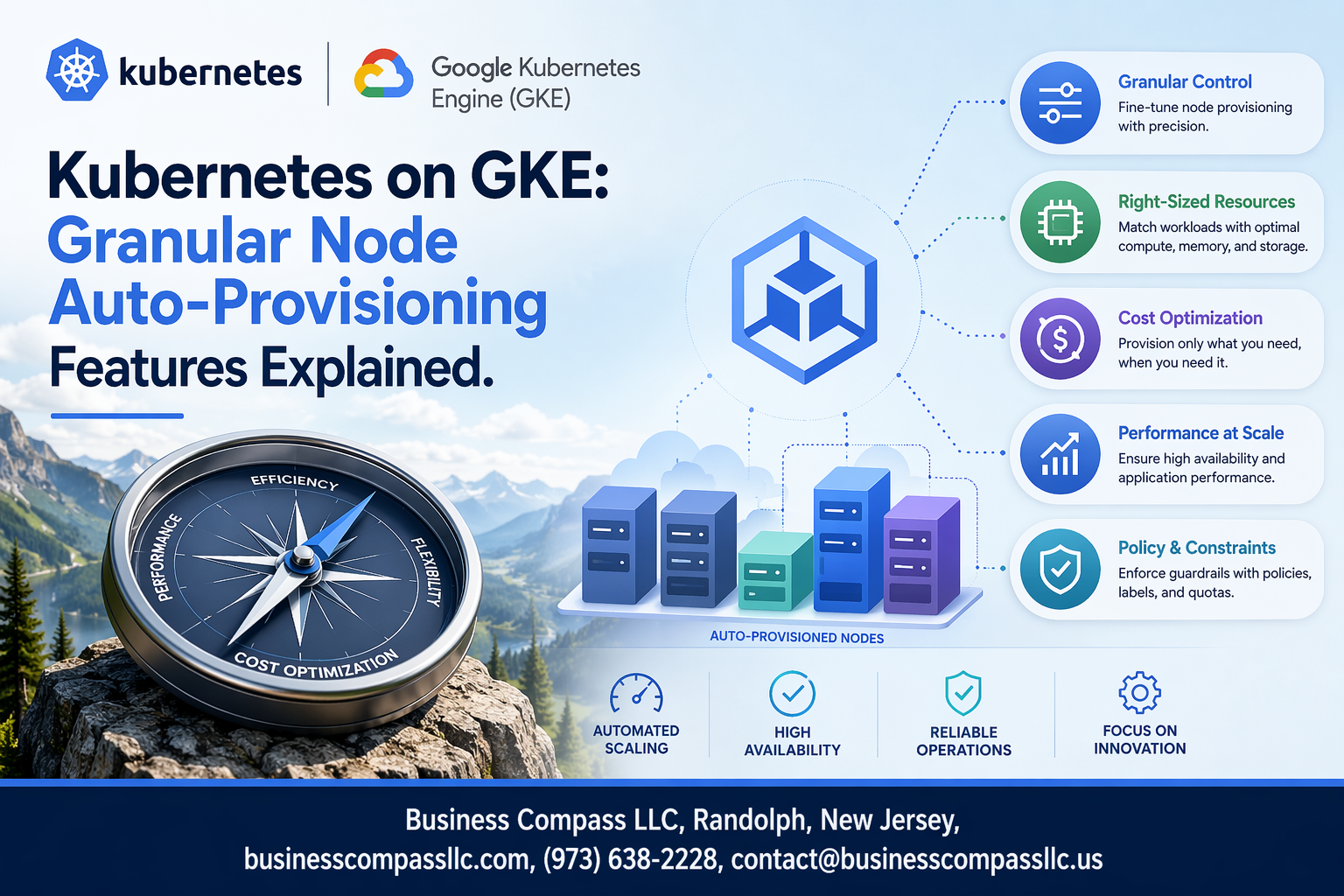
Google Kubernetes Engine’s Node Auto-Provisioning takes the guesswork out of cluster scaling by automatically creating and managing nodes based on your workload demands. This feature is perfect for DevOps engineers, platform teams, and Kubernetes administrators who want to optimize resource allocation without constantly monitoring cluster capacity.
Kubernetes on GKE offers granular node auto-provisioning features that go far beyond basic scaling. You can fine-tune everything from machine types and disk configurations to security policies and network settings. This level of control helps you balance performance, cost, and security requirements across different workloads.
We’ll explore the core configuration options that let you customize auto-provisioning behavior for your specific needs. You’ll also learn about advanced resource management features that help optimize costs while maintaining performance. Finally, we’ll cover security and access control configurations that keep your auto-provisioned nodes locked down and compliant with your organization’s policies.
Understanding Node Auto-Provisioning in GKE

How Node Auto-Provisioning Automatically Scales Your Cluster
Google Kubernetes Engine’s Node Auto-Provisioning (NAP) continuously monitors your cluster’s resource demands and creates new node pools when existing capacity can’t accommodate pending pods. Unlike traditional scaling methods that require predefined node pool configurations, NAP dynamically selects optimal machine types based on actual workload requirements, automatically adjusting CPU, memory, and specialized resources like GPUs.
Key Benefits Over Traditional Node Pool Management
NAP eliminates the guesswork involved in capacity planning by responding to real-time demands rather than static configurations. Traditional node pools force you to predict future resource needs and manually create pools for different workload types, often leading to over-provisioning or resource bottlenecks.
Resource Optimization Through Dynamic Node Creation
The system analyzes pending pod requirements and selects the most efficient machine types available in your specified zones. This intelligent matching ensures workloads receive exactly the resources they need without waste, while considering factors like node affinity rules, taints, and tolerations during the provisioning process.
Cost Reduction Through Intelligent Resource Allocation
By creating nodes only when needed and selecting cost-effective machine types, NAP significantly reduces cloud spending compared to maintaining oversized static node pools. The system automatically leverages preemptible instances where appropriate and removes underutilized nodes, ensuring you pay only for actively used resources while maintaining performance requirements.
Core Granular Configuration Options

Machine Type Selection and Customization Controls
GKE’s Node Auto-Provisioning offers sophisticated machine type selection through configurable resource limits and preferences. You can define minimum and maximum CPU, memory, and GPU requirements that guide automatic node selection. The system evaluates pending pods’ resource requests against available machine families, selecting optimal configurations from general-purpose, compute-optimized, or memory-optimized instances.
Disk Size and Type Configuration Parameters
Boot disk configuration provides granular control over storage performance and capacity for auto-provisioned nodes. You can specify disk types ranging from standard persistent disks to high-performance SSD options, with customizable size limits between 10GB and 65TB. Auto-provisioning automatically selects appropriate disk configurations based on workload requirements while respecting your defined constraints and cost optimization preferences.
GPU and Accelerator Attachment Settings
Auto-provisioning seamlessly handles GPU-enabled workloads by automatically attaching accelerators when pods request GPU resources. Configuration options include specifying GPU types like NVIDIA Tesla T4, V100, or A100, along with attachment limits and node taints for dedicated GPU scheduling. The system provisions GPU-enabled nodes only when needed, optimizing costs while ensuring accelerated workloads receive appropriate hardware resources without manual intervention.
Advanced Resource Management Features

CPU and Memory Limit Specifications
GKE’s auto-provisioning lets you set precise CPU and memory boundaries for your node pools. You can define minimum and maximum resource allocations per node, ensuring workloads get appropriate compute resources without over-provisioning. These limits prevent runaway pods from consuming excessive resources while guaranteeing baseline performance requirements.
Node Taints and Tolerations Configuration
Auto-provisioned nodes support custom taints that control pod scheduling behavior. You can automatically apply taints based on node characteristics like instance type or zone, forcing specific workloads to designated nodes. This creates isolation boundaries and ensures critical applications land on appropriate infrastructure without manual intervention.
Preemptible Instance Integration Options
GKE seamlessly integrates preemptible instances into auto-provisioned node pools for significant cost savings. The system automatically handles preemption events by rescheduling affected pods to stable nodes. You can configure mixed instance types within the same cluster, balancing cost optimization with reliability requirements for different workload tiers.
Spot VM Utilization for Cost Savings
Spot VMs offer up to 80% cost reduction compared to regular instances when integrated with auto-provisioning. GKE intelligently distributes workloads across spot and standard instances based on your tolerance configurations. The auto-provisioner monitors spot availability and automatically adjusts capacity to maintain service levels while maximizing savings opportunities.
Security and Access Control Configurations

Service Account Assignment and Permissions
Auto-provisioned nodes inherit service accounts that control their interaction with Google Cloud APIs and Kubernetes resources. Custom service accounts replace the default Compute Engine service account, allowing fine-grained IAM permissions tailored to workload requirements. Role assignments should follow the principle of least privilege, granting only necessary permissions for container registry access, logging, monitoring, and cluster operations.
OAuth Scope Management for Node Access
OAuth scopes define the level of access auto-provisioned nodes have to Google Cloud services. Default scopes include read-only access to Cloud Storage and full access to Cloud Logging and Monitoring. Custom scope configurations enable restrictions like limiting storage access to specific buckets or preventing nodes from accessing sensitive APIs. Properly configured scopes prevent credential misuse while maintaining essential cluster functionality.
Network Security Policy Integration
Auto-provisioned nodes automatically inherit VPC security policies and firewall rules from the cluster’s network configuration. Network policies can isolate node traffic, restrict pod-to-pod communication, and control ingress/egress flows. Integration with Binary Authorization ensures only trusted container images run on auto-provisioned nodes, while Workload Identity binds Kubernetes service accounts to Google service accounts, eliminating the need for service account keys in pods.
Monitoring and Troubleshooting Auto-Provisioned Nodes

Real-Time Node Performance Metrics
Google Cloud Monitoring provides comprehensive visibility into auto-provisioned nodes through built-in dashboards and custom alerts. Key metrics include CPU utilization, memory consumption, disk I/O, and network throughput across node pools. The GKE monitoring stack automatically collects container-level metrics, allowing operators to track resource usage patterns and identify bottlenecks before they impact application performance.
Debugging Common Provisioning Failures
Provisioning failures typically stem from quota limits, insufficient VM capacity in specific zones, or misconfigured node pool templates. The GKE events API surfaces detailed error messages when nodes fail to provision, while kubectl describe commands reveal resource constraints and scheduling conflicts. Common solutions include adjusting machine types, expanding to multiple zones, or modifying resource requests to match available capacity.
Cost Tracking and Budget Management Tools
GKE’s built-in cost allocation features tag auto-provisioned nodes with cluster and namespace labels, enabling precise billing attribution through Cloud Billing reports. Budget alerts can trigger when node costs exceed thresholds, while the GKE usage metering API provides granular cost breakdowns by workload. Preemptible instances and spot VMs in auto-provisioned pools can reduce costs by up to 80% for fault-tolerant workloads.
Performance Optimization Through Metrics Analysis
Historical performance data reveals optimal node configurations and scaling patterns for specific workloads. Analyzing CPU and memory utilization trends helps fine-tune resource requests and limits, reducing waste while maintaining performance. The GKE recommender service suggests node pool optimizations based on actual usage patterns, automatically identifying opportunities to switch machine types or adjust scaling parameters for better cost-performance ratios.
Best Practices for Production Deployments

Setting Appropriate Resource Limits and Quotas
Start with conservative resource limits and gradually increase based on actual usage patterns. Set CPU and memory requests slightly below your typical workload requirements to prevent over-provisioning. Configure node pool maximum sizes to align with your budget constraints and expected traffic spikes. Monitor resource utilization for at least two weeks before adjusting quotas.
Balancing Cost Efficiency with Performance Requirements
Choose spot instances for non-critical workloads and preemptible nodes for batch processing tasks. Mix standard and high-memory node types based on application profiles. Enable cluster autoscaler with appropriate scaling policies to avoid unnecessary costs during low-traffic periods while maintaining responsiveness during peak loads.
Integration with Existing CI/CD Pipelines
Deploy auto-provisioning configurations using infrastructure-as-code tools like Terraform or Google Cloud Deployment Manager. Include node pool specifications in your GitOps workflows to ensure consistent environments across development and production. Set up automated testing for scaling behaviors in staging environments before production deployments to catch configuration issues early.

Google Kubernetes Engine’s granular node auto-provisioning takes the guesswork out of cluster management by giving you precise control over how your infrastructure scales. From setting specific CPU and memory requirements to configuring security policies and access controls, these features help you build clusters that adapt to your workload needs without manual intervention. The advanced resource management options and monitoring capabilities ensure your applications run smoothly while keeping costs in check.
Getting started with these auto-provisioning features might seem complex at first, but following the best practices for production deployments will set you up for success. Start small with basic configurations, monitor your cluster’s behavior, and gradually implement more advanced settings as you become comfortable with the system. Your future self will thank you for taking the time to properly configure these powerful automation tools that keep your Kubernetes infrastructure running like clockwork.









