


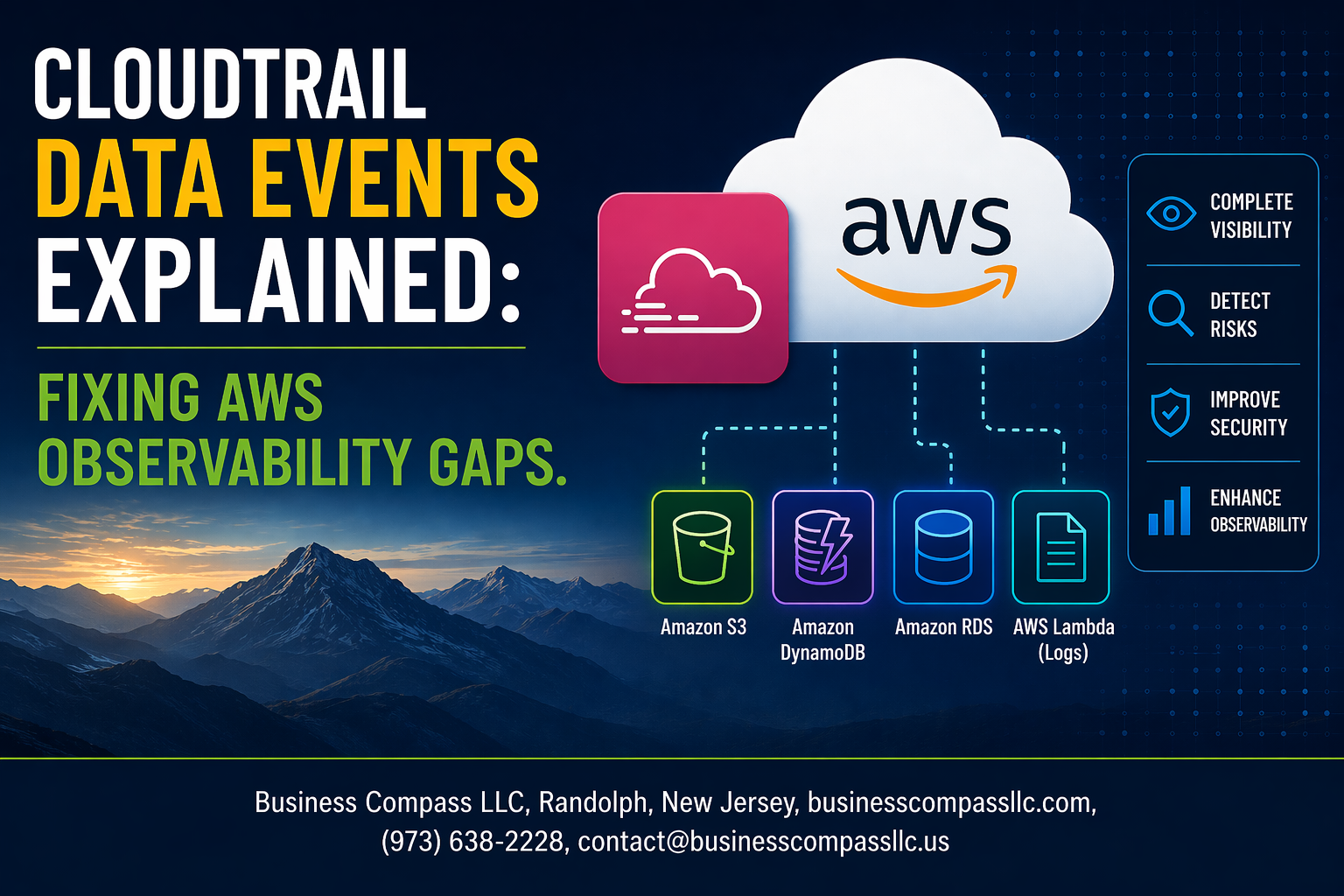
AWS teams often struggle with blind spots in their cloud infrastructure monitoring. When critical data access goes untracked or security incidents slip through the cracks, the root cause usually traces back to incomplete CloudTrail data events configuration.
This guide is designed for DevOps engineers, security professionals, and AWS administrators who need to close these AWS observability gaps and strengthen their monitoring setup. We’ll show you exactly how CloudTrail data events work and why they’re essential for comprehensive AWS security monitoring.
You’ll learn how to identify the most common monitoring blind spots that proper data event logging solves. We’ll walk through the step-by-step process for configuring CloudTrail data events to maximize coverage while keeping costs under control. Finally, we’ll cover CloudTrail best practices for analyzing these events and turning them into actionable security insights.
By the end, you’ll have a clear roadmap for implementing robust CloudTrail data event management that actually catches what matters most.
Understanding CloudTrail Data Events and Their Critical Role

What Data Events Track Beyond Standard Management Events
CloudTrail data events capture object-level operations that occur within AWS services, going far beyond the control plane activities recorded by standard management events. While management events track API calls like creating S3 buckets or launching EC2 instances, data events monitor actual data access patterns such as S3 object reads, writes, and deletions, Lambda function invocations, and DynamoDB item-level operations.
Data events provide granular visibility into how your applications and users interact with stored data across AWS services. This includes tracking who accessed specific files, when database records were modified, and which functions processed particular requests – critical information for security monitoring, compliance auditing, and performance optimization.
Key Differences Between Management and Data Events
The fundamental difference lies in scope and frequency. Management events focus on infrastructure changes and service configurations, typically generating lower volumes of logs since they represent administrative actions. Data events, however, capture high-frequency operational activities that happen during normal application usage.
Cost implications also differ significantly. Management events are included free in CloudTrail’s basic offering, while data events incur charges based on the number of events recorded. The volume can be substantial in active environments, making selective configuration essential for AWS CloudTrail cost optimization.
Why Data Events Are Essential for Complete AWS Visibility
Without data events, you’re essentially flying blind regarding actual resource utilization and access patterns. Standard CloudTrail logging creates dangerous observability gaps, especially around data access, unauthorized file downloads, or unusual database query patterns that could indicate security breaches or performance bottlenecks.
Data events enable comprehensive AWS security monitoring by revealing the complete story of who did what with your data. They’re particularly valuable for detecting insider threats, troubleshooting application issues, and meeting compliance requirements that demand detailed audit trails of data access activities across your AWS environment.
Common AWS Observability Gaps That Data Events Solve

Missing S3 Object-Level Activity Monitoring
Standard CloudTrail management events only capture bucket-level operations, leaving massive blind spots in S3 object-level activities. Without CloudTrail data events configured for S3, organizations miss critical insights into who’s downloading, uploading, or deleting specific objects. This gap becomes particularly dangerous when sensitive files are accessed without authorization or when compliance audits require detailed object-level tracking.
Incomplete Lambda Function Execution Tracking
Management events show when Lambda functions are created or modified, but they don’t reveal actual function invocations or execution patterns. CloudTrail data event logging fills this AWS observability gap by capturing each function execution, including who triggered it and when. This visibility proves essential for debugging performance issues, tracking unauthorized function calls, and maintaining comprehensive audit trails for serverless applications.
Blind Spots in Database and Storage Access Patterns
DynamoDB table operations, EFS file system access, and other storage services generate minimal visibility through standard CloudTrail logging. Data events provide granular tracking of read and write operations, revealing access patterns that could indicate security threats or performance bottlenecks. Organizations often discover unauthorized data access attempts or inefficient query patterns only after implementing comprehensive data event monitoring across their storage infrastructure.
Insufficient API Usage Visibility
API Gateway requests and other service-level interactions frequently go unmonitored without proper CloudTrail data event configuration. This creates significant security blind spots where malicious actors could abuse APIs without detection. Data event logging captures detailed API usage patterns, request frequencies, and access attempts, enabling teams to identify suspicious activity, optimize API performance, and maintain compliance with data access requirements.
Configuring CloudTrail Data Events for Maximum Coverage
Setting Up S3 Data Events for Bucket and Object Monitoring
Configuring S3 data events requires creating event selectors that specify which buckets and operations to track. Configure read-only, write-only, or all data events based on your monitoring needs. When setting up CloudTrail data event logging, target specific buckets rather than all S3 resources to control costs while maintaining comprehensive coverage of critical storage operations.
Enabling Lambda Data Events for Function Invocation Tracking
Lambda data events capture function invocations, providing detailed visibility into serverless application behavior. Enable data event logging for specific functions or all Lambda resources within your AWS environment. This CloudTrail configuration tracks execution patterns, helping identify performance bottlenecks and security anomalies across your serverless infrastructure for improved AWS observability.
Best Practices for Data Event Management and Cost Optimization

Filtering High-Volume Events to Reduce Noise
Data events can quickly overwhelm your logging infrastructure if left unconfigured. S3 bucket operations and Lambda function invocations generate thousands of events daily, creating massive volumes of data that obscure critical security incidents. Smart filtering becomes essential for maintaining both clarity and cost control.
Target specific resource types and actions that align with your security objectives. Filter out routine operations like automated backup reads while preserving access patterns that indicate potential threats. This approach reduces storage costs while keeping your CloudTrail data event management focused on actionable intelligence.
Using Event Selectors for Targeted Monitoring
Event selectors provide granular control over which AWS resources generate data events. Configure selectors to monitor specific S3 buckets containing sensitive data rather than all buckets across your account. Focus on Lambda functions that process confidential information or connect to critical databases.
Create multiple trails with different event selectors to segment monitoring by business unit or compliance requirements. This targeted approach prevents unnecessary noise while ensuring comprehensive coverage of high-value assets that require detailed audit trails.
Balancing Security Requirements with Budget Constraints
CloudTrail cost optimization requires strategic thinking about which events provide genuine security value. Not every API call needs logging – focus on data access patterns that could indicate unauthorized activity or compliance violations. Regular review of your event volume helps identify opportunities to refine your monitoring scope.
Consider using lifecycle policies to automatically transition older CloudTrail logs to cheaper storage tiers. Archive events older than 90 days to S3 Glacier while keeping recent data readily accessible for incident response and real-time analysis.
Integrating with CloudWatch for Real-Time Alerting
CloudWatch integration transforms passive log collection into active threat detection. Create custom metrics from CloudTrail data events to track unusual access patterns, such as bulk S3 downloads during non-business hours or unexpected Lambda function executions from unfamiliar IP addresses.
Set up CloudWatch alarms that trigger when data event patterns exceed normal thresholds. Combine multiple event types in composite alarms to reduce false positives while ensuring rapid response to genuine security incidents across your AWS observability gaps.
Analyzing and Acting on CloudTrail Data Event Insights

Identifying Unusual Access Patterns and Security Threats
CloudTrail data events reveal granular S3 object-level activities that expose suspicious behaviors traditional monitoring misses. When users access sensitive files at unusual times, download large volumes unexpectedly, or modify critical data outside normal workflows, these patterns signal potential security incidents requiring immediate investigation.
Advanced threat detection relies on correlating data event logs with user behavior baselines and geographic access patterns. Automated alerting systems can flag anomalies like credential misuse, unauthorized API calls, or data exfiltration attempts, enabling security teams to respond rapidly before breaches escalate into major incidents.
Optimizing Resource Usage Based on Activity Data
AWS CloudTrail data event analysis reveals actual resource consumption patterns that billing reports can’t capture. Organizations discover unused S3 buckets, identify frequently accessed objects for caching optimization, and right-size storage classes based on real access frequencies rather than assumptions.
Performance optimization becomes data-driven when teams analyze object-level metrics from CloudTrail event analysis. Hot data patterns inform intelligent tiering strategies, while cold storage identification reduces costs significantly by moving rarely accessed files to cheaper storage classes automatically.
Building Compliance Reports from Comprehensive Event Logs
Comprehensive audit trails from CloudTrail data event logging satisfy regulatory requirements for financial services, healthcare, and government sectors. Detailed access logs demonstrate who accessed what data, when modifications occurred, and which systems processed sensitive information throughout data lifecycles.
Automated compliance reporting transforms raw CloudTrail data into structured reports meeting SOC 2, HIPAA, and PCI DSS requirements. Custom queries extract specific data access patterns, user activity summaries, and change histories that auditors need for regulatory assessments and internal governance reviews.

CloudTrail data events fill the missing pieces in your AWS monitoring puzzle by capturing granular activities that management events simply can’t see. From S3 object access to Lambda function executions, these events give you the detailed visibility needed to spot security threats, troubleshoot performance issues, and maintain compliance across your cloud infrastructure.
Setting up data events the right way means finding the sweet spot between comprehensive coverage and cost control. Focus on your most critical resources, use selective logging for high-volume services, and regularly review your configurations to avoid unnecessary expenses. The insights you gain from properly configured data events will help you respond faster to incidents, optimize your applications, and keep your AWS environment secure and well-monitored.









