


CloudFormation nested stacks can make or break your AWS infrastructure deployments. When they work smoothly, they’re a game-changer for organizing complex architectures. When they don’t, you’re stuck hunting down cryptic error messages and tangled dependencies that can halt your entire deployment pipeline.
This guide is for DevOps engineers, cloud architects, and AWS developers who need to debug CloudFormation nested stack errors quickly and get their infrastructure back on track. You’ll learn practical CloudFormation troubleshooting techniques that actually work in real-world scenarios.
We’ll walk through the most common nested stack error patterns you’ll encounter and their root causes, so you can spot issues faster next time. You’ll also discover step-by-step troubleshooting workflows that take the guesswork out of CloudFormation debugging techniques. Plus, we’ll cover advanced resolution strategies and performance optimization tips to prevent these headaches from happening again.
Understanding CloudFormation Nested Stacks Architecture

Master Stack and Child Stack Relationships
CloudFormation nested stacks create a hierarchical architecture where a master stack orchestrates multiple child stacks, each managing specific AWS resources or services. This parent-child relationship allows you to break down complex infrastructure into manageable, reusable components while maintaining centralized control through the master stack.
Resource Dependencies Across Stack Boundaries
Managing dependencies between nested stacks requires careful planning since resources in one child stack often depend on outputs from another. CloudFormation automatically handles the deployment order when you use stack outputs as parameters, ensuring dependent stacks wait for their prerequisites to complete successfully.
Parameter Passing Between Parent and Child Stacks
The master stack passes configuration values to child stacks through parameters, enabling dynamic customization of each nested component. This mechanism allows you to maintain consistent naming conventions, environment-specific settings, and shared values across your entire infrastructure while keeping individual stacks flexible and reusable.
Output Values and Cross-Stack References
Child stacks expose critical information through output values that the master stack can reference or pass to other nested stacks. These outputs create the communication bridge between stack boundaries, allowing resources like VPC IDs, security group references, and endpoint URLs to flow seamlessly throughout your nested stack architecture.
Common Nested Stack Error Patterns and Root Causes
Stack Creation Failures Due to Parameter Mismatches
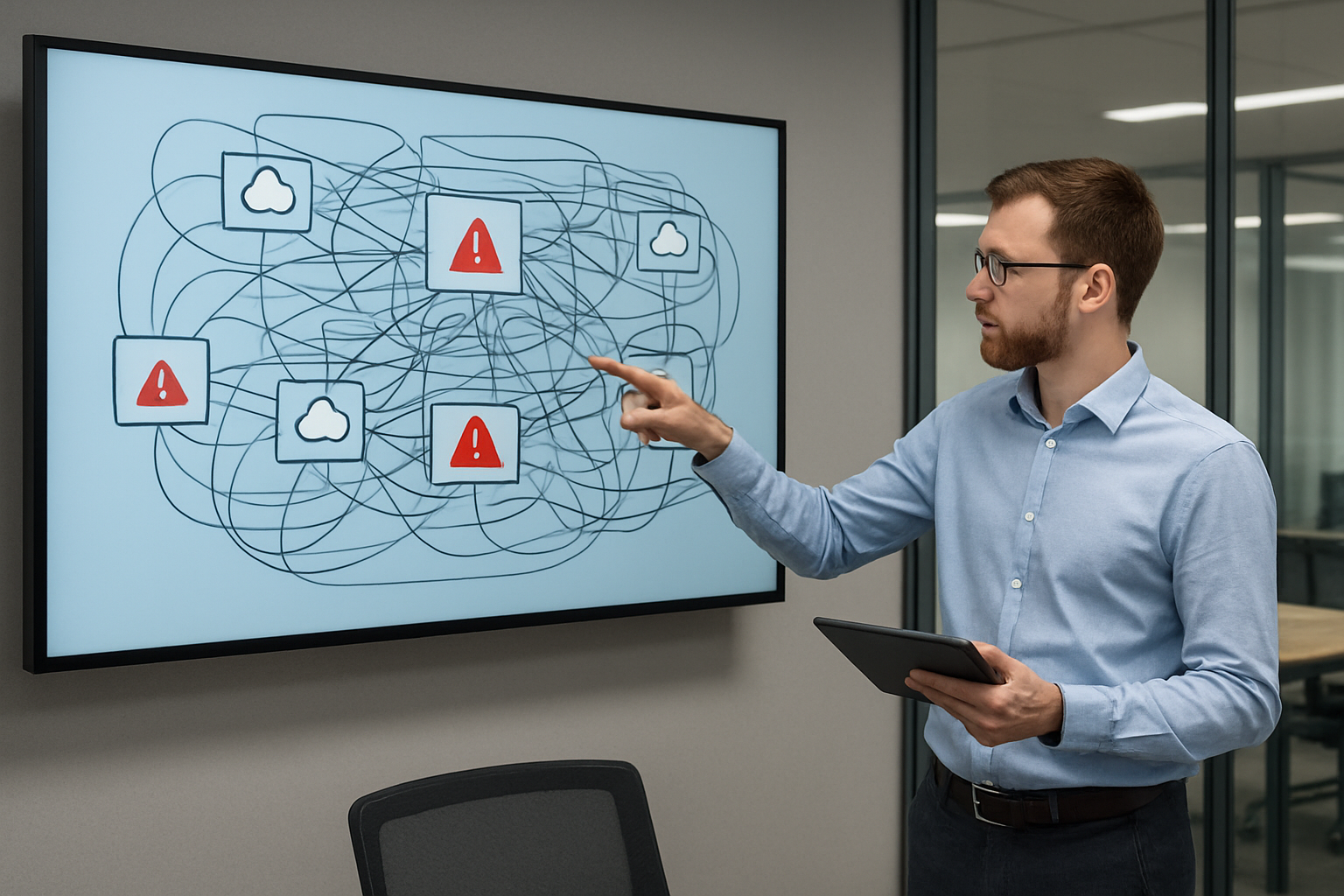
Parameter type conflicts rank among the most frequent CloudFormation nested stacks issues developers encounter. When parent stacks pass string values to child stack parameters expecting integers or boolean types, AWS CloudFormation immediately rejects the deployment. Missing required parameters or incorrect parameter names between parent and child templates also trigger instant failures during stack creation.
Resource Limit Exceeded Errors
AWS enforces strict quotas on CloudFormation resources, with nested stacks counting toward multiple limits simultaneously. Each nested stack consumes one slot from your account’s 500-stack limit per region, while individual resources within child stacks contribute to service-specific quotas like EC2 instances or IAM roles.
Circular Dependency Issues
Circular dependencies emerge when nested stacks reference outputs from each other, creating impossible deployment sequences. CloudFormation debugging techniques reveal these loops through dependency mapping, where Stack A requires Stack B’s output while Stack B simultaneously needs Stack A’s resources.
Template URL and S3 Access Problems
Child stack templates must reside in accessible S3 buckets with proper permissions for CloudFormation service access. Invalid template URLs, missing S3 objects, or restrictive bucket policies prevent the CloudFormation service from retrieving nested stack definitions, causing immediate deployment failures.
Diagnostic Techniques for Nested Stack Issues

CloudFormation Events Log Analysis
When troubleshooting CloudFormation nested stacks, the Events tab becomes your detective’s magnifying glass. Each stack event contains timestamps, resource identifiers, and status messages that reveal the exact sequence of operations. Filter events by specific nested stacks to trace resource creation failures, dependency conflicts, and rollback triggers that might span across multiple stack levels.
Stack Status Monitoring and Interpretation
Stack statuses like CREATE_IN_PROGRESS, ROLLBACK_FAILED, and UPDATE_COMPLETE_CLEANUP_IN_PROGRESS tell different stories about your nested stack health. Parent stack failures often cascade down to child stacks, creating a domino effect that requires careful interpretation. Monitor status changes across all stack levels simultaneously to understand which component triggered the failure chain and whether manual intervention is needed.
Resource Timeline Visualization
Creating visual timelines of resource provisioning helps identify bottlenecks and timing-related issues in nested stack deployments. Map out when each resource starts and completes provisioning across different child stacks to spot patterns like circular dependencies or resource contention. This approach is particularly valuable when dealing with complex architectures where resources in one nested stack depend on outputs from another.
AWS CloudTrail Integration for Audit Trails
CloudTrail logs capture the API calls behind your CloudFormation nested stacks operations, providing deeper visibility than standard stack events. Search for CreateStack, UpdateStack, and DeleteStack API calls to understand who initiated changes and what parameters were passed. Cross-reference CloudTrail data with CloudFormation events to build a complete picture of nested stack troubleshooting scenarios.
Cross-Stack Resource Mapping
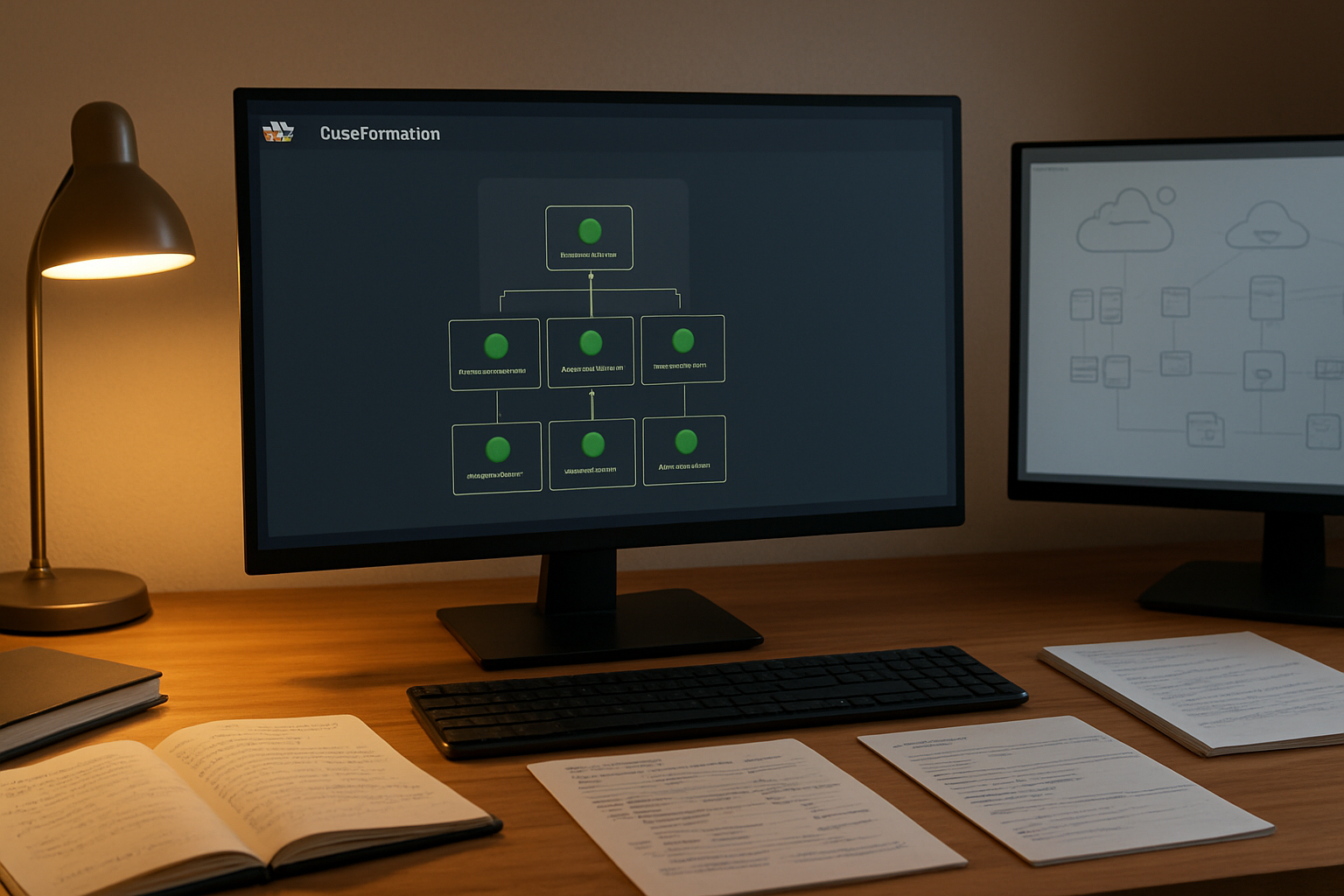
Document the relationships between resources across different nested stacks to quickly identify impact zones when issues occur. Create dependency maps showing which child stacks consume outputs from parent or sibling stacks. This mapping becomes crucial when troubleshooting update failures, where changes in one stack might unexpectedly affect resources in completely different nested stacks through parameter passing or cross-stack references.
Step-by-Step Troubleshooting Workflows

Isolating Failed Child Stacks from Master Stack
When CloudFormation nested stacks fail, pinpointing the exact child stack causing issues becomes your first priority. Start by examining the master stack’s Events tab in the AWS console to identify which child stack triggered the failure. Look for CREATE_FAILED or UPDATE_FAILED events that reference specific nested stack resources. Each failed child stack will display detailed error messages that reveal whether the problem stems from resource limits, permission issues, or template syntax errors.
Navigate directly to the failed child stack to examine its individual events and outputs. This isolation technique helps separate template-specific problems from broader infrastructure issues. Check the child stack’s parameters and verify they’re receiving correct values from the parent stack. Resource dependencies between child stacks often cause cascading failures, so trace the error back to its origin by examining stack outputs and cross-stack references.
Parameter Validation and Type Checking
Parameter mismatches between parent and child stacks create the most common CloudFormation nested stack errors. Verify that parameter types in your child stack templates exactly match the values being passed from the master stack. String parameters receiving integer values or missing required parameters will cause immediate stack failures. Use the AWS CLI’s validate-template command to catch type misalignments before deployment.
Check parameter constraints and allowed values in your nested stack templates. Default values can mask parameter validation issues during development but fail in production environments. Review parameter mappings and conditions that depend on input values, ensuring they handle edge cases appropriately. Cross-reference your master stack’s parameter declarations with each child stack’s requirements to maintain consistency.
Template Syntax and Logic Verification
Template syntax errors in nested stacks can be tricky to debug because error messages often point to the master stack rather than the actual problematic child template. Run each child stack template through AWS CloudFormation’s validation tools independently before integrating them into your nested architecture. Pay special attention to intrinsic functions like Ref and GetAtt that reference resources across stack boundaries.
Logic errors in conditional statements and resource dependencies frequently cause subtle failures in nested stack deployments. Test your templates with various parameter combinations to ensure conditional resources behave correctly. Verify that resource naming conventions don’t create conflicts between child stacks, especially when using dynamic naming patterns. Review cross-stack references and outputs to confirm they’re properly formatted and accessible.
Advanced Resolution Strategies

Stack Rollback Prevention and Recovery Methods
Preventing automatic rollbacks during CloudFormation nested stack deployments requires strategic planning and proper error handling. Configure stack policies with deny actions for critical resources and implement custom resource functions that can gracefully handle failures without triggering complete stack reversions. When rollbacks occur, use the --retain-unchanged-resources parameter during stack deletion to preserve functioning components while addressing problematic resources individually.
Recovery methods include creating new stacks with imported resources from failed deployments and using stack drift detection to identify discrepancies. Enable termination protection on production nested stacks and establish backup strategies for stateful resources before major updates.
Resource Import Techniques for Orphaned Resources
AWS CloudFormation resource import functionality rescues orphaned infrastructure components that exist outside stack management after failed nested stack operations. Create import templates matching existing resource configurations and use the aws cloudformation create-change-set command with import parameters to bring resources under stack control.
Map orphaned resources using their physical IDs and ensure property values match exactly with current configurations. Nested stacks require careful handling during import operations since parent-child relationships must be reestablished correctly to maintain proper dependency chains.
Manual Intervention Points During Stack Updates
Strategic pause points during nested stack updates allow administrators to verify intermediate states and prevent cascading failures. Implement stack update policies that require manual approval for critical resource modifications and use change sets to review proposed changes before execution.
Configure notification endpoints through SNS topics to alert operations teams when stacks reach predetermined intervention points. Manual intervention becomes essential when updating cross-stack references, modifying security groups, or changing database configurations that could impact dependent nested stacks.
Change Set Preview for Risk Assessment
Change sets provide detailed previews of proposed modifications across nested stack hierarchies, enabling thorough risk assessment before deployment. Generate comprehensive change sets that include resource replacement indicators, dependency impact analysis, and potential downtime estimates for each affected nested stack component.
Review change set outputs for unexpected resource deletions or modifications that could break inter-stack dependencies. Use change set comparison tools to validate that proposed changes align with intended outcomes and establish approval workflows for high-risk modifications affecting multiple nested stacks simultaneously.
Performance Optimization and Best Practices

Template Size Reduction Techniques
Breaking down large CloudFormation templates into smaller, focused nested stacks dramatically improves deployment speed and reduces memory overhead. Split monolithic templates by logical boundaries like networking, security, and application layers. Remove unnecessary parameters and outputs between parent and child stacks to minimize template size. Use CloudFormation macros and transforms to generate repetitive resources dynamically rather than hardcoding them.
Parallel Stack Creation Strategies
Design your nested stack dependencies to enable maximum parallel execution during CloudFormation deployments. Avoid unnecessary cross-stack references that create artificial bottlenecks in the deployment pipeline. Group independent resources into separate child stacks that can deploy simultaneously. Structure your nested stacks architecture to minimize the dependency chain depth, allowing CloudFormation to process multiple stacks concurrently.
Resource Grouping for Faster Deployments
Organize AWS resources by deployment lifecycle and update frequency to optimize CloudFormation nested stacks performance. Place static infrastructure components like VPCs and subnets in foundational stacks that rarely change. Group frequently updated application resources separately to avoid unnecessary updates to stable infrastructure. Batch related resources together in single child stacks to reduce the overhead of managing multiple small templates while maintaining logical separation for CloudFormation troubleshooting.
CloudFormation nested stacks can seem tricky at first, but once you understand their architecture and common failure patterns, troubleshooting becomes much more straightforward. The key is knowing where to look – whether it’s dependency issues between parent and child stacks, parameter mismatches, or resource conflicts that are causing your deployments to fail. By using the diagnostic techniques we’ve covered, like checking CloudWatch logs and stack events systematically, you can quickly pinpoint the root cause of most problems.
The step-by-step workflows and advanced resolution strategies we’ve discussed will help you tackle even the most complex nested stack issues. Remember to implement those performance optimization tips and best practices from the start – they’ll save you countless hours of debugging later. When your nested stacks are properly organized and monitored, they become powerful tools for managing large-scale infrastructure deployments with confidence.









