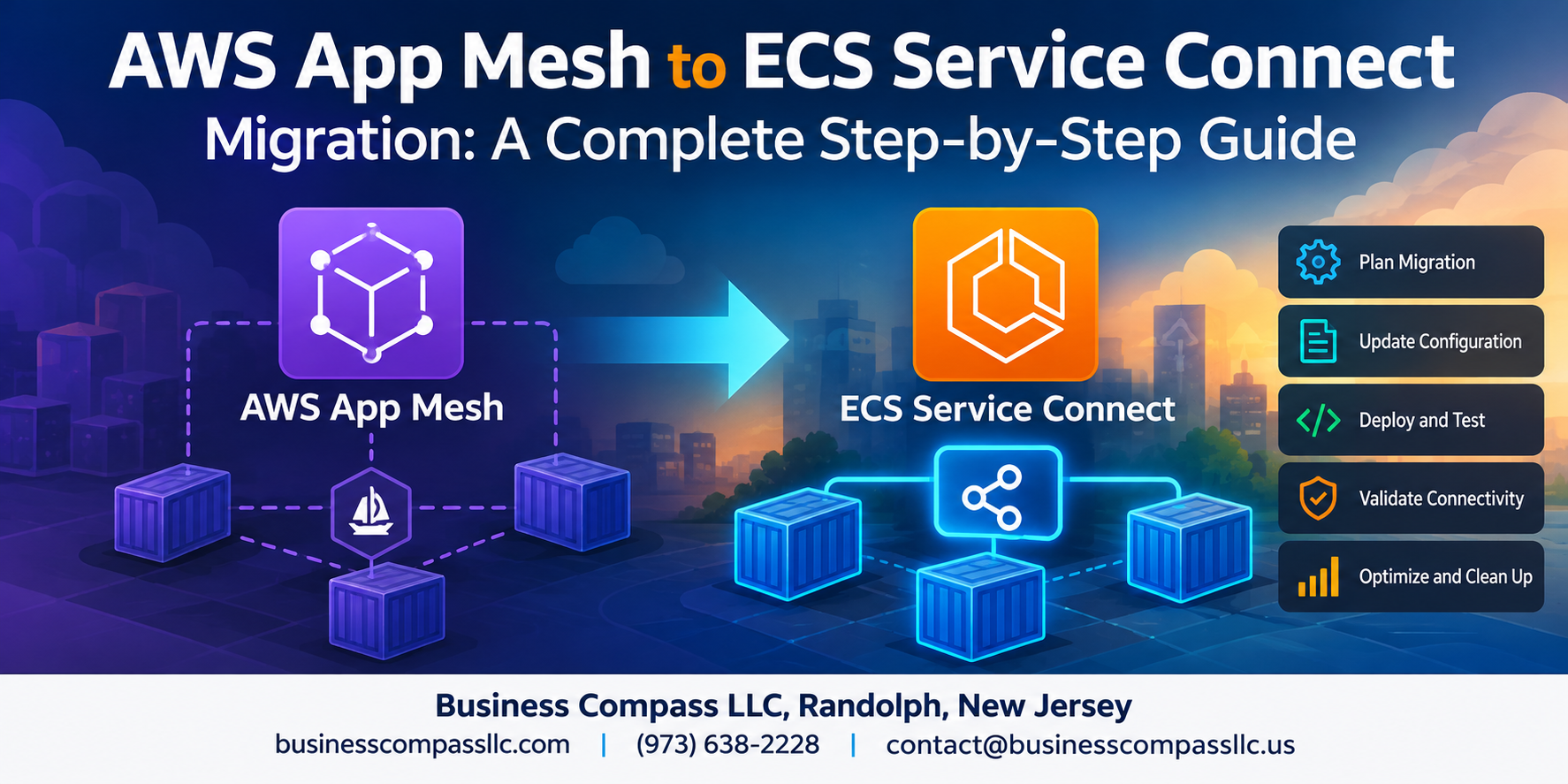
Moving From AWS App Mesh to ECS Service Connect? Here’s What You Need to Know
AWS App Mesh is being deprecated, which means if you’re running microservices on Amazon ECS, you need a plan. This guide is for DevOps engineers, platform teams, and AWS architects who want a clear, no-nonsense path through the AWS App Mesh to ECS Service Connect migration — without breaking production along the way.
We’ll walk through three core areas that trip most teams up:
- How ECS Service Connect actually differs from App Mesh — so you know what you’re getting into before touching a single config file
- How to assess and prep your current setup — because a clean migration starts with knowing exactly what you have running today
- The step-by-step migration process itself — including how to keep observability intact and dodge the mistakes that cause rollbacks
By the end, you’ll have a repeatable ECS Service Connect setup guide you can follow whether you’re migrating one service or twenty.
Understanding the Key Differences Between AWS App Mesh and ECS Service Connect

How App Mesh Uses Envoy Sidecars to Manage Traffic
App Mesh injects Envoy proxy sidecars into every task, handling traffic routing, retries, and observability — but that means extra containers, IAM roles, and configuration overhead.
How ECS Service Connect Simplifies Service Discovery Natively
ECS Service Connect builds service discovery directly into ECS, skipping sidecars entirely while still providing built-in DNS, load balancing, and CloudWatch metrics with far less setup complexity during your AWS App Mesh to ECS Service Connect migration.
Assessing Your Current App Mesh Setup Before Migration

Auditing Existing Virtual Services, Nodes, and Routers
Before starting your AWS App Mesh to ECS Service Connect migration, catalog every virtual service, node, and router using AWS CLI or Console.
Identifying Dependencies and Traffic Routing Rules
- Map weighted routes and retry policies
Evaluating Health Check and Observability Configurations
- Document existing health thresholds and X-Ray tracing settings
Preparing Your ECS Environment for Service Connect

A. Enabling Service Connect in Your ECS Cluster
Toggle Service Connect directly in your ECS cluster settings via console or CLI.
B. Configuring AWS Cloud Map Namespaces
Create a DNS namespace matching your services’ discovery needs.
C. Updating IAM Roles
Add AmazonECSTaskExecutionRolePolicy permissions.
D. Proxy Logging
Enable CloudWatch for metrics.
Executing the Step-by-Step Migration Process
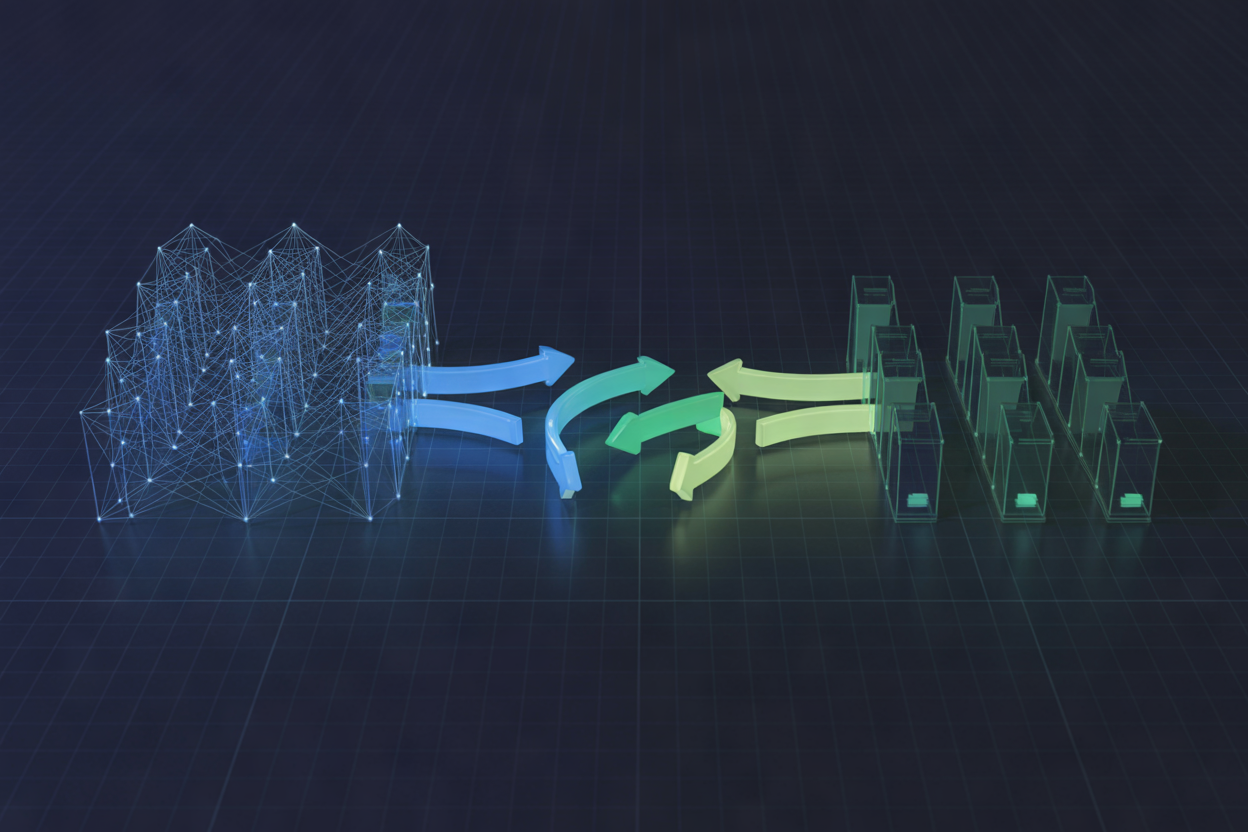
A. Translating App Mesh Virtual Services to Service Connect Endpoints
Map each virtual service DNS name directly to a Service Connect endpoint name.
B. Updating ECS Task Definitions
Add serviceConnectConfiguration blocks replacing Envoy sidecar settings.
C–E. Parallel Running, Traffic Shifting & Decommissioning
- Run both systems simultaneously
- Gradually shift traffic, validate metrics
- Remove App Mesh resources cleanly
Maintaining Observability and Performance After Migration

Using CloudWatch Container Insights with Service Connect Metrics
After your AWS App Mesh to ECS Service Connect migration, enable Container Insights to track request rates, connection errors, and latency automatically.
- Set CloudWatch alarms for p99 latency spikes
- Compare pre/post migration dashboards side-by-side
- Watch for error rate changes during the first 48 hours
Avoiding Common Pitfalls During the Migration

Handling Namespace Conflicts Between App Mesh and Cloud Map
Check existing Cloud Map namespaces before migration — duplicate names cause silent failures.
Managing Service Connect Limits and Scaling Considerations
- Max 2,500 services per namespace
- Monitor connection limits per task
Resolving Task Startup Failures Caused by Proxy Misconfiguration
Remove old Envoy proxy settings completely; leftover App Mesh environment variables break Service Connect’s built-in proxy during AWS ECS service mesh migration.
Migrating from AWS App Mesh to ECS Service Connect is a smart move that simplifies your service mesh setup while reducing operational overhead. Throughout this guide, we covered everything from understanding the core differences between the two services, assessing your existing App Mesh setup, preparing your ECS environment, and walking through the actual migration steps. We also looked at how to keep your observability intact post-migration and how to sidestep the common mistakes that can trip teams up along the way.
The good news is that once you’re on the other side of this migration, managing service-to-service communication in ECS becomes a lot less painful. ECS Service Connect handles a lot of the heavy lifting natively, so your team can spend less time wrestling with infrastructure and more time shipping features. If you haven’t started yet, take it one step at a time, lean on the assessment phase to understand your current setup fully, and test thoroughly before cutting over in production. You’ve got everything you need to make this migration a smooth one.