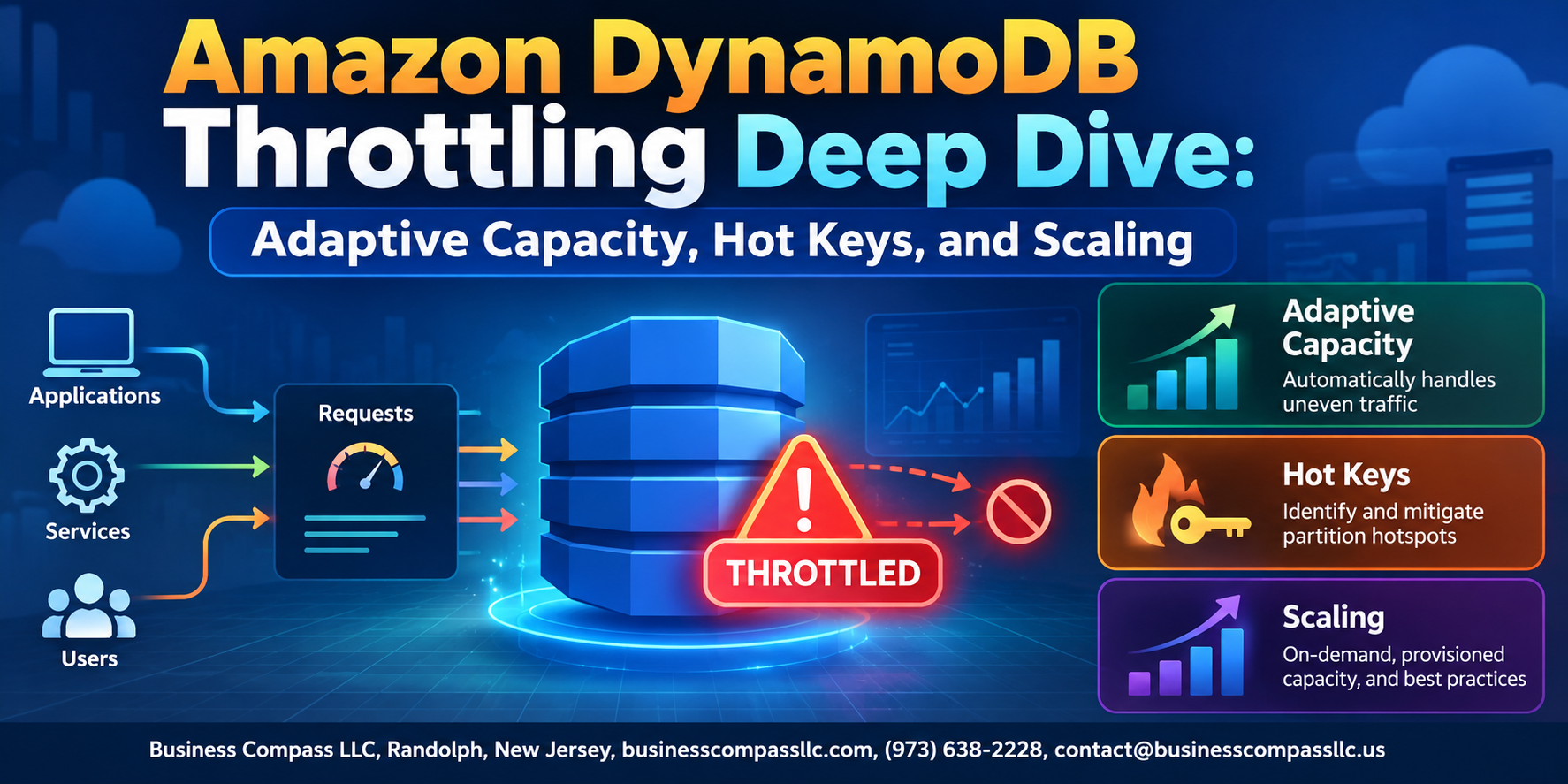
When DynamoDB Throttling Hits, Your Users Feel It First
If you’ve ever watched your application slow to a crawl during a traffic spike, only to dig through logs and find a flood of ProvisionedThroughputExceededException errors, you already know how painful DynamoDB throttling can be. This guide is for backend engineers, cloud architects, and DevOps teams who are done playing guessing games with DynamoDB performance and want real, actionable answers.
We’re going to cover three things that matter most when throttling shows up in production:
- How hot keys and uneven partition access silently destroy your throughput — and the early warning signs most teams miss
- What adaptive capacity DynamoDB actually does under the hood — and where it falls short so you’re not caught off guard
- The scaling strategies and monitoring setups that catch DynamoDB read write throttling before it escalates into an outage
No fluff, no theory for theory’s sake. Just a straight walkthrough of how DynamoDB capacity planning works, how to avoid DynamoDB hot partitions, and how to fix DynamoDB throttling in a way that actually holds up at scale.
Let’s get into it.
Understanding DynamoDB Throttling and Why It Costs You

What Throttling Is and How It Impacts Application Performance
DynamoDB throttling happens when your requests exceed provisioned capacity, returning ProvisionedThroughputExceededException errors. This slows responses, spikes latency, and breaks user experiences fast.
How DynamoDB Measures Capacity with Read and Write Units
- RCU: One strongly consistent read per second for 4KB
- WCU: One write per second for 1KB
Common Triggers That Cause Throttling in Production Workloads
DynamoDB hot keys, traffic bursts, and under-provisioned tables are the biggest culprits behind DynamoDB read write throttling in production.
Diagnosing Hot Keys Before They Bring Down Your System

Identifying Hot Partition Patterns Using CloudWatch Metrics
Monitor ConsumedReadCapacityUnits and ThrottledRequests per partition. Sudden spikes signal DynamoDB hot keys causing read/write throttling.
Tools to Pinpoint Problematic Key Patterns
- AWS CloudWatch contributor insights
- DynamoDB Streams analysis
- Application-level logging of frequent partition keys
Uneven access creates capacity bottlenecks, starving other partitions instantly.
How Adaptive Capacity Protects You from Uneven Traffic Spikes

How DynamoDB Automatically Redistributes Unused Capacity
Adaptive capacity DynamoDB quietly borrows throughput from idle partitions and reroutes it to hot ones, softening traffic spikes without manual intervention.
The Limits of Adaptive Capacity and When It Falls Short
- Won’t save you during sustained DynamoDB hot key overload
Measuring Whether Adaptive Capacity Is Actually Helping You
- Track
SuccessfulRequestLatencyalongside throttle metrics
Proven Strategies to Eliminate Hot Keys for Good

A. Designing Partition Keys That Distribute Load Evenly
Pick high-cardinality attributes like userId or orderId to spread traffic across partitions.
B. Write Sharding
Append random suffixes (e.g., key#1, key#3) to break hot write concentrations.
C. Caching
Use DAX or ElastiCache to cut DynamoDB read pressure dramatically.
Scaling DynamoDB the Right Way to Match Your Workload

A. Choosing Between On-Demand and Provisioned Capacity Modes
Pick on-demand for unpredictable spikes; provisioned for steady, cost-efficient workloads.
B. Configuring Auto Scaling Policies
Set target utilization around 70% so DynamoDB scaling strategies kick in before throttling hits.
C. Setting Capacity Boundaries
- Minimum: baseline traffic
- Maximum: peak burst
D. Avoiding Over-Provisioning
Review CloudWatch weekly.
Monitoring and Alerting to Catch Throttling Before It Escalates

Key CloudWatch Metrics Every DynamoDB Team Should Track
ConsumedReadCapacityUnits,ConsumedWriteCapacityUnits,ReadThrottleEvents,WriteThrottleEvents
Building Alarms That Alert You at the Right Thresholds
Set alarms at 70% capacity consumption to catch DynamoDB throttling early.
Using Contributor Insights to Surface Hot Keys in Real Time
Enables real-time DynamoDB hot key detection across partitions.

Throttling in DynamoDB is not just a performance annoyance — it can quietly drain your budget, slow down your application, and frustrate users before you even realize what’s happening. The good news is that with the right approach, it’s entirely preventable. By spotting hot keys early, leaning on adaptive capacity during traffic spikes, and designing your partition key strategy with scale in mind, you can keep your DynamoDB tables running smoothly no matter what your workload throws at them.
The real key is staying proactive. Set up your monitoring and alerting now, before things go sideways. Review your access patterns regularly and make scaling decisions based on data, not guesswork. DynamoDB is a powerful tool, but it rewards teams that take the time to understand how it works under the hood. Put these strategies into practice, and throttling becomes a problem you read about — not one you troubleshoot at 2 AM.