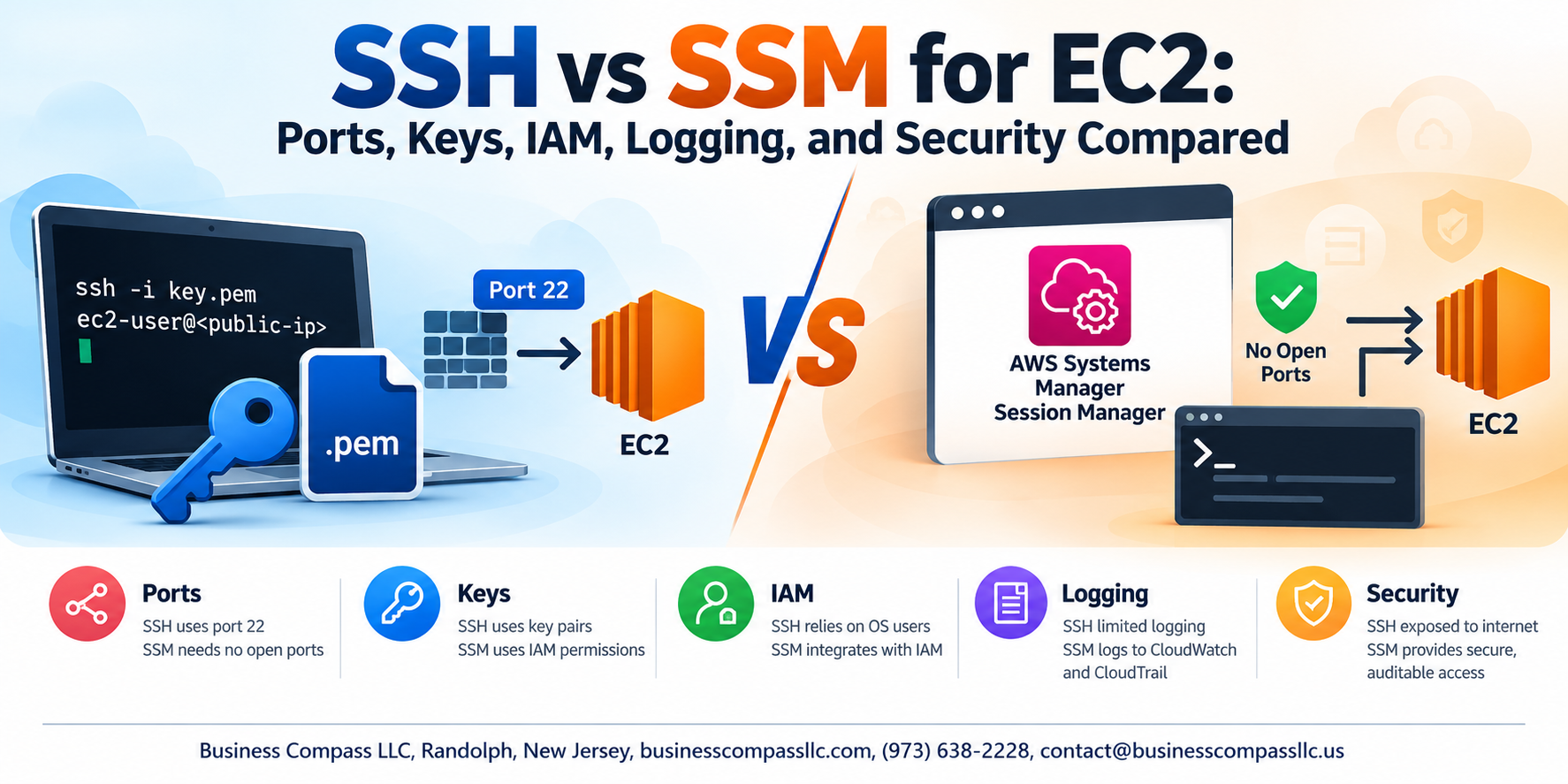
SSH vs SSM for EC2: Which One Should You Actually Be Using?
If you manage EC2 instances on AWS, you’ve probably used SSH at some point. But AWS SSM Session Manager has quietly become a serious alternative — and a lot of teams don’t realize how different the two are under the hood.
This guide is for DevOps engineers, cloud architects, and developers who want to make a smarter call on EC2 instance access methods — not just pick whatever works out of the box.
Here’s what we’ll dig into:
- Ports and network exposure — SSH requires port 22 to be open, which is a real attack surface. SSM needs zero open inbound ports, which changes the game entirely for EC2 port 22 security.
- Authentication and key management — SSH key management on AWS gets messy fast, especially at scale. SSM leans on AWS IAM roles for EC2 access instead, which plugs into the permissions model you’re probably already using.
- Logging and visibility — AWS Session Manager logging gives you a full audit trail out of the box. With SSH, you have to build that yourself.
By the end, you’ll have a clear picture of the SSM vs SSH security trade-offs, the operational costs of each approach, and which one makes sense for your setup.
Understanding the Two Access Methods for EC2 Instances
What SSH Offers for Direct EC2 Access
SSH gives you direct, encrypted terminal access to EC2 instances using port 22 and key pairs.
What AWS SSM Session Manager Brings to the Table
SSM lets you access instances through IAM roles—no open ports or SSH keys needed.
Why Choosing the Right Method Impacts Security and Operations
Your choice shapes your attack surface, audit trail, and key management overhead.
Port Requirements and Network Exposure

How SSH Relies on Open Inbound Port 22
SSH needs port 22 open in your security group, exposing your instance to the internet and inviting brute-force attacks.
How SSM Eliminates Open Inbound Ports
AWS SSM Session Manager uses outbound HTTPS (port 443), so no inbound ports are needed.
Reducing Attack Surface
Closing port 22 dramatically shrinks your EC2 exposure.
Key Management and Authentication

Managing SSH Keys vs. IAM-Based Access
SSH key management gets messy fast — rotating keys across teams, tracking who has access, and revoking lost credentials is a headache. SSM Session Manager skips keys entirely, using IAM roles for authentication. Offboarding someone? Just remove their IAM permissions. No keys to hunt down.
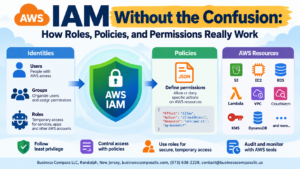
IAM Roles and Access Control

Granting and Restricting SSM Access Through IAM Policies
With AWS SSM Session Manager, access is controlled entirely through IAM roles—no SSH keys needed. Attach AmazonSSMManagedInstanceCore to your EC2 role, then restrict specific users using IAM policies with conditions like ssm:StartSession, giving you clean, auditable, centralized AWS IAM roles EC2 access control.
Audit Logging and Session Visibility

Limitations of SSH Logging and What Gets Missed
SSH logs only connection attempts, not actual commands run during sessions. What happens inside stays invisible unless you configure extra tooling.
How SSM Captures Full Session Activity Out of the Box
AWS SSM Session Manager records every keystroke automatically, giving you complete session visibility without additional setup—a clear win for AWS session manager logging and compliance needs.
Practical Security Considerations for Each Method
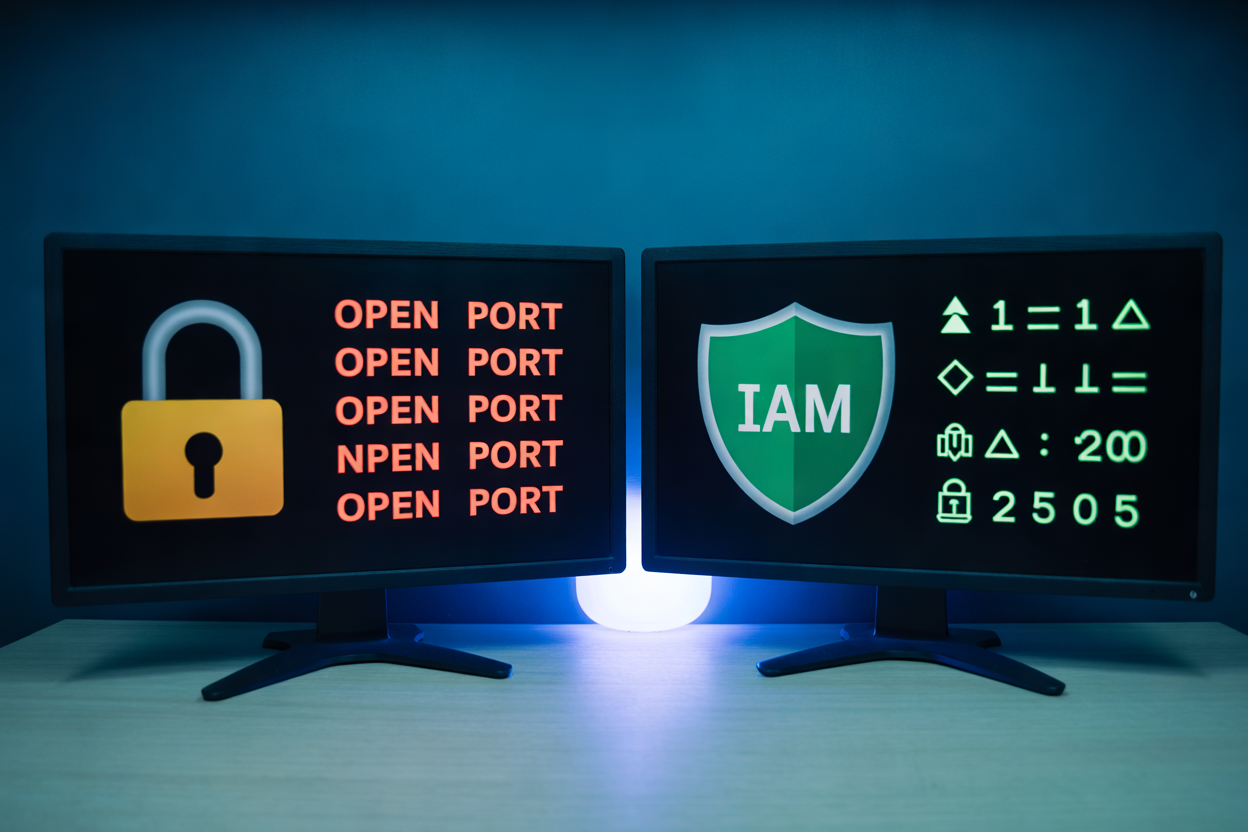
When SSH Remains a Viable and Secure Option
SSH works well when your team already manages keys tightly and operates within private VPCs with strict network controls.
Scenarios Where SSM Delivers Superior Security
SSM shines when you need zero open ports and full session logging via AWS CloudWatch.
Combining Both Methods
Many teams run SSM by default, keeping SSH as a emergency fallback.
Cost, Setup, and Operational Trade-offs

Infrastructure Requirements for Running SSM Agent
SSM needs IAM roles, VPC endpoints (or internet access), and the SSM Agent pre-installed. SSH just needs port 22 open.
Setup Complexity for SSH Versus SSM at Scale
Managing SSH keys across hundreds of EC2 instances becomes a nightmare. SSM centralizes access through IAM, making scaling cleaner.
Evaluating Total Cost of Ownership
SSM VPC endpoints cost ~$0.01/hour each, but eliminating bastion hosts and key rotation overhead usually saves money long-term.
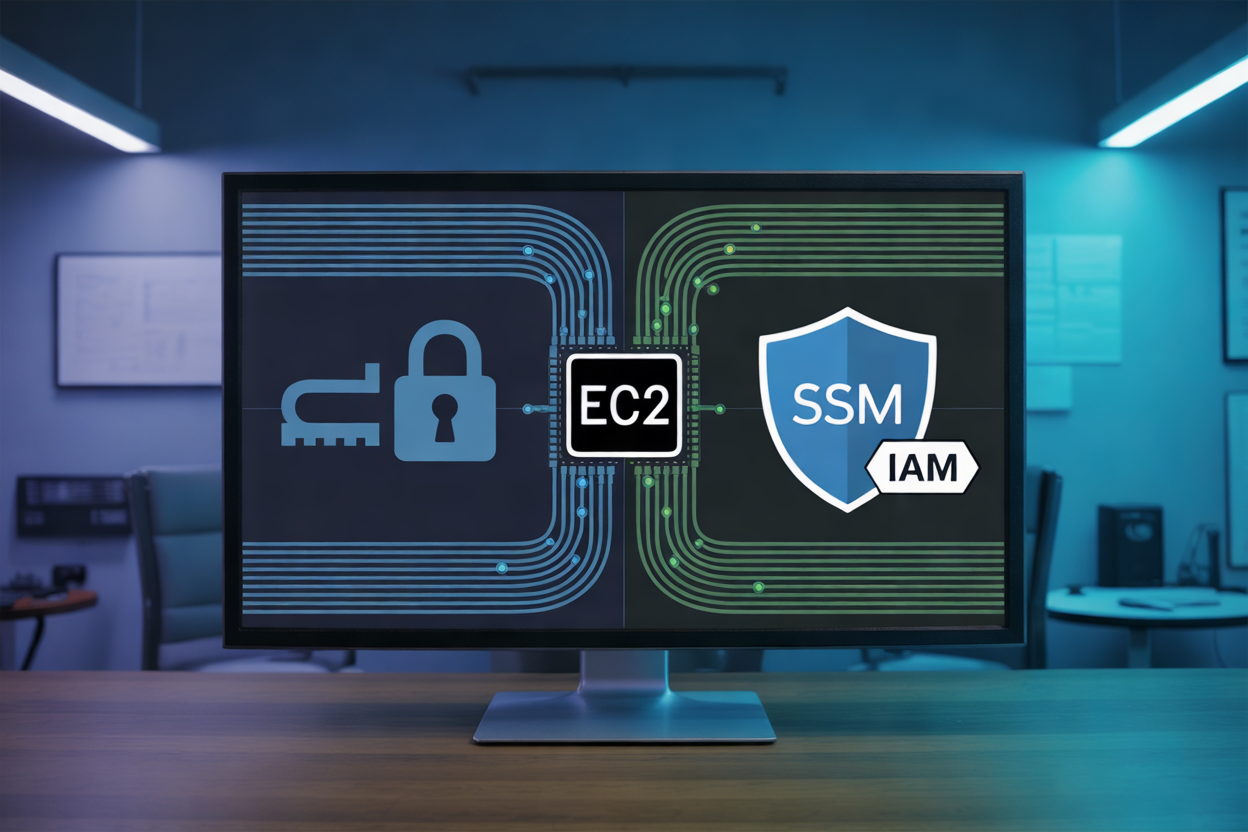
Choosing between SSH and SSM for EC2 access isn’t just a technical preference — it comes down to what your team actually needs. SSH gives you a familiar, straightforward connection method, but it comes with open ports, key management headaches, and limited audit visibility. SSM flips that around by removing the need for inbound ports entirely, tying access directly to IAM, and giving you session logging out of the box. Each approach has real trade-offs around setup complexity, cost, and day-to-day operations that are worth thinking through before you commit to one or the other.
If security and compliance are priorities for your environment, SSM is hard to beat — no exposed ports, no SSH keys floating around, and a clear audit trail of who did what. That said, SSH still has its place, especially in simpler setups or when you need low-latency access without extra dependencies. The right move is to look at your actual workload, your team’s comfort level, and your security requirements, then pick the method that fits. And if you’re managing production workloads at any scale, SSM is almost always the stronger choice.