Automate AWS and GCP Interconnect Architecture with Terraform
Managing connectivity between AWS and GCP by hand is slow, error-prone, and hard to scale. If you’re a cloud engineer or DevOps professional building a multi-cloud setup, you already know how quickly things get messy when two major cloud providers need to talk to each other reliably.
This guide walks you through how to automate AWS GCP interconnect Terraform configurations from the ground up — no clicking through consoles, no scattered scripts. You’ll get a repeatable, version-controlled approach using Terraform infrastructure as code for multi-cloud environments that your whole team can work with.
Here’s what we’re covering:
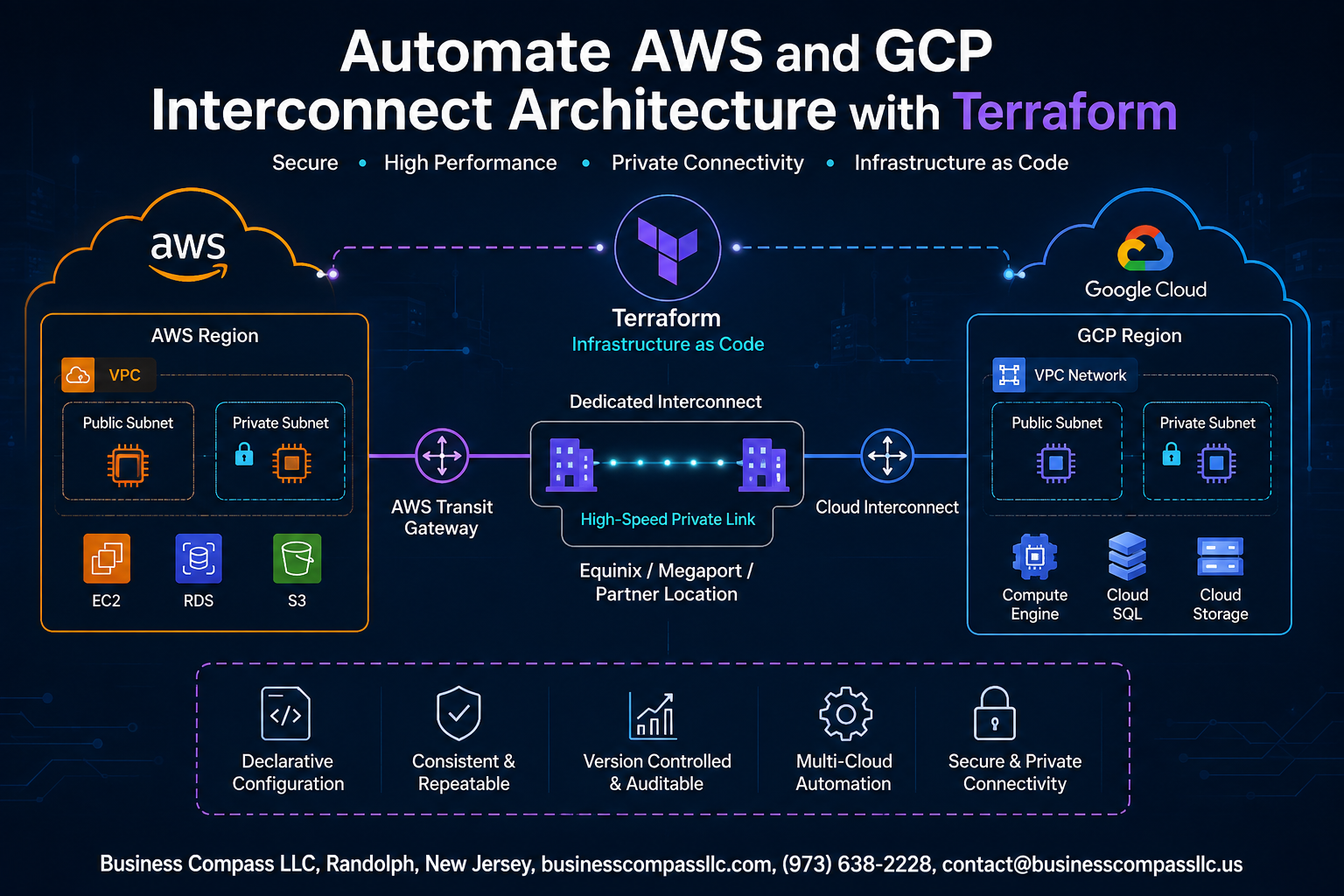
- The architecture behind AWS Direct Connect and GCP Cloud Interconnect — how the two networks actually connect and what Terraform needs to manage on each side
- Building and automating both sides of the interconnect — from the AWS Direct Connect configuration to GCP Cloud Interconnect setup, all defined in Terraform modules
- Tying it together and keeping it healthy — connecting AWS and GCP resources through reusable Terraform multi-cloud modules and setting up monitoring so you know when something breaks
By the end, you’ll have a working blueprint for GCP AWS hybrid cloud Terraform automation that you can adapt to your own infrastructure.
Understanding AWS and GCP Interconnect Architecture

Key Components of Cross-Cloud Connectivity
- AWS Direct Connect and GCP Cloud Interconnect form the backbone of AWS GCP network interconnect setup.
- BGP routing, VPCs, and VPNs bridge both clouds.
Benefits of Linking AWS and GCP Environments
- Reduced latency, improved redundancy, and workload flexibility.
Common Use Cases for Multi-Cloud Interconnect
- Disaster recovery, data analytics pipelines, and hybrid AI workloads.
Why Terraform Is the Right Tool for Multi-Cloud Automation
Terraform’s Infrastructure as Code for Multi-Cloud
Terraform makes AWS GCP interconnect setup straightforward by letting you define both clouds in one workflow. Instead of clicking through consoles, you write declarative configs that AWS and GCP providers read simultaneously — cutting errors, speeding deployments, and keeping your multi-cloud Terraform architecture version-controlled and fully repeatable across every environment.
Setting Up Your Terraform Environment for Multi-Cloud Management

Installing and Configuring Terraform Locally
- Download Terraform from terraform.io and verify with
terraform -v
Authenticating with AWS and GCP Provider Credentials
- Set AWS credentials via environment variables; use a GCP service account JSON key
Organizing Your Terraform Project Structure for Scalability
- Split configs into
/modules,/environments, and/providersfor clean multi-cloud Terraform management
Building the AWS Side of the Interconnect with Terraform
Provisioning a Virtual Private Gateway and Direct Connect
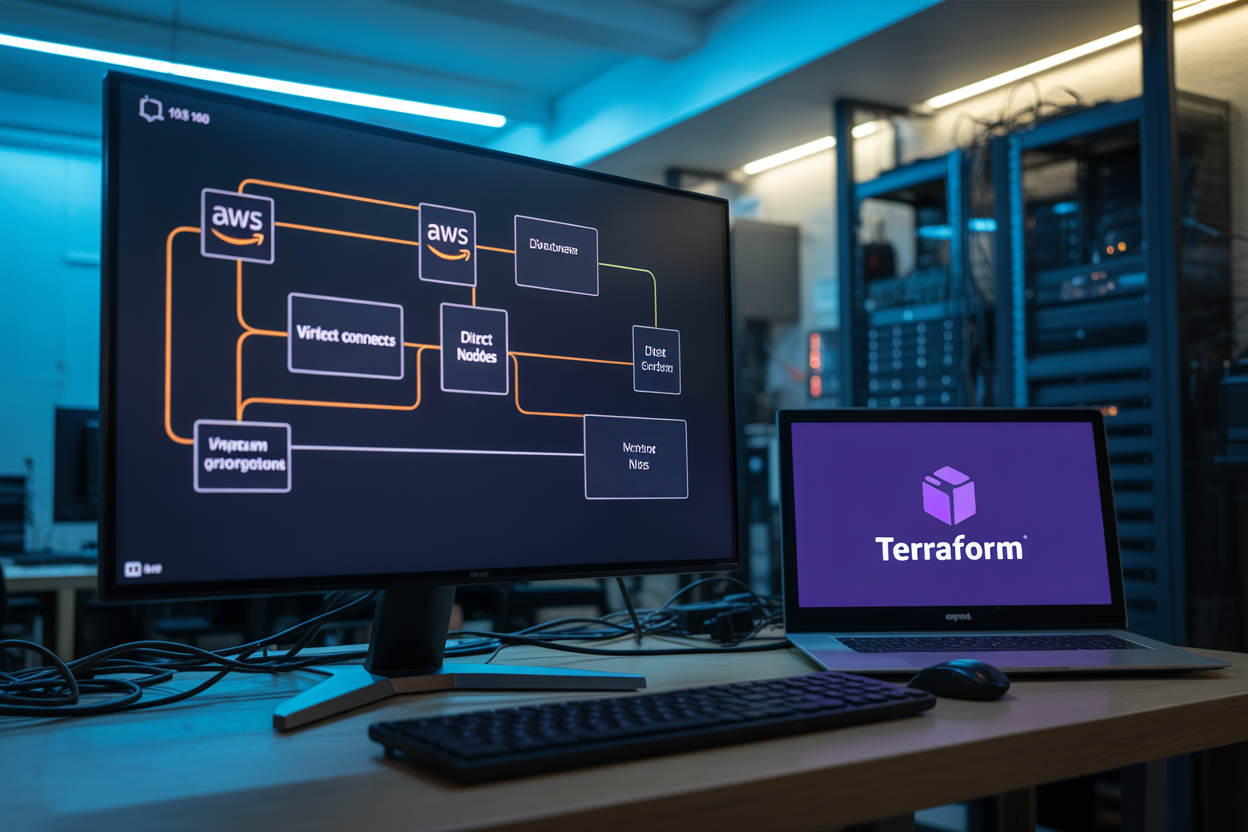
Use aws_vpn_gateway and aws_dx_connection resources to anchor your AWS side, linking your VPC to Direct Connect.
Configuring BGP Routing
Set ASN values inside aws_dx_private_virtual_interface for stable AWS GCP interconnect Terraform traffic exchange.
Security Groups and Network ACLs
- Allow only required ports
- Restrict CIDR to GCP ranges
Validating Outputs
Export gateway IDs via output blocks for cross-cloud reuse.
Automating the GCP Side of the Interconnect with Terraform
Creating a Cloud Router and Dedicated Interconnect
Use google_compute_router and google_compute_interconnect_attachment resources to spin up GCP’s side quickly.
Configuring VLAN Attachments for Seamless Connectivity
- Set
type = "DEDICATED"for direct peering
Setting Up Firewall Rules to Secure Incoming Traffic
- Allow only trusted AWS CIDR ranges via
google_compute_firewall
Connecting AWS and GCP Resources Through Terraform Modules
Writing Reusable Modules for Interconnect Components
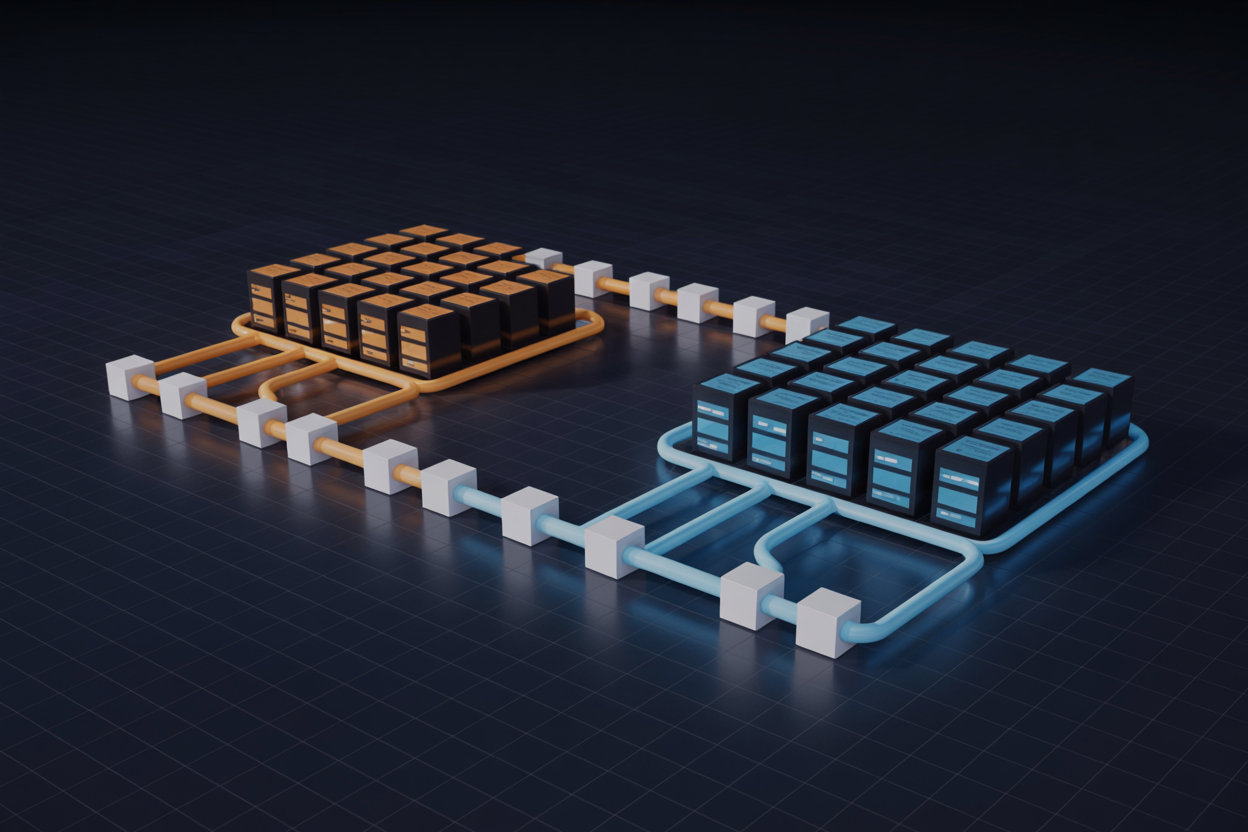
Build dedicated Terraform modules for AWS Direct Connect and GCP Cloud Interconnect, keeping each component isolated. Pass outputs between configurations using terraform_remote_state, sharing VPN gateway IDs and BGP peer IPs cleanly across clouds.
- Test connectivity with
pingandtraceroutepost-deployment - Fix BGP mismatches by double-checking ASN values
- Pin module versions for long-term stability
Optimizing and Monitoring Your Multi-Cloud Interconnect

Implementing Cost Controls Across AWS and GCP
- Set billing alerts on both AWS Cost Explorer and GCP Budget APIs to catch overruns early.
Enabling Logging and Alerts for Network Traffic
- Use AWS CloudWatch and GCP Cloud Monitoring together for unified visibility.
Automating Updates and Drift Detection with Terraform
- Run
terraform planregularly to catch configuration drift before it breaks your multi-cloud Terraform architecture.
Automating your AWS and GCP interconnect architecture with Terraform takes what could be a complex, error-prone manual process and turns it into something repeatable, scalable, and manageable. From setting up your Terraform environment to building out both the AWS and GCP sides of the connection, using modules to tie everything together, and keeping an eye on performance — every piece of this puzzle fits together more smoothly when infrastructure-as-code is driving the wheel.
If you’re ready to cut down on configuration headaches and bring more consistency to your multi-cloud setup, now is a great time to start experimenting with the Terraform workflows covered here. Start small, test your connections thoroughly, and build out your modules as your architecture grows. The more you lean into automation, the less time you’ll spend putting out fires and the more time you’ll have to focus on what actually moves the needle for your team.