


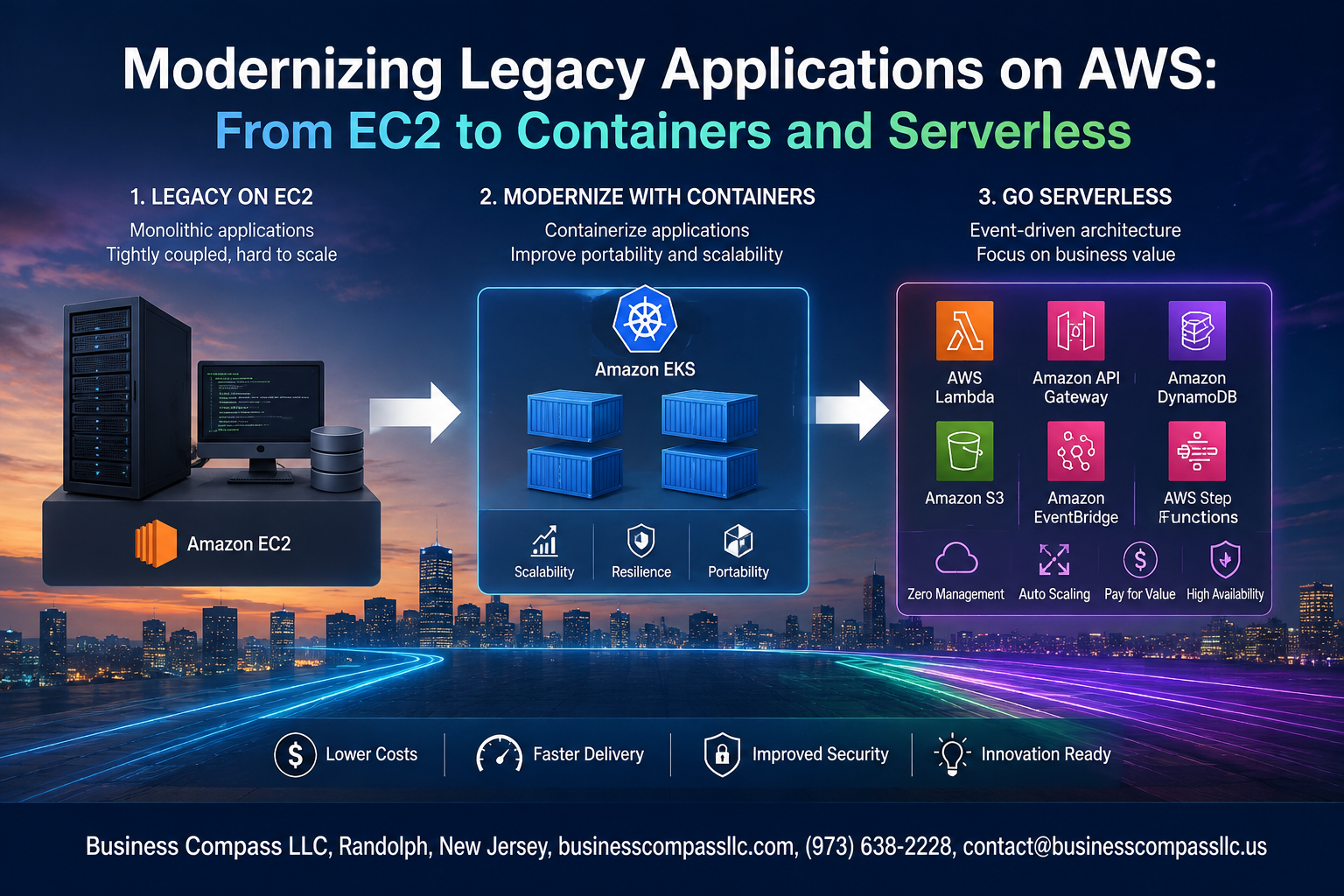
Modernizing Legacy Applications on AWS: From EC2 to Containers and Serverless
If your AWS bills keep climbing while your application performance stays flat, your legacy setup is probably working against you. Engineers and cloud architects dealing with aging EC2-based systems know the pain — slow deployments, brittle infrastructure, and scaling headaches that eat up weekends.
This guide is for development teams, DevOps engineers, and technical decision-makers who are ready to move past “keeping the lights on” and actually get more out of AWS. Whether you’re running monoliths on bare EC2 instances or patching together decade-old architectures, AWS legacy application modernization gives you a real path forward.
Here’s what we’ll walk through:
- How to spot when your legacy app is holding you back — and what that actually costs you in time and money
- EC2 to containers migration using AWS ECS and EKS — so your workloads run leaner, scale faster, and deploy without drama
- When serverless architecture on AWS makes more sense than containers — and how to make that call without second-guessing yourself
No fluff, no theory for theory’s sake. Just a practical breakdown of cloud modernization best practices that you can actually apply to your stack.
Recognizing the Signs That Your Legacy Application Needs Modernization
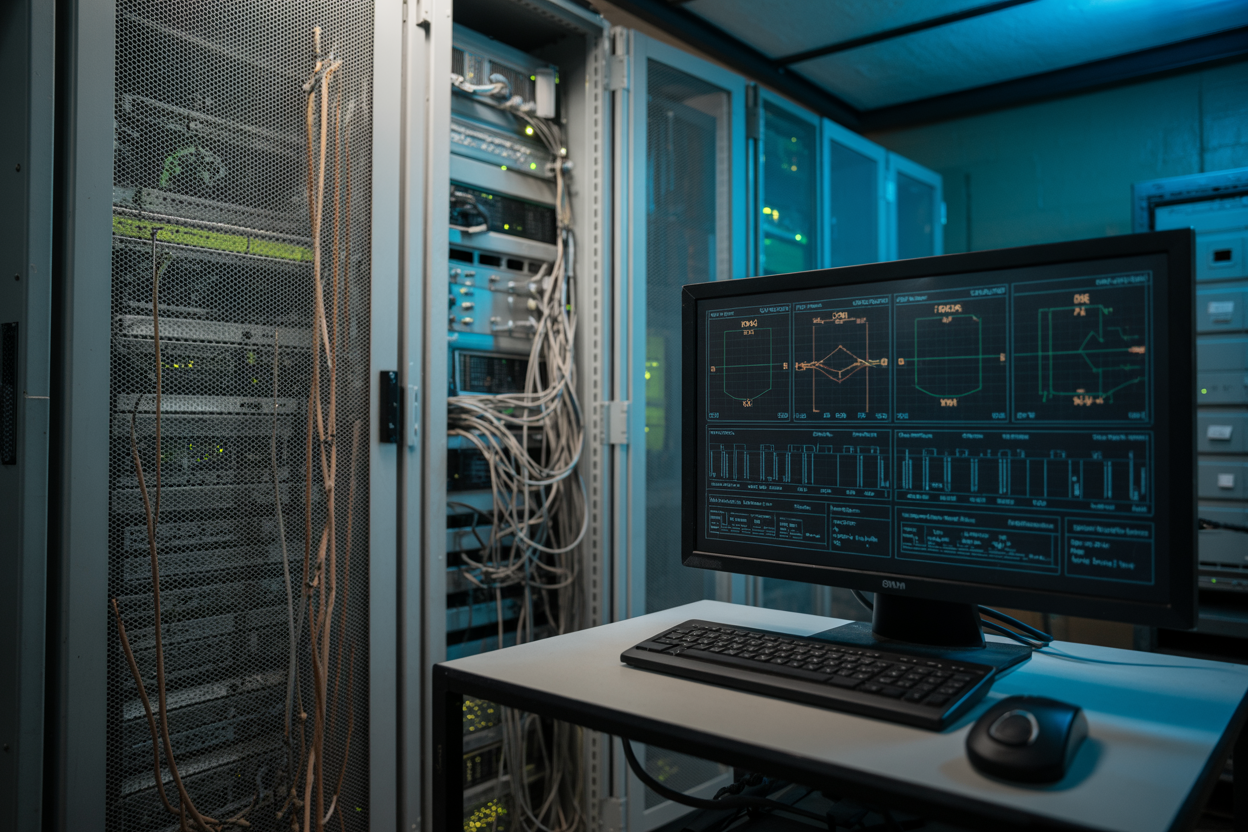
Performance Bottlenecks, Rising Costs, and Security Gaps
Your AWS legacy application modernization journey starts with spotting the warning signs:
- Slow response times killing user experience
- EC2 bills climbing without matching growth
- Failed compliance audits on outdated stacks
- Servers maxing out during traffic spikes
Building a Modernization Strategy That Minimizes Risk
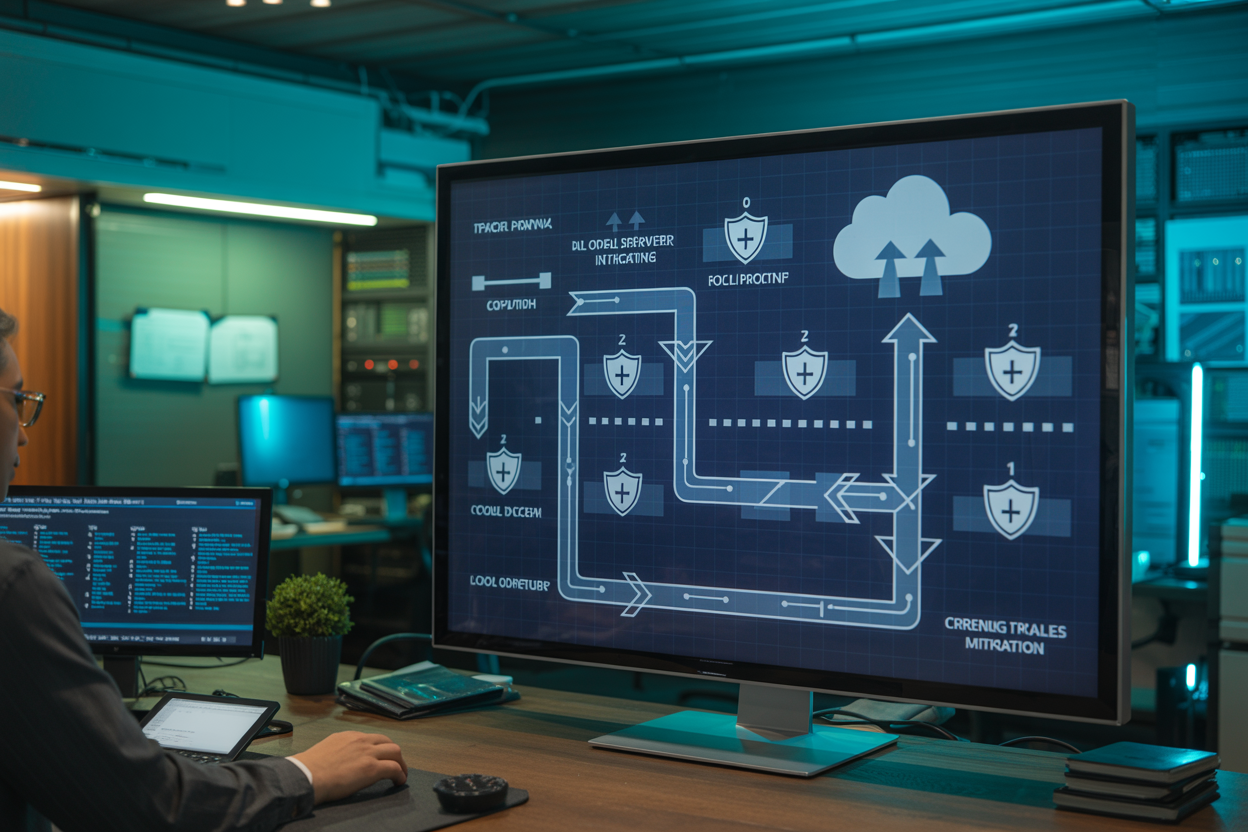
Assessing Your Current Application Architecture and Dependencies
Map every service, database, and API your app touches — hidden dependencies will derail any migration.
Choosing the Right Modernization Path
- Replatform to AWS ECS/EKS for containerization gains
- Refactor tightly coupled services into serverless AWS Lambda functions
Creating a Phased Migration Plan
Start small, validate, then scale.
Migrating from EC2 to Containers for Greater Efficiency
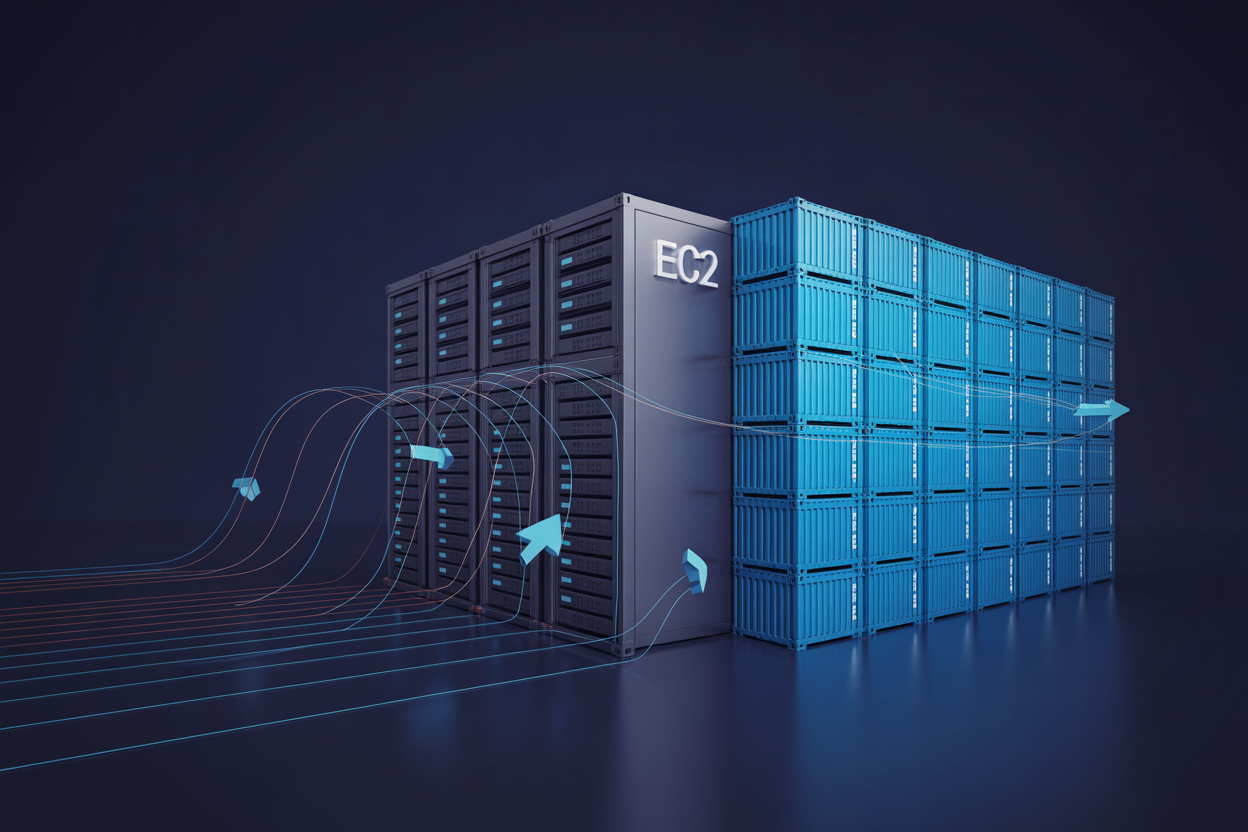
Understanding the Key Benefits of Containerization on AWS
Containers package your app and its dependencies together, eliminating the classic “works on my machine” problem. Compared to EC2 instances, they boot faster, consume fewer resources, and scale more predictably — making EC2 to containers migration a smart move for teams chasing efficiency and lower AWS application modernization costs.
Unlocking Business Value With Serverless Architecture
Eliminating Infrastructure Management With AWS Lambda
AWS Lambda removes server management entirely—no patching, no scaling configuration.
Reducing Costs by Paying Only for What You Use
Pay per execution, not idle time, cutting AWS application modernization cost optimization dramatically.
Accelerating Feature Delivery With Event-Driven Design
Ship features faster by triggering functions through events like S3 uploads or DynamoDB changes.
Integrating Serverless Components With Existing Systems
Connect Lambda seamlessly to legacy EC2 workloads during AWS legacy application modernization.
Using AWS API Gateway to Build Scalable Serverless APIs
API Gateway handles millions of requests automatically, pairing perfectly with serverless architecture AWS deployments.
Optimizing Performance and Cost After Modernization
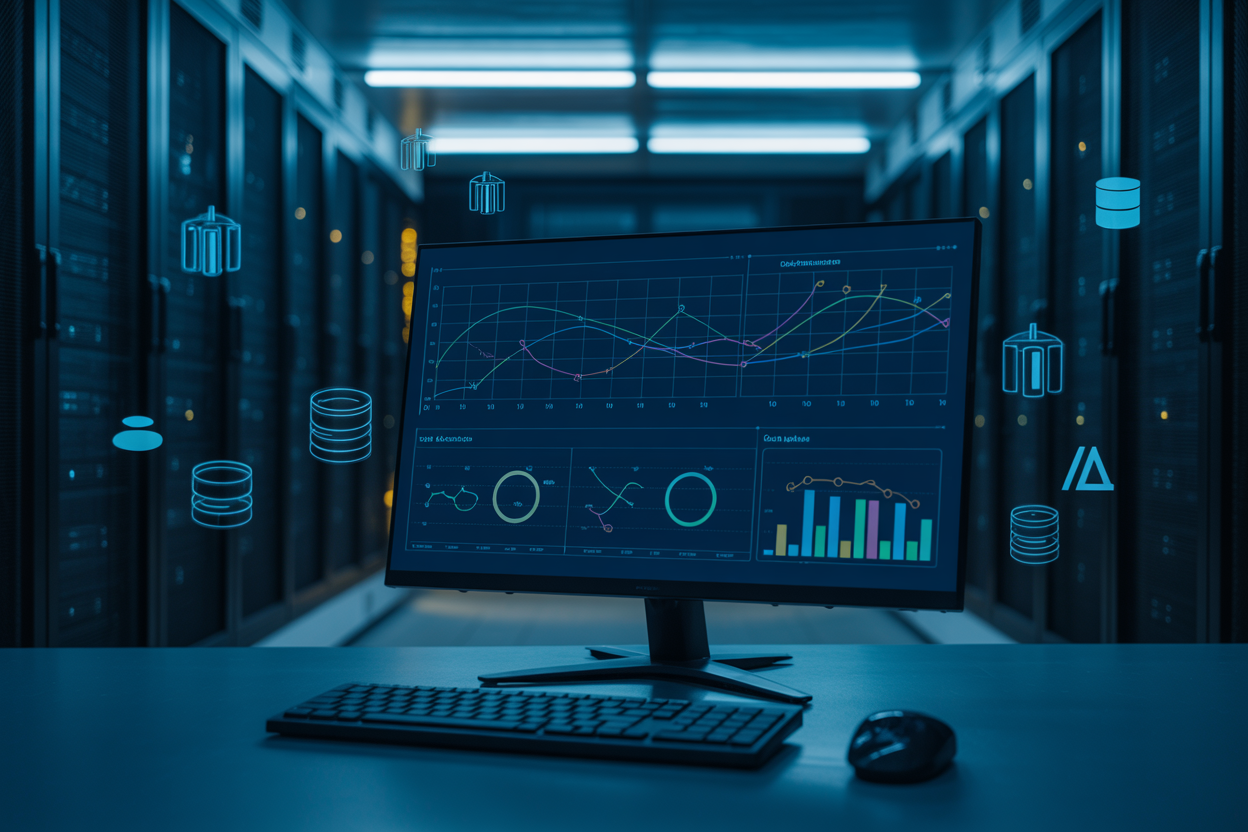
Monitoring Application Health With Amazon CloudWatch
After AWS application modernization, CloudWatch tracks metrics, logs, and alarms across containers and serverless functions.
Right-Sizing Resources to Eliminate Wasteful Spending
- Drop oversized EC2 instances post-migration
- Match Lambda memory to actual usage
Applying Auto Scaling to Handle Traffic Spikes Efficiently
Scale containers automatically—pay only for what you need.
Ensuring Security and Compliance Throughout the Modernization Journey

Implementing Identity and Access Management Best Practices
- Apply least-privilege IAM roles across ECS, EKS, and Lambda functions.
Protecting Containerized Workloads With AWS Security Tools
- Use Amazon Inspector and AWS Shield for real-time threat detection.
Achieving Continuous Compliance in a Serverless Environment
- AWS Config and Security Hub automate compliance checks during AWS legacy application modernization.
Modernizing legacy applications on AWS is not a one-size-fits-all journey, but the payoff is worth the effort. Moving from traditional EC2 setups to containers and serverless architectures can dramatically cut costs, boost performance, and free your teams to focus on building great products instead of babysitting aging infrastructure. The key is knowing when your app is ready for a change, having a clear strategy that reduces risk, and keeping security and compliance front and center every step of the way.
The good news is that you do not have to do it all at once. Start small, pick the right workloads to modernize first, and build confidence as you go. Whether you are taking your first steps toward containerization or exploring the full potential of serverless on AWS, each move forward puts you in a stronger position to compete and scale. Take stock of where your applications stand today, and start planning your next move.









