


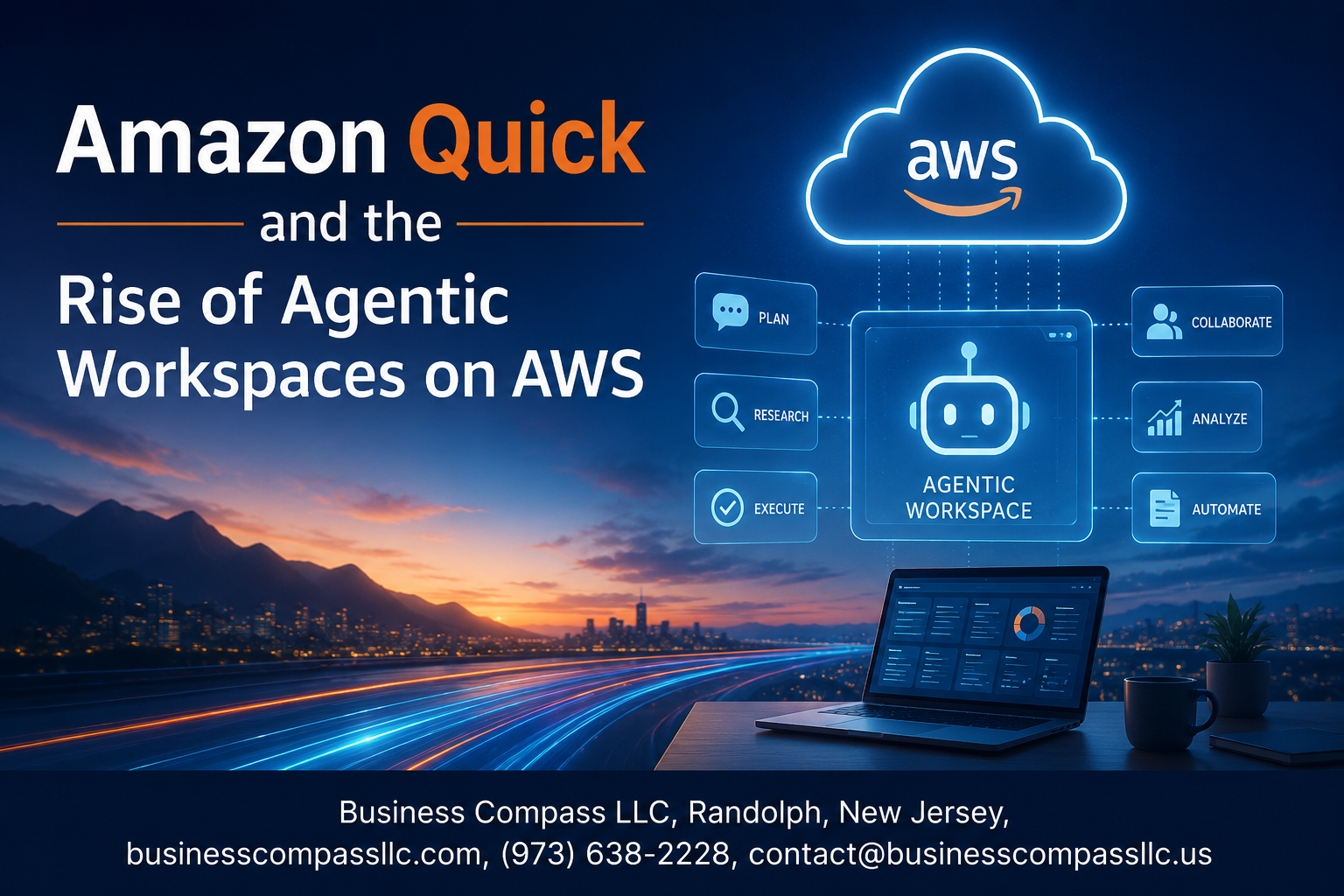
Amazon Q AWS and the Rise of Agentic Workspaces: What You Need to Know
AI assistants that just answer questions are old news. The real shift happening right now on AWS is about AI that actually does things — planning, reasoning, and taking action across your cloud environment without you having to babysit every step.
That’s exactly what Amazon Q AWS is built for, and it’s changing how teams think about building and working in the cloud.
This post is for cloud architects, developers, and IT decision-makers who want to get ahead of the agentic AI curve on AWS — whether you’re exploring Amazon Q for the first time or looking to level up your existing AWS workflows with intelligent automation.
Here’s what we’ll walk through:
- What Amazon Q actually is and why it’s more than just another cloud AI assistant
- How agentic workspaces on AWS work — the core services behind them and what makes them different from traditional automation
- How to get started with Amazon Q to build agent-driven workflows that save your team real time
No fluff, no getting lost in theory. Just a clear look at where AWS intelligent automation is heading and how you can start using it today.
Understanding Amazon Q and Its Role in Modern Cloud Workspaces

What Amazon Q Brings to AWS Users
Amazon Q AWS is a generative AI-powered assistant built directly into the AWS ecosystem, designed to help developers, data engineers, and business users work smarter without constantly switching tools or digging through documentation. It answers questions, writes code, debugs issues, and even helps troubleshoot AWS environment problems in real time.
- Speeds up development cycles by generating and explaining code on demand
- Helps non-technical users interact with cloud resources using plain language
- Connects directly to internal data sources for business-specific answers
Key Capabilities That Set Amazon Q Apart
As an Amazon Q cloud AI assistant, it goes well beyond a basic chatbot. It understands AWS-specific context deeply, which means responses are tailored to your actual environment rather than generic suggestions pulled from the internet.
- Code Transformation: Upgrades legacy code (like Java 8 to Java 17) automatically
- Security Scanning: Detects vulnerabilities in your codebase and suggests fixes
- Data Integration: Works with Amazon Q Business to pull answers from connected enterprise content
- CLI and Console Support: Gives real-time guidance directly inside the AWS Management Console
How Amazon Q Fits Into the Broader AWS Ecosystem
Amazon Q does not sit in isolation — it is woven across services like Amazon CodeWhisperer, AWS CloudWatch, Amazon QuickSight, and AWS Chatbot. This tight integration makes AI-powered cloud workspaces feel seamless rather than bolted on. Teams get intelligent automation across their entire workflow, from writing infrastructure-as-code to analyzing business dashboards, all from one conversational interface that actually understands AWS context.
The Shift Toward Agentic Workspaces on AWS

Defining Agentic Workspaces and Why They Matter
Agentic workspaces on AWS are environments where AI agents don’t just answer questions — they take action. Think of them as smart digital coworkers that can plan tasks, make decisions, call tools, and get things done without someone babysitting every step. Instead of manually triggering each workflow, teams set a goal and the agent figures out the path.
- They combine memory, reasoning, and tool access in one loop
- They reduce the back-and-forth between humans and systems
- They work across data sources, APIs, and services simultaneously
How AI Agents Are Changing the Way Teams Work
AWS agentic workflows are flipping the script on how work gets done. Developers no longer spend hours debugging repetitive pipelines. Operations teams stop drowning in manual approvals. With Amazon Q AWS at the center, agents can pull context from company knowledge bases, write and run code, summarize reports, and escalate only what truly needs human judgment.
- Agents handle multi-step tasks like research, drafting, and execution
- Teams shift focus from doing repetitive work to reviewing outcomes
- AI-powered cloud workspaces cut down on tool-switching fatigue
Real Business Benefits of Agentic Automation
The payoff from AWS intelligent automation is very real and measurable:
- Faster turnaround: Tasks that took days now close in hours
- Lower error rates: Agents follow defined logic consistently, no typos or missed steps
- Cost savings: Fewer manual touchpoints mean leaner operations
- Scalability: One agent setup can handle 10x the workload without extra headcount
Industries Leading the Adoption of Agentic Workflows
Amazon Q business use cases are showing up across nearly every sector, but a few industries are sprinting ahead:
- Financial services — automating compliance checks, report generation, and fraud flagging
- Healthcare — streamlining patient data summaries and scheduling workflows
- Retail and e-commerce — managing inventory alerts, customer support, and personalization at scale
- Software development — using Amazon Q developer features to automate code reviews, testing, and documentation
Core AWS Services Powering Agentic Workspaces

Amazon Bedrock as the Foundation for AI Agents
Amazon Bedrock sits at the core of agentic workspaces on AWS, giving teams access to powerful foundation models from providers like Anthropic, Meta, and Amazon itself. You can build, deploy, and manage AI agents without managing complex infrastructure. Bedrock’s native agent framework handles memory, tool use, and multi-step reasoning out of the box.
- Supports multiple foundation models under one unified API
- Built-in guardrails for responsible AI deployment
- Native integration with knowledge bases for retrieval-augmented generation (RAG)
- Works seamlessly with other AWS services for end-to-end agentic AI on AWS
AWS Lambda and Event-Driven Agent Execution
AWS Lambda makes agentic workflows incredibly flexible by triggering agent actions based on real-time events. When a file lands in S3, a message hits an SQS queue, or an API call fires, Lambda can kick off an agent task automatically, no polling, no waiting, no wasted compute.
- Serverless execution keeps costs tied directly to actual agent activity
- Event sources include S3, DynamoDB Streams, API Gateway, and EventBridge
- Scales instantly to handle spikes in AWS intelligent automation workloads
- Cold start optimization options keep latency manageable for time-sensitive tasks
Amazon Q Developer for Code and Workflow Automation
Amazon Q Developer is a game-changer for teams building on AWS. It goes way beyond basic code completion, actively suggesting architecture patterns, debugging code, scanning for security issues, and even generating entire functions based on natural language prompts directly inside your IDE.
- Understands your codebase context for smarter, more relevant suggestions
- Flags security vulnerabilities in real time during development
- Supports workflow automation by generating Infrastructure as Code templates
- Amazon Q developer features connect directly into CI/CD pipelines for faster delivery cycles
How Amazon Q Enables Smarter Agent-Driven Workflows

Automating Repetitive Tasks Across AWS Environments
Amazon Q AWS takes the grind out of repetitive cloud tasks by handling things like resource tagging, policy reviews, and log analysis without you having to lift a finger every single time. It watches your environment, spots patterns, and jumps in before small issues snowball into bigger problems.
- Automatically flags misconfigured S3 bucket permissions
- Suggests cost-saving actions based on underused EC2 instances
- Runs routine compliance checks across multiple AWS accounts
Using Amazon Q to Orchestrate Multi-Step Processes
AWS agentic workflows really shine when Amazon Q chains together actions that would normally require jumping between five different consoles. You describe what you want in plain language, and it maps out the steps, calls the right services, and gets it done.
- Chains Lambda functions, Step Functions, and API Gateway calls in one flow
- Breaks down complex deployment pipelines into manageable automated sequences
- Handles error recovery mid-process without manual intervention
Boosting Developer Productivity With Agentic Assistance
Amazon Q developer features go well beyond basic code completion. Developers get real-time suggestions, security vulnerability scanning, and even whole-function generation right inside their IDE, which cuts context-switching dramatically.
- Generates unit tests automatically based on existing code
- Explains unfamiliar codebases in plain English
- Recommends AWS SDK best practices on the fly
Reducing Operational Overhead Through Intelligent Automation
AWS intelligent automation through Amazon Q means your ops team spends less time babysitting infrastructure and more time building things that matter. Routine runbooks get automated, alerts get triaged smarter, and on-call fatigue drops noticeably.
- Auto-resolves known CloudWatch alarm patterns
- Drafts incident summaries for post-mortems
- Scales resources proactively based on predicted load
Connecting Data Sources for Richer Agent Responses
Agentic AI on AWS gets genuinely useful when Amazon Q pulls context from your actual business data, not just generic cloud knowledge. Connecting it to your knowledge bases, ticketing systems, and internal wikis makes every response sharper and more relevant to your team.
- Integrates with Amazon Kendra for enterprise document search
- Pulls live data from RDS, S3, and third-party SaaS tools
- Personalizes responses based on team-specific workflows and history
Getting Started With Agentic Workspaces Using Amazon Q

Steps to Deploy Your First Agentic Workflow on AWS
Getting your first agentic workspace on AWS up and running is more straightforward than it sounds. Start by logging into the AWS Console and enabling Amazon Q through the AWS Management Console. From there:
- Set up IAM roles and permissions so your agents have the right access without over-provisioning.
- Choose your agent runtime — Amazon Bedrock Agents is the go-to starting point for most teams building agentic AI on AWS.
- Define your action groups, which tell the agent what tools it can call, like Lambda functions, APIs, or knowledge bases.
- Connect a knowledge base using Amazon Bedrock’s built-in RAG support, so your agent can pull from your actual company data.
- Test iteratively using the Bedrock console’s built-in trace feature — this shows you step-by-step how the agent is reasoning and acting.
The key here is starting small. Pick one workflow — maybe auto-triaging support tickets or summarizing internal reports — and nail that before expanding.
Best Practices for Scaling Agents Safely and Efficiently
Scaling AWS agentic workflows without running into chaos comes down to a few non-negotiables:
- Guardrails first: Amazon Bedrock Guardrails lets you set hard limits on what your agents can and can’t say or do. Set these up before you scale, not after.
- Use human-in-the-loop checkpoints for high-stakes decisions. Agents are powerful, but some actions — like sending emails to customers or modifying production databases — need a human sign-off.
- Monitor agent behavior with Amazon CloudWatch. Track invocation counts, latency, and error rates so you catch unexpected behavior early.
- Version your prompts and action groups like you would any code. Prompt changes can dramatically shift agent behavior, so treat them with the same discipline as a production deployment.
- Right-size your Lambda functions that back agent actions — cold starts can hurt response times if you’re not using provisioned concurrency for critical paths.
Scaling agents is really about building trust in the system incrementally. The teams that do this well treat their agents like junior employees — giving them more autonomy as they prove reliability.
Measuring Success and ROI From Agentic Implementations
Once your Amazon Q AWS setup and agentic workflows are live, measuring actual impact keeps things honest. Here’s what to track:
- Task completion rate: What percentage of agent-handled requests reach a successful resolution without human intervention? This is your north-star metric.
- Time-to-resolution: Compare how long tasks took before and after introducing agents. Even a 30% reduction is significant at scale.
- Cost per interaction: With AWS Cost Explorer, you can break down Bedrock API costs, Lambda executions, and storage to get a clear picture of cost per agent action.
- Escalation rate: How often does the agent hand off to a human? A high rate signals gaps in your knowledge base or action group design.
- Developer productivity gains: If you’re using Amazon Q developer features, track pull request cycle times, bug resolution speeds, and onboarding time for new engineers.
Real ROI from AI-powered cloud workspaces isn’t always just about dollar savings. Sometimes the biggest win is freeing up your best people to work on problems that actually need human creativity — and that’s worth quantifying too, even if it takes a bit more effort to measure.
Amazon Q is reshaping how teams work in the cloud, moving beyond simple automation to genuinely intelligent, agent-driven workflows. From the core AWS services that power these environments to the way Amazon Q connects and coordinates tasks, the shift toward agentic workspaces is already well underway — and it’s changing what’s possible for developers and businesses alike.
If you’ve been on the fence about exploring this space, now is a great time to dig in. Start small, experiment with Amazon Q in your existing AWS setup, and see firsthand how agentic workflows can cut through the noise and get more done with less back-and-forth. The tools are here, the infrastructure is solid, and the jump from traditional cloud workflows to smarter, agent-powered ones is a lot more approachable than it might seem.









