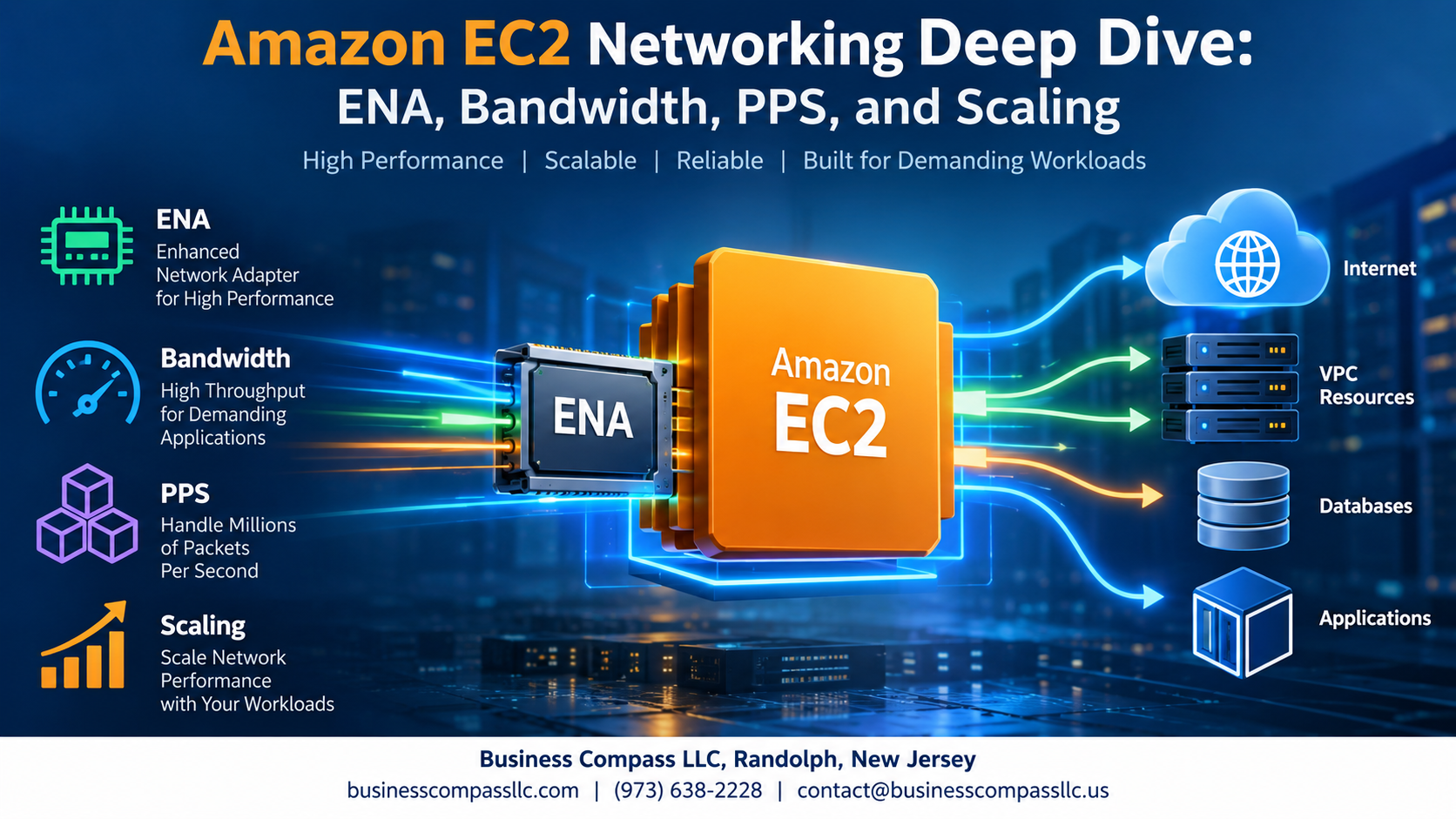
Amazon EC2 Networking Deep Dive: ENA, Bandwidth, PPS, and Scaling
If your EC2 instances are hitting network bottlenecks, dropping packets, or just not keeping up with traffic demands, the fix usually starts with understanding how AWS actually handles networking under the hood.
This guide is for cloud engineers, DevOps teams, and AWS architects who want to stop guessing and start making smarter decisions about Amazon EC2 networking. No fluff, no hand-waving — just the stuff that actually moves the needle.
Here’s what we’re getting into:
- Elastic Network Adapter (ENA) — what it is, how the ENA driver works in AWS, and why picking the right network adapter changes everything about your instance’s performance
- Bandwidth and packets per second (PPS) — two metrics that most people treat as the same thing, even though they solve completely different problems in high-throughput workloads
- EC2 network scaling — practical ways to grow your network capacity as your traffic grows, without blowing up your AWS bill
By the end, you’ll have a clear picture of how AWS high-throughput networking actually works and what levers you can pull to get more out of your setup.
Let’s dig in.
Understanding Amazon EC2 Networking Fundamentals

How EC2 Network Architecture Powers Cloud Workloads
Amazon EC2 networking runs on a virtualized stack built for speed, using ENA drivers to connect instances directly to AWS’s physical fabric. Key performance metrics include:
- Bandwidth (Gbps)
- Packets per second (PPS)
- Latency
Poor network configuration kills application performance fast.
Elastic Network Adapter (ENA) Explained

What ENA Is and Why It Outperforms Legacy Network Interfaces
The Elastic Network Adapter (ENA) replaces older interfaces like ixgbevf, delivering higher EC2 network performance, lower CPU overhead, and better packets per second EC2 throughput — making it the go-to choice for AWS high-throughput networking workloads needing speed and reliability.
Maximizing EC2 Bandwidth for High-Throughput Workloads

How Baseline and Burst Bandwidth Limits Work Per Instance Type
EC2 instances get baseline bandwidth always available, plus burst capacity for short spikes. Larger instances get more of both.
Choosing the Right Instance Family
- C5n, R5n, M5n — high-throughput networking up to 100 Gbps
- Match instance size to your actual traffic needs
Leveraging Placement Groups
Cluster placement groups push bandwidth higher between instances.
Packets Per Second Performance and Why It Matters

How PPS Limits Affect Latency-Sensitive and Microservices Workloads
High PPS demand in microservices spikes latency fast. When packets per second EC2 limits hit, queues build and response times suffer.
Tuning Kernel and Driver Settings to Push PPS Higher
- Enable RSS via ENA driver AWS settings
- Tune
ethtoolinterrupt coalescing - Pin IRQs to cores
Scaling EC2 Networking for Growing Demands

Horizontal vs Vertical Scaling Strategies
Scale out with smaller instances for EC2 network scaling rather than scaling up — spreading packets per second across nodes beats maxing one machine.
Using Enhanced Networking with Auto Scaling Groups
Ensure your launch template enables ENA driver AWS support so every new instance gets enhanced networking automatically.
Distributing Traffic with Elastic Load Balancing
- Use Network Load Balancer for ultra-low latency
- Application Load Balancer for HTTP workloads
Monitoring with CloudWatch Metrics
Track NetworkIn, NetworkOut, and NetworkPacketsOut to catch bottlenecks early.
Cost-Effective Network Optimization Strategies

Reducing Data Transfer Costs Without Sacrificing Performance
Keep traffic within the same Availability Zone when possible — cross-AZ data transfer costs add up fast.
Right-Sizing Instances to Balance Network Capacity and Spend
Match EC2 instance size to actual EC2 network performance needs; over-provisioning wastes money.
Using VPC Endpoints to Cut Costly External Traffic
VPC endpoints route AWS service traffic privately, eliminating NAT gateway charges and reducing latency.

Getting the most out of Amazon EC2 networking comes down to understanding the building blocks — ENA, bandwidth limits, PPS performance, and how they all work together. When you know what each piece does, you can make smarter decisions about instance types, workload placement, and how to scale without running into unexpected bottlenecks.
The good news is that you don’t need to throw money at the problem to get solid network performance. With the right instance selection, placement groups, and a clear picture of your traffic patterns, you can hit high throughput and low latency without blowing your budget. Start by benchmarking your current setup, identify where the gaps are, and tune from there — small adjustments can make a surprisingly big difference.