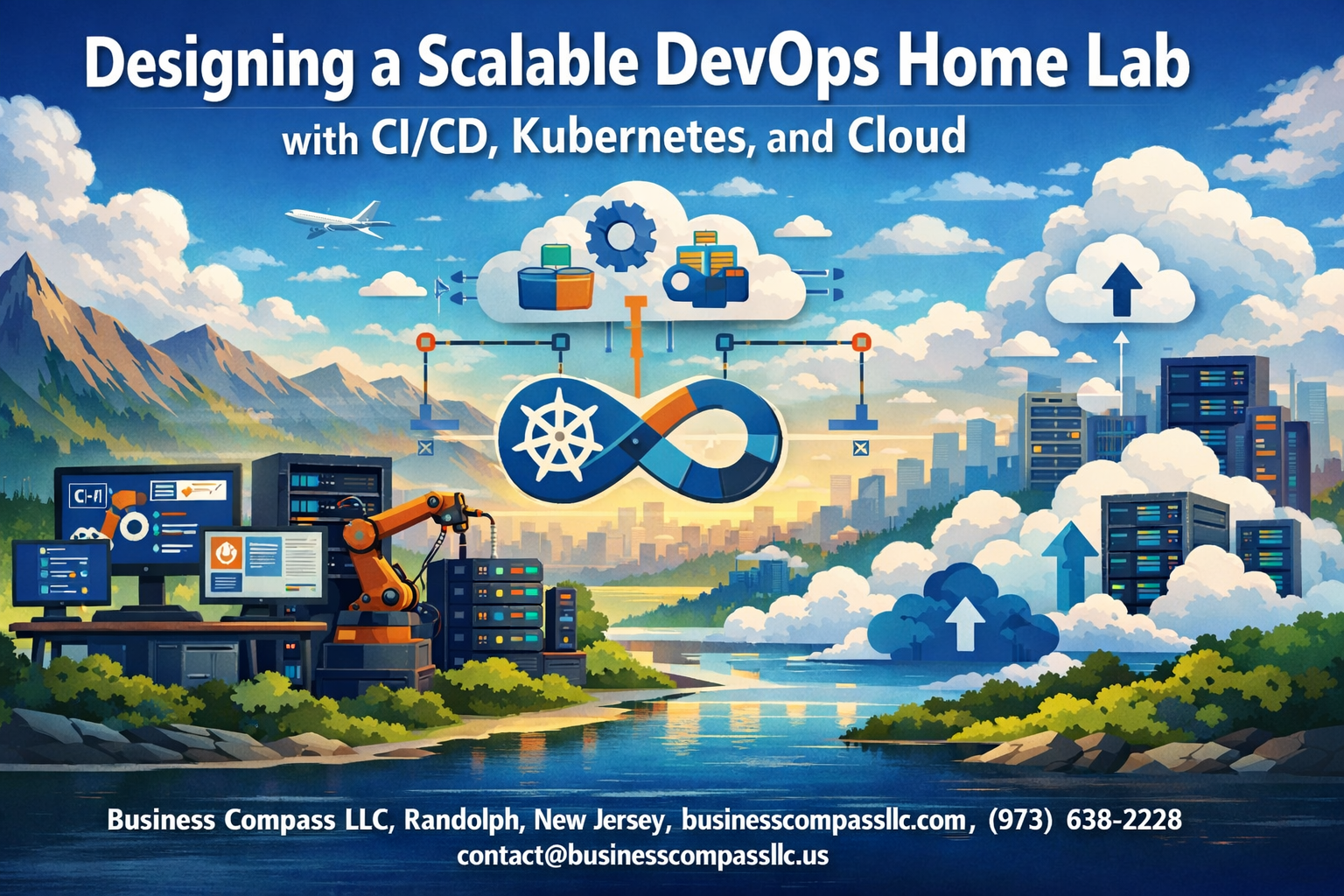
Building a scalable DevOps environment at home lets you experiment with enterprise-grade tools without the enterprise budget. This guide walks you through creating a DevOps home lab that mirrors real-world production setups using CI/CD pipeline setup, Kubernetes home lab configurations, and cloud DevOps integration.
This tutorial targets developers, system administrators, and DevOps engineers who want hands-on experience with modern infrastructure practices. You’ll learn to build DevOps lab infrastructure that grows with your learning needs while keeping costs manageable.
We’ll cover setting up your home Kubernetes cluster with proper resource allocation and networking. You’ll also discover how to create robust CI/CD automation workflows that automatically test, build, and deploy your applications. Finally, we’ll explore hybrid cloud DevOps strategies that connect your local lab with cloud services, plus essential DevOps monitoring tools to track performance and troubleshoot issues.
By the end, you’ll have a production-ready lab environment perfect for learning advanced DevOps concepts and testing new technologies.
Building Your Foundation Hardware and Software Requirements

Selecting cost-effective hardware for maximum performance
Building a DevOps home lab doesn’t require enterprise-grade equipment that costs thousands. A well-planned hardware setup can deliver impressive performance while staying budget-friendly. Start with a modern multi-core processor – AMD Ryzen 5 or Intel Core i5 processors offer excellent performance per dollar. Look for CPUs with at least 6 cores and 12 threads to handle virtualization workloads effectively.
Memory is your lab’s lifeline. Aim for 32GB DDR4 RAM as your baseline, with room to expand to 64GB later. This capacity allows you to run multiple virtual machines, containers, and development environments simultaneously without hitting performance walls. Storage strategy matters just as much – combine a 500GB NVMe SSD for your operating systems and applications with a 2TB traditional hard drive for data storage and backups.
Consider refurbished enterprise hardware like Dell PowerEdge or HP ProLiant servers. These machines often provide exceptional value, offering enterprise features like IPMI remote management and redundant power supplies at fraction of their original cost. Mini PCs like Intel NUCs or similar compact systems work well for smaller labs, providing decent performance in an energy-efficient package.
Don’t overlook networking hardware early on. A managed switch with VLAN capabilities and a business-grade router will save headaches later when you’re implementing complex network topologies for your Kubernetes clusters and CI/CD environments.
Choosing the right virtualization platform for your needs
Your virtualization platform becomes the foundation of your entire DevOps home lab infrastructure. Three primary options dominate the landscape, each with distinct advantages for different use cases and skill levels.
VMware vSphere ESXi remains the gold standard for enterprise environments. The free version provides robust virtualization capabilities, excellent performance, and a familiar interface for those working in corporate environments. ESXi excels at resource management and offers advanced features like vMotion and distributed switches, making it perfect for learning enterprise virtualization concepts.
Proxmox VE deserves serious consideration for home lab enthusiasts. This open-source platform combines KVM virtualization with LXC containers in a single, web-based management interface. Proxmox’s clustering capabilities let you start with one machine and expand seamlessly. Its built-in backup solutions and snapshot functionality make it incredibly practical for lab environments where you’re constantly experimenting and need quick rollback options.
Microsoft Hyper-V Server offers another compelling choice, especially if your career focuses on Microsoft technologies. The free Hyper-V Server provides enterprise-class virtualization without licensing costs, integrating naturally with Windows-based development workflows.
Each platform supports nested virtualization, allowing you to run Kubernetes clusters or additional hypervisors within virtual machines. Consider your learning objectives – if you’re targeting enterprise skills, match your platform to your workplace environment. For pure experimentation and cost-effectiveness, Proxmox often wins.
Setting up essential networking components
Network architecture in your DevOps lab determines how effectively you can simulate real-world scenarios and implement complex deployments. Start with a managed switch that supports VLANs – this single feature unlocks the ability to segment your lab into multiple isolated networks, mimicking production environments where development, staging, and production networks remain separate.
Configure multiple VLANs from day one: a management VLAN for hypervisor and infrastructure access, a development VLAN for your CI/CD pipelines, and a production-like VLAN for your Kubernetes clusters. This segmentation teaches proper network security practices while preventing configuration conflicts between different lab components.
Implement a pfSense or OPNsense firewall virtual machine to handle routing between VLANs and provide advanced networking features. These open-source solutions offer enterprise-grade capabilities including VPN connectivity, traffic shaping, and detailed logging – all crucial skills for DevOps professionals working with cloud and hybrid environments.
DNS becomes critical as your lab grows. Set up a local DNS server using bind9 or similar solutions to create custom domain names for your services. This approach mirrors production environments where services communicate using meaningful hostnames rather than IP addresses, making your CI/CD configurations more realistic and portable.
Consider software-defined networking early in your planning. Tools like Open vSwitch can provide advanced networking capabilities within your virtualized environment, preparing you for modern container networking concepts you’ll encounter in Kubernetes deployments.
Installing base operating systems and initial configurations
Your choice of base operating systems shapes the entire DevOps lab experience. Ubuntu Server LTS versions provide the most straightforward path for beginners, offering extensive documentation and broad compatibility with DevOps tools. The LTS releases guarantee five years of support, providing stability for long-term lab projects.
CentOS Stream or Rocky Linux serve as excellent alternatives, especially if your target environment uses Red Hat Enterprise Linux. These distributions teach RPM package management and systemd service configuration, skills directly applicable in enterprise environments. AlmaLinux has emerged as another solid RHEL-compatible choice with strong community support.
Standardize your initial configurations across all systems. Create a base template that includes essential packages like curl, wget, git, and your preferred text editor. Configure SSH key authentication from the start – this practice improves security while teaching proper authentication methods used in production environments.
Implement configuration management early using tools like Ansible or similar solutions. Even in a small lab, managing multiple virtual machines manually becomes tedious quickly. Create Ansible playbooks for common tasks like user creation, package installation, and security hardening. This approach develops automation skills while keeping your lab environment consistent.
Set up centralized logging using rsyslog or journald forwarding to a dedicated log server. This configuration provides visibility into system behavior and prepares you for production monitoring scenarios. Configure time synchronization using NTP to ensure accurate timestamps across all systems – a seemingly minor detail that becomes crucial for troubleshooting distributed systems and CI/CD pipelines.
Consider implementing a configuration backup strategy using git repositories to track changes to important configuration files. This version control approach for infrastructure configuration introduces Infrastructure as Code concepts that are fundamental to modern DevOps practices.
Creating Your Version Control and CI/CD Pipeline

Implementing Git workflows for automated deployments
Building a robust CI/CD pipeline setup starts with establishing proper Git workflows that streamline your DevOps home lab automation. The most effective approach combines feature branching with automated triggers that kick off your deployment pipeline whenever code changes occur.
Start by setting up a main branch protection rule that requires pull request reviews before merging. This ensures code quality while maintaining the integrity of your production deployments. Create separate branches for development, staging, and production environments, with each branch automatically triggering different pipeline stages when updated.
Configure Git hooks to validate commit messages and run preliminary checks before allowing pushes to remote repositories. Pre-commit hooks can catch syntax errors, enforce coding standards, and run quick tests that prevent broken code from entering your pipeline. Post-receive hooks work perfectly for triggering automated builds in your scalable DevOps environment.
Use semantic versioning tags to trigger specific deployment actions. When you tag a release, your pipeline should automatically build, test, and deploy to staging environments. This approach provides clear version tracking and makes rollbacks much simpler when issues arise.
Setting up Jenkins or GitLab CI for continuous integration
Jenkins remains the gold standard for DevOps lab infrastructure due to its flexibility and extensive plugin ecosystem. Install Jenkins on a dedicated virtual machine in your home lab, ensuring adequate CPU and memory resources for concurrent builds. The declarative pipeline syntax makes configuration management straightforward and version-controllable.
Create a Jenkinsfile in your repository root that defines your entire build process. Start with basic stages like checkout, build, test, and deploy. Configure Jenkins to poll your Git repository every few minutes or use webhooks for immediate trigger responses. The webhook approach reduces resource consumption and provides faster feedback loops.
GitLab CI offers an alternative with built-in container registry and excellent Kubernetes integration. The .gitlab-ci.yml file structure feels more intuitive for teams already using GitLab for version control. GitLab’s shared runners can handle basic workloads, but setting up your own runners gives you more control over the build environment and better integrates with your home infrastructure.
Both platforms support parallel job execution, which dramatically reduces build times. Configure your pipeline to run unit tests, integration tests, and security scans simultaneously rather than sequentially.
Configuring automated testing and code quality checks
Automated testing forms the backbone of any reliable CI/CD automation tutorial implementation. Structure your test suite into multiple layers: unit tests for individual functions, integration tests for component interactions, and end-to-end tests for complete user workflows.
Integrate SonarQube or similar tools to maintain code quality standards. These tools catch potential bugs, security vulnerabilities, and technical debt before code reaches production. Configure quality gates that prevent deployments when code coverage falls below acceptable thresholds or when critical security issues are detected.
Set up automated security scanning using tools like OWASP ZAP or Bandit for Python applications. These scans should run automatically on every commit and provide detailed reports about potential vulnerabilities. Container image scanning becomes essential when working with Kubernetes deployments.
Performance testing deserves equal attention in your DevOps home lab. Tools like JMeter or k6 can run load tests automatically, ensuring your applications perform adequately under stress. Configure these tests to run against staging environments that mirror your production setup as closely as possible.
Establishing deployment pipelines with rollback capabilities
Design your deployment pipeline with multiple environments that mirror your production setup. A typical flow moves code through development, testing, staging, and production environments, with automated promotion criteria at each stage. Each environment should use identical infrastructure configurations to eliminate environment-specific bugs.
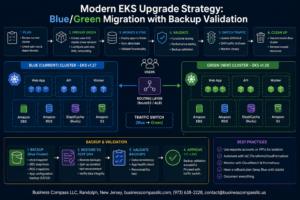
Implement blue-green deployments for zero-downtime releases. This strategy maintains two identical production environments, switching traffic between them during deployments. If issues arise, switching back takes seconds rather than minutes required for traditional rollbacks.
Database migrations require special attention in your rollback strategy. Use migration tools that support both forward and backward migrations, and always test rollback procedures in staging environments. Consider using database branching tools that create separate database instances for each deployment, making rollbacks completely isolated.
Configure automated health checks that monitor application performance after each deployment. These checks should verify database connectivity, external service integrations, and critical user journeys. Failed health checks should trigger automatic rollbacks without human intervention.
Store deployment artifacts in versioned repositories, making it easy to redeploy previous versions when needed. Container registries work excellently for this purpose, providing immutable deployment packages that guarantee consistency across environments.
Deploying and Managing Kubernetes Clusters
Installing Lightweight Kubernetes Distributions for Home Labs
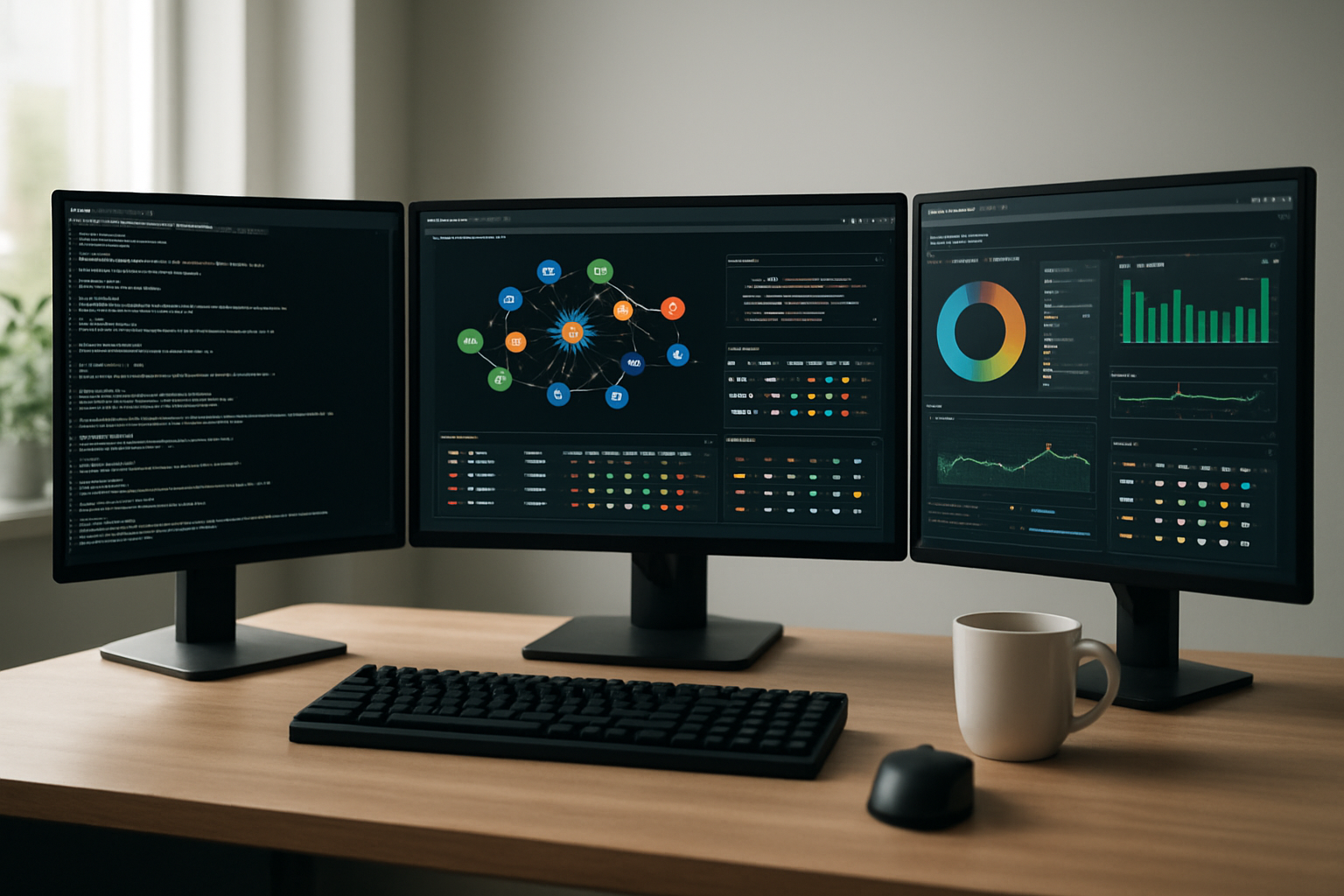
Setting up a Kubernetes home lab doesn’t require enterprise-grade hardware. Several lightweight distributions make it possible to run production-like environments on modest resources. K3s stands out as the most popular choice, using 50% less memory than standard Kubernetes while maintaining full compatibility. A single-node K3s cluster runs comfortably on 2GB RAM, making it perfect for home Kubernetes cluster experiments.
MicroK8s offers another excellent option, particularly for Ubuntu users. It installs as a snap package and includes useful add-ons like a registry, DNS, and ingress controllers. The beauty of MicroK8s lies in its simplicity – enabling features requires just a single command.
For those wanting maximum control, kubeadm provides a vanilla Kubernetes experience. While more complex to set up, it mirrors production environments closely. Kind (Kubernetes in Docker) works well for development and testing scenarios, running entire clusters inside Docker containers.
minikube remains beginner-friendly, supporting various drivers including VirtualBox, Docker, and bare metal. Each distribution has its sweet spot: K3s for production-like environments, MicroK8s for Ubuntu ecosystems, kubeadm for learning vanilla Kubernetes, and Kind for containerized testing.
Configuring Persistent Storage and Networking Solutions
Home labs require thoughtful storage and networking configurations to handle real-world scenarios. Persistent storage presents unique challenges in home environments where dedicated SANs aren’t available. Longhorn emerges as the go-to solution, providing distributed block storage using local disks across cluster nodes. It replicates data automatically and offers a clean web interface for management.
For simpler setups, local-path-provisioner works well when data locality isn’t critical. It creates directories on host nodes for persistent volumes, perfect for development workloads. OpenEBS provides more advanced features like snapshots and cloning, though it requires more resources.
Networking configuration in DevOps home lab setups demands careful planning. Most lightweight distributions ship with Flannel or Calico CNI plugins. Flannel offers simplicity and reliability for basic networking needs. Calico provides advanced features like network policies and BGP routing, essential for security testing.
MetalLB solves the LoadBalancer service challenge in bare-metal environments. Configure it in Layer 2 mode for simple setups or BGP mode for advanced routing. Assign an IP range from your home network to make services accessible from outside the cluster.
Ingress controllers like Traefik or NGINX handle HTTP routing efficiently. Traefik’s automatic service discovery works beautifully with Kubernetes services, while NGINX offers more traditional configuration options.
Setting Up Monitoring and Logging for Cluster Health
Effective monitoring transforms a basic home Kubernetes cluster into a production-ready environment. The Prometheus and Grafana combination remains the gold standard for metrics collection and visualization. Deploy them using the kube-prometheus-stack Helm chart, which includes AlertManager for notifications and pre-configured dashboards.
Node Exporter collects hardware metrics from cluster nodes, while kube-state-metrics provides Kubernetes-specific metrics. Configure Prometheus to scrape metrics from your CI/CD pipeline components and applications running in the cluster.
Grafana dashboards should focus on key metrics: CPU and memory usage, pod restart counts, persistent volume utilization, and network traffic. Import community dashboards for quick setup, then customize them for your specific needs.
For logging, the ELK stack (Elasticsearch, Logstash, Kibana) or EFK stack (Elasticsearch, Fluentd, Kibana) provides comprehensive log aggregation. Fluentd or Fluent Bit collect logs from all pods and nodes, shipping them to Elasticsearch for indexing. Kibana creates searchable interfaces for troubleshooting.
Loki with Promtail offers a lighter alternative, especially when paired with Grafana. This combination uses less storage and integrates seamlessly with existing Prometheus monitoring.
Set up AlertManager rules for critical conditions: node failures, high memory usage, or pod crash loops. Configure notifications through Slack, email, or webhooks to stay informed about cluster health.
Implementing Security Policies and Access Controls
Security in a DevOps lab infrastructure requires multiple layers of protection. Role-Based Access Control (RBAC) forms the foundation, defining who can perform specific actions on cluster resources. Create service accounts for different components and applications, following the principle of least privilege.
Pod Security Standards replace deprecated Pod Security Policies, enforcing security baselines at the namespace level. Implement restricted policies for production-like namespaces and baseline policies for development environments.
Network Policies control traffic flow between pods. Start with default-deny policies, then explicitly allow necessary communication. This approach mirrors production security practices and helps identify application dependencies.
Open Policy Agent (OPA) with Gatekeeper provides policy-as-code capabilities. Define policies for container image sources, resource limits, and security contexts using Rego language. This ensures consistent security standards across the cluster.
Configure admission controllers to validate and mutate resources during creation. ValidatingAdmissionWebhooks prevent insecure configurations from entering the cluster, while MutatingAdmissionWebhooks automatically apply security standards.
Secrets management requires careful attention. Never store sensitive data in plain text. Use Kubernetes Secrets with encryption at rest enabled, or integrate external secret management solutions like HashiCorp Vault or Azure Key Vault.
Implement image scanning in your CI/CD automation tutorial workflows using tools like Trivy or Clair. Scan container images for vulnerabilities before deployment and establish policies for acceptable risk levels.
Managing Workload Deployment and Scaling
Effective workload management separates amateur setups from professional DevOps monitoring tools environments. Helm simplifies application deployment through templated charts. Create custom charts for your applications or use community charts for standard services like databases and monitoring tools.
GitOps principles using ArgoCD or Flux automate deployment workflows. Store application manifests in Git repositories, letting GitOps operators sync cluster state with repository contents. This approach provides audit trails and enables easy rollbacks.
Configure Horizontal Pod Autoscaling (HPA) based on CPU and memory metrics. Custom metrics like queue length or response time provide more sophisticated scaling triggers. Vertical Pod Autoscaling (VPA) adjusts resource requests automatically, optimizing resource utilization.
Cluster Autoscaling becomes relevant when running on cloud providers or expandable home infrastructure. Configure it to add nodes during high demand and remove them when resources aren’t needed.
Implement rolling updates and blue-green deployments for zero-downtime updates. Use readiness and liveness probes to ensure application health during deployments. Configure PodDisruptionBudgets to maintain availability during cluster maintenance.
Resource quotas and limit ranges prevent resource starvation. Set appropriate limits for CPU, memory, and storage at the namespace level. This practice becomes crucial when multiple projects share cluster resources.
Create staging and production namespaces to mirror real-world workflows. Use Kustomize or Helm values to manage environment-specific configurations while maintaining consistent base manifests.
Integrating Cloud Services for Hybrid Operations

Connecting Local Infrastructure to Major Cloud Providers
Setting up connections between your DevOps home lab and major cloud providers creates powerful hybrid cloud DevOps possibilities. AWS Direct Connect, Azure ExpressRoute, and Google Cloud Interconnect offer dedicated network connections, but for home labs, VPN connections provide cost-effective alternatives. Site-to-site VPNs establish secure tunnels between your local infrastructure and cloud networks, enabling seamless resource communication.
Consider implementing AWS Transit Gateway or Azure Virtual WAN to simplify network architecture across multiple cloud regions. These services act as central hubs for routing traffic between your home Kubernetes cluster and cloud resources. For multi-cloud scenarios, third-party solutions like HashiCorp Consul Connect or Istio service mesh provide consistent networking across different providers.
Authentication and access management become critical when bridging environments. AWS IAM roles, Azure Service Principals, and Google Cloud service accounts should be configured with least-privilege principles. Implement federated identity solutions to maintain consistent access controls across your hybrid infrastructure.
Implementing Cloud-Based Backup and Disaster Recovery
Your scalable DevOps environment needs robust backup strategies that extend beyond local storage. Cloud-based backup solutions provide geographic redundancy and automated recovery capabilities essential for production-ready lab environments. Velero, a Kubernetes-native backup tool, integrates seamlessly with AWS S3, Azure Blob Storage, and Google Cloud Storage to protect cluster resources and persistent volumes.
Automated backup schedules should capture both application data and infrastructure configurations. Infrastructure as Code templates, CI/CD pipeline configurations, and container registry contents require regular snapshots to cloud storage. Consider implementing cross-region replication for critical assets to protect against regional outages.
Disaster recovery testing becomes manageable with cloud resources. Create automated runbooks that provision new clusters in different regions using your backed-up configurations. This approach validates your DevOps lab infrastructure recovery procedures while providing valuable experience with multi-region deployments.
Leveraging Cloud Services for Enhanced Functionality
Cloud services extend your home lab capabilities beyond physical hardware limitations. Managed databases like AWS RDS, Azure SQL Database, or Google Cloud SQL provide enterprise-grade database features without local maintenance overhead. These services integrate naturally with your Kubernetes applications through service discovery and secrets management.
Container registries in the cloud offer unlimited storage for your CI/CD automation tutorial workflows. Amazon ECR, Azure Container Registry, and Google Container Registry provide vulnerability scanning, immutable tags, and fine-grained access controls. Your local CI/CD pipelines can push images to cloud registries while your home Kubernetes cluster pulls from the same repositories.
Serverless functions complement containerized applications by handling event-driven workloads. AWS Lambda, Azure Functions, and Google Cloud Functions can process webhook events from your CI/CD pipelines or respond to monitoring alerts from your DevOps monitoring tools. These services scale automatically and only charge for actual usage, making them perfect for variable lab workloads.
Cloud-based observability platforms like AWS CloudWatch, Azure Monitor, or Google Cloud Operations Suite aggregate logs and metrics from both local and cloud resources. This unified view simplifies troubleshooting across your hybrid cloud DevOps environment while providing insights into performance bottlenecks and resource utilization patterns.
Monitoring Performance and Optimizing Your Lab Environment

Setting up comprehensive monitoring dashboards
Building effective monitoring dashboards for your DevOps home lab requires a multi-layered approach that captures everything from infrastructure health to application performance. Prometheus paired with Grafana creates the backbone of most scalable DevOps environments, offering deep visibility into your Kubernetes clusters and CI/CD pipelines.
Start by deploying Prometheus using Helm charts, which automatically discovers and scrapes metrics from your Kubernetes nodes, pods, and services. Configure node-exporter on each machine to collect system-level metrics like CPU usage, memory consumption, and disk I/O. For your CI/CD automation tutorial workflows, integrate Jenkins or GitLab metrics to track build times, success rates, and deployment frequencies.
Grafana dashboards should focus on four key areas:
- Infrastructure metrics: Node health, resource utilization, and storage capacity
- Application performance: Response times, error rates, and throughput
- Pipeline health: Build success rates, deployment frequency, and lead times
- Security monitoring: Failed authentication attempts and unusual access patterns
Create custom dashboards for different stakeholders. Developers need application-specific views, while operations teams require infrastructure overviews. Use Grafana’s templating features to make dashboards dynamic and filterable by environment, namespace, or service.
Implementing alerting systems for proactive maintenance
Smart alerting prevents small issues from becoming major outages in your home Kubernetes cluster. Design alert rules based on symptoms rather than causes, focusing on user-facing problems like high response times or service unavailability rather than low-level metrics like CPU spikes.
Prometheus AlertManager handles alert routing and deduplication. Configure escalation policies that start with Slack notifications for minor issues and escalate to email or SMS for critical problems. Set up different alert channels for different severity levels:
- Critical alerts: Service down, data loss risk, security breaches
- Warning alerts: High resource usage, performance degradation
- Info alerts: Deployment completions, scaling events
Implement intelligent alert grouping to prevent notification storms. When multiple pods in a deployment fail simultaneously, you want one grouped alert, not dozens of individual notifications. Use silence rules for planned maintenance windows to avoid false alarms.
Create runbooks for common alert scenarios. When someone receives an alert about high memory usage, they should know exactly which commands to run and what actions to take. This makes your DevOps lab infrastructure more maintainable and reduces response times.
Optimizing resource allocation and cost management
Resource optimization in a home lab environment requires balancing performance with hardware constraints and energy costs. Kubernetes resource requests and limits form the foundation of efficient allocation, but many home lab setups skip this crucial step.
Implement vertical pod autoscaling (VPA) to automatically adjust resource requests based on actual usage patterns. Start with recommendation mode to understand your applications’ real needs before enabling automatic updates. For stateless applications, horizontal pod autoscaling (HPA) works well, automatically adding or removing pods based on CPU or memory utilization.
Use namespace resource quotas to prevent any single project from consuming all available resources. This becomes especially important when running multiple environments or testing different applications simultaneously. Set up monitoring to track resource utilization by namespace, helping identify opportunities for optimization.
Consider implementing cluster autoscaling if you’re running your lab on cloud instances. Tools like KEDA can scale based on external metrics like queue length or database connections, providing more sophisticated scaling decisions than simple CPU-based rules.
Storage optimization often gets overlooked in home labs. Implement automated cleanup policies for container images, log rotation for persistent volumes, and regular pruning of unused resources. These small optimizations add up to significant space and performance improvements.
Scaling your infrastructure as requirements grow
Planning for growth in your DevOps home lab means designing systems that can expand without complete rebuilds. Start with a modular architecture where additional nodes can join your Kubernetes cluster seamlessly through automated provisioning scripts.
Use Infrastructure as Code (IaC) tools like Terraform or Ansible to define your entire lab setup. This approach makes replicating your environment trivial, whether you’re adding new physical hardware or expanding into cloud resources for hybrid cloud DevOps scenarios.
Container resource management becomes critical as you scale. Implement pod disruption budgets to ensure applications remain available during node maintenance. Use node affinity rules to distribute workloads effectively across your growing infrastructure.
Plan your networking for scale from the beginning. Use subnet ranges that accommodate growth, implement proper DNS resolution, and consider service mesh technologies like Istio for complex multi-service applications.
Create staging environments that mirror production as closely as possible. This becomes easier with containerized applications and Infrastructure as Code, allowing you to test scaling scenarios before implementing them in your main lab environment. Document your scaling procedures and automate them where possible to reduce human error during expansion phases.

Setting up a DevOps home lab gives you hands-on experience with the tools and workflows that power modern software development. You’ll gain practical skills in managing CI/CD pipelines, orchestrating containers with Kubernetes, and integrating cloud services that mirror real-world enterprise environments. The combination of version control, automated deployments, and monitoring creates a complete learning platform where you can experiment without the pressure of production systems.
Your home lab becomes a playground for testing new technologies and refining your DevOps skills. Start small with basic hardware and gradually expand your setup as you become more comfortable with the concepts. The investment in time and resources pays off through deeper understanding of DevOps practices and the confidence to tackle complex projects in your professional work. Build, break, and rebuild – that’s how you’ll master the art of scalable infrastructure management.